Kombai
Last updated: June 16, 2026
What is Kombai?
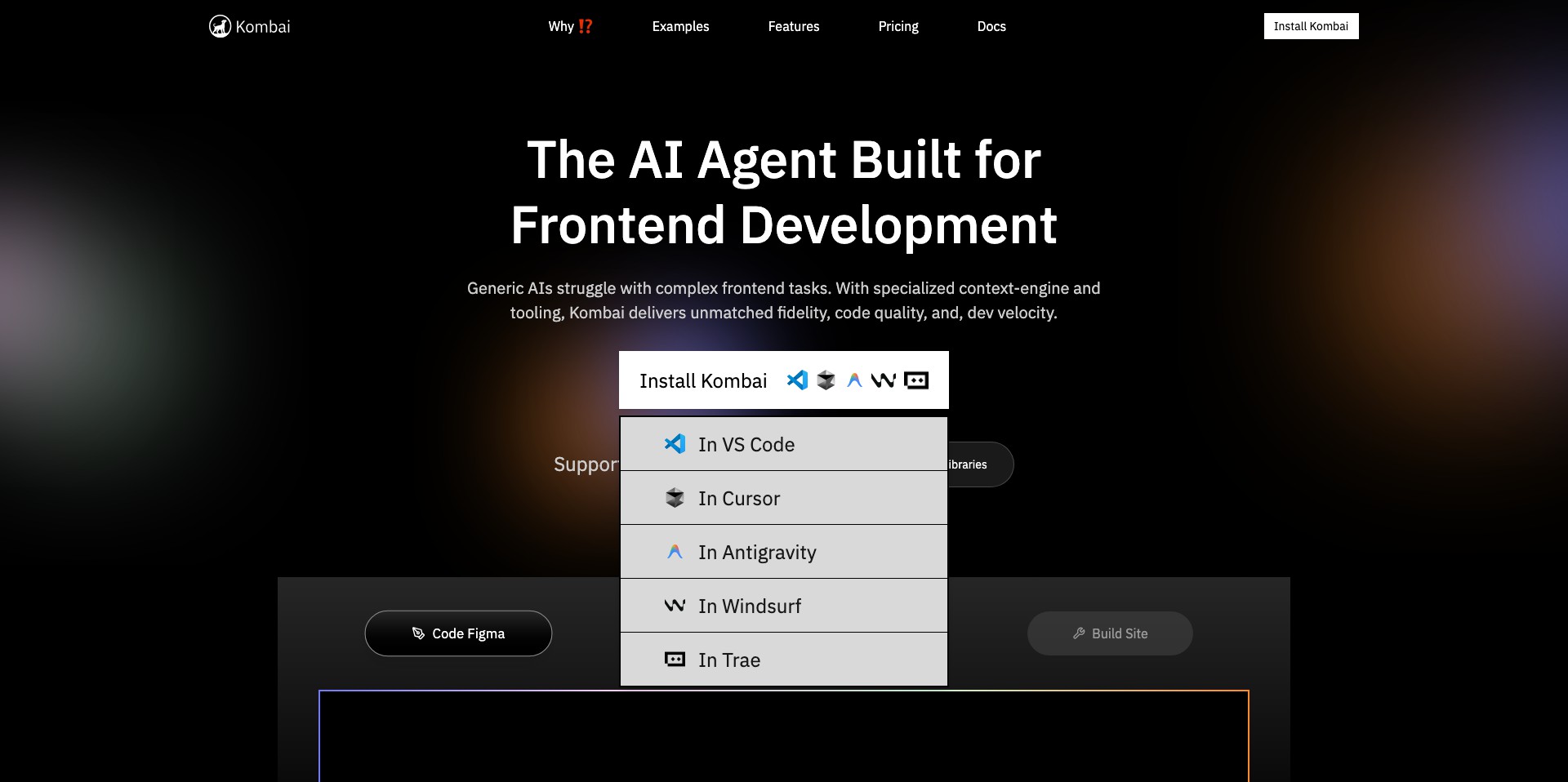
Kombai is an innovative AI-based platform that bridges the gap between UI design and functional front-end code. Designed for web and app developers, Kombai takes real design files and intelligently generates high-quality React components, reducing manual coding significantly.
The tool streamlines the implementation of visual designs by translating Figma (and other common design formats) into accurate, developer-friendly code. Its advanced AI works to recognize modern design patterns and outputs code that's not only clean but easy to maintain, saving time and reducing potential human errors.
Key Features:
-
AI-Powered Code Generation:
Automatically transforms design files—especially Figma—into semantic React code, drastically cutting development time and manual effort. -
Supports Modern Web Frameworks:
Outputs code compatible with React, with plans to extend to other frameworks, ensuring projects remain future-proof and adaptable. -
Component Cleanliness & Reusability:
Generates modular and reusable components, following best coding practices, to help teams build scalable and maintainable codebases. -
Semantic & Accessible Markup:
Focuses on producing accessible HTML and semantic tags in output, making resultant web pages both user- and SEO-friendly. -
Responsive Design Output:
Ensures that the generated code adapts well across devices, incorporating modern responsive design techniques.
What makes Kombai unique?
Unlike many traditional code generators that produce cluttered, hard-to-maintain markup, Kombai leverages advanced AI to understand the intent behind design elements. This results in cleaner, production-ready code that front-end teams can use straight out of the box—often with minimal adjustment needed.
Kombai’s dedication to supporting component-based architectures, such as React, with an emphasis on semantic and accessible code, sets it apart from older automation tools. Furthermore, its active feedback loop with users means the product evolves rapidly, addressing edge cases and community needs.
Pros and Cons
Who is using Kombai?
Frontend Developers: Developers looking to accelerate their workflow benefit from Kombai by automating boilerplate UI code, letting them focus on business logic and custom solutions.
Designers & Product Teams: Teams involved in rapid prototyping can quickly bring their visual concepts to life and test ideas in code without involving additional engineering resources immediately.
Agencies & Freelancers: Those working on multiple projects or MVPs can save significant time, reduce development costs, and deliver consistent results to clients with Kombai’s tools.
Product Evolution
Kombai began with a simple aim: translate Figma designs to code efficiently. Early versions focused mainly on static layouts and basic component structures, offering foundational utility to developers.
Over time, the platform introduced support for responsive layouts, smarter layer mapping, and improved the semantic relevance of generated code. The AI engine has continued to evolve, understanding more complex design constructs.
Recent updates include better integration with team workflows, more customizable output options, and expanded documentation. User feedback has been instrumental, helping prioritize features like accessibility improvement and advanced component customization.
Pricing
| Plan | Price | About |
| Free Tier | $0/month | Limited usage, ideal for getting started and testing Kombai’s core features. |
| Pro Tier | $25/month (approximate) | Unlocks higher usage limits, priority support, and advanced features for serious developers and teams. |
Verdict
Kombai stands out for its high-quality code output and singular focus on improving the designer-to-developer handoff. It’s a valuable tool for frontend developers and product teams aiming to streamline their workflow and ensure designs are faithfully realized in production code.
While there’s still room to grow in framework support and code customization, Kombai’s current capabilities are impressive for the price. It’s an especially good choice for React-based projects looking for efficiency and professionalism in their UI codebase.


