Remove Background
Last updated: June 16, 2026
What is Remove Background?
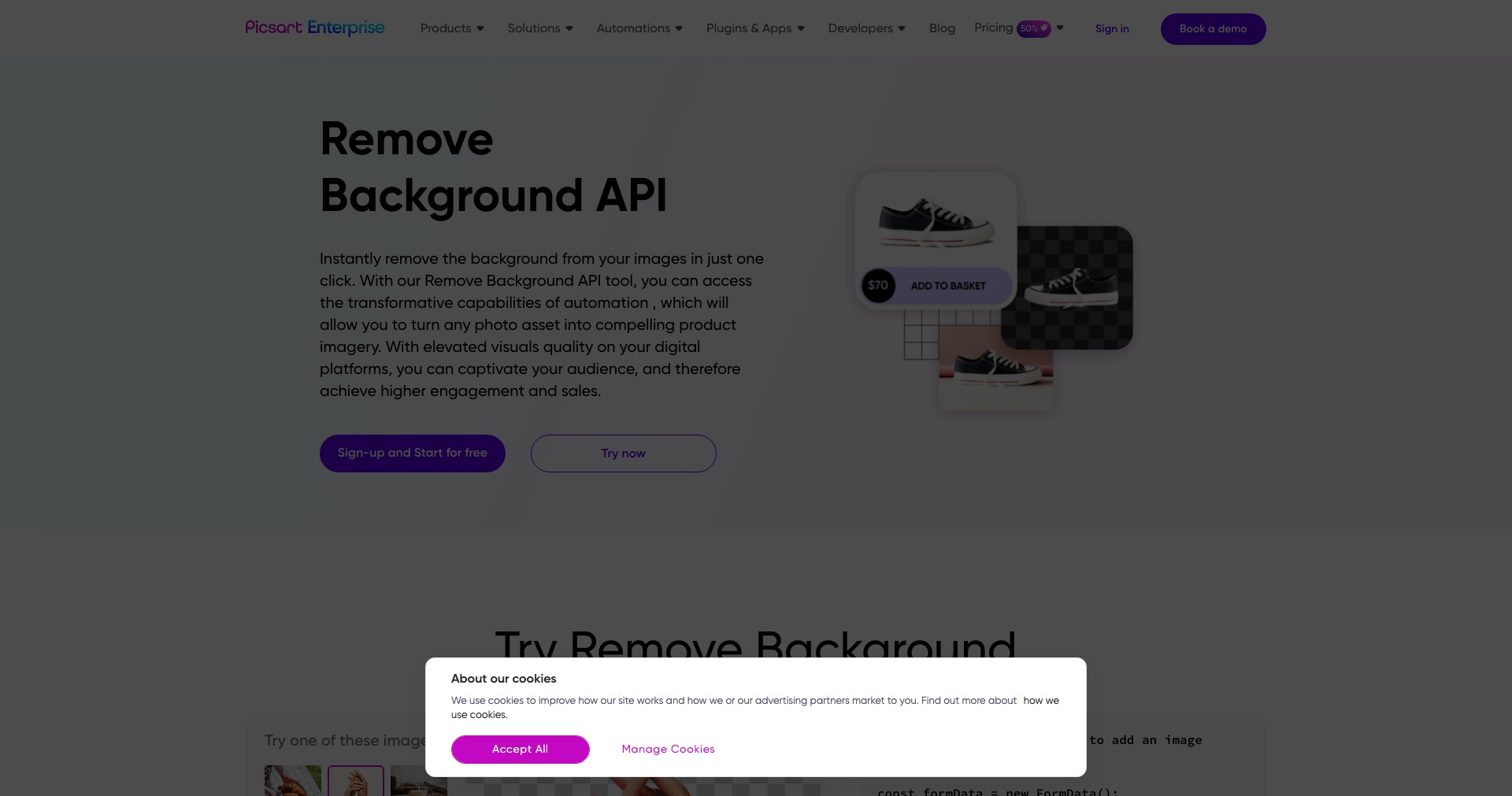
Remove Background is an online tool that uses advanced AI algorithms to automatically and efficiently erase backgrounds from images. This solution is perfect for anyone looking to streamline their editing workflow, whether you’re a professional designer or simply want to create attention-grabbing visuals for social media or online stores.
By leveraging deep learning, Remove Background provides highly accurate cutouts in just seconds, eliminating the need for complex manual editing. With its user-friendly interface and speedy processing, it’s become a staple for those seeking effortless image enhancement.
Key Features:
-
AI-Powered Background Removal:
The tool uses advanced artificial intelligence to detect and delete backgrounds, delivering clean and precise cutouts automatically with just one click. -
Batch Image Processing:
Users can upload and process multiple images simultaneously, speeding up workflows for large projects or product lines. -
Support for High-Resolution Images:
Remove Background seamlessly handles high-resolution images without sacrificing quality, which is crucial for print and high-impact digital uses. -
Integrations and API Access:
Developers and businesses can integrate Remove Background’s technology into their own apps or websites via API, enabling automation and custom solutions. -
Easy Download and Format Options:
After processing, users can quickly download images in their preferred format (PNG, JPG), making it simple to fit images into any project.
What makes Remove Background unique?
What sets Remove Background apart is its combination of lightning-fast AI processing with a remarkably simple user interface, making powerful results accessible even to those with no graphic design experience. Unlike traditional editing software that requires manual attention and technical knowledge, Remove Background delivers studio-quality results in seconds.
Another standout feature is the availability of a robust API, allowing businesses to integrate its technology directly into their workflows and websites. This flexibility, along with high-resolution support, gives Remove Background a distinct advantage for both casual users and professional creatives.
Pros and Cons
Who is using Remove Background?
E-commerce Sellers: Online retailers can rapidly create product images with clean, distraction-free backgrounds to boost store appeal and sales conversions.
Graphic Designers: Design professionals use Remove Background to accelerate their workflows, enabling them to quickly generate assets for ads, banners, and digital compositions.
Photographers & Social Media Managers: Photographers and content creators rely on it for preparing standout visuals for portfolios, websites, and social media posts, saving hours compared to manual editing.
Product Evolution
Since its launch, Remove Background has continually improved its AI algorithms for better accuracy, speed, and edge detection.
It has expanded from a single-image processor to support bulk uploads and batch editing, responding to user demand for higher productivity.
Recent updates include API availability, more output formats, and better handling of complex backgrounds, maintaining its competitive edge in the visual editing space.
Pricing
| Plan | Price | About |
| Free | Free | Allows limited number of free background removals per month with basic quality output. |
| Subscription | Starts from $9.00/month | Unlocks higher resolution downloads, batch processing, and more credits for commercial or frequent users. |
| Pay-as-you-go | From $1.99 for 3 images | Buy credits for one-time or occasional use without a subscription. |
Verdict
Remove Background is a top-tier AI tool for anyone needing a fast and reliable way to cut out image backgrounds, combining ease of use with superior results. Its support for high-resolution images and bulk editing makes it invaluable for both individuals and businesses alike.
While there are some limitations in the free version and advanced edge customization, its impressive speed and accuracy far outweigh minor drawbacks. Overall, it’s an excellent choice for anyone needing professional-quality background removal with minimal effort.


