Reroom
Last updated: June 16, 2026
What is Reroom?
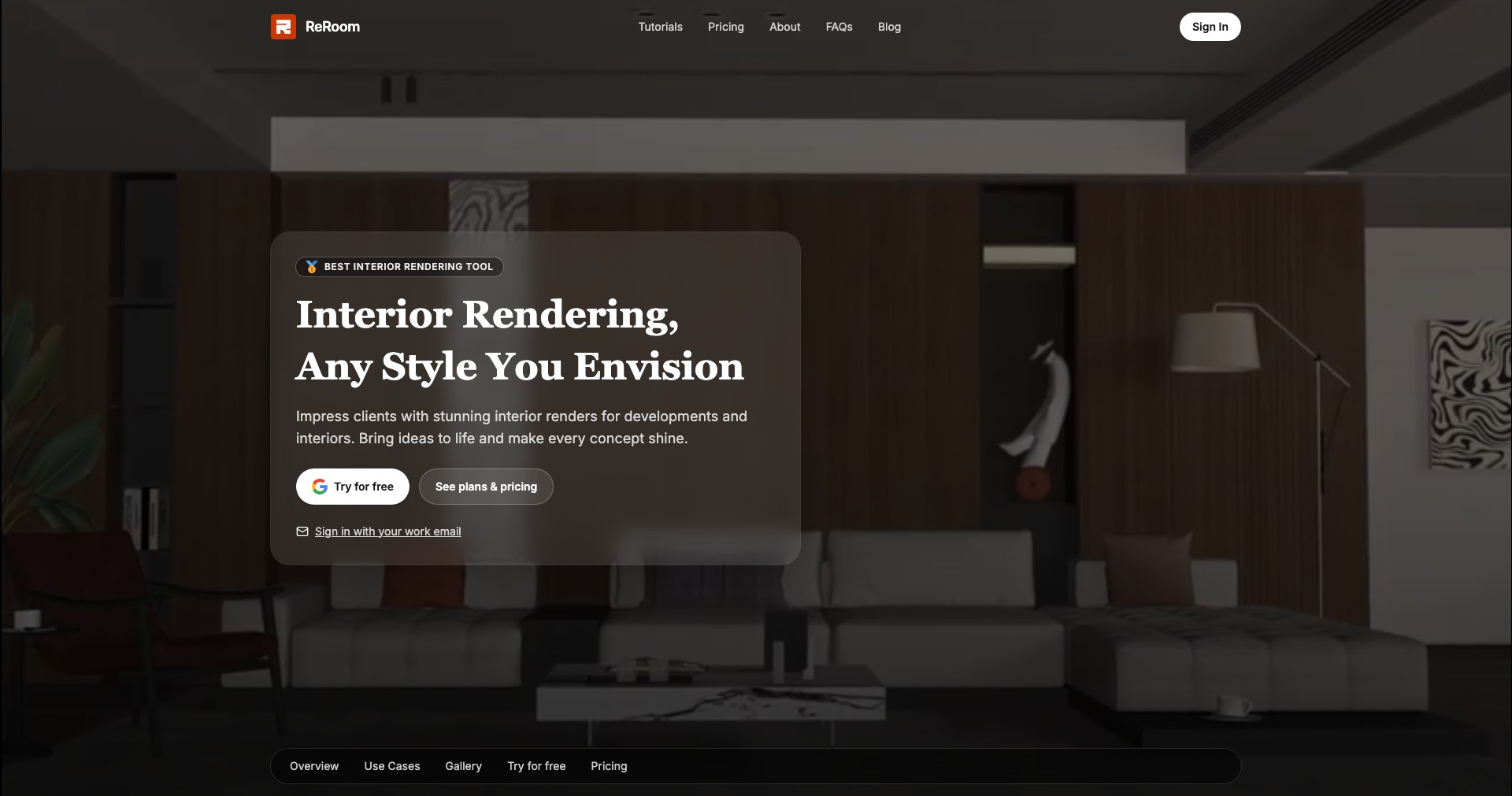
Reroom is a cutting-edge AI interior design tool that empowers users to transform their living and working spaces—in minutes and from the comfort of their screens. Whether you’re looking to get inspiration for a complete room makeover or simply want to try out different styles and furniture layouts before you buy, Reroom is designed to make interior design accessible, creative, and fun.
With a user-friendly interface and robust AI technology, Reroom makes the process as simple as uploading a photo of your space and selecting your preferred design style. The platform then generates realistic visualizations that allow you to experiment with colors, furniture, and layouts, empowering everyone from homeowners to real estate pros to visualize—and realize—the potential of any room.
Key Features:
-
AI-Powered Room Redesign:
Upload a photo of any room, and Reroom's AI generates instant visual alternatives in various design styles. See how different layouts, furniture, and colors will look before making any changes. -
Style Customization Options:
Select from a wide range of styles—including modern, Scandinavian, boho, classical, and more—allowing users to tailor every design to their unique taste and needs. -
Realistic 3D Visualizations:
Reroom creates lifelike, high-resolution renderings, making it easy to see precisely how each change will affect the feel and appeal of your space. -
Furniture Placement Suggestions:
Along with visual redesigns, the platform offers smart recommendations on the optimal placement of furniture and decor, helping maximize both aesthetics and practicality. -
Easy Sharing and Collaboration:
Easily share your redesigns with family, friends, or clients for feedback, making Reroom ideal for collaborative decision-making or professional presentations.
What makes Reroom unique?
Reroom stands out by combining advanced AI scene recognition with style transfer technology, allowing users to virtually redecorate any photographed space in seconds. Unlike basic mood board creators or static design inspiration tools, Reroom provides dynamic, customizable visualizations tailored to your own rooms, capturing factors like lighting, color palette, and even spatial dimensions for the most accurate results.
Moreover, Reroom’s focus on realism and user experience—offering seamless photo uploads, instant processing, and diverse style choices—sets it apart in the market. Its features emphasize accessibility and practicality, making it equally powerful for design novices and seasoned professionals in need of rapid visual iterations.
Pros and Cons
Who is using Reroom?
Homeowners and Renters: Individuals looking to redecorate or renovate their spaces benefit from Reroom’s instant visualizations, allowing them to try new styles or layouts before making real-world purchases or changes.
Interior Designers and Decorators: Professionals can use Reroom to quickly present multiple design concepts to clients, streamline client approvals, and enhance their creative workflow with AI-powered suggestions and realistic visual outputs.
Real Estate Agents and Stagers: Reroom assists real estate professionals by virtually staging properties for listings, helping potential buyers envision the possibilities of empty or outdated rooms with minimal time and cost.
Continuous Feature Enhancements
Since its launch, Reroom has rapidly evolved from a basic room rendering app to a sophisticated platform with AI-driven scene recognition and style transformations. Early versions provided simpler, less customizable visualizations, but feedback from users prompted a series of incremental updates.
Recent upgrades have introduced greater stylistic variety, higher image fidelity, and proprietary algorithms that improve furniture and lighting placement in renders, resulting in photo-realistic outputs tailored to user-supplied photos.
Reroom has also streamlined its UI to make uploads and style selection fast and intuitive, and has enhanced its sharing capabilities, enabling greater collaboration and integration with user workflows.
Pricing
| Plan | Price | About |
| Free Plan | $0/month | Limited access to core features and a set number of renders per month. |
| Pro Subscription | $15/month or $99/year | Unlimited renders, access to advanced customization, higher resolution exports, and priority support. |
Verdict
Reroom delivers impressive value for both casual users and professionals seeking fast, realistic, and versatile interior redesign visualizations. Its AI-driven approach and ease of use help it stand out, particularly for those looking to experiment with new styles or present ideas to clients.
While its free plan is generous for basic needs, power users will benefit most from the paid subscription, which unlocks its full capabilities. Some limitations exist for highly customized projects, but Reroom remains one of the most innovative and practical AI design tools on the market.


