SlideAI
Last updated: June 16, 2026
What is SlideAI?
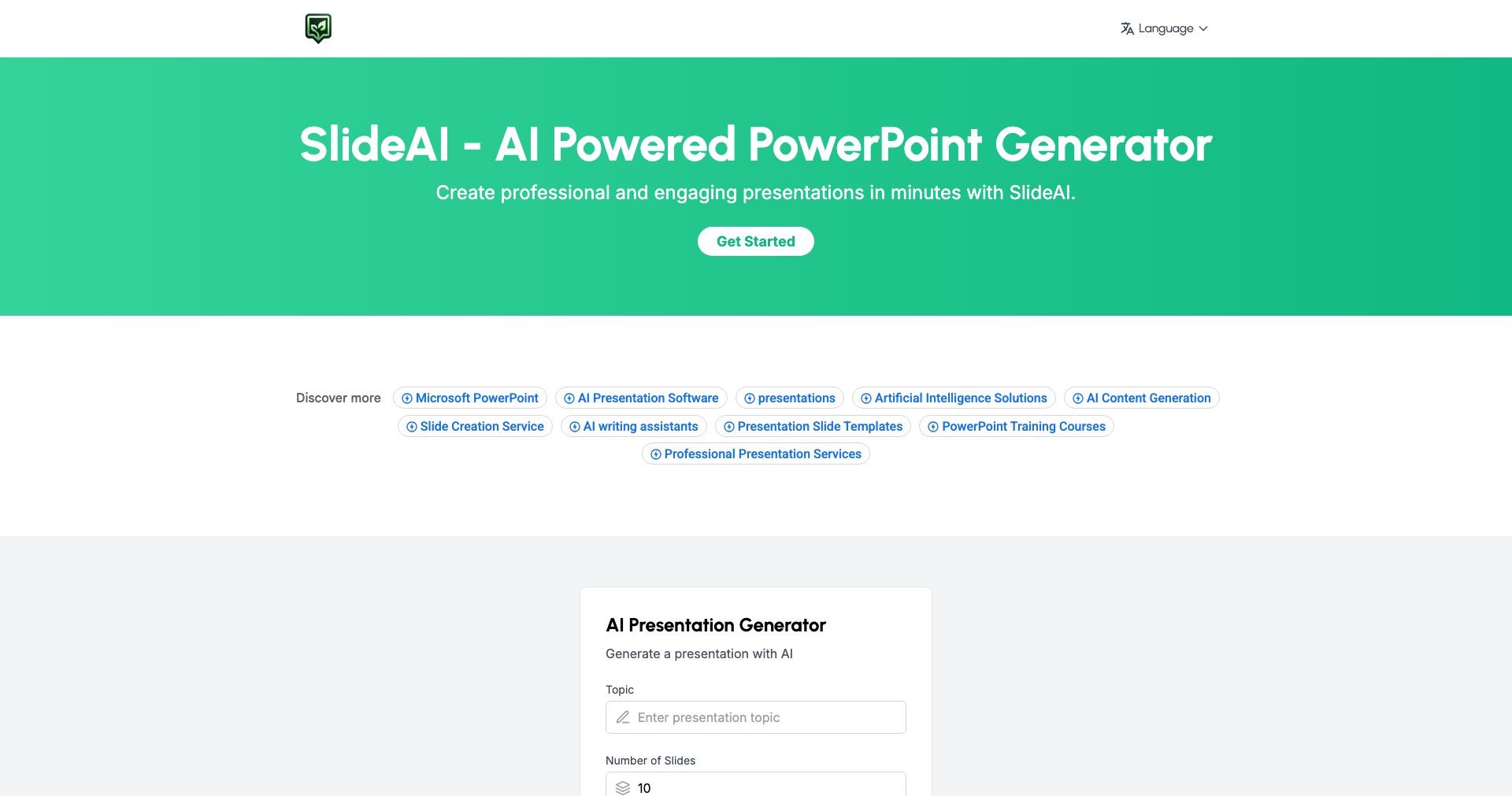
SlideAI is an innovative presentation tool that leverages artificial intelligence to automate and streamline the slide creation process. By turning simple text prompts or document uploads into well-designed presentations, it significantly reduces the time and effort traditionally required for building slides.
Designed for anyone who needs to share ideas visually, SlideAI targets business professionals, students, teachers, and content creators. Its seamless interface and advanced AI ensure high-quality presentations, making it ideal for quick turnarounds and professional results.
Key Features:
-
AI-Driven Slide Generation:
Automatically converts text descriptions or uploaded documents into structured, visually appealing slides. This feature saves hours of manual formatting and ensures consistency across presentations. -
Customizable Templates:
Offers a variety of modern templates and themes that users can easily personalize to suit their brand, topic, or preferences, ensuring each presentation looks unique and professional. -
Real-Time Collaboration:
Enables multiple users to collaborate on a presentation simultaneously, supporting team-based workflows and improving productivity for group projects or business teams. -
Image and Icon Integration:
Integrates royalty-free images, icons, and illustrations directly into slides, enriching content without the hassle of searching for visual assets elsewhere. -
Export and Sharing Options:
Supports exporting presentations in popular formats such as PowerPoint (PPTX) and PDF, and allows easy sharing via links, supporting both online and offline presentation needs.
What makes SlideAI unique?
What sets SlideAI apart from other slide-making tools is its robust natural language processing prowess, which understands complex instructions and context, thereby producing highly relevant and on-topic slides automatically. Unlike basic slide generators, SlideAI refines the structure, language, and visuals in one cohesive process.
The real-time collaboration feature also gives SlideAI an edge, especially for remote teams or classrooms, enabling users to co-create and iterate on presentations seamlessly. Combined with its modern template library and direct image integration, it removes common friction points found in conventional slide software.
Pros and Cons
Who is using SlideAI?
Business Professionals: Managers, marketers, and sales teams who need quick, high-quality presentations for meetings, pitches, or reports will benefit from SlideAI's time-saving automation and collaborative features.
Educators and Students: Teachers and students can use SlideAI to create engaging lectures, project reports, and classroom presentations efficiently, focusing more on content and less on design.
Content Creators: Bloggers, social media managers, and online educators can rapidly turn written content into visual presentations or shareable slides for webinars and online courses.
Product Evolution
Since its initial launch, SlideAI has gone from a basic AI slide generator to a comprehensive platform with support for real-time collaboration and a growing library of templates.
Continuous improvements based on user feedback have introduced more export formats and integrations with other productivity tools, enhancing workflow compatibility.
Recent updates have focused on expanding visual asset libraries, improving the natural language understanding engine, and optimizing the user experience for both desktop and mobile devices.
Pricing
| Plan | Price | About |
| Freemium | Free (with limitations) | Users can create a limited number of slides or presentations with basic features. |
| Pro Subscription | Approximately $10-$20/month | Unlocks advanced features, higher output limits, premium templates, and priority support. |
Verdict
SlideAI is an excellent tool for anyone seeking a fast, AI-powered solution for professional presentations, particularly when visual appeal and time efficiency are priorities. Its automated slide structuring, visual integration, and real-time collaboration features mean users spend less time formatting and more time perfecting content.
However, limitations around free usage, some AI-generated inaccuracies, and less advanced customization compared to legacy tools may be notable for power users or unique design projects. Still, for its intended audience—professionals, educators, and creators—SlideAI presents a compelling blend of innovation and convenience.


