Text to Infographic
Last updated: June 16, 2026
What is Text to Infographic?
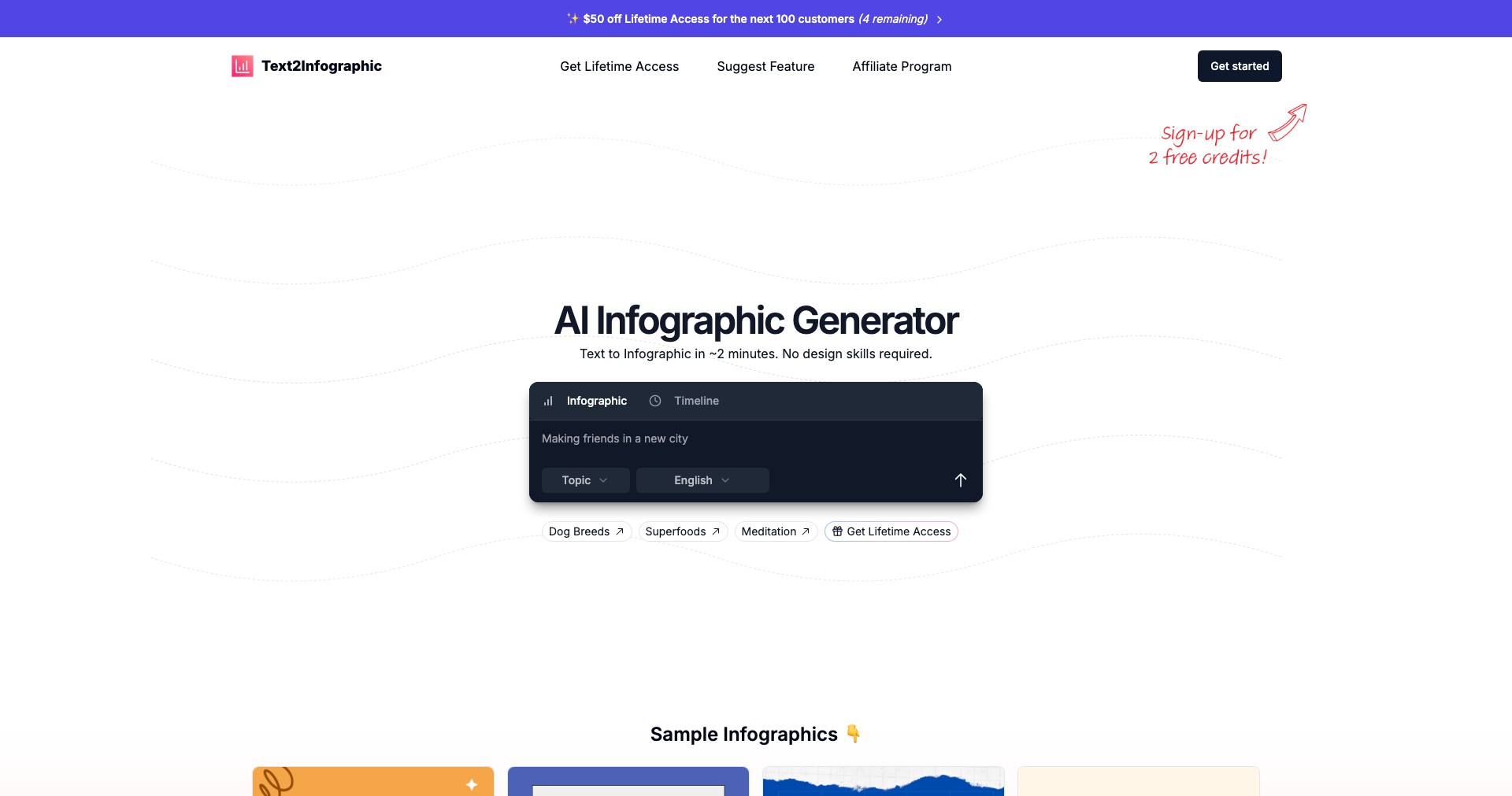
Text to Infographic is an innovative digital platform leveraging artificial intelligence to convert simple text-based information into stunning infographics in a matter of minutes. It removes the traditional barriers of design expertise, making it accessible for anyone to create clear and engaging visual content.
Whether you need to explain data, summarize educational material, or enhance a business presentation, Text to Infographic offers an intuitive and user-friendly solution. It streamlines the process of visual communication, saving time and helping users quickly convey information in an impactful format.
Key Features:
-
AI-Powered Transformation:
The platform uses advanced AI algorithms to analyze your text input and automatically identify key themes, data points, and relationships, then generates a coherent infographic that highlights the most important information. -
Customizable Templates:
Users can select from a wide range of professionally designed infographic templates and tailor colors, fonts, and layouts to match their brand or personal style. -
Data Visualization Tools:
Text to Infographic includes built-in charts, icons, and illustration options to make complex statistics or trends more easily digestible. -
Drag-and-Drop Editing:
After the AI generates the initial infographic, a straightforward drag-and-drop editor allows users to rearrange elements, add or remove content, and make personalized refinements. -
Export and Sharing Options:
Final infographics can be downloaded in multiple formats—including PNG, JPEG, and PDF—or shared directly via links or social media for broad distribution.
What makes Text to Infographic unique?
Unlike most traditional infographic creators that require significant manual input and design skills, Text to Infographic stands out for its true end-to-end automation. The AI not only interprets raw text but also constructs visually balanced layouts, making visual content creation essentially one-click.
Additionally, its natural language processing capabilities allow it to extract meaning from complex or unstructured data, so even users without design experience or technical know-how can produce professional-looking infographics that effectively communicate their message.
Pros and Cons
Who is using Text to Infographic?
Content Marketers: Marketing professionals looking to boost engagement can turn blog posts, reports, and statistics into shareable infographics, making complex information more accessible for their audience.
Educators: Teachers and instructors who need to simplify lessons or visualize concepts for students will benefit from the tool’s ability to effortlessly turn curriculum notes into clear visual aids.
Business Presenters: Executives and team leaders preparing presentations can quickly highlight key points or data trends using infographics, enhancing audience comprehension during meetings.
Evolution and Improvements
Since launch, Text to Infographic has incorporated user feedback to improve its core AI engine, resulting in more accurate content parsing and enhanced design recommendations.
The platform has expanded its range of templates and updated its interface to be even more user-friendly, adding features such as real-time collaborative editing and more robust sharing options.
Recent updates have focused on making the platform mobile-friendly and integrating it with third-party data sources, catering to users’ growing demands for flexibility and cross-platform compatibility.
Pricing
| Plan | Price | About |
| Free Plan | $0 | Includes limited templates, basic customization, and watermarked downloads. |
| Pro Plan | $10/month | Unlocks premium templates, removes watermark, enables high-resolution exports, and offers priority support. |
| Enterprise Plan | Custom pricing | Includes team collaboration features, advanced branding, API access, and dedicated account management. |
Verdict
Text to Infographic is an excellent tool for anyone seeking to make information visually compelling without investing in graphic design skills or expensive software. Its automation, ease of use, and balance of customization make it ideal for individuals or teams dealing with data-heavy content.
While the free version has some limitations and the AI is not infallible, the overall value—especially for educators, marketers, and business professionals—makes it well worth considering. Whether for quick visuals or polished presentations, it can remarkably enhance clarity and engagement with minimal effort.


