Unscreen
Last updated: June 16, 2026
What is Unscreen?
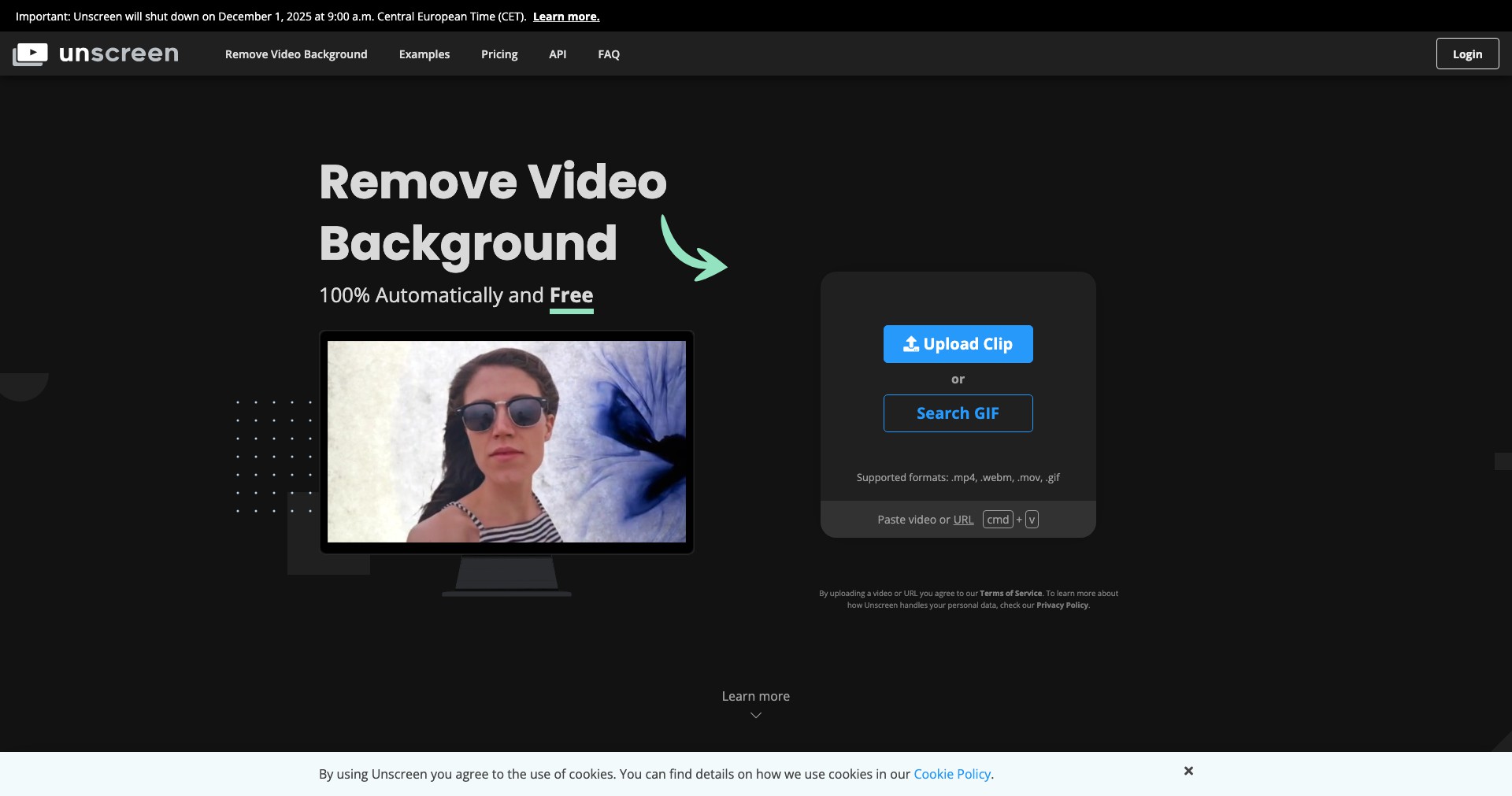
Unscreen is a cutting-edge online tool designed to remove video backgrounds instantly, even if you don't have access to a green screen. With just a few clicks, users can upload their videos and watch as Unscreen automatically generates a transparent or custom background version.
Targeted primarily at content creators, video producers, and marketers, Unscreen simplifies what was once a tedious task. Its AI-powered technology allows users without advanced editing skills to achieve professional results in seconds, making it an indispensable tool for anyone wishing to create dynamic video content with minimal effort.
Key Features:
-
Automatic Background Removal:
Unscreen's AI instantly analyzes your uploaded video and removes the background, eliminating the need for manual editing or a green screen setup. This saves significant time and effort for users. -
No Green Screen Required:
Unlike many traditional background removal tools, Unscreen works on any video—even those filmed without a green screen. This flexibility democratizes advanced video editing for everyone. -
High-Quality Output:
Processed videos can be exported in full HD quality, ensuring that the results are crisp and professional, suitable for a variety of uses from social media clips to marketing presentations. -
Custom Background Options:
Users can easily replace the removed background with solid colors, images, or even other videos, allowing limitless creativity for video projects. -
Web-Based & No Installation:
Unscreen operates entirely in the browser—no software download or installation required. This seamless workflow makes it accessible from anywhere and on any device.
What makes Unscreen unique?
What sets Unscreen apart is its effortless approach to background removal in videos, allowing creators to achieve results in seconds without complex tools or expertise. Unlike many video editing solutions that demand green screens or advanced software, Unscreen’s AI requires nothing more than a regular video upload, making it accessible to a wide audience.
The platform’s ability to process a variety of video formats directly from the browser, combined with customizable backgrounds and fast processing, puts it ahead of many competitors in the user-friendliness and versatility departments. Its generous free tier and scalability (via paid plans) also make it appealing to both amateurs and professionals alike.
Pros and Cons
Who is using Unscreen?
Content Creators & Influencers: Ideal for YouTubers, TikTokers, and vloggers who need to quickly produce polished, background-free videos to engage their audiences without investing in complex tools or green screens.
Marketing & Social Media Teams: Marketing professionals can easily craft attention-grabbing video ads and shareable social content, maintaining consistent branding by applying custom backgrounds.
Educators & Online Presenters: Teachers and virtual presenters can create focused instructional videos, eliminating distractions and making material more visually engaging for students.
Product Evolution
Since its launch, Unscreen has steadily improved its AI models, delivering greater accuracy in background detection and separation, even with challenging footage or subjects that move rapidly.
Additional export options and support for higher-definition outputs were introduced to address growing demands from professional users in marketing, advertising, and entertainment.
Integration APIs and bulk processing features have made Unscreen more useful for enterprise customers, ensuring scalability for teams needing to process large volumes of video content efficiently.
Pricing
| Plan | Price | About |
| Free Plan | $0 | Export processed videos with a watermark; ideal for occasional or personal use. |
| Subscription Plan | Starting at $7.99/month | Remove watermarks and access higher export limits, suitable for regular users. |
| Pay As You Go | From $4.99/video minute | Pay per video processed—best for sporadic professional needs. |
Verdict
Unscreen stands out for its powerful yet simple approach to video background removal, bringing professional-level results within reach of non-experts and casual users. Its fast, browser-based workflow makes it perfect for creators and businesses that need quick turnarounds and have limited technical skills or resources.
While the free plan is great for experimentation, users needing higher quality or watermark-free exports will need a paid plan. Occasional processing hiccups with complex backgrounds are outweighed by Unscreen’s speed and convenience—it’s an excellent choice for most video content needs.


