Vectr
Last updated: June 16, 2026
What is Vectr?
Vectr is a lightweight and accessible vector graphics editor that works both online and as a downloadable desktop application. Designed with simplicity in mind, it enables users to create scalable graphics, logos, and illustrations without steep learning curves or expensive subscription fees.
Catering to a wide audience, from hobbyists to professionals, Vectr’s intuitive interface and cloud syncing features allow for seamless editing and collaboration. Its versatility makes it a practical tool for anyone needing quick and easy access to vector graphic design.
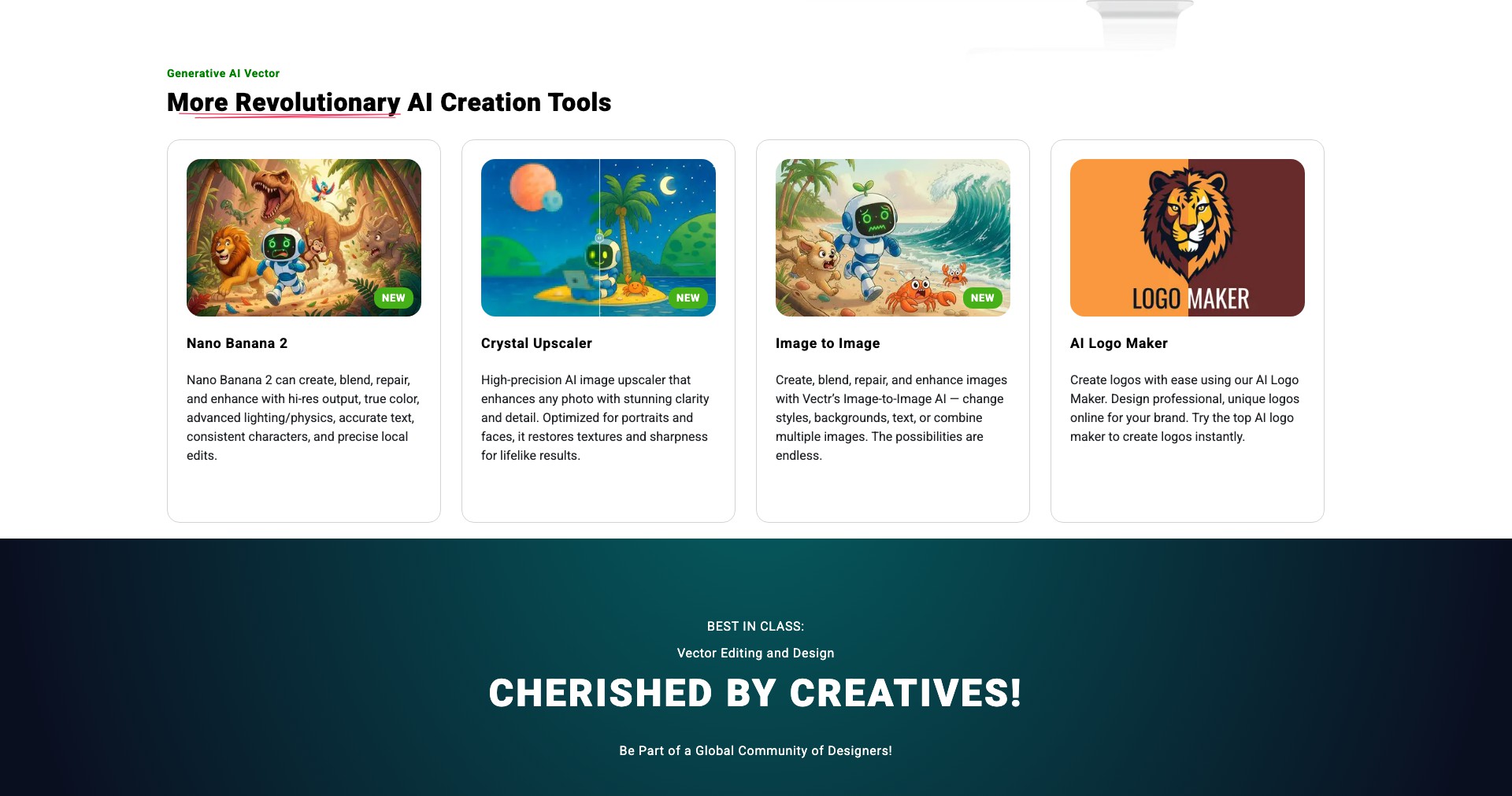
Key Features:
-
Cross-Platform Support:
Vectr is available as a browser-based web app and as a free desktop application for Windows, macOS, Linux, and Chromebook. Users can switch between devices and continue working with cloud synchronization. -
Real-Time Collaboration:
Users can share a document link and collaborate live, making it easy to work together on designs without complex setup. Changes are instantly reflected for all participants, streamlining team workflows. -
Intuitive Editing Tools:
Vectr includes all the essential vector editing features like pen tool, shapes, text, layers, pathfinder, alignment tools, and gradients. The user-friendly interface lowers the barrier to entry for new graphic designers. -
Cloud Sync and Backups:
All design files can be saved to the cloud for backup and easy access from anywhere. Users can rest assured their work won’t be lost and can be easily shared with others. -
Vector and Raster Export:
Designs can be exported to common file formats such as SVG, PNG, and JPG, enabling creators to use their work for web, print, or sharing with clients directly.
What makes Vectr unique?
Vectr stands out by offering a completely free and accessible vector design experience, contrasting with more complex or expensive tools like Adobe Illustrator or CorelDRAW. Its straightforward approach, minimal learning curve, and real-time collaboration capabilities make it especially compelling for users looking for a hassle-free design solution.
Unlike most free vector editors, Vectr seamlessly syncs projects across devices using a cloud-based system. This means designers can start a project on one computer and finish it elsewhere, a convenience not commonly found in other free tools.
Pros and Cons
Who is using Vectr?
Students and Educators: Ideal for students learning graphic design and educators assigning creative vector projects. The zero-cost and ease of use let users focus on creativity rather than technical obstacles.
Freelancers and Small Businesses: Freelancers and small business owners will enjoy Vectr’s free price tag and efficient toolset for producing logos, marketing materials, and web graphics without high expenses.
Collaborative Creative Teams: Teams requiring real-time cooperation can leverage Vectr’s sharing and collaboration features for remote brainstorms, peer reviews, and co-designing in a seamless cloud environment.
Vectr’s Development Journey
Since its launch, Vectr has focused on narrowing the gap between simplicity and functionality for entry-level vector editing. Early versions emphasized core features and cloud integration, targeting users who needed quick results without complex tools.
In recent years, Vectr expanded its cross-platform compatibility, releasing robust desktop applications while improving the stability and speed of its web app. Collaboration features were refined, making live sharing and group editing reliable and straightforward.
Vectr’s ongoing updates address user feedback, introducing support for more formats, better performance, and regular UI enhancements. While remaining lightweight, it continues to evolve to stay relevant in the ever-changing landscape of design software.
Pricing
| Plan | Price | About |
| Free | $0 | All features are available for free with no hidden costs or premium tiers. |
Verdict
Vectr presents an exceptional value proposition for individuals and small teams in need of straightforward, no-cost vector graphic editing. Its ease of use and real-time collaboration features are perfect for educational settings, freelancers, and anyone embracing cloud workflows.
While it won’t replace professional-grade software for advanced design requirements, Vectr is a stellar choice for speedy, simple projects. Its continuous development and user-focused updates promise lasting relevance for basic design needs.


