workppt
Last updated: June 16, 2026
What is workppt?
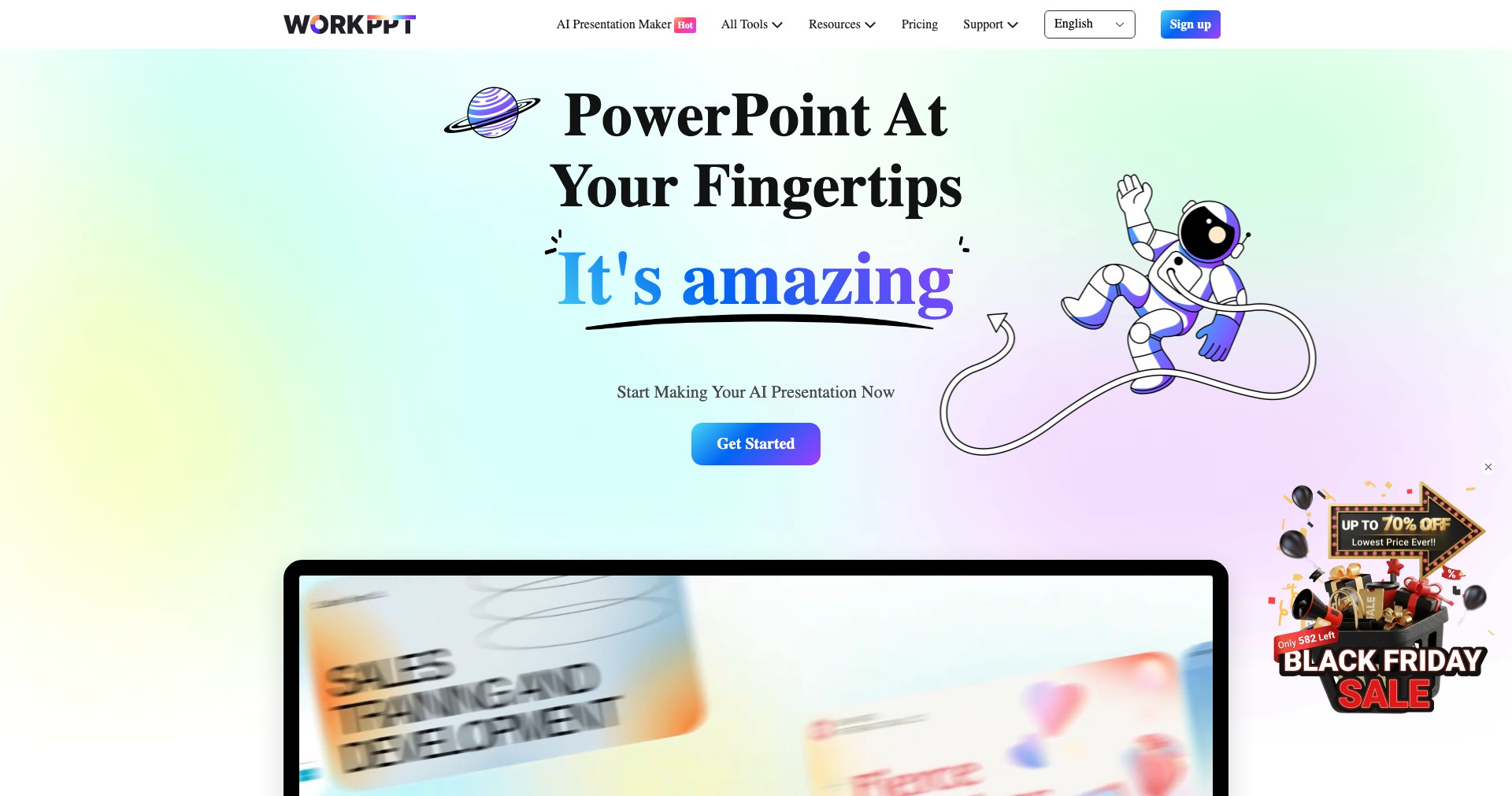
WorkPPT is a cutting-edge platform leveraging artificial intelligence to transform the way presentations are made. With just brief prompts or content outlines, users can instantly generate PowerPoint decks complete with eye-catching visuals, relevant diagrams, and structured content. This eliminates hours of manual slide design and editing, freeing up more time for actual content development.
WorkPPT has garnered attention from professionals, educators, and students alike for its intuitive approach to slide creation. By addressing common pain points such as repetitive formatting and lack of design inspiration, it empowers users to craft appealing, consistent, and audience-ready presentations in minutes.
Key Features:
-
AI-Driven Slide Generation:
Users can input summaries, bullet points, or rough text, and WorkPPT instantly creates fully designed slides. This automation helps save time and ensures professional-looking results even without design skills. -
Customizable Templates:
The platform offers a wide array of modern, business-ready templates. Users can select and adjust layouts to fit their branding and presentation needs, allowing for both consistency and personalization. -
Data Visualization Tools:
WorkPPT provides built-in support for incorporating charts, infographics, and diagrams. Through smart AI suggestions, it selects the most appropriate visual aids for your data, enhancing audience engagement. -
Collaboration Features:
Multiple users can work on the same presentation simultaneously or leave feedback for each other. This is ideal for teams, classroom group projects, or anyone needing collaborative editing. -
Export and Integration:
Once finalized, presentations can be exported directly to PowerPoint (PPTX), PDF, or shared online. The tool also integrates with other productivity suites, allowing seamless workflow management.
What makes workppt unique?
What sets WorkPPT apart is its remarkably intuitive AI that can interpret minimal input and still generate contextually relevant, visually appealing slides. This reduces the barriers for those who struggle with design while maintaining high quality standards for finished products.
Additionally, WorkPPT goes beyond simple template use by leveraging smart design suggestions and built-in data visualization choices. Its combination of automation and customization matches few other platforms, striking a balance between creativity and efficiency.
Pros and Cons
Who is using workppt?
Business Professionals: Executives, managers, and consultants seeking rapid creation of client-facing presentations or internal reports benefit from WorkPPT’s time-saving features and polished designs.
Educators and Trainers: Teachers, lecturers, and trainers can quickly produce visually engaging lesson materials, freeing up time for lesson planning and student engagement.
Students and Academic Groups: From group projects to thesis defenses, students use WorkPPT to enhance the clarity and professionalism of their presentations without spending hours on formatting.
Continuous Feature Evolution
Since its launch, WorkPPT has expanded its template library and improved its AI algorithms, resulting in more context-aware slide layouts.
Feedback-driven updates have rolled out enhanced data visualization options and expanded export formats, making the tool suitable for increasingly diverse industries.
Recent iterations have improved collaborative editing, streamlined user workflows, and introduced deeper branding customization, demonstrating steady commitment to user needs.
Pricing
| Plan | Price | About |
| Free Tier | $0 | Basic access with limited templates and export options. |
| Pro Subscription | Approx. $10-20/month | Unlocks all templates, advanced design features, unlimited exports and priority support. |
Verdict
WorkPPT excels at making professional slide creation accessible, fast, and user-friendly even for those without a design background or technical expertise. Its AI-powered automation, coupled with robust data visualization and collaboration tools, make it a strong choice for professionals across industries.
While advanced users might find occasional limitations in customization and the need for manual review of complex materials, WorkPPT stands out for its promise of efficiency and value for most mainstream presentation needs.


