6 Best AI Music Video Generators in 2026 (Tested & Compared)

 Follow us
Creating visuals for your music used to mean hiring a director, renting a studio, and blowing through your entire advance. AI music video generators promise to change that, but most of them are general-purpose video tools with no understanding of song structure, beat timing, or what makes a music video feel like a music video.
I worked with a small team of independent musicians to test six of the most talked-about AI video platforms. We uploaded the same three tracks to each — a pop ballad, a hip-hop beat with hard drops, and an ambient electronic piece — and evaluated them on what actually matters to working musicians: beat synchronization, character consistency, creative control, output quality, and workflow efficiency.
Most of these tools disappointed us. A few surprised us. Here's what we found.
Best AI music video generators — shortlist
- **Freebeat** — the best audio-reactive music video generator for musicians
- **Neural Frames** — best for abstract visual loops
- Kaiber — best for quick social media clips
- Runway — best general-purpose AI video tool
- Kling — best for high-fidelity individual clips
- LTX Studio — best for narrative storyboarding (non-music)
The best AI music video generators — detailed list
Below, you'll find a detailed breakdown of our top six AI music video generators, including what we liked about each platform and the potential drawbacks to keep in mind.
1. Freebeat — the best audio-reactive music video generator for musicians
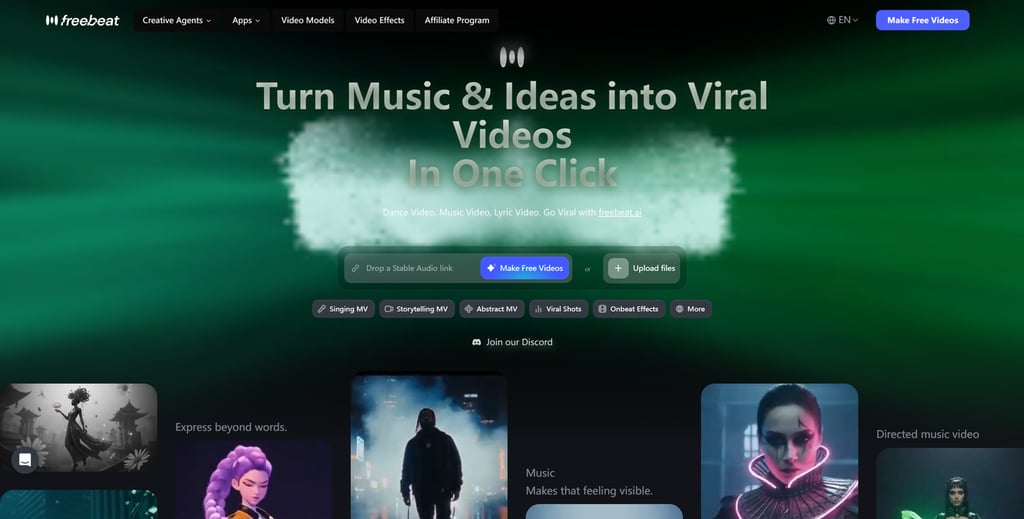
- Music analysis: Full structural analysis — BPM, beats, sections, energy curves
- Visual quality: Cinematic output with consistent characters and lip sync
- Creative control: Complete storyboard editing, per-shot prompts, A/B/C-roll
- Pricing & workflow: From $4.99/week; paste a link and go
Freebeat is the only tool on this list built specifically for musicians. While every other platform treats audio as an afterthought — or ignores it entirely — Freebeat starts by analyzing your entire song structure: BPM, beat grid, verse/chorus/bridge sections, energy curves, and spectral characteristics like brightness and warmth. It then builds a complete shot-by-shot storyboard before rendering a single frame.
This music-first approach means the visuals are genuinely synchronized to your track. I tested this with a hip-hop track full of tempo changes, and every major beat landed on a visual transition, something no other tool came close to matching.
What impressed me most was the creative control. Freebeat gives you a full storyboard you can edit shot by shot, with per-scene prompt adjustments, style selection (cinematic, anime, neon noir, and more), and structured A-roll/B-roll/C-roll planning, just like real film production. The AI music video generator also maintains character consistency across scenes through a multi-layered identity system, keeping faces, clothing, and body proportions recognizable whether your character is lit by sunset, neon, or candlelight.
It also has the smoothest Suno integration I've found: paste a Suno link, and it automatically extracts audio, analyzes the structure, and generates a synchronized video. You can make Suno music video content directly from the link, no downloading, no converting. Beyond music videos, Freebeat doubles as a dance video generator with its lip sync and character motion capabilities, making it versatile for performance-style content as well.
- Frame-accurate beat synchronization based on full song structure analysis
- Complete storyboard editing with per-shot creative control
- Strong character consistency across scenes and lighting conditions
- Direct integration with Suno, Udio, YouTube, and SoundCloud
- Supports full-length videos up to 6 minutes
- Free credits run out quickly with iteration
- 1080p export limited to Pro plan ($24.99/month)
- Maximum two characters per video
2. Neural Frames — best for abstract visual loops
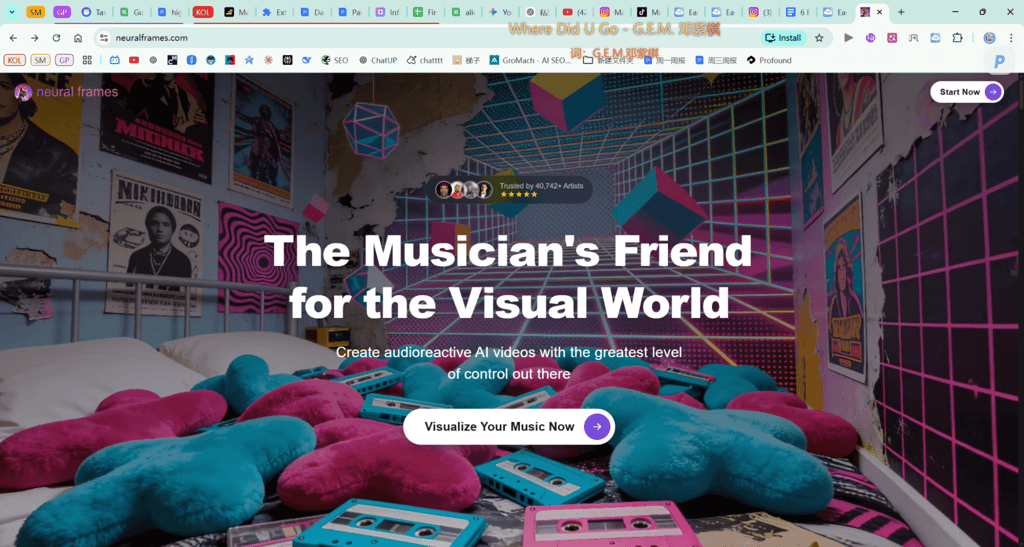
- Music analysis: Waveform amplitude only — no structural understanding
- Visual quality: Striking abstract animations via Stable Diffusion
- Creative control: Style parameters, but no scene planning or storyboarding
- Pricing & workflow: From €9/month; straightforward audio upload
Neural Frames has been around longer than most tools on this list, and it does one thing well: generating abstract, audio-reactive animations using Stable Diffusion. Feed it a track and you'll get swirling, morphing visuals that pulse with the music. For DJ set backgrounds, Spotify Canvas loops, or VJ-style content, it delivers reliably.
The limitation is fundamental, though. Neural Frames is a visualizer, not a music video generator. The visuals respond to audio amplitude — loud means more movement, quiet means less — but there's no structural understanding of your song. It doesn't know the difference between a verse and a chorus, and it doesn't plan transitions around your beat drops. There are no characters, no scenes, no narrative capability, and no storyboarding. Every frame is independently generated from the same Stable Diffusion model.
For musicians who need an actual music video with scenes, performers, and a visual story that follows the song's emotional arc, Neural Frames isn't designed for that task.
- Produces striking abstract visuals
- Simple, accessible workflow
- Consistent aesthetic quality within its niche
- Affordable entry price
- No beat-sync precision — amplitude-reactive only
- No characters, no scenes, no narrative capability
- Single AI model (Stable Diffusion)
- Limited to short loops, not full-length videos
3. Kaiber — best for quick social media clips

- Music analysis: Basic audio reactivity — approximate vibe matching
- Visual quality: Clean stylized output, good for short clips
- Creative control: Style presets, limited scene-level editing
- Pricing & workflow: From $5/month; smooth onboarding
Kaiber offers a more accessible entry point than Neural Frames, with a clean UI, smooth onboarding, and some audio-reactive generation capabilities. If you need a quick 15-second clip for Instagram or TikTok, it gets the job done without a steep learning curve.
But for serious music video work, Kaiber hits a ceiling quickly. The audio reactivity is basic — more of a "vibe match" than precise beat synchronization. Duration is limited compared to Freebeat's 6-minute capability. Character consistency across scenes is essentially nonexistent; each generation is independent. You can produce a good-looking clip, but building a cohesive full-length music video here requires manual workarounds that defeat the purpose of using AI in the first place.
Kaiber is a solid tool for social content, but it's not a music video production platform.
- Clean, beginner-friendly interface
- Good for short-form social content
- Affordable pricing
- Style transfer capabilities
- Audio reactivity is approximate, not beat-accurate
- No character consistency across scenes
- Limited duration
- Lacks storyboarding and scene-level control
4. Runway — best general-purpose AI video tool
- Music analysis: None — no audio input or sync features
- Visual quality: Excellent; Gen-3 produces high-fidelity video
- Creative control: Extensive for general video, none for music-specific work
- Pricing & workflow: From $12/month; manual scene-by-scene workflow
Runway Gen-3 is genuinely impressive technology. The video quality is among the best available, the motion control is sophisticated, and it's a powerful creative tool for filmmakers and designers. As a general-purpose AI video generator, it deserves its reputation.
But Runway has zero music-specific features. There's no audio analysis, no beat synchronization, and no automatic storyboarding from a song file. To make a music video with Runway, you'd need to manually plan every scene, time every cut to your beats by hand, and generate each clip individually before stitching them together in a separate editor.
For a filmmaker who happens to be making a music video, Runway is a legitimate option. For a musician who wants to generate a music video from a finished track, it's the wrong tool — not because it lacks quality, but because it lacks the workflow.
- Top-tier video generation quality
- Sophisticated motion and camera controls
- Active development and frequent model updates
- Strong community and resources
- No audio input or music analysis
- No beat synchronization
- Fully manual workflow for music videos
- Per-clip generation only
5. Kling — best for high-fidelity individual clips
- Music analysis: None — no audio features
- Visual quality: Among the highest available; cinematic realism
- Creative control: Basic prompt-based generation
- Pricing & workflow: From $5/month; clip-by-clip generation
Kling produces some of the highest-quality AI video I've seen — realistic motion, cinematic lighting, and impressive coherence within individual clips. It's worth noting that Freebeat actually integrates Kling as one of its rendering engines, which speaks to the quality of the output.
However, using Kling directly for music videos has the same fundamental problem as Runway: it's a clip generator, not a music video pipeline. There's no audio input, no beat synchronization, no multi-scene composition, and no automatic editing. You generate individual clips and assemble them manually. The quality per clip is excellent, but the workflow for producing a full music video is time-consuming and entirely manual.
If your priority is maximum visual fidelity on individual scenes and you're willing to handle all the editing yourself, Kling is a strong clip-level tool. But it's not a music video solution.
- Excellent per-clip visual quality
- Realistic motion and lighting
- Affordable pricing
- Improving rapidly with updates
- No music analysis or audio features
- No beat synchronization
- Manual assembly required
- No character consistency system
6. LTX Studio — best for narrative storyboarding (non-music)

- Music analysis: None — no audio features
- Visual quality: Decent; focus on narrative coherence over fidelity
- Creative control: Good storyboarding tools for text-based narratives
- Pricing & workflow: Free tier available; text-driven workflow
LTX Studio takes an interesting approach with its storyboarding-first workflow. You can plan scenes, define characters, and build a narrative structure before generating video — which is closer to how actual video production works. For text-driven projects, it's a thoughtful platform.
The problem for musicians is the same as with Runway and Kling: LTX Studio has no concept of music. There's no audio analysis, no beat synchronization, and no understanding of song structure. You're building a video that happens to have music, not a music video that's driven by music. The storyboarding tools are useful, but they're entirely text-prompted — you'd need to manually time everything to your track.
For narrative video projects that don't depend on music synchronization, LTX Studio is worth considering. For musicians, it solves the wrong problem.
- Storyboarding-first workflow
- Decent character consistency for a general tool
- Free tier available
- Narrative structure planning
- No audio input or music analysis
- No beat synchronization
- Visual quality behind Runway and Kling
- Not designed for music-driven content
How we selected the best AI music video generators
Our team tested each platform with the same three tracks across different genres. These are the criteria we focused on:
- Beat synchronization: Does the tool analyze song structure and place visual transitions on actual beats, or is it merely reactive to volume changes?
- Character consistency: Can the platform maintain a recognizable character — same face, same clothing — across multiple scenes with different lighting and angles?
- Creative control: Can you direct the output beyond a single text prompt? We looked for storyboard editing, per-shot adjustments, and structured scene planning.
- Output quality: Is the final video something you could realistically upload to YouTube as a music video, or does it look like a tech demo?
- Workflow efficiency: Does the platform understand that musicians start with a finished song? We prioritized tools that accept audio input and build from there.
- Duration: Can it produce a full-length music video (3–6 minutes), or is it limited to short clips?
Things to consider when choosing an AI music video generator
Choosing the right AI video tool depends on what you're actually trying to make. Here are the key factors to weigh:
- Music-first vs. video-first workflow: The most important distinction. Tools like Freebeat start from your audio and build visuals around it. Tools like Runway and Kling start from text prompts and generate video with no audio awareness. If you're a musician, the workflow difference is enormous.
- Beat synchronization depth: There's a meaningful difference between "audio-reactive" (visuals respond to volume) and "structurally synchronized" (visuals are planned around your song's verse, chorus, and beat structure). The former looks okay. The latter looks intentional.
- Character consistency needs: If your music video concept involves a performer, narrator, or recurring character, you need a platform with a dedicated consistency system. Most general-purpose tools generate each frame independently, which means faces and outfits change between scenes.
- Duration requirements: Many AI video tools max out at 15–60 seconds per generation. If you need a full-length music video, confirm the platform supports multi-minute output or seamless scene stitching.
- Budget: Pricing models vary significantly. Some charge per generation, others offer monthly subscriptions. Consider how many iterations you'll need — music video creation is inherently iterative, and costs add up.
Conclusion
The best AI music video generator for you depends on what you're making. For abstract visual loops, Neural Frames is a reliable choice. For general AI video work, Runway sets the standard. For high-fidelity individual clips, Kling is hard to beat.
But if you're a musician — someone who starts with a finished track and needs a full-length video that's genuinely synchronized to the music — Freebeat is the clear standout. It's the only platform we tested that analyzes song structure, plans scenes around your beats, maintains character consistency, and delivers a complete music video workflow from audio upload to final export. For musicians, that combination is unmatched.
FAQ
How much do AI music video generators cost?
Pricing ranges from free tiers with limited credits to $$25/month for premium plans. Freebeat starts at$$4.99/week, Neural Frames at €9/month, and most general-purpose tools like Runway at $12/month. Expect to spend more if you iterate heavily.
Can AI music video generators handle full-length songs?
Most cannot. The majority of AI video tools generate clips of 15–60 seconds. Freebeat supports videos up to 6 minutes, making it one of the few platforms capable of producing a complete music video from a full-length track.
Do I need video editing skills to use these tools?
It depends on the tool. Music-specific platforms like Freebeat handle the editing automatically — transitions, scene timing, and pacing are all generated from your song structure. General-purpose tools like Runway and Kling require you to generate clips individually and edit them together manually.
Can I use AI-generated music videos on YouTube?
Yes. Most platforms, including Freebeat, generate original visuals that you can publish on YouTube and other platforms. Check each tool's terms of service regarding commercial use rights on your specific plan.
What's the difference between "audio-reactive" and "beat-synced" video?
Audio-reactive means visuals respond to volume — louder audio creates more visual movement. Beat-synced means the AI analyzes your song's structure (BPM, drum patterns, sections) and deliberately places transitions, camera movements, and style shifts on specific musical events. The difference is significant in the final output.