Proton warns how smart TVs spy on you: here’s how to stop them
“Good luck.”
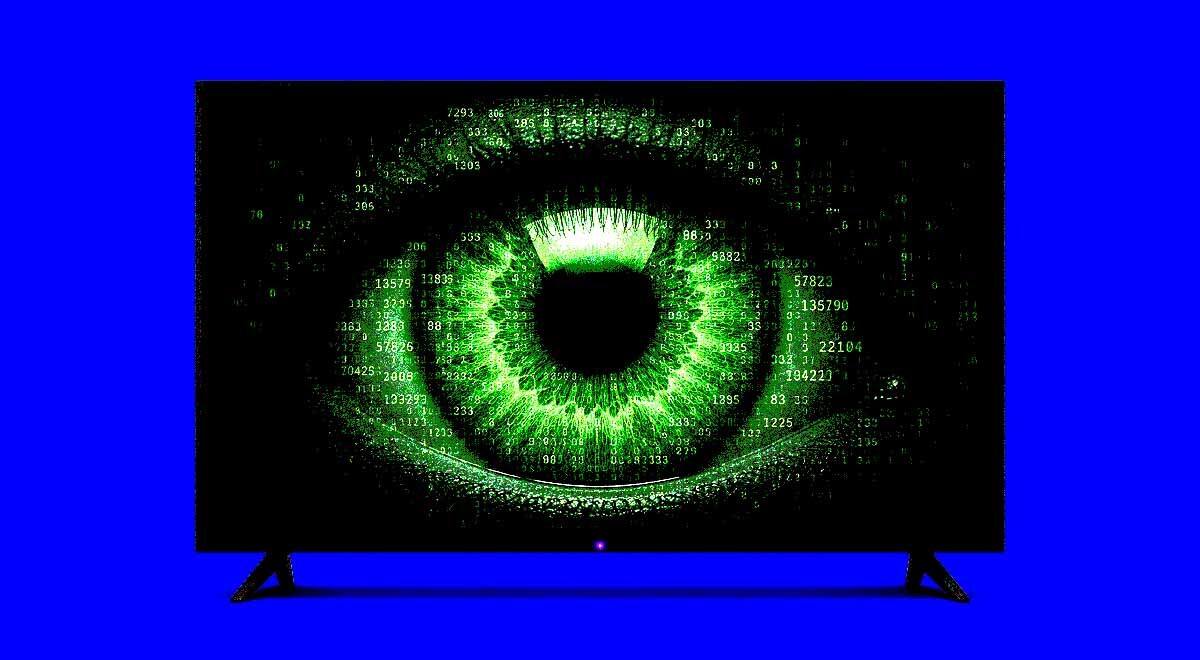
Image by Cybernews.

 Follow us
- Smart TVs track everything displayed using ACR, even when smart features are never used
- This viewing data is shared with manufacturers, advertisers, and analytics firms, often by default
- Privacy protection options include staying offline, blocking telemetry, or disabling buried tracking settings
Key Takeaways by nexos.ai, reviewed by Cybernews staff.
It’s not exactly scandalous anymore, but Proton, a Swiss privacy company, has provided a helpful reminder that we’re not just consumers when it comes to modern smart TVs – we’re also the products.
Almost all modern smart TVs use a system called automatic content recognition (ACR) that fingerprints whatever appears on our screens, whether it comes from an app, a live broadcast, a streaming platform, or a games console.
All that data is then sent to manufacturers, analytics firms, and advertisers. Most importantly, ACR runs at the chipset level, is usually on by default, and works even if we never use a single smart feature.

Check if your data was exposed
Find out if your email and related personal information have appeared in known data breaches.






Most consumers never even find out about what’s going on. According to Proton, users don’t even have to be running anything smart on their TVs, but ACR would still be taking regular snapshots of what’s on their screen and working out precisely what they're watching.
What are regulators looking into
“In other words, the spying is not a feature of the apps you choose to run. It is a feature of the television itself, and it watches the screen regardless of where the content itself is coming from,” said Proton on a LinkedIn blog post.
Indeed, a 2024 study presented at the ACM Internet Measurement Conference found that ACR keeps working even when the smart TV is used purely as a dumb external display. It even connects when the TV itself is idle.
Again, that’s not exactly breaking news. Already in 2017, TV manufacturer Vizio was fined $2.2 million by the US Federal Trade Commission for tracking what its customers were watching and selling the information to advertisers.
The spying is not a feature of the apps you choose to run. It is a feature of the television itself, and it watches the screen regardless of where the content itself is coming from,Proton
In June, the UK’s Information Commissioner’s Office said it would investigate whether smart TV manufacturers comply with privacy laws and how they handle users’ personal data. The aim is to make the manufacturers ask for users’ consent, at the very least.
In the US state of Kentucky, action has already been taken, as Governor Andy Beshear signed legislation requiring tech companies to obtain consumers’ consent before collecting data on the content they watch on smart TVs.
In most of these cases, consumers just have to wait until smart TV manufacturers comply with the regulation. What Proton is recommending, though, is being proactive – and stopping the spying yourself. You don’t even have to be especially tech-savvy.
Solutions and alternatives
Firstly, the obvious: simply never connect your smart TV to the internet. Proton says: “A television that cannot reach the network cannot report anything, cannot fingerprint you to a server, and cannot serve you ads on its home screen.”

Users who want nothing to do with ACR should skip the WiFi step in setup, or “forget the network” if they had already joined one. The solution is to feed the TV from a device you can control – a media box or a home server over HDMI.
Secondly, we can block ACR at the network with the help of, for example, Pi-hole, a network-wide ad blocker and DNS sinkhole.
“Watch what your TV is asking for and refuse the calls home while leaving everything else intact. Block the manufacturer’s telemetry and the ACR and ad domains, and the set carries on as a display without the surveillance,” Proton advises.
The key here, the company explains, is that blocking the domains doesn’t actually make the TV work worse: “It turns on, it switches inputs, and it shows media at full quality.”




Stay updated with our latest stories and follow us on social media
Be the first to discover new stories, ideas, and updates from our team.
Thirdly, spend some time and find the opt-out. Go through the settings and turn off anything called viewing information, ACR, smart interactivity, or personalized ads – these things are buried deep on purpose, but they’re definitely out there.
The last two suggestions sound a little over-the-top. Proton says users could choose to purchase “business-oriented panels” from firms like Samsung, NEC, LG, or Sharp, as they ship without a consumer smart platform. These devices are pricey, though.
Finally, you could just sidestep the category entirely and buy a large computer monitor: it has no operating system, microphone, or anything to phone home with. But you’ll have to take care of a lot of other kit to make this work.