Amazon wouldn’t let me remove ads from Fire TV Cube, so I rooted it. Now it does what Apple TV can’t
Why stop at debloating the TV? If I’m getting my hands dirty, might as well go all the way.
Amazon Fire TV cube debloating. Image by Cybernews.

 Follow us
- Protected Amazon packages resisted normal debloating - the author rooted an Amazon Fire TV Cube.
- Root access lets users to disable packages tied to ads, telemetry, tracking, and background re-enabling.
- CoreELEC adds ad-free Kodi playback with Dolby Vision support and lossless audio passthrough.
- The setup carries real risks: voided warranty, possible bricking, disabled updates, and ongoing troubleshooting.
Key Takeaways by nexos.ai, reviewed by Cybernews staff.
Sometimes smart TV makers protect their ads and tracking with system privileges, leaving owners unable to fully clean their TVs. Amazon’s Fire TV Cube resisted my cleanup attempts – so I rooted it. Now it runs two OSes and does things Apple TV won’t.
Smart TV owners, fed up with tracking, ads, and surveillance, want to take back control of their devices.
This gave rise to projects like CleanYourTV, which hit nearly 60,000 stars on GitHub by helping users debloat Android or Google TVs in an afternoon – no root, no cables required.
I, too, tried to “clean” an Amazon Fire TV Cube, but hit an invisible wall. A single reboot undid part of the work, because a background service re-enabled protected packages at boot.



CleanYourTV and similar projects rely on the limited privileges of the Android Debug Bridge (ADB), a developer tool – this limitation can’t simply be bypassed.
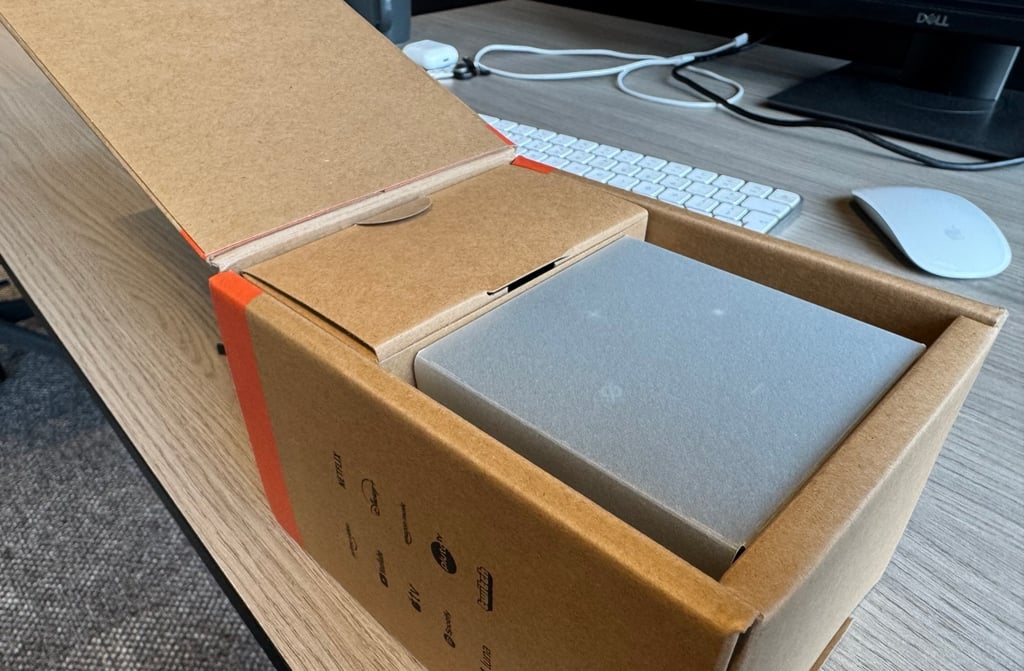
Not wanting to give up, I took ultimate control – I rooted the Cube. Not only could I finally scrub it clean, but I also turned it into a fully owned media box by installing a second Linux OS built around Kodi – CoreELEC.
Disclaimer first: Rooting will likely void the device’s warranty and, in the worst case, can brick it. The procedure is involved, requires at least some technical know-how, and the available software is still unstable. I am not responsible for any damage caused by attempts to modify your devices.
Why would anyone root their TV?
To “own your glass” and make it better.
I disconnected my LG TV from the internet years ago, before it was cool. The privacy practices already made me suspicious, and then one update turned the home screen into an ad board.
TVs have become another piece of hardware you don't feel like owning – despite paying for it, you’re still the product.
Smart TVs are now a general frustration: overtaken by ads, preinstalled apps, ACR (fingerprinting what you watch), telemetry, and profiling. And it gets worse. Some security researchers found TV set-top boxes shipping with backdoors and malware preinstalled, while residential proxy SDKs hide in apps.
Then there are missing features. Most smart TV experiences focus on shoveling subscriptions at you.
The new $299 Apple TV didn’t add anything enthusiasts have been asking for years, such as lossless audio passthrough or support for local video formats, leaving many disappointed.
Got a high-quality Blu-ray rip and want to experience it in all its glory? Sorry, not happening.
“Smart” TVs still can’t combine DTS:X, Dolby TrueHD passthrough, Dolby Vision, and other HDR and 3D formats, streaming licences in one device and don’t offer the freedom to run the software you want.
As a user, I don’t want a TV designed to be a bottleneck.
If I throw a massive high-bitrate file at it, I want it to chug along. If I stream Netflix or Apple TV, I want to experience the maximum quality and keep my data private.


Stay updated with our latest stories and follow us on social media
Be the first to discover new stories, ideas, and updates from our team.
What did I do?
Initially, I tasked an AI agent with debloating the Fire TV Cube using the CleanYourTV repo – it quickly set up ADB over WiFi and identified dozens of packages to disable.
However, some packages, including Amazon’s own metrics, crash reporting, and ad components, refused point blank: “Cannot disable a protected package.”
Others appeared disabled – the system reported success – but the packages still kept running.
The AI agent complained that the com.fireos.arcus.proxy package acted as Amazon’s bodyguard and re-enabled the packages during boot.
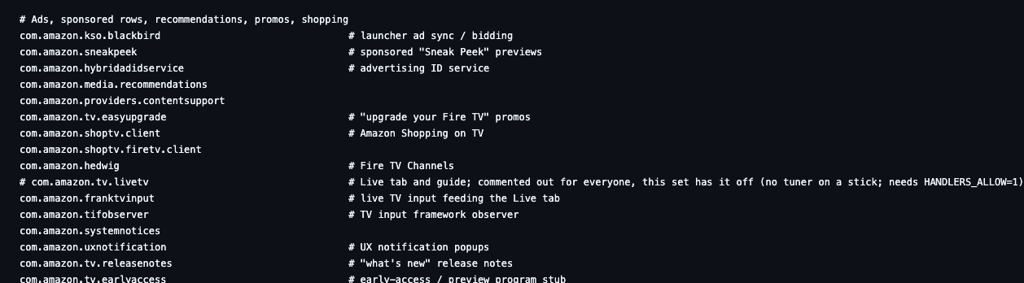
So rooting seemed like the next logical step, but it's not as straightforward – the entire smart TV business model depends on control, with profit coming from ads, app-store cuts, content partnerships, etc. Simply letting users modify the system would also undermine DRM.
Luckily, a root exploit was recently discovered affecting 3rd generation Cubes on specific firmware versions. I didn’t trust my agent to follow the online guide for the riskiest part – so I did the unlock myself.
The entire unlock procedure was surprisingly quick and simple: push one package over ADB, unpack it, run an exploit script to gain temporary root access using an old ARM Mali GPU driver flaw, and then run the permanent unlock script. The Cube reboots, installs a permanent root (Magisk), and performs a factory reset.
I delegated the rest of TV debloating to the AI agent:
- Disabled a total of 53 packages, including ads, telemetry, ACR tracking, and others.
- Disabled the “bodyguard” (com.fireos.arcus.proxy) that kept re-enabling some of them at boot.
- Disrupted the log collector respawn cluster consisting of minerva, logan, and neopact packages; kept some of the packages to keep Prime Video functional.
- Added a boot guard that kills anything the device re-enables after startup.
- Turned off privacy toggles for any device and app data usage, interest-based ads, and metrics uploads.
- Fixed other issues: killed the screensaver and got HDMI-CEC power control working.
- Built a restore script, just in case.
Immediately, the device felt a lot more responsive – like it should be.
Installing a second OS
An unlocked bootloader with Magisk (a standard rooting tool) allows you to install multiple operating systems and any software you want.
I followed the community’s advice and installed CoreELEC alongside FireOS on the same internal eMMC storage. You can dual-boot either OS.
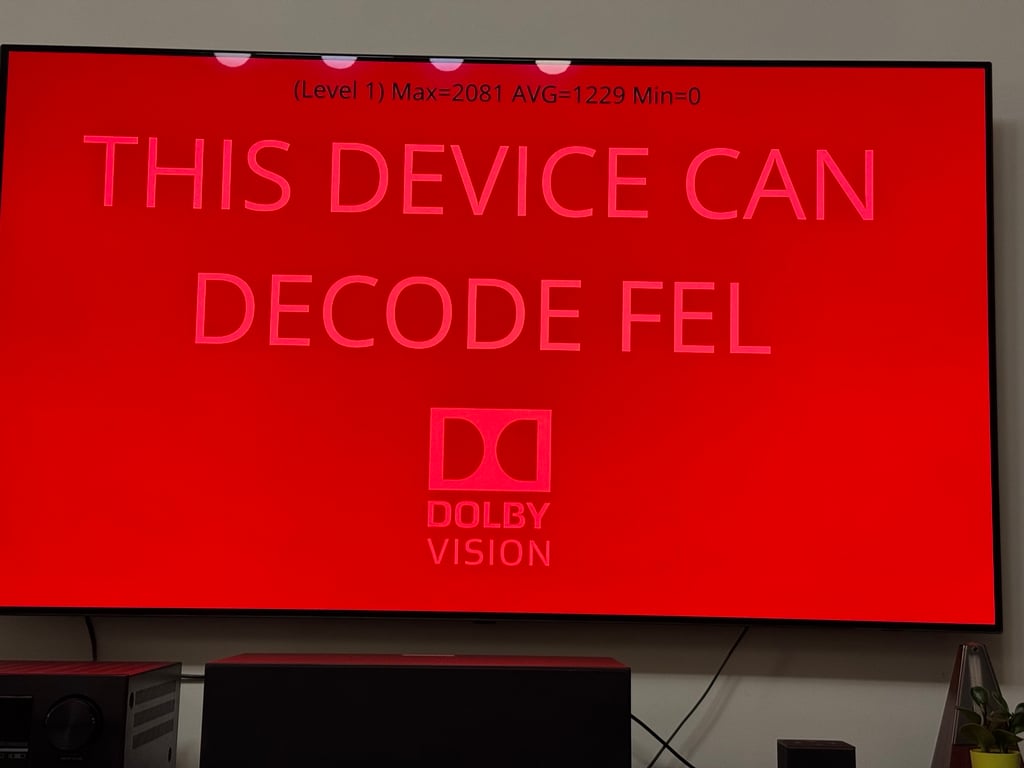
CoreELEC turned my TV box into a powerful, ad-free home playback device with zero Amazon or other big-tech services running. It’s just Kodi with native Amlogic HDR/Dolby Vision support and lossless audio passthrough to my AVR. Apple TV can’t do that.
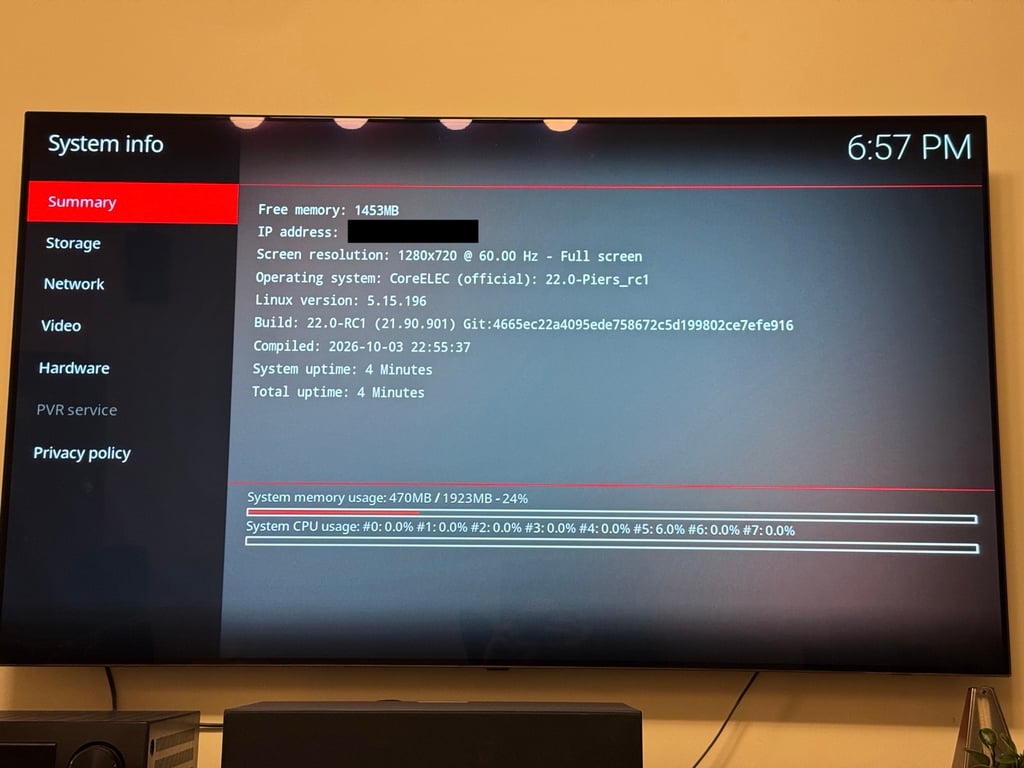
CoreELEC is now my main OS, while FireOS stays for Prime Video, Apple TV, and Netflix when needed.
However, the setup wasn’t smooth. Kodi wasn’t stable and required extensive tuning out of the box. It took half of the day solving problems like these:
- High bitrate streams were buffering – increasing the NFS read chunk size setting from 128 to 1024 KB fixed it. Even the 400Mbps Jellyfish test clip played well over WiFi – that's a massive 1.4GB file for just a 30-second clip.
- Dolby Vision titles and their subtitles weren’t rendering correctly. Enabling “Override level 5 metadata to zero” fixed it, but finding that solution took a while.
I worked through several online guides and experimented a lot. And I don’t even like Kodi – the UI is terrible, and no custom skin could solve it. Yet it’s still one of the best solutions for high-quality local media playback.
The scary part of using an AI agent for troubleshooting: without being asked, it flashed a newer CoreELEC version it found online, thinking that would help. It didn’t. I also had to stop it several times from installing random code from unknown GitHub repos with only a few stars.
That leads to the main drawback of the setup.
From time to time, you have to SSH into your device when something inevitably stops working. FireOS over-the-air (OTA) updates are disabled to prevent them from undoing the setup.
This means that you only touch the device when something breaks – then you fix it over SSH or ADB. A full firmware update means redoing most of the debloating and configuration, so it’s best to avoid it unless really necessary.
Check if your data was exposed
Find out if your email and related personal information have appeared in known data breaches.
Many home theater enthusiasts join the Kodi cult
There is no single best TV box for everything. Audio and video enthusiasts are constantly hunting for the most capable device for both local playback and streaming.
They maintain unofficial tier lists that rank boxes by their bells and whistles. Here is one such sheet.
Currently, the most “desirable” setups require rooting a certified Android device and installing a second custom OS, such as LibreELEC or CoreELEC, with Kodi.
Open-source developers working with AI have also reportedly cracked the secret sauce behind Dolby Vision and other proprietary technologies, bringing unofficial support to even “unlicensed” x86 hardware.
Apple TV might have the most powerful hardware on the market, but it’s missing from these lists because of its limited format and audio support.
I picked the Fire TV Cube for my experiment because it was both inexpensive (when on sale) and came with the full package: a remote, a small form factor, support for all the major streaming platforms, and a recent root exploit that gave me complete control over the device.
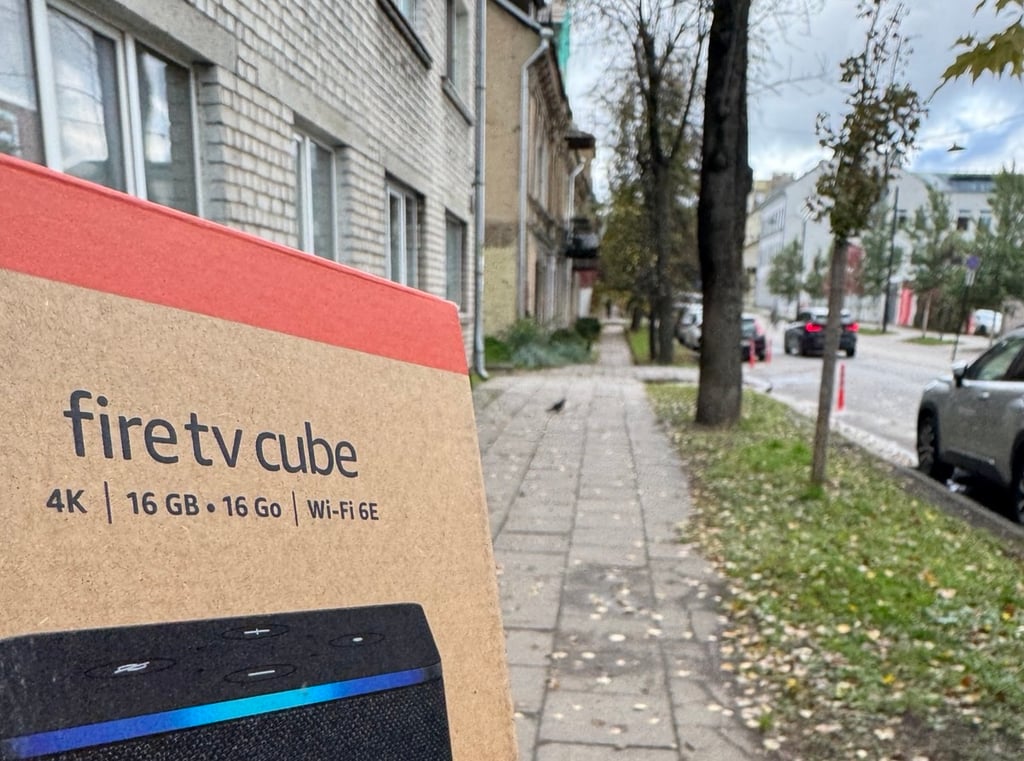
CleanYourTV helped debloat it and make it snappier, while CoreELEC with Kodi added enthusiast-grade local media playback.
If privacy and security are your goals, every setup involves trade-offs. Blocking tracking and updates means that I’m the only one responsible for keeping the device safe.
It also changes whom you have to trust to supply your software. A tech giant with every incentive to collect your data? A Chinese off-brand that might or might not bake in malware and its own tracking? Or random unpaid developers on GitHub with AI contributions?
My setup mixes all of these, and I can no longer audit all the code it runs. I accepted these trade-offs. Most people probably shouldn’t.