Windows cleanup expert Chris Titus takes aim at LG webOS TV bloat with a free new tool
Rooting carries the risk of permanently bricking the device.
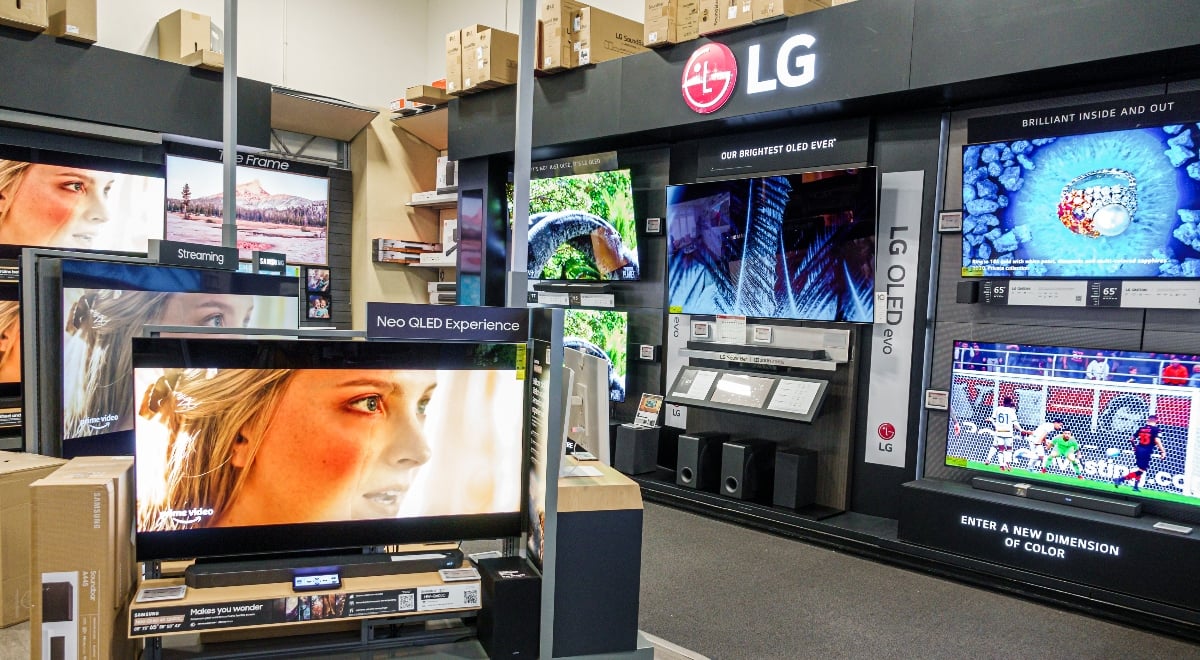
Image by Jeffrey Greenberg/Getty Images

 Follow us
- Chris Titus released a free LG TV debloat tool for rooted webOS devices.
- The tool hides ads, promotions, tracking cookies, demos, and background services while keeping major streaming apps.
- Using it requires rooting the TV, which can void warranties, break services, or permanently brick the device.
- The early tool may not work on all LG TVs and blocks future firmware updates from LG.
Key Takeaways by nexos.ai, reviewed by Cybernews staff.
Chris Titus, the tech YouTuber behind the popular Windows debloating utility WinUtil, has released a free tool for LG TVs that removes ads, tracking, and other junk from WebOS, making TVs snappier. However, due to LG's restrictions, using the tool requires rooting the device – a risky process with downsides.
Chris Titus joins the wider movement of TV owners taking back control of their devices. The YouTuber rooted his LG TV, removed promo banners, ad tiles, demo modes, and other “extras,” and shared the documentation and scripts on GitHub.
“Debloating LG TVs might be my new favorite thing. It’s insane how much performance you end up getting after a debloat,” the YouTuber said, introducing his new LG Debloat 0.1 tool.
The YouTuber is also working on a video, which he will publish after the repo documentation is polished.




LG has been under scrutiny recently over its smart TV data collection and other privacy practices. After tech outlet Gamers Nexus released findings that LG TVs scan local networks, might be listening in and gathering other data, some users have even resorted to ripping out microphones from their devices.
LG TVs use a custom proprietary operating system called WebOS. Other Android-based TV-debloat tools, like CleanYourTV, can’t simply run on them, nor on other TVs with proprietary firmware, like Samsung’s Tizen OS.
Titus bypasses the firmware moat by rooting his TV – a jailbreak procedure that grants administrator (superuser) rights on the device. While rooting gives complete control over the device, it comes with its own set of dangers: it likely voids the warranty, might break apps and services, or even permanently brick the device.
What does the new tool do?
The LG webOS Debloat tool is currently in very early development, as indicated by the pre-release version number 0.1.
“Reduce LG promotions and unused background activity on a rooted LG webOS TV. Keep Plex, YouTube, Developer Mode, Homebrew, and TV inputs,” the repository’s readme document says.
The included lg-debloat.py script doesn’t remove features or apps, instead, it disables and hides them.
The script targets several built-in apps, such as LG Ads, LG Brand Shop, Store Demo, and Sync Demo, disables supported promotion settings, and prevents certain apps from loading in advance, but keeps YouTube, Plex, and other streaming services.


Stay updated with our latest stories and follow us on social media
Be the first to discover new stories, ideas, and updates from our team.
The tool also disables webOS services, such as homePromotion and livePromotion, disables ad tracking cookies, and turns off Live Plus, content recommendations, welcome features, and sports alerts, among other things.
The repository also contains extensive documentation, validation tests, and backup/restore tools.
The cleanup procedure is involved, consists of many steps using the command line, and requires technical knowledge.
Achieving root privilege is the most complicated part because it requires creating an LG developer account, enabling Developer Mode on the device, connecting remotely from a computer via SSH, overcoming authentication issues, running checks, and then exploiting a real security vulnerability to gain root access.
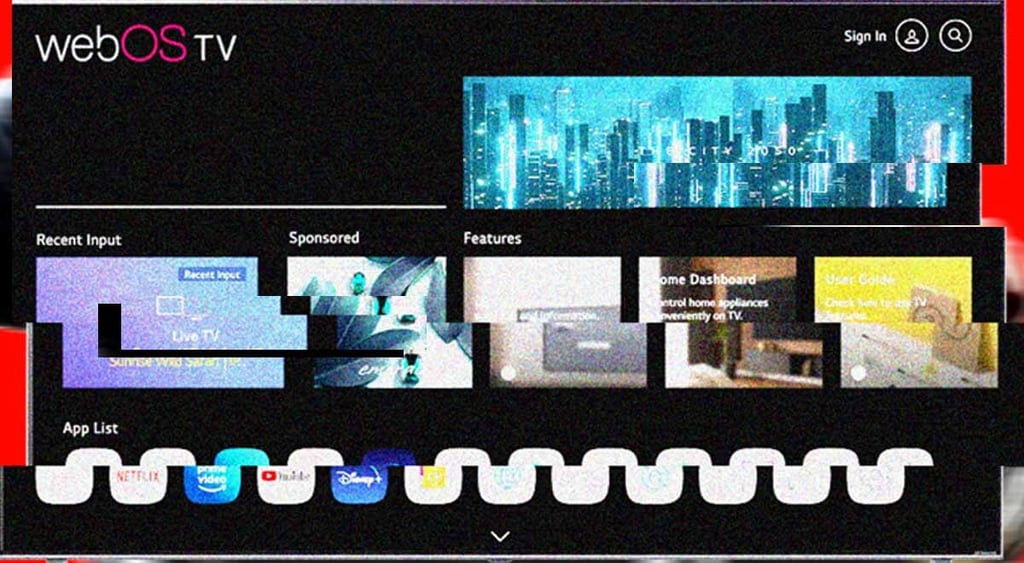
The LG webOS Debloat repo doesn’t provide exact rooting instructions. Instead, it links to another repository.
On the rooted device, the repo instructs installing an unofficial webOS package manager, Homebrew Channel, which allows installing custom software on the rooted TV. Before touching anything, the repo documents backup and inventory steps.
The tool was developed on a 2019-era webOS 4.x TV running firmware 05.40.97, and might not work on all devices.
“This project does not promise a measured speedup, full firmware recovery, or compatibility with other TVs,” the documentation reads.
Another downside: the tool adds firmware update blocking, meaning the TV will no longer receive updates from LG.

Check if your data was exposed
Find out if your email and related personal information have appeared in known data breaches.
TV debloating is attracting attention
Because no comprehensive webOS debloater existed before, Chris Titus’s post on X received over 150k views and dozens of comments in just a few hours.
“Firmware is no longer the moat hardware manufacturers thought it was,” responded Jeff Geerling, another popular tech YouTuber.
Titus also said he plans to make a similar tool for Android TVs.
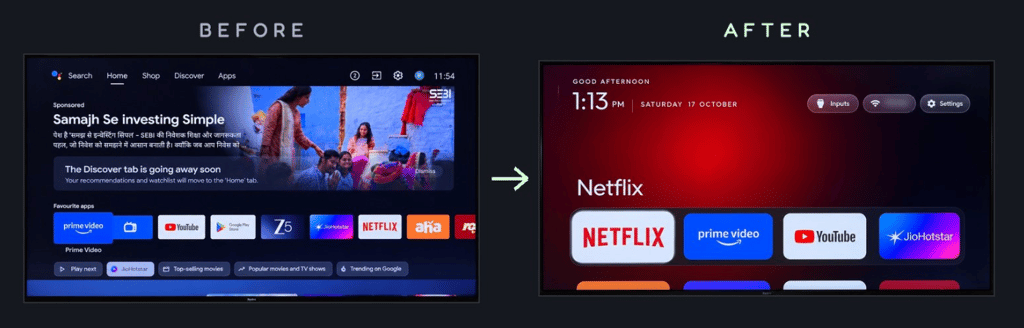
Many X users seem excited about the development and have expressed interest in other platforms, including Samsung Tizen, Sony, Hisense/Vidaa, Vizio, TCL, Fire TV, The Frame, and even GM or Land Rover dash screens.
“It’s almost like we’re the product and not the TV…people finally get to see why they’re so ‘cheap’,” one of the comments reads.
TV owners who choose to clean their TVs often rely on AI agents helping them. However, because WebOS is locked down and involves rooting, some users noted that Anthropic models refused to help with it.
Cybernews previously reported that TV debloating trend spawned several popular tools, including CleanYourTV. This project, which helps users remove ads, tracking and unwanted apps from hundreds of TV models without rooting, has become hugely popular, and now has nearly 60,000 stars on GitHub.