Microsoft Word from 1990 just got a Windows 11 makeover
Word gets another life.
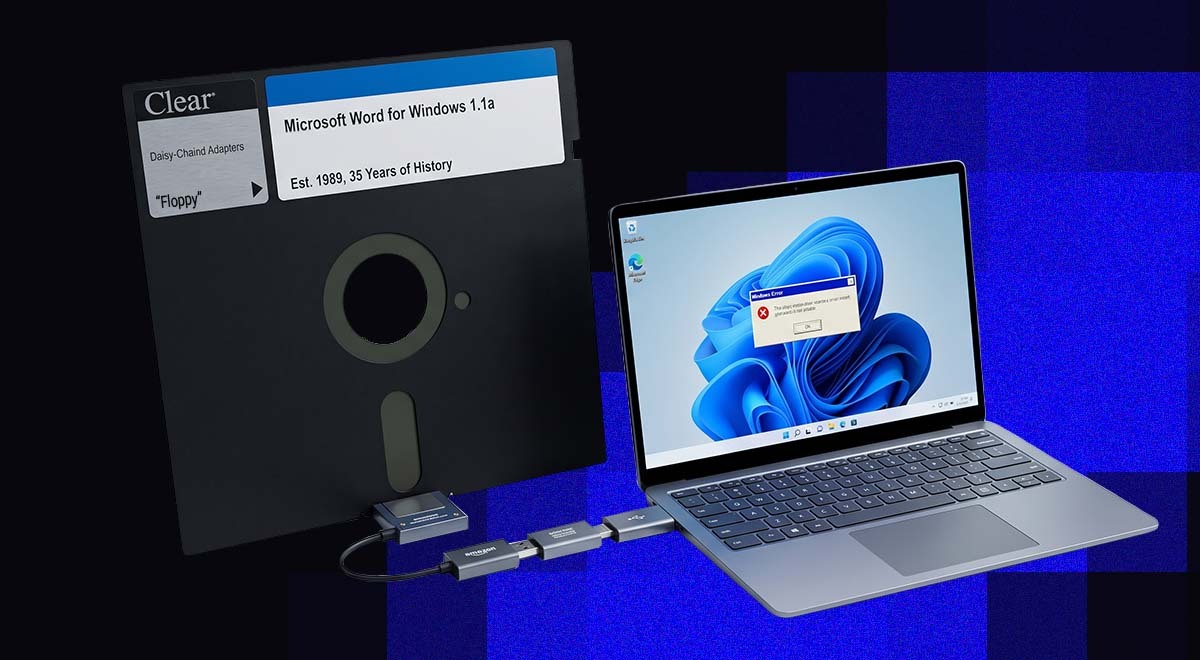
Retro Microsoft Word action. Image by Cybernews.

 Follow us
- Developer JMarshall23 ported Microsoft Word for Windows 1.1a to run natively on modern 64-bit Windows 11 PCs.
- The project uses original Word source code released by the Computer History Museum in 2014.
- Users must build the port themselves with developer tools, so it mainly serves programmers and retro-computing enthusiasts.
- The non-commercial license limits redistribution and sales, but the port shows old software can be preserved.
Key Takeaways by nexos.ai, reviewed by Cybernews staff.
A developer has successfully ported Microsoft Word for Windows 1.1a to x64, enabling the seminal 1990-era word processor to run natively on modern Windows 11 PCs.
Developer JMarshall23 said on coding platform GitHub he was able to use the original Word source code and resources.
The original has had a lick of paint, however, with up-to-date modifications handling the software's old 16-bit assembly, segmented memory, and Win16 platform boundaries.
The project isn't simply running the program through an emulator or compatibility layer, but a genuinely 64-bit Windows build of Microsoft's decades-old word processor, as the original ran on 16-bit.






Additionally, the port introduces features intended for research purposes.
x64 port of Microsoft Word for Windows 1.1a arrives — you can now run this seminal 1990 word processor natively in Windows 11 https://t.co/0CeXybpcGe
undefined Tom's Hardware (@tomshardware) August 9, 2026
The source code that made it possible
Microsoft's Computer History Museum (CHM), located in California, made the complete Word 1.1a source code publicly available in 2014, as reported by Tom's Hardware.
Word 1.1a was originally designed for computers operating with CPUs running at single-digit MHz speeds.
It could reportedly operate with as little as 1MB of RAM, making today's hardware look absurdly powerful by comparison. Today’s PC’s usually run on 8GB, 16GB, or 32GB of RAM.
The x64 version isn't available as a simple downloadable program on GitHub. Instead, the developer has published the code needed to build it yourself.
That means users need Microsoft's Visual Studio 2022 development software. They also need the Windows 10 or 11 software development kit, along with CMake and PowerShell.
Strong password generator

The GitHub project provides instructions for putting everything together and running the port.
In other words, this is currently aimed more at developers and retro-computing enthusiasts than ordinary Word users.
Curious what others think about this story? Contribute your thoughts to the debate below.
There's also a legal restriction on what people can do with the original Word source code.
The CHM’s license allows non-commercial use, but doesn't allow people to freely redistribute copies or sell the code.
Still, it shows how beloved programs from yesteryear are not always lost, even if it represents a niche taste in 2026.