Your questions, answered by Cybernews: What to do if you’re tracked by an AirTag?
A woman says an AirTag has been following her for weeks. She can’t find it, the police can’t find it, and her fear is spiraling as the alerts keep coming. Is there anything you can do to protect yourself? Every week, our team selects one pressing and common reader issue and deconstructs it to help you stay safe online.
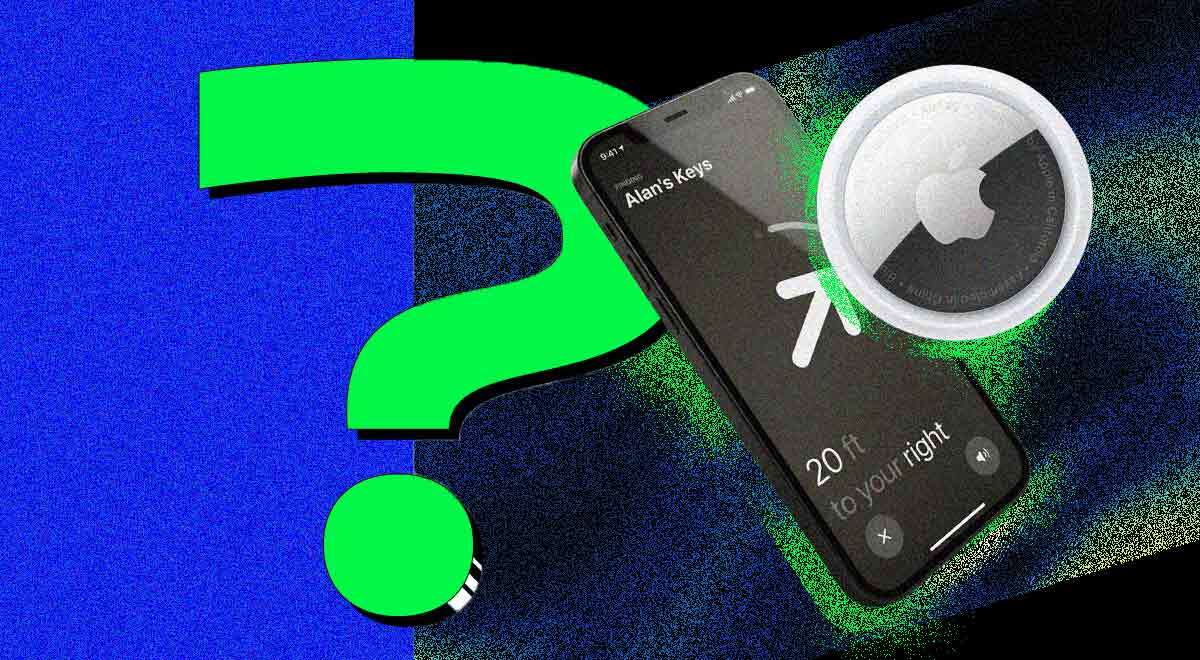
Image by Cybernews

 Follow us
A woman says an AirTag has been following her for weeks. She can’t find it, the police can’t find it, and her fear is spiraling as the alerts keep coming. Is there anything you can do to protect yourself? Every week, our team selects one pressing and common reader issue and deconstructs it to help you stay safe online.
Costing just $29, Apple offers a permanent solution for lost keys. AirTags have been gaining popularity, as they have helped many people recover lost wallets, backpacks, or luggage. But there is a catch that neither Apple nor any of us anticipated. This round-shaped gadget has also been used for not-so-innocent purposes, such as cyberstalking.
“An air tag keeps following me,” reads the plea for help on Threads: “I can’t find it anywhere. The COPS HAVE BEEN CALLED… but they can’t find it either… my car has been torn apart.”
The terrified woman says that she went through all her belongings and could not locate a tag. “It’s NOWHERE. And I’m getting terrified someone is stalking me…. Is that what this could be? I’ve also tried connecting to it, but it keeps saying unreachable…” she said.
In case of an unknown AirTag being detected around you, what steps should you take? This week, Cybernews will dive deeper into the topic.





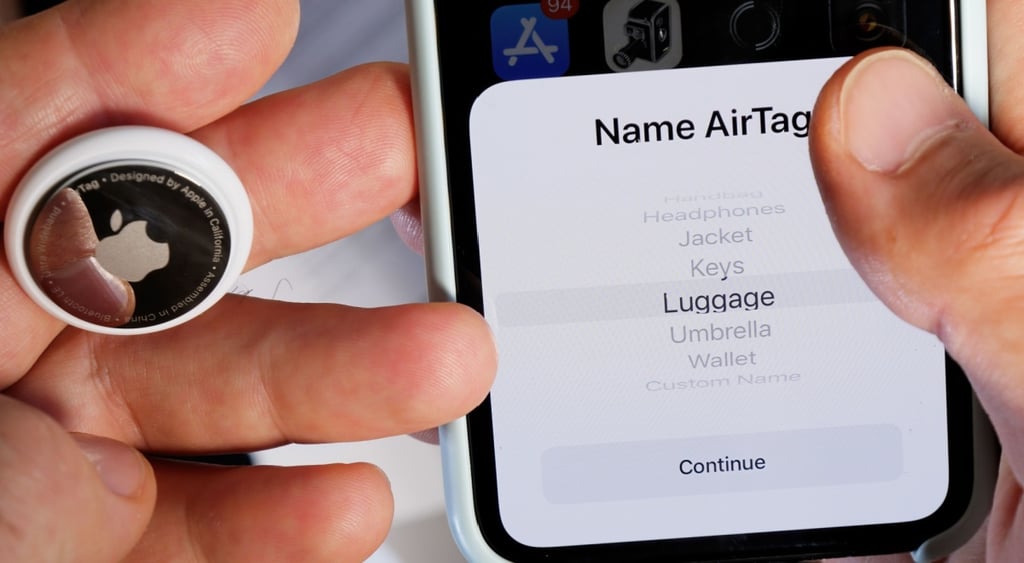
How does AirTag work?
AirTags send out a small, low-power Bluetooth signal that nearby Apple devices can detect. This signal doesn’t use GPS or mobile data on its own – it just says, “I’m here.”
When your own iPhone is close enough, usually within tens of meters, it can detect the AirTag directly. Your iPhone then displays the AirTag's location within the “Find My” app.
If you lose something far from your iPhone, like in another city, AirTags rely on Apple’s Find My network. Many Apple devices, such as iPhones, iPads, and Macs around the world, can “see” the AirTag’s signal.

When an Apple device detects it, the AirTag’s location is anonymously sent to Apple’s servers. You then see that updated location in your Find My app.
The Bluetooth technology inside AirTags is energy-efficient, allowing the battery to last for up to about a year before needing replacement.
While you can not locate all AirTags that are around you, if someone else’s AirTag appears to be traveling with you, your iPhone will alert you for safety reasons.
How to find an item with AirTag?
- Open the “Find My” app on your Mac, iPhone, or iPad
- See its location on a map if it’s far away
- Make the AirTag play a sound so you can hear where it is
- Use Precision Finding if your phone supports it
AirTags are still exploited for stalking
Everyone wants to find their lost keys, but AirTags have also been exploited by stalkers to target their victims and fuel domestic violence.
Since its launch in 2021, the gadget has been exploited by digital stalkers and abusers. The usage of AirTag during stalking has skyrocketed by 317% this year.
In December 2022, Apple faced a class lawsuit from dozens of victims who were stalked by former partners or strangers using AirTags.
In 2023, Apple announced a partnership with Google to develop a new "industry specification to address unwanted tracking" as a response. Last year, Apple launched these new anti-stalking features with iOS 17.5.
What versions do Threads users have?
As soon as the post started circulating, Threads users jumped in with theories that ranged from totally harmless to genuinely unsettling. Some were quick to downplay the fear, pointing out that not every AirTag alert means stalking.
One user suggested the tracker might not even be an AirTag at all: “Are you financing your vehicle? Some lenders will install a tracker on your vehicle. It’s in the paperwork, though, and typically not an AirTag lol.”
Others shared stories where the alert was triggered simply by being near someone else’s belongings. “My kid’s friends were always getting this alert when walking to class… That’s why it always came up when they were together!”
Several commenters described how easy it is for phones, especially Android devices, to detect nearby AirTags and accidentally freak people out.

One wrote, “My Google phone automatically picks up air tags if I'm in a location where one is, such as at my grandma's house… maybe your phone is just in the vicinity of someone's air tag.”
Others speculated the AirTag could belong to a previous owner of a car or bike, or to someone nearby whose AirTag is no longer properly connected.
Some users urged a full physical search of vehicles, suggesting places most people would never think to look. “If you’ve opened everything… Check INSIDE the exhaust.”
Another added, “I had one behind my license plate.” Others warned that AirTags can be hidden in engine bays, wheel wells, under seats, or disguised as everyday items like zipper pulls or clothing buttons.






One commenter shared a chilling firsthand account: “I was stalked and tracked this way… I changed cars, my phone, my devices. Everything he ever laid a hand on.”
Another group of commenters criticized the original poster for oversharing, arguing that posting photos of her actual routes and locations publicly made tracking unnecessary.
“Between glancing at your profile and these pictures, no one would need to put airtags on you to know where to find you. You post all that information openly. YOU are your own worst enemy at this point. Stop posting so much info openly on the internet,” one commentator adds bluntly.
What should I do if I'm being tracked by an AirTag?
“In situations where you suspect an airtag has been planted somewhere with your belongings, go through any pockets, bags, and clothing to check for an airtag,” said Cybenrews researchers.
“If you can't find it and still suspect it's with you, it's possible that the airtag is on someone else's belongings, so try to move to unusual locations, and check if it is still showing your location,” researchers added.
If any AirTag, AirPods, Find My network accessory, or compatible Bluetooth location-tracking device is separated from its owner and seen moving with you over time, you’ll be notified in one of two ways: a notification on your device, or a sound emitted by the AirTag.
To receive Tracking Notifications on your Apple device, make sure you:
- Update your iPhone or iPad to iOS 17.5 or later or iPadOS 17.5 or later.
- Go to Settings > Privacy & Security > Location Services.
- Turn Location Services on.
- Scroll down and tap System Services, then turn Significant Locations on to be notified when you arrive at a significant location, such as your home.
- Go to Settings > Bluetooth, then turn on Bluetooth.
- Go to Settings > Notifications > Tracking Notifications, then turn on Allow Notifications.
- Turn off Airplane Mode. If your device is in Airplane Mode, you won’t receive tracking notifications.
According to Apple support, if you see such an alert, it is also possible that an accessory may be attached to an item you're borrowing, or you may get this alert if you’re borrowing someone else’s AirPods. In such a case, you can turn off alerts.
Find My App displays a map showing where the AirTag has been located near you. The red dots show where the unknown item was detected near your iPhone or iPad.
The dashed lines connecting the red dots help indicate the sequence in which the item was detected with you. The red dots do not indicate when the item's owner is viewing the item's location.
To locate an unknown AirTag, you can first play a sound using the Find My app.
- Tap the alert.
- Tap Continue and then tap Play Sound.
- Listen for the sound. You can play it again if you need more time to find the item.
You can also tap Find Nearby to use Precision Finding to help you locate the unknown AirTag.
- Tap the alert.
- Tap Continue, then tap Find Nearby.
- Follow the onscreen instructions and move around the space until your iPhone connects to the unknown AirTag.
- Your iPhone will display the distance and direction to the unknown AirTag. Use that information to get closer to the unknown AirTag until you find it.
- When the AirTag is within Bluetooth range of your iPhone, you can play a sound on the AirTag by tapping the Play Sound button.
- If your iPhone says that more light is required, tap the Turn Torch On button.
- When you’ve finished, tap the Done button.
If you can’t play a sound, hear a sound, or locate the item with Precision Finding, and you believe the item is still with you, look through your belongings to try to find it.
To ensure safety, always contact law enforcement if the situation warrants it.
Unlock more exclusive Cybernews content on YouTube.