Chrome update will soon disable adblockers for good
Google Chrome’s browser extension framework has received a major update to enhance security.
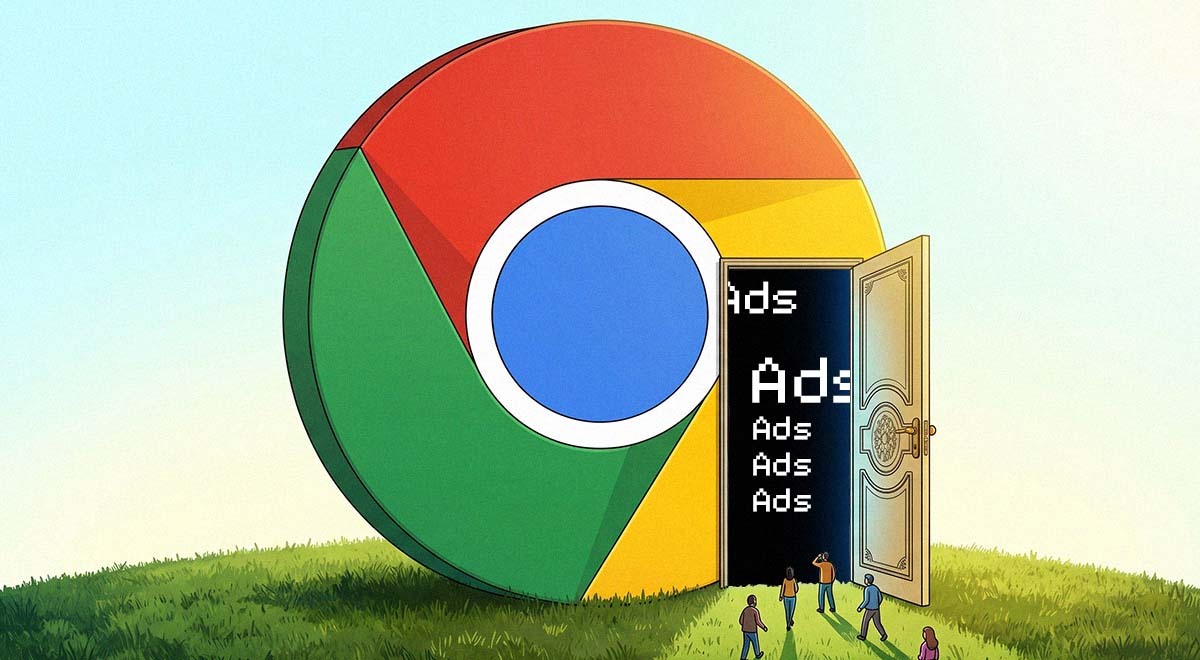
Image by Cybernews.

 Follow us
Google Chrome’s browser extension framework has received a major update to enhance security. However, the resulting incapacitation of all effective adblockers could be a welcome side effect for the American ad tech behemoth.
- Google Chrome is ending Manifest V2 support, a change that disables effective adblockers like uBlock Origin in upcoming browser versions.
- Manifest V3 removes dynamic filtering, limiting how Chrome extensions block ads, trackers, and other unwanted content before pages load.
- Google says the update improves extension security, but critics argue it also benefits Chrome’s ad-driven business model.
- Security experts still recommend adblocking tools because they reduce malicious ads, tracking, third-party data collection, and risky redirects.
Key Takeaways by nexos.ai, reviewed by Cybernews staff.
Google is slowly ending support for Chrome Manifest V2, the key set of rules on how extensions operate within the world’s most popular browser. While user security and software performance are top reasons for the move to the latest version, Manifest V3, Google won’t be left empty-handed either.
The move, which began last year with Chrome version 127, effectively disables uBlock Origin, one of the most popular content-blocking extensions on Chrome. Developers note that Chrome’s next reiterations, either version 150 or 151, will completely stop supporting Manifest V2.
“MV2 extensions are no longer allowed in any supported version of Chrome, and we are removing support for them and the associated functionality. We won't be able to provide/maintain this functionality indefinitely due to the complexity and tech debt, as well as the security risks it entails,” Google engineer Devlin Cronin explained.






Developers noted that Google Chrome’s updated code version already includes the “ExtensionManifestV2Disabled” flag, which means technically the Manifest V2 could be gone with the next Chrome update.
Strong password generator

Once Chrome completely transfers to Manifest V3, the browser will no longer support dynamic filtering, rendering content-blocking scripts ineffective. The current browser extension framework allows extensions to run in the background, allowing adblockers to intercept undesired content before it reaches users’ eyes.
Manifest V3 will force extensions into a more rigid system, effectively requiring adblockers to ask Chrome for permission to block ads in the company's product, whose vast majority of revenue comes from selling ad space.
However, security is no minor concern as well. Chrome extensions have been exploited to peddle malware numerous times.
For example, in March, researchers discovered that “Save image as Type,” a popular Chrome extension featured by Google and with over one million downloads, silently changed ownership and was updated with malicious code to steal affiliate commissions from hundreds of merchants.






In April, security analysts noted that dozens of extensions on the Chrome Web Store contained malware controlled by a single operator, with thousands of users unwittingly installing backdoors to their devices.
Last year, cybersecurity pros discovered 58 popular Chrome extensions that harbored secret tracking code, likely affecting 6 million of the browser’s users. However, while security is an important concern, updates don’t necessarily make the environment safer.
Cybernews previously conducted an experiment that revealed that, even after the transition, threat actors will still be able to create malicious extensions. At the same time, ad and other content filtering is an important cybersecurity feature that protects users from malicious ads and tracking.
The Cybersecurity and Infrastructure Security Agency (CISA) recommends using adblocking software because it reduces the risk of malicious ads or redirects to malicious websites, enhances client-side performance and page load times, and reduces the risk of data collection by third parties.
While Chrome is the most popular browser, it is certainly not the only one. Developers discussing Manifest V3 signaled a potential move to the privacy-focused Brave browser or Firefox to continue avoiding unwanted content.
Unlock more exclusive Cybernews content on YouTube.