Security hole in HP thin client disk encryption: key available with a single script
Tricking a TPM into handing over its sealed disk encryption key is alarmingly easy on HP thin client devices.
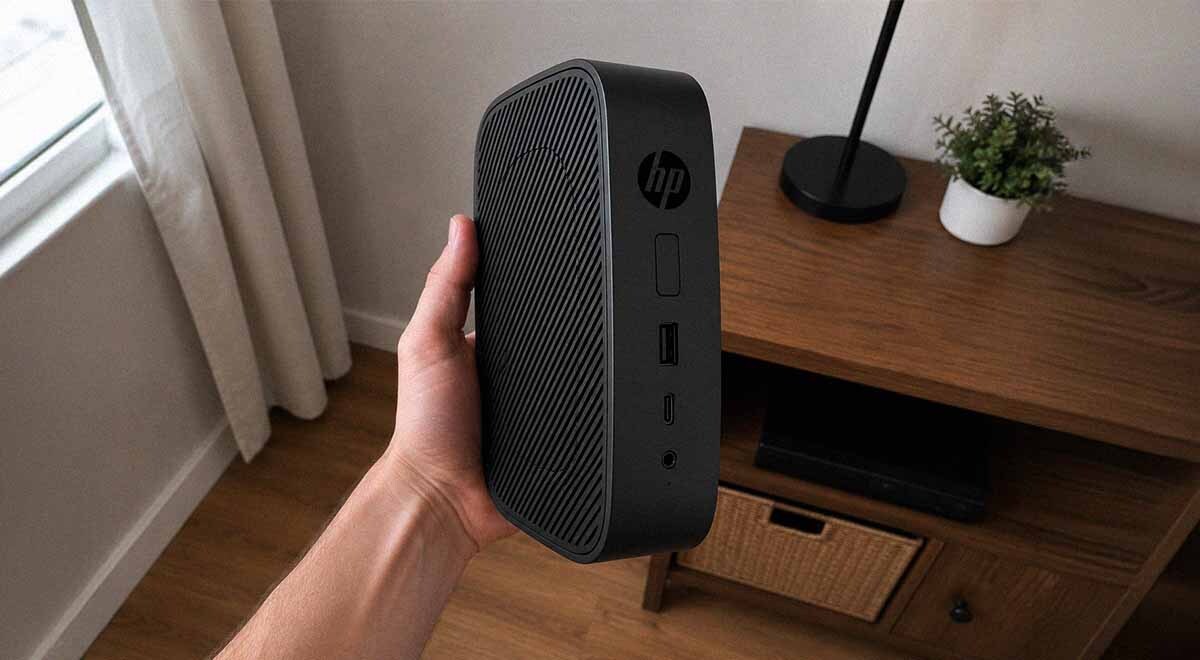
image by Cybernews.

 Follow us
- A flaw in HP ThinPro 8 and 9 lets physical attackers bypass disk encryption and steal sensitive credentials.
- Attackers can modify one unencrypted startup script after removing the device's M.2 storage drive.
- HP acknowledged the February 2026 disclosure, but no fix or vulnerability identifier was available after the patch deadline.
Key Takeaways by nexos.ai, reviewed by Cybernews staff.
Mainstream enterprise thin clients from HP, such as the t530 or t540, have a severe gap that allows complete bypass of disk encryption, exposing stored credentials and configurations. For physical attackers, such as thieves, hackers, or disgruntled employees, this could open a path into internal corporate systems. HP was made aware of the bug in February, but hasn’t shipped a fix yet.
AmberWolf, a cybersecurity company, discovered that HP ThinPro OS versions 8 and 9 are vulnerable to disk-encryption bypass.
This minimal Debian-based Linux distribution is optimized for accessing virtual desktops and other cloud infrastructure and is used in a variety of HP enterprise thin client computers.
The exploit requires “no soldering, no reverse engineering, no exotic anything,” according to AmberWolf’s report.






However, a potential attacker would still need to physically remove the M.2 storage drive from the thin client and attach it to their machine to add a malicious script.
ThinPro OS encrypts the root partition using LUKS (Linux Unified Key Setup), a standard tool for disk encryption on Linux.



Stay updated with our latest stories and follow us on social media
Be the first to discover new stories, ideas, and updates from our team.
The issue lies in how ThinPro devices check whether they have been tampered with before unlocking the disk.
The encryption key is sealed in the TPM security chip, which verifies only the initial startup stages – the BIOS firmware, UEFI drivers, and the GRUB bootloader binary. However, the checks end here – no further inspection is made on other startup files GRUB loads next. They sit on disk unencrypted.
On the Linux system, secure boot is off by default, and HP’s BIOS lists it as “not supported for OSes other than Windows.” It also leaves attackers free to tamper with anything that isn’t sealed by the TPM, such as GRUB commands and other files GRUB loads.
“Trusted GRUB binary then loads a kernel and an initramfs (initial RAM file system),” Darren McDonald, Red Team Operator at AmberWolf writes.
“So I edited the script that unseals the key and told it to write the key out to the unencrypted partition.”
Essentially, all the attacker needs to do is edit a single script.
For that, the attacker needs to remove the drive, attach it to another machine, mount the unencrypted boot partition, unpack the initramfs, and edit the plain shell script inside it, “unseal_key”, so it drops the TPM-released decryption key to the unencrypted partition.
The attacker can then repack, write it back, reinstall the drive, power on the device so the script runs, pull the drive again, and read the key.
The researcher confirmed the exploit works on an HP t530 running ThinPro 8.1.0 build 22 and an HP t540 running ThinPro 9.0.0 build 15.
At the time of writing, there is no fix available from HP for this issueAmberWolf
The researcher responsibly disclosed the issue to HP on February 22nd, 2026, and the company acknowledged it and confirmed that a fix is coming. However, the 90-day disclosure window and patch date passed, and HP later stated that remediation work is blocked due to “challenges.” The bug has no CVE assigned.
The researcher urges network defenders to set a BIOS password and enable Secure Boot, which would only slow down potential attackers.
“Treat the encryption as no protection once the device is out of your control. Destroy the M.2 on disposal, and do not rely on ThinPro FDE for a lost or returned unit.”
Thin clients, due to their low cost and management capabilities, are widely deployed across many industries, including call centers, healthcare, finance, government, and other VDI/remote-desktop environments.
Their storage isn’t meant to store personal documents, as the device is designed to run nearly everything on a remote server. But they contain local passwords, WiFi credentials, and other configuration profiles that could be abused to gain initial access.