Microsoft ditches SMS codes for sign-in, says there’s a more secure way to reach your accounts
The company believes that two-factor authentication codes sent via text are a recipe for getting your accounts hacked.
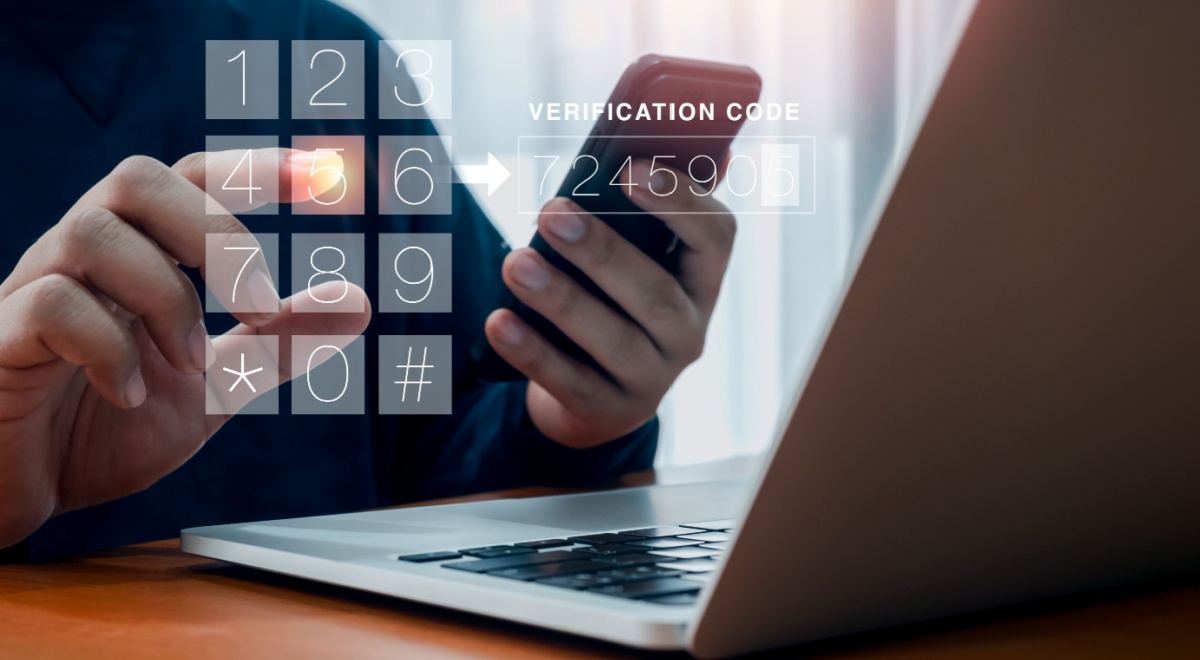
Image by tete_escape | Shutterstock

 Follow us
The company believes that two-factor authentication codes sent via text are a recipe for getting your accounts hacked.
- Microsoft is removing SMS-based two-factor authentication as a verification option for personal accounts.
- Instead of SMS codes, Microsoft is promoting passkey authentication.
- Text-based codes can be intercepted by hackers who use SIM swapping attacks to redirect a victim's phone number to their own device.
- Passkeys are a safer option because biometric data stays on a user’s device, and only cryptographic verification is sent to apps/websites.
- The company is encouraging a broader shift away from passwords entirely, with new Microsoft accounts already offering password-free sign-in via passkeys and verified email.
Key Takeaways by nexos.ai, reviewed by Cybernews staff.
Microsoft is ditching SMS two-factor authentication (2FA) and encouraging users to opt for other verification methods, such as email and passkey.
The decision to remove SMS 2FA as a verification option stems from the fact that “SMS-based authentication is now a leading source of fraud,” according to the company.
“[...] By moving to passwordless accounts, passkeys, and verified email, we're helping you stay ahead of evolving threats while making account access simpler and more seamless,” Microsoft said.






It’s been previously reported that new Microsoft accounts no longer have passwords, either, with users encouraged to use passkeys instead.






While the company promotes passwordless sign-in, it still allows users to access their accounts by entering a password.
SMS 2FA can become a cybersecurity threat because the code is sent as plain text.
These codes can be simply used by hackers who commit SIM hijacking attacks, notes Windows Latest.
SIM hijacking is a method in which a hacker tricks a mobile carrier into transferring the victim’s phone number to their device. They can then receive the messages containing 2FA codes.
Has your password leaked?
Passkey vs two-factor authentication
Passkey is a secure and passwordless way to log in to websites and applications. It uses public-key cryptography to log users in via biometrics, such as face ID, fingerprint, or a PIN.
It’s been viewed as a safer option for logging in to accounts, as it doesn’t expose data that hackers can steal.
The biometrics you use on your phone stay on your device, while the apps and websites you’re trying to log into only receive cryptographic confirmation that helps identify you.
Some users may also prefer a passkey login, since they no longer need to remember their passwords.
Meanwhile, 2FA works by asking for a second form of verification. Instead of logging in with just a password, you are also required to complete a second verification step.
This includes entering a one-time password sent via SMS or email, completing a biometric scan (face or fingerprint), or entering a temporary code from an authenticator app.
FAQ about Microsoft’s SMS 2FA verification removal
Why is Microsoft disabling SMS 2FA?
The company is phasing out SMS for two-factor authentication (2FA) and account recovery on personal accounts to protect users from potential fraud.
What is the alternative to SMS 2FA?
Microsoft suggests that users create a passkey that uses biometrics or a device PIN to log in to accounts.
What is the problem with SMS 2FA?
The code sent via SMS is vulnerable to interception, SIM swapping, and social engineering.
Can I still use my password?
Yes, Microsoft users can still log in using their passwords and follow one of the new verification methods.
FAQ by nexos.ai, reviewed by Cybernews staff.
Unlock more exclusive Cybernews content on YouTube.