Best eSIM for South Korea in 2026
Our in-house expert researchers and journalists conduct independent, unbiased testing of eSIM services, assessing their real-life effectiveness and usability.
By staying current with industry developments and openly sharing our transparent testing methodologies, we ensure readers receive accurate, up-to-date insights so they can make informed choices about eSIM solutions.
Learn more

From wandering Gyeongbokgung Palace to hiking Jeju Island or navigating Seoul’s neon-lit streets, South Korea is packed with experiences. However, roaming fees can quickly add up, and hunting for a local SIM is a hassle. That’s where the best eSIM for Korea travel comes in: you can navigate on Google Maps, chat on KakaoTalk, and share photos instantly without the need for public Wi-Fi that can be insecure.
eSIMs simplify travel. Activate one in minutes, skip long SIM card lines, and get affordable data the moment you land at Incheon Airport. After testing multiple providers across South Korea, I rounded up the top picks for 2026 to help you stay connected, save money, and travel stress-free.
Top 5 eSIMs for South Korea in 2026 – my recommendations
- Saily – travelers’ favorite eSIM for South Korea in 2026
- Airalo – South Korea eSIM for remote work and heavy use
- Jetpac – cheapest eSIM for a trip to South Korea
- Nomad eSIM – flexible South Korea plans with broad network access
- aloSIM – South Korea eSIM with a phone number for calls and SMS




Our team of researchers thoroughly tests eSIM services using a clear and consistent process. We combine first-hand experience with expert analysis to evaluate features, performance, coverage, and pricing - so you can make confident decisions before your trip. Learn how we test eSIMs.
Things to consider before choosing an eSIM for travel in South Korea
When choosing an eSIM service, you should consider more than just the price. Here are the main factors to help you find the best eSIM for travel to South Korea and ensure it’s worth your investment:
- Coverage in South Korea. Ensure your preferred eSIM has coverage across South Korea, including big cities and rural areas. If you’re traveling across the region, choose an eSIM that offers not only coverage in South Korea but also in neighboring countries like Japan and China.
- Calls and messages. Decide whether you only need data or also want to make calls and send messages. Some eSIM providers offer data-only plans, while others include a phone number for making calls and sending SMS.
- Data plans. Estimate the amount of data you need during your trip to South Korea and select an appropriate eSIM plan. Some eSIMs offer fixed plans, while others have pay-as-you-go packages. If you opt for a fixed plan, ensure there’s an option to top up your data.
- Travel duration. Ensure the eSIM's validity period aligns with your travel plans to avoid losing access to eSIM services prematurely.
- Tethering capability. Check if the eSIM provider allows tethering – sharing your device's data connection as a mobile hotspot.
- Price. Compare eSIM prices to find the most affordable option that matches your budget.
Best eSIM for South Korea travel in 2026 – detailed list
Together with our research team, I put South Korea’s leading eSIM providers to the test, evaluating their coverage, speed, and plan options. After careful testing, these are my top picks to keep you connected throughout your trip.
1. Saily – my eSIM pick for South Korea travel

| Rating: | |
| Countries and regions: | 200+ |
| Supported network: | 3G, 4G, LTE, 5G |
| Calls/SMS: | ✅ Yes (US phone number) |
| Starting price: | From $3.59 |
Out of all eSIMs I’ve tested in South Korea, Saily is by far my favorite. From the moment I landed at Incheon Airport, I quickly noticed its fast speeds, reliable coverage, and ease of use. Since it was created by a security company, Nord Security, you can also expect security features like virtual location, ad blocker, and web protection for secure browsing.
Network coverage. Saily eSIM offers broad coverage in over 200 destinations worldwide. In South Korea, it connects you to 3G, 4G, LTE, and 5G speeds, though it doesn’t specify its network providers. When I was visiting major cities like Seoul, Busan, and Incheon, I could connect to 5G speeds or at least 4G. In more rural places, the connection dropped a bit, but that’s expected.
Data plans and pricing. Saily includes 11 local plans in South Korea, including recently introduced unlimited data plans. There are also regional and global plans if you’re planning to cross borders.
Overall, Saily keeps it affordable for travelers with different budgets. For example, its cheapest plan comes from $3.59/GB for 7 days. If you’re willing to invest more in connectivity, you can also opt for its newest Saily Ultra plan for $53.99/month. It might feel costly at first, but you do get unlimited international data and attractive extras like a NordVPN subscription, fast-track service, and lounge access at the airport.
| Data allowance | Duration | Price |
| 1GB | 7 days | $3.59 |
| 3GB | 30 days | $8.09 |
| 5GB | 30 days | $9.89 |
| 10GB | 30 days | $17.09 |
| 20GB | 30 days | $26.99 |
| Unlimited data | 5 | $17.09 |
| Unlimited data | 10 | $31.49 |
| Unlimited data | 15 | $44.09 |
| Unlimited data | 20 | $53.99 |
| Unlimited data | 25 | $59.39 |
| Unlimited data | 30 | $64.79 |
My experience with Saily. I was surprised by how easy it is to use Saily. Setting it up took just a few minutes – I installed the app, created an account, chose South Korea as my destination, and purchased a plan. The instructions were clear, and activating the eSIM was literally one tap, no complicated ID checks or hoops to jump through.
By the time I landed at Incheon Airport, the eSIM had already connected to a local network, so I didn’t have to change any settings or search for service. It just worked. For more in-depth analysis, you can also check out our Saily review.
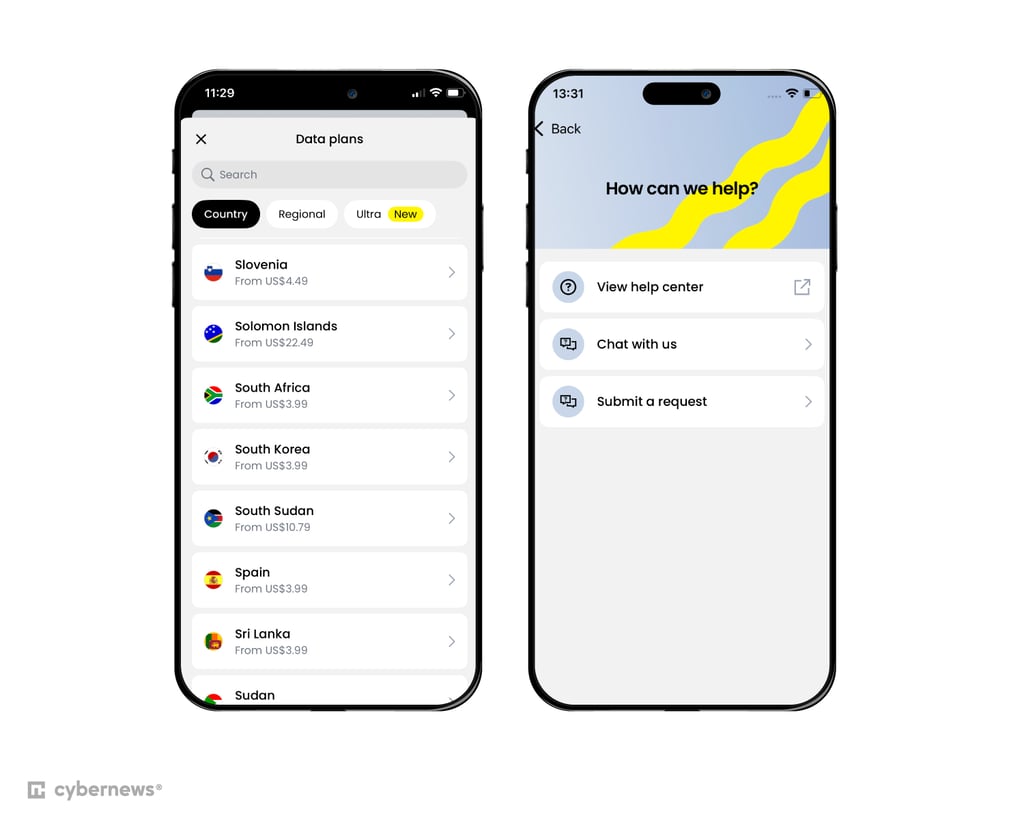
Customer support. Saily’s support really impressed me. I tested both the 24/7 live chat and email, and every time I got quick, helpful responses. It’s clear they put effort into keeping the service traveler-friendly, which makes Saily feel like a reliable eSIM you can count on abroad.
2. Airalo – South Korea eSIM for remote workers and heavy users

| Rating: | |
| Countries and regions: | 200+ |
| Supported network: | LTE |
| Calls/SMS: | ✅ Yes, only on Discover+ plan |
| Starting price: | From $3.50 |
If you’re traveling to South Korea for work or just need plenty of data for things like streaming Netflix, Airalo could be the perfect fit. The provider offers a range of unlimited data plans at a great value. While it might not reach the same speeds as Saily, Airalo still delivers solid performance and reliable coverage across the country.
Network coverage. Like Saily, Airalo is available in over 200 destinations. In South Korea, it partners with a popular network provider, KT, connecting you to LTE speeds in most areas. It’s not the fastest option out there, but it kept my speeds stable and performance consistent throughout the trip.
Data plans and pricing. Airalo has 18 local plans for South Korea, not to mention its regional and global plans. Additionally, it has many unlimited data plans for heavy users, making it a strong competitor on my list.
If you’re on a budget, its cheapest plan starts from $3.50/GB for 3 days – slightly more expensive than Saily. As for its unlimited data plans, you can get a plan for as low as $11.00 for 3 days, which is considerable, since you don’t have to count your internet usage.
| Data allowance | Duration | Price |
| 1GB | 3 days | $3.50 |
| 3GB | 3 days | $7.00 |
| 3GB | 7 days | $8.00 |
| 5GB | 7 days | $9.00 |
| 10GB | 7 days | $17.00 |
| 5GB | 15 days | $9.50 |
| 10GB | 15 days | $17.50 |
| 20GB | 15 days | $27.50 |
| 5GB | 30 days | $10.00 |
| 10GB | 30 days | $17.50 |
| 20GB | 30 days | $28.00 |
| 50GB | 30 days | $43.00 |
| Unlimited data | 10 days | $31.00 |
| Unlimited data | 30 days | $63.50 |
My experience with Airalo. Airalo turned out to be one of the smoothest eSIM setups I’ve tried. I purchased a plan in the app, installed it, and followed the on-screen instructions. There were no ID checks or long waits. When I landed in South Korea, the eSIM automatically connected to a local network without me lifting a finger.
What really stood out was how effortless the whole experience felt. The app makes it easy to track your data, top up, or reach customer support, all from one clean interface. If you’d like to learn more about its app and ease of use, you can check out our Airalo review.
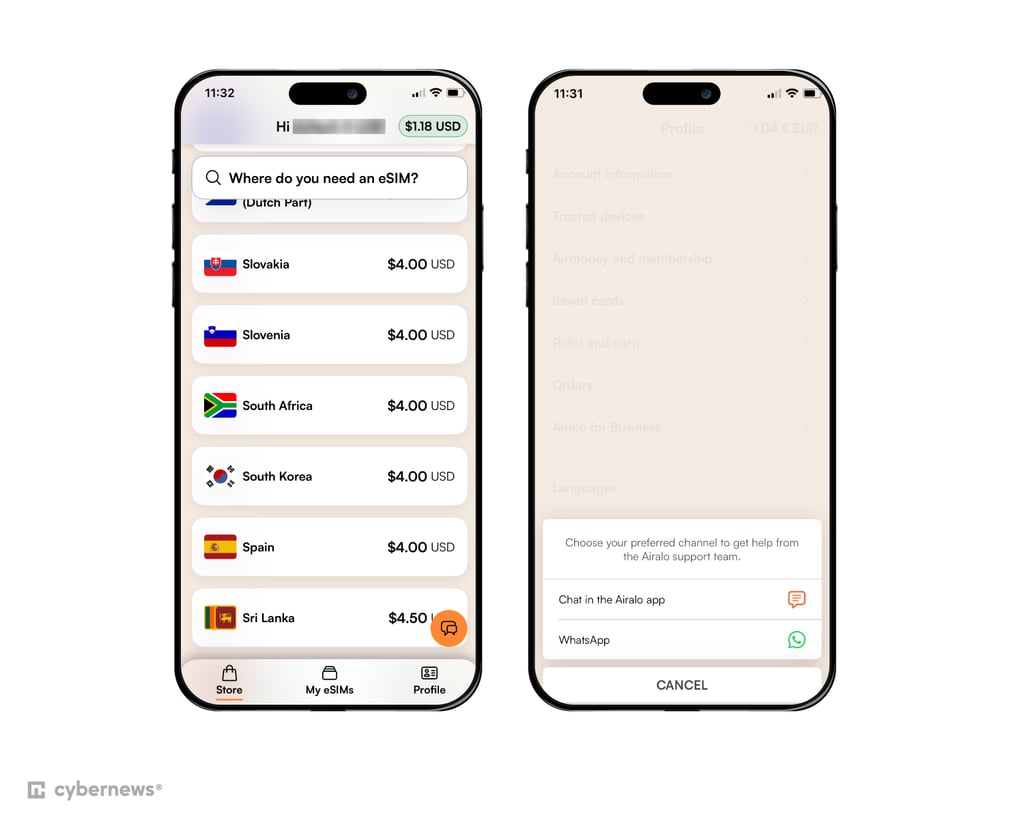
Customer support. As for support, Airalo was quick to impress. The live chat replied almost instantly, and email responses came through fast, too. It’s clear the service is built for travelers who expect quick, reliable help whenever they need it.
3. Jetpac – most affordable eSIM for South Korea

| Rating: | |
| Countries and regions: | 200+ |
| Supported network: | 4G, 5G |
| Calls/SMS: | ❌ No |
| Starting price: | From $1.00 |
If you’re looking for the most affordable and flexible eSIM for South Korea, that’s Jetpac. Its cheapest plan comes from $1.00/GB for 4 days for new users. Just keep in mind that if you need a bigger plan, the price can quickly increase. What I also appreciate about Jetpac is its variety of plans, meaning you can align the plan to your travel needs.
Network coverage. Like most top eSIM providers, Jetpac covers over 200 destinations around the globe. In South Korea, it partners with a popular network provider, KT, bringing you mostly 5G and 4G speeds. I was pleasantly surprised that I was able to connect to the fastest speeds in major cities like Seoul and Busan. Even in more rural areas, the connection didn’t drop far below 4G.
Data plans and pricing. Jetpac offers even more local data plans than Airalo – 24 plans in total. Plus, there are regional and global plans with South Korea included. For heavy users, the provider even has 7 unlimited data plans.
You can get a South Korea plan for as low as $1.00/GB for 4 days – that’s the cheapest plan on my list. As for unlimited data plans, the cheapest one is $12.99 for 3 days. If you compare it to Airalo, it’s a bit more pricey, but the difference is less than a dollar.
| Data allowance | Duration | Price |
| 1GB | 4 days | $1.00 |
| 3GB | 1 day | $6.50 |
| 3GB | 4 days | $7.50 |
| 3GB | 7 days | $9.00 |
| 5GB | 1 day | $7.00 |
| 5GB | 4 days | $8.00 |
| 5GB | 7 days | $9.00 |
| 5GB | 30 days | $11.00 |
| 10GB | 1 day | $9.50 |
| 10GB | 4 days | $12.00 |
| 10GB | 7 days | $14.00 |
| 10GB | 30 days | $17.00 |
| 15GB | 7 days | $17.00 |
| 15GB | 30 days | $22.50 |
| 20GB | 30 days | $43.00 |
| 30GB | 30 days | $34.99 |
| 40GB | 30 days | $44.99 |
| Unlimited data | 3 days | $12.99 |
| Unlimited data | 5 days | $19.99 |
| Unlimited data | 7 days | $26.99 |
| Unlimited data | 10 days | $33.99 |
| Unlimited data | 15 days | $41.99 |
| Unlimited data | 21 days | $49.99 |
| Unlimited data | 30 days | $65.99 |
My experience with Jetpac. Jetpac won me over with how smooth the setup was. I just scanned a QR code, and the eSIM took care of everything else. When I landed in South Korea, I instantly connected to a local network.
The app also deserves a shout-out. It’s minimal, intuitive, and ideal for first-time eSIM users. Adding data, checking your balance, or managing your plan takes seconds, and the whole experience feels very simple. You can learn more about its app and ease of use on our in-depth Jetpac review.
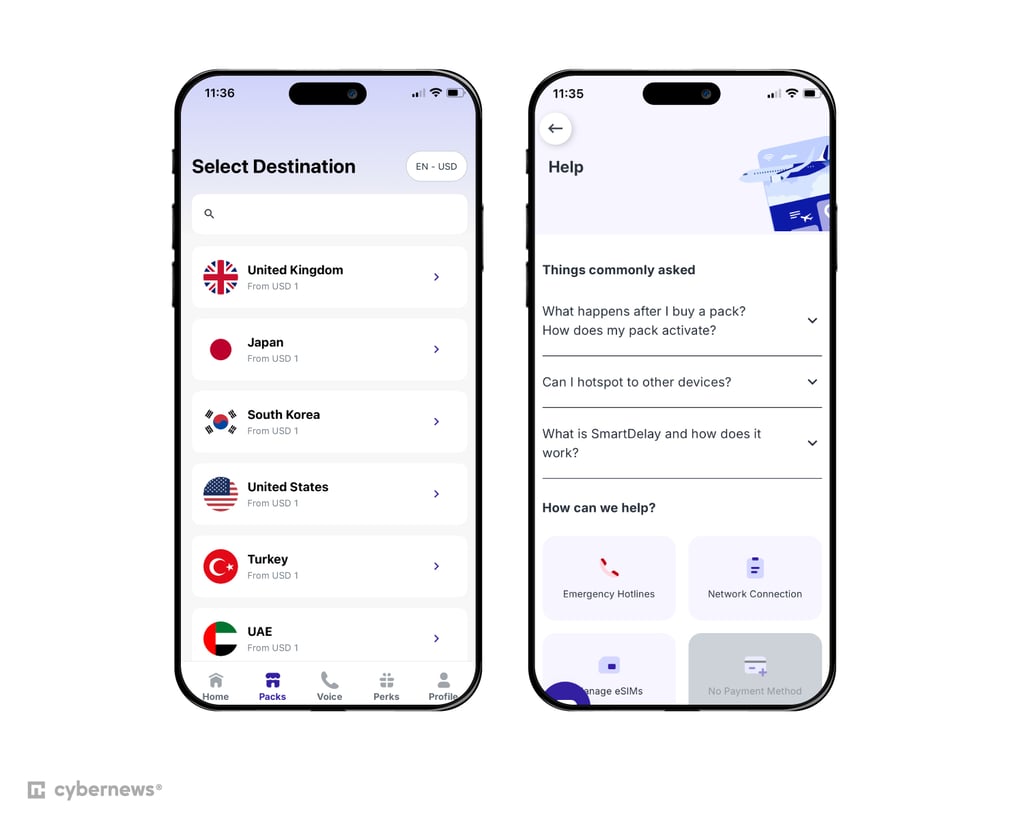
Customer support. Jetpac’s support was really helpful. The 24/7 live chat responded almost immediately with clear, helpful answers. For a budget-friendly eSIM, it strikes an impressive balance between affordability, usability, and reliable support – exactly what travelers need abroad.
4. Nomad eSIM – flexible South Korea plans with broad network access

| Rating: | |
| Countries and regions: | 200+ |
| Supported network: | 4G, 5G |
| Calls/SMS: | ❌ No |
| Starting price: | From $4.00 |
Nomad eSIM is a flexible option for travelers visiting South Korea, offering fixed-data and unlimited plans for different trip lengths and usage needs. Regional options are also available if you’re continuing to Japan, China, or other destinations in Asia. I found it useful for both shorter trips and longer stays.
Network coverage. In South Korea, Nomad eSIM partners with SK Telecom, KT Olleh, and LG U+, although the available network depends on your plan. On my trip, I connected to both 4G and 5G networks, with the available connection also varying by location. Hotspot and tethering are supported if you need to share your connection with another device.
Data plans and pricing. Nomad eSIM has 10 local plans for South Korea, including fixed-data plans from 1GB to 50GB and unlimited options valid for 3, 5, 7, or 10 days. Plans start at $4.00 for 1GB, valid for 7 days. If you’re staying longer, fixed-data options are available for up to 30 days. Regional plans cover China, Japan, South Korea, and other Asian destinations, which can be useful for multi-destination trips.
| Data allowance | Duration | Price |
| 1GB | 3 days | FREE |
| 1GB | 7 days | $4.00 |
| 3GB | 30 days | $8.00 |
| 5GB | 30 days | $10.00 |
| 10GB | 30 days | $18.00 |
| 20GB | 30 days | $28.00 |
| 50GB | 30 days | $39.00 |
| Unlimited data | 3 days | $11.00 |
| Unlimited data | 5 days | $18.00 |
| Unlimited data | 7 days | $25.00 |
| Unlimited data | 10 days | $33.00 |
My experience with Nomad eSIM. Setting up the Nomad eSIM was straightforward, and I could install it before traveling and manage it through the app. I found the interface easy to navigate, particularly when checking my data usage. Hotspot and tethering were also useful when I needed to share my connection, while add-ons are available on eligible plans if you run low on data. We covered our experience with Nomad eSIM in more detail in our Nomad eSIM review.
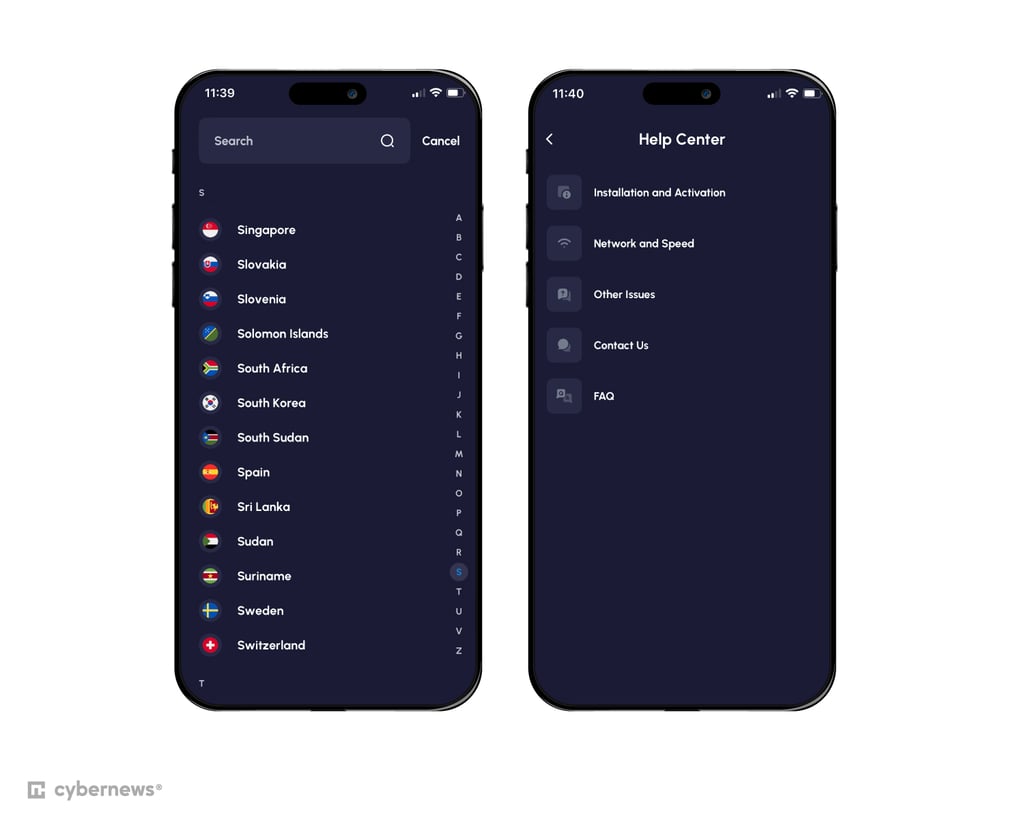
Customer support. Nomad eSIM offers 24/7 live chat support, which you can access through its website and mobile app. In my experience, the support was helpful and responsive, but you have to go through a chatbot before being connected with a real agent. For more common questions about installing, activating, and managing your eSIM, I recommend checking its Help Center and FAQs.
5. aloSIM – eSIM for South Korea with a phone number

| Rating: | |
| Countries and regions: | 200+ |
| Supported network: | LTE, 5G |
| Calls/SMS: | ✅ Yes |
| Starting price: | From $4.50 |
Most eSIMs offer data-only plans – and this is where aloSIM stands out. It features plans with a local phone number, which you can use to make calls or send texts. This comes in handy when you need to call a hotel or order a local taxi. On top of that, the provider offers decent internet speeds and broad coverage.
Network coverage. aloSIM lets you connect in over 200 locations across the globe. In South Korea, it partners with two popular network providers – KT and SK, so you can expect to have LTE and 5G speeds, depending on your location. When I was traveling through the country, the provider delivered stable and reliable coverage.
Data plans and pricing. aloSIM only has 12 local plans, plus there are regional plans (but no global). I appreciate that it has a wide selection of unlimited data plans – 6 in total. You can only choose a plan for up to 20GB if you don’t want to opt for unlimited data.
Looking at its price tag, it’s not that affordable, either. Its cheapest plan comes from $4.50/GB for 7 days – that’s one of the most expensive providers on my list. If you need an unlimited data plan, prepare to pay $12.50 for 3 days.
| Data allowance | Duration | Price |
| 1GB | 7 days | $4.50 |
| 2GB | 15 days | $7.00 |
| 3GB | 30 days | $9.50 |
| 5GB | 30 days | $11.00 |
| 10GB | 30 days | $21.00 |
| 20GB | 30 days | $32.00 |
| Unlimited data | 3 days | $12.50 |
| Unlimited data | 5 days | $20.50 |
| Unlimited data | 7 days | $29.50 |
| Unlimited data | 10 days | $35.00 |
| Unlimited data | 15 days | $49.00 |
| Unlimited data | 30 days | $72.50 |
My experience with aloSIM. Getting started with aloSIM was a breeze. I activated my eSIM in minutes by scanning the QR code and following the on-screen prompts. If you prefer a manual setup, that option is available too, and the clear step-by-step instructions make it super easy, even for first-timers. For a deeper dive into this provider’s ease of use, you can also read our aloSIM review.
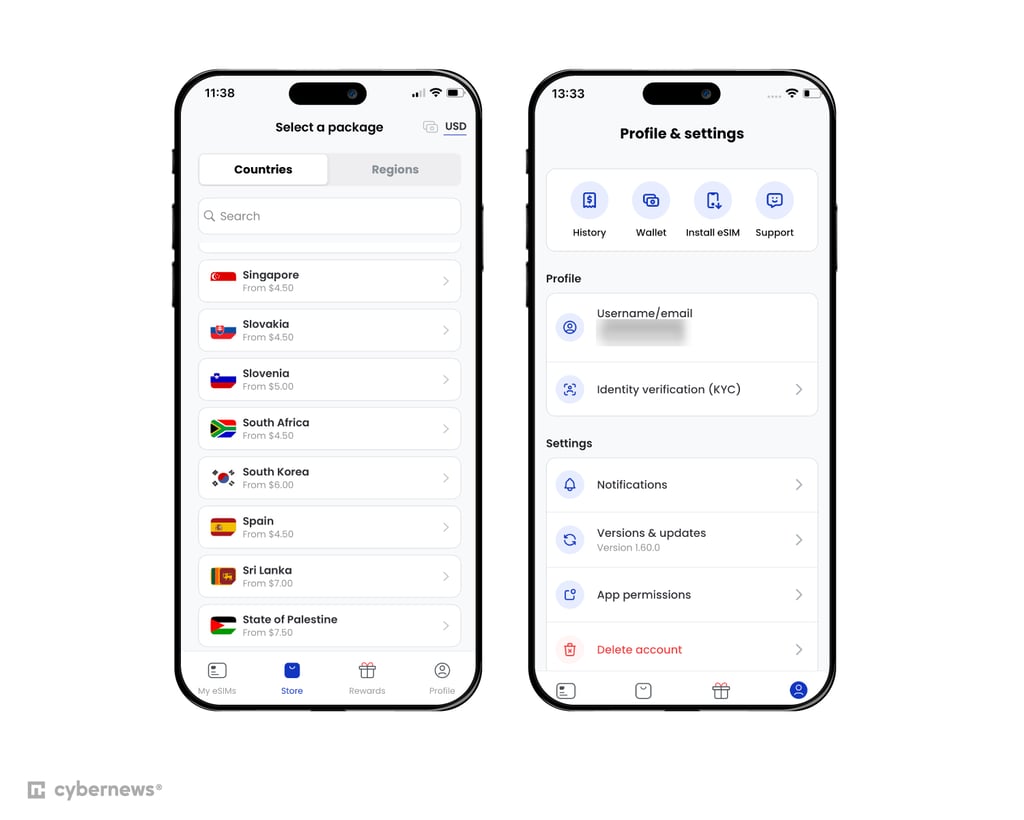
Customer support. I found aloSIM’s support as one of its strongest parts. Before my trip, I had a couple of questions, and the live chat team responded almost instantly. Knowing that quick, reliable help was just a tap away right before my flight gave me total peace of mind.
6. GigSky – land and cruise eSIM plans for South Korea

| Rating: | |
| Countries and regions: | 200+ |
| Supported network: | 3G, 4G, 5G |
| Calls/SMS: | ❌ No |
| Starting price: | From $4.99 |
GigSky is a versatile eSIM for South Korea, offering local, regional, global, and even cruise plans. It also comes with broad international coverage and a free tier, so you can test it out before your trip. No matter how or where you travel, GigSky ensures you won’t lose your connectivity.
Network coverage. GigSky offers coverage in over 200 destinations worldwide. In South Korea, you can expect stable, reliable connectivity with mostly 5G speeds, though some areas may drop to 4G or even 3G.
Data plans and pricing. GigSky has 12 local data plans, with a free 100MB plan for new users included. Most of these plans offer unlimited data and range from 1 to 30 days. On top of that, there are also regional, global, and even cruise plans for up to 120 days.
If you’re looking for the most budget-friendly solution, you can opt for a 7-day plan for $4.99/GB. Unlimited data plans are pricier, starting at $5.94 for 1 day. The good news is that you can save more by going with a longer-term plan.
| Data allowance | Duration | Price |
| 100MB | 7 days | FREE |
| 1GB | 7 days | $4.99 |
| 3GB | 15 days | $10.19 |
| 5GB | 30 days | $18.69 |
| 10GB | 30 days | $33.99 |
| Unlimited data | 1 day | $5.94 |
| Unlimited data | 3 days | $16.99 |
| Unlimited data | 5 days | $24.64 |
| Unlimited data | 7 days | $32.29 |
| Unlimited data | 14 days | $50.99 |
| Unlimited data | 21 days | $63.74 |
| Unlimited data | 30 days | $76.49 |
My experience with GigSky. Setting up GigSky was very simple. The app made it effortless to find the right plan, pay, and install – all guided by clear, step-by-step prompts. You can actually read more about it on our GigSky review.
What I really liked was the flexibility. You can install your eSIM before your trip, and it automatically activates once you land. The app’s clean, intuitive dashboard makes it easy to monitor your plan, even if you’re new to eSIMs. No ID checks, no complicated setup – just a fast, straightforward experience from start to finish.
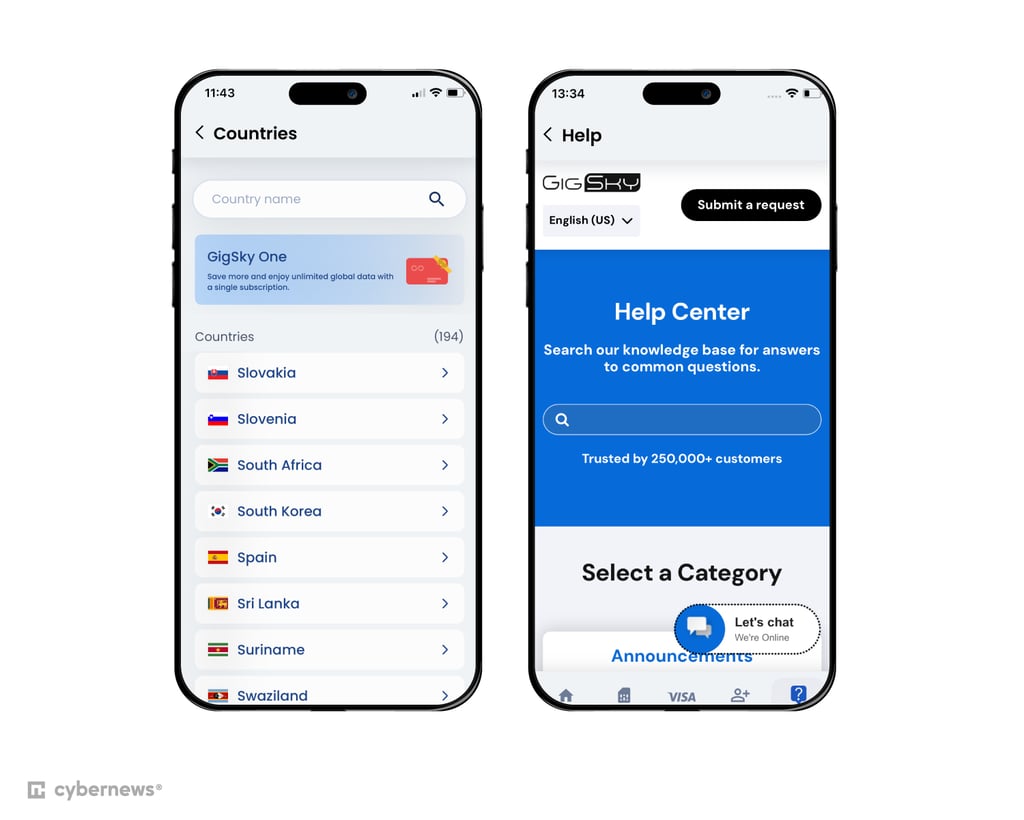
Customer support. GigSky doesn’t offer live chat, but you can contact its support team by phone or email. Response times are generally quick, and the staff is helpful when it comes to solving issues or answering questions.
7. Instabridge – flexible pay-as-you-go plans for South Korea

| Rating: | |
| Countries and regions: | 190+ |
| Supported network: | 3G, 4G, 5G |
| Calls/SMS: | ❌ No |
| Starting price: | From $2.00 |
While most eSIM providers offer only fixed data plans, Instabridge adds flexibility with pay-as-you-go options. That means you only pay for what you use. These plans are especially handy for short-term trips to South Korea. On top of that, you can enjoy the provider’s unique features like a Wi-Fi map to help you find free Wi-Fi hotspots, though some security experts wouldn’t recommend using them.
Network coverage. Compared to other providers on my list, Instabridge offers smaller coverage, with 190+ destinations available worldwide. In South Korea, it partners with two popular network providers – KT and SK. For you, that means that you can stay connected with mostly 4G and 5G speeds. In some rural areas, you may only connect with 3G speeds.
Data plans and pricing. Instabridge doesn’t offer much variety in data plans – you’ll find just four local options, plus a few regional and global plans. It doesn't even have unlimited data plans. However, it offers pay-as-you-go plans that start from $4.00/GB, which most eSIM providers don’t have.
In terms of pricing, this provider is quite affordable, with its cheapest plan starting at $2.00/GB for 7 days. Its regional plans are also cheap – you can get an Asia regional plan for as low as $3.00/GB for 7 days.
| Data allowance | Duration | Price |
| 1GB | 7 days | $2.00 |
| 3GB | 15 days | $5.00 |
| 10GB | 30 days | $14.00 |
| 20GB | 7 days | $24.00 |
My experience with Instabridge. Getting started with Instabridge was effortless. After downloading the app and creating an account, I purchased my plan in just a few taps, and the eSIM installed automatically – no manual setup was needed. The app’s clean design, with clear buttons and prompts, makes it especially friendly for first-time users.
Once I arrived at my destination, I had to change my settings, but that wasn’t very difficult. After that, I was able to connect online instantly.
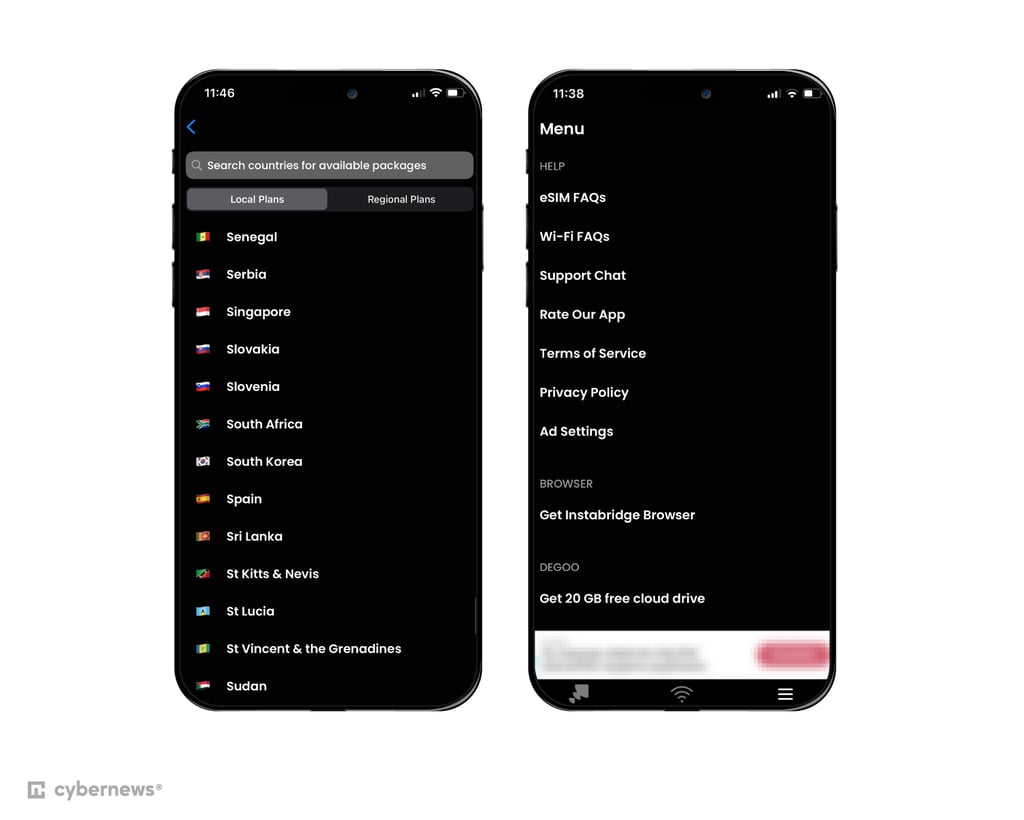
Customer support. Instabridge’s customer support is very responsive. You can contact the team through a quick form on the website or use the in-app live chat – which I tested myself and got fast, detailed replies. It’s reassuring to know that help is just a message away if anything goes wrong.
8. Holafly – unlimited data eSIM for flexible travel

| Rating: | |
| Countries and regions: | 200+ |
| Supported network: | 4G, LTE, 5G |
| Calls/SMS: | ❌ No |
| Starting price: | From $6.90 |
Holafly’s strength lies in its flexibility, as it brings 90 data plans for travelers to South Korea. All of them come with unlimited data, so you don’t need to count your data usage during the trip. However, this flexibility comes with a cost, literally. Its cheapest plan costs from $6.90/GB for 1 day, making it the most expensive provider on my list.
Network coverage. Holafly is available in 200+ countries and regions around the globe. In South Korea, it partners with SK and LG U+ network providers, bringing you LTE and 5G speeds depending on your location.
Data plans and pricing. Holafly is one of the most flexible providers, as it offers 90 data plans with unlimited data to choose from. Plus, if you plan to visit a few countries in Asia, you can opt for a regional or a global plan. The provider makes it easy to align the plan to your travel needs. However, this flexibility comes with a cost. Its cheapest plan starts at $6.90 for 1 day – that’s the most expensive provider on my list.
| Data allowance | Duration | Price |
| Unlimited | 1 day | $6.90 |
| Unlimited | 7 days | $29.90 |
| Unlimited | 15 days | $50.90 |
| Unlimited | 30 days | $74.90 |
| Unlimited | 60 days | $106.90 |
| Unlimited | 90 days | $139.90 |
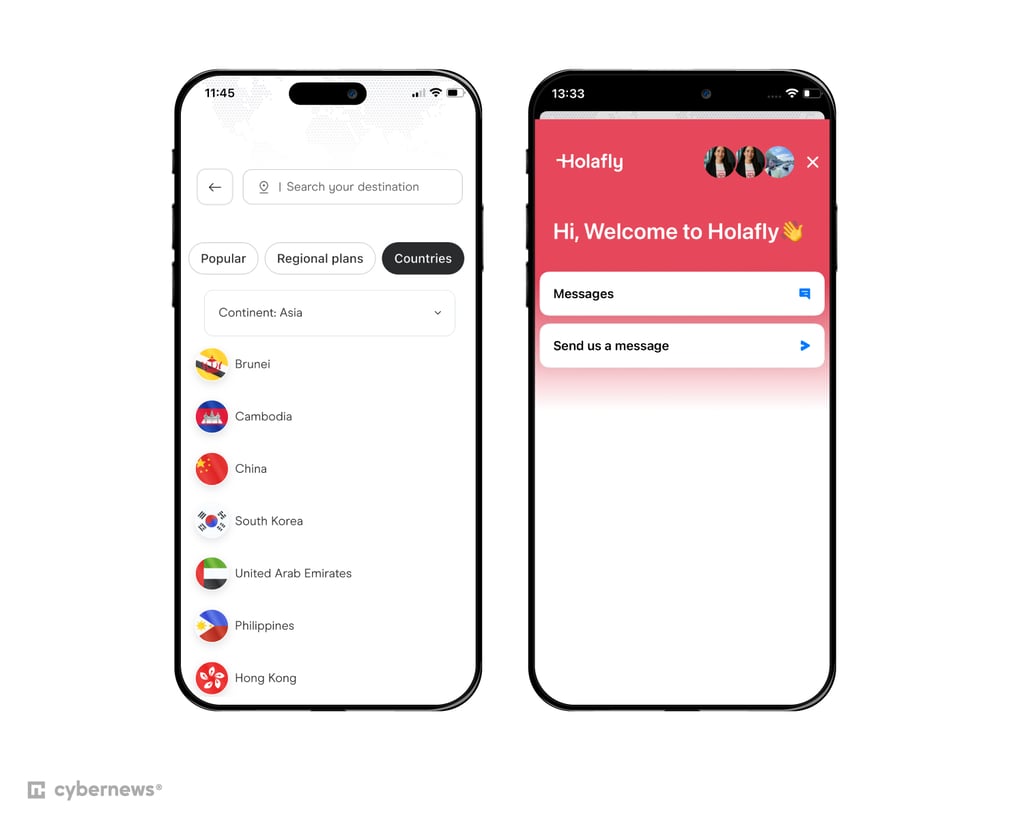
My experience with Holafly. Getting started with Holafly was straightforward, but not without its quirks. After purchasing my plan, I got the QR code via email, and the app walked me through the activation step by step. One-tap installation for newer iOS versions is a nice touch, though it still feels a bit basic compared to more polished eSIM apps. You can read more about it in our Holafly review.
No ID checks or extra hoops made it easy to install the eSIM ahead of time, activating only when I landed. The interface is clean and beginner-friendly, with clearly labeled options for setup and management – simple enough for first-timers, but it could feel a little too minimal for those used to more advanced eSIM dashboards.
Customer support. Holafly offers multiple support channels, including live chat, WhatsApp, and email, with the quickest responses coming through live chat or WhatsApp.
That said, I did notice a potential privacy concern: some reports, including a Reddit thread, mention that part of Holafly’s traffic is routed through China Mobile’s network. If privacy is a priority for you, this is worth keeping in mind before relying on the service.
Best eSIM providers for South Korea compared
I created a table to highlight the main features of the top South Korea eSIMs I’ve covered. You can compare them side by side and decide which one suits your travel needs best:
| Provider | Rating | Starting price | Data plans | Plan duration | Calls and texts | Customer support |
| 1. Saily | From $3.59 | 1GB, 3GB, 5GB, 10GB, 20GB, unlimited data | 7-30 days | ✅ Yes (US phone number) | 24/7 live chat, email, help center, and FAQ | |
| 2. Airalo | From $3.50 | 1GB, 3GB, 5GB, 10GB, 20GB, 50GB, unlimited data | 3-30 days | ✅ Yes, only on its Discover+ plan | 24/7 live chat, email, help center, and FAQ | |
| 3. Jetpac | From $1.00 | 1GB, 3GB, 5GB, 10GB, 15GB, 20GB, 30GB, 40GB, unlimited data | 4-30 days | ❌ No | 24/7 live chat, email, WhatsApp, FAQ, and troubleshooting section | |
| 4. Nomad eSIM | From $4.00 | 1GB, 3GB, 5GB, 10GB, 20GB, 50GB, unlimited data | 3-30 days | ❌ No | 24/7 live chat, email, help center, blog | |
| 5. aloSIM | From $4.50 | 1GB, 2GB, 3GB, 5GB, 10GB, 20GB, unlimited data | 7-30 days | ✅ Yes | 24/7 live chat, email, and FAQ | |
| 6. GigSky | From $4.99 | 100MB, 1GB, 3GB, 5GB, 10GB, unlimited data | 1-30 days | ❌ No | Phone and email support | |
| 7. Instabridge | From $2.00 | 1GB, 3G, 10GB, 20GB | 7-30 days | ❌ No | Email, knowledge base | |
| 8. Holafly | From $6.90 | Unlimited data | 1-90 days | ❌ No | 24/7 live chat, email, guides and articles, FAQ, and WhatsApp |

Before choosing an eSIM for South Korea, ensure the provider meets all your requirements. For example, confirm that the eSIM is compatible with your device and has eSIM plans that align with your travel duration and data needs.
How mobile networks work in South Korea
South Korea has three main mobile networks: SK, KT, and LG U+. Most eSIMs and physical SIMs run on one or more of these networks, so the coverage and speeds you get are largely the same – the differences usually come down to the provider you choose and the specific plan.
Plans vary a lot: some offer unlimited data, while others have daily limits or speed caps. Personally, I’ve used SK Telecom through a few eSIM providers, and it delivered fast, reliable 5G in cities and decent coverage in more rural areas. If you’re streaming or working remotely, SK Telecom or KT-based plans are solid bets. For lighter browsing or short trips, any of the networks will do just fine.
Pros and cons of using eSIM in South Korea
There are many benefits to using an eSIM for travelers in South Korea, but there are also some drawbacks. Generally, the advantages outweigh the disadvantages, but it’s important to know the potential downsides of using an eSIM in South Korea. With that said, below are some pros and cons to consider.
Pros of using an eSIM in South Korea
- Instant internet access. Using an eSIM means you get access to the internet the moment you arrive in South Korea.
- Keep your phone number. You don’t have to remove your regular SIM card to use an eSIM. This means you can keep your number and use the eSIM for data.
- Save money. eSIM plans are considerably cheaper than roaming costs, so using an eSIM can help you save money. This is one of the biggest reasons why many travelers choose an eSIM in South Korea.
Cons of using an eSIM in South Korea
- Compatibility issues. Many older phones (made before 2018) don’t work with eSIMs. If you don’t have an eSIM-compatible phone, you can’t use an eSIM during your trip to South Korea.
- Difficulty switching devices. Unlike physical SIM cards, which can be easily removed from one device and inserted into another, switching an eSIM between devices requires going through the entire installation and activation process from scratch. This can be a major inconvenience if you damage your phone while traveling.
Does my phone support eSIM?
Many newer iPhones and Android devices support eSIMs, but it's best to confirm if your specific device is compatible with eSIMs. Read on to find out how to check if your phone supports eSIM.
iPhone models, including iPhone XS, XS Max, XR, 11, 11 Pro, 11 Pro Max, SE (2nd generation), 12, 12 mini, 12 Pro, 12 Pro Max, 13, 13 mini, 13 Pro, 13 Pro Max, 14, 14 Plus, 14 Pro, 14 Pro Max, 15, 15 Plus, 15 Pro, 15 Pro Max, 16, 16 Plus, 16 Pro, 16 Pro Max, and 16e work with eSIMs.
You can activate eSIMs through the cellular settings menu. If you’re still unsure if your iPhone supports eSIMs, consult your iPhone’s specifications or contact the eSIM provider.
eSIM compatibility on Android phones varies by model and manufacturer. Many newer Android devices, such as Google Pixel phones, Samsung Galaxy (S20, S21, and above), Galaxy Note, Galaxy Fold, Galaxy Z Flip series, other models like Samsung Galaxy A54, A55, A56, A35, A36, XCover 7, XCover 7 Pro, and select devices from other manufacturers, support eSIM technology. You can typically activate your eSIM through the Network & Internet or Connections menu on your Android phone settings.
How to set up and activate the eSIM data plan for South Korea
Installing and activating an eSIM is generally a straightforward procedure. Depending on the eSIM provider you’ve chosen, you may have one or more methods available to install and activate your eSIM.
eSIM providers usually have detailed instructions to guide users through the installation and activation process. Here are the main ways you can activate an eSIM on your phone:
This is one of the most common ways to activate eSIM. Here’s how you can do it:
- Sign up and choose a plan that suits your needs – I recommend Saily eSIM. Buy Saily eSIM 10+ GB data plan, get 10% off!
- Download and install the app from your eSIM provider
- Tap Activate in the app to start the installation
The eSIM will be automatically installed on your device. You might need to adjust some settings to complete the activation.
QR-based installation is similar to the app-based method, but instead of using a button to activate, you scan a QR code. Here's how it works:
- Select a data plan to purchase
- Download your eSIM provider’s app
- After purchase, you will receive a QR code via email, along with clear instructions for installation and activation
- Scan the QR code to begin the process
- To activate the eSIM, set it as your primary data SIM and enable roaming
While less common, manual eSIM installation is still an option with some providers. Although it involves a few more steps, it’s still fairly straightforward:
- Purchase an eSIM plan directly from your provider’s website or app
- You'll get an eSIM activation code, along with an SM-DP+ address and additional details
- For iOS devices, go to Settings > Mobile Data, then input the provided eSIM details
- For Android, navigate to Settings > Network and Internet, and look for the option to add a new eSIM manually
Providers typically offer detailed instructions on setting up your eSIM. I recommend following their specific guide to ensure a smooth activation process.
Things to know about using an eSIM card in South Korea
South Korea is one of the Asian countries with the most expensive mobile internet charges. Hence, an eSIM is a great way to avoid hefty prices. Here are a few things to know about using an eSIM in South Korea:
- Make sure your phone is unlocked. Locked phones are tied to specific mobile service providers, and you can’t use an eSIM on them.
- Check whether your phone supports an eSIM. Ensure that your phone supports eSIM technology. Not all mobile devices are compatible with eSIMs.
- Think of your calling and texting needs. Most eSIM plans don’t support calling or texting. While some eSIM providers offer phone numbers, they’re only for receiving calls and SMS.
- Pay attention to activation timing. The validity of some eSIM cards begins after installation, while others start upon connecting to a supported network. Ensure you activate your eSIM card within the specified time frame.
- Check the provider’s activation process. See which activation methods your eSIM supports. The most common eSIM activation methods are QR code scanning, app-based activation, or manual activation.
How to make calls with an eSIM in South Korea
If you need to make calls or send SMS in South Korea with your eSIM, here are the available options:
- Select a provider with a calling option. Look for an eSIM provider that offers a phone number you can use to make calls. Saily, Airalo and aloSIM both support calling and texting.
- Use a domestic SIM card. Use your existing physical SIM card to make calls while reserving the eSIM solely for data. Remember that international calls are more expensive.
- Use VoIP apps. Explore Voice over Internet Protocol (VoIP) apps such as WhatsApp, FaceTime, or Google Voice. These apps use data to make calls over the internet, providing a cost-effective alternative to traditional cellular networks.
Best eSIM for South Korea: final thoughts
From Seoul’s buzzing districts to Busan’s coastal views, staying connected in South Korea shouldn’t slow you down. A travel eSIM cuts the hassle – no hunting for a local SIM card, no airport queues. Just land, switch it on, and you’re online.
To get the best experience, pick a provider that balances coverage, price, and ease of use. My top choice is Saily for its fast activation, flexible data plans, competitive rates, and solid nationwide coverage.
That said, every eSIM on this list brings something different to the table. Choose the one that fits your travel style – and for a seamless start, install it before departure and activate it as soon as you land.
FAQ
What is the cheapest eSIM card for South Korea?
Jetpac has the cheapest eSIM for South Korea, with plans starting at $1.00/GB for 7 days. Instabridge also offers a cost-effective plan – 1GB for 7 days – at a slightly higher price of $2.00.
Which eSIM is best for Korea travel?
Saily is the best eSIM for Seoul and the rest of South Korea due to its reliable network coverage and affordable pricing, starting at just $3.59. This eSIM ensures seamless connectivity as soon as it connects to a supported network, making it a top choice for travelers looking for effortless service in South Korea.
Does Airalo work in South Korea?
Yes, Airalo offers eSIMs that work in South Korea, providing data access without needing a local SIM card. You can choose from several plans depending on your data needs and the duration of stay.
Does eSIM give you a Korean number?
Yes, you can find a Korean eSIM with a phone number. I recommend aloSIM or Airalo for making calls and sending SMS.
Which eSIM in Korea provides unlimited data?
Saily is the best South Korea eSIM if you want unlimited data. It is one of the few eSIMs that offer unlimited data packages in the country, ensuring you can enjoy an uninterrupted connection without worrying about data caps.