Experiment: the best app I never open keeps my photos off big tech’s servers
The AI industry is rushing to replace me and asking me to pay for it? Heck no. No dime for cloud-anything. I have the photos at home – I now use Immich.
Image by Cybernews.

 Follow us
The AI industry is rushing to replace me and asking me to pay for it? Heck no. No dime for cloud-anything. I have the photos at home – I now use Immich.
We were bullied into paying every month to sync copies of our precious memories to the cloud, and are constantly reminded that storage is running out. We feed the industry that seeks to replace us with digital clones with money and data, while depleting precious resources.
The only other choice is to spend hundreds or thousands of dollars and countless hours building your own sovereign data server at home that will burst into flames the moment you touch it.
Both are exaggerations: I just wanted to share how great Immich's software is.
I’ve been experimenting with many self-hosted services, from Pi-Hole to game servers. The bar is very low – is it worth the effort of keeping the service alive? Most services aren't. Immich is.






I built it as an alternative to Google Photos, OneDrive, or iCloud in minutes. It has been running for more than a few months now. I barely ever open it, but I couldn’t be happier about it.

The problem: how to manage 500GB of photos
Over my life, I’ve accumulated a 500GB photo archive, which is quite modest – I’m not a fan of posing for reels, and some were lost due to my ignorance of the 3-2-1 backup rule.
It is a complete mess that constantly grows. No clear organization, no common naming, the images were dumped from different devices, many even from the pre-iPhone era. From time to time, I repeat the process of copying my phone contents into the ever-growing folder. At least, now I keep two copies of it.
In parallel, unpredictable things were happening in the cloud.
I had a few Samsung phones in my past. Samsung Cloud took care of my photos until it didn’t, discontinuing the service and forcing me to migrate to Microsoft’s OneDrive. This platform was another unintuitive mess, where I struggled to understand how to make syncing work or manage deletions.
Yet another copy of precious selfies lived on Google Photos. There was a good time when the service was free and worked great. When the service became paid, I stopped syncing my photos, and later somewhat “degoogled.” After I migrated to the iPhone, Apple also offered paid help to store everything to iCloud, which I did not accept.
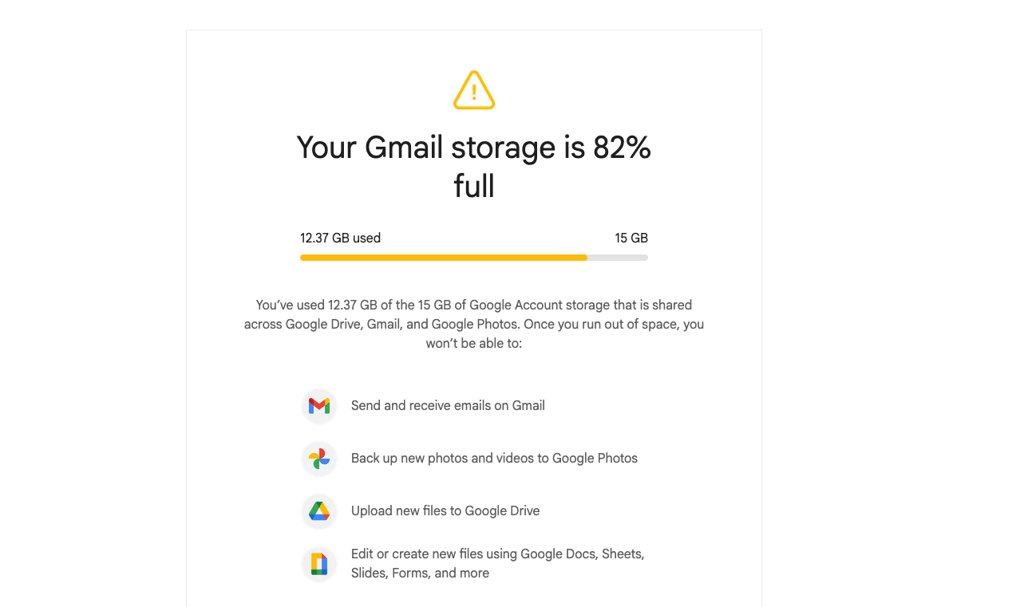
Pieces of my life were scattered across many different platforms, and the messy folder is still the most complete collection.
Does this resonate with you?






Immich to the help
I was looking into ways to simplify the management of this collection and backup from my iPhone, in case I lose it.
Immich came up as a top suggestion for a self-hosted solution to store photos and videos.
This software comes in two parts: a server that manages media, and an iOS or Android app that backs up the camera roll in the background. It’s similar to Plex – a server for media, and apps on other devices to access it.
Before installing Immich, my expectations were nearly zero. I just wanted to try it as a fast experiment, to see how it looks.
I went with the most straightforward installation path. I didn’t even dedicate a separate container – I simply installed Immich as an app on TrueNAS (an open-source network-attached storage operating system) server in a few clicks.
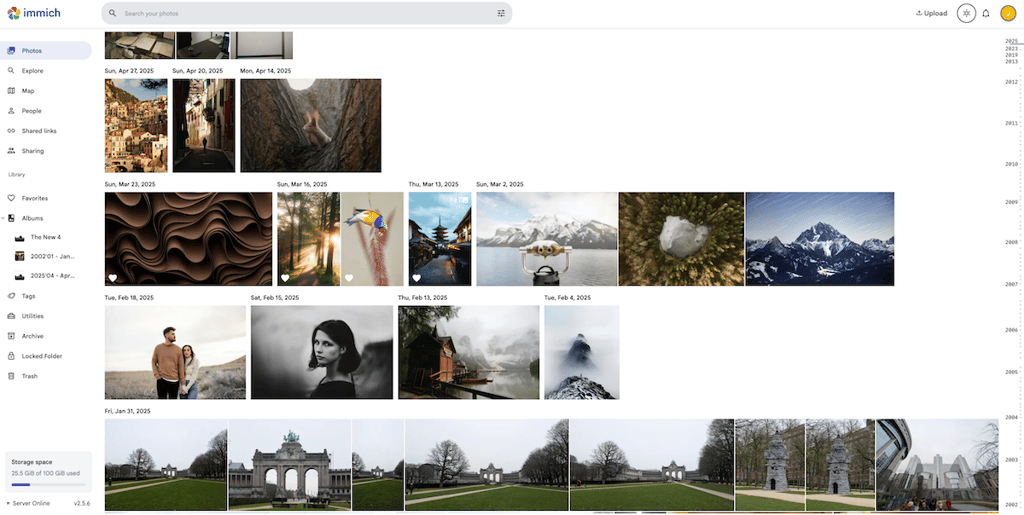
The web UI feels intuitive and is simple. It closely mirrors the experience of the proprietary services. Immich has the familiar timeline view, album browsing, and allows smooth scrolling through large libraries.
Check the demo here.
I uploaded my whole 500GB archive to my instance, which took a while.
My jaw dropped after the process shrunk my photo archive to only 200GB. I suspected a failure. However, Immich simply removed all the duplicates.
Previously, some images appeared up to 19 times across several original subfolders, but I lacked the inner motivation to manually sort them through.
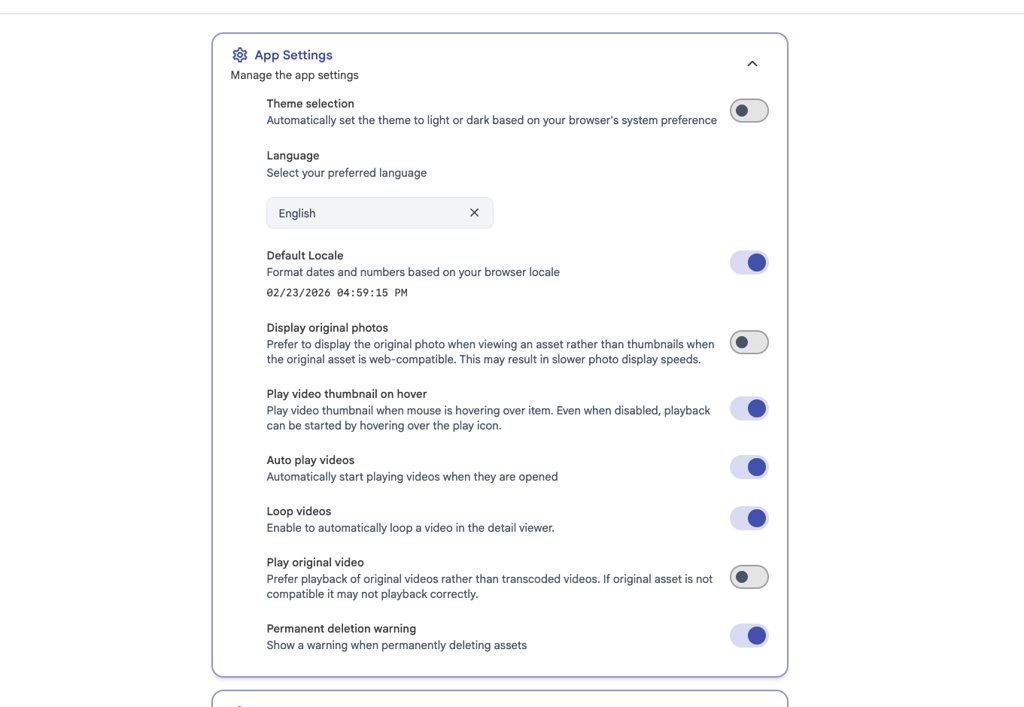
Moreover, Immich server also organized files chronologically in a neat folder structure based on date (YYYY/MM/DD). The mess was gone, and every image found its place based on its metadata. I could just delete the server and keep the new, smaller catalogue, but I didn’t.
While the app on the phone itself is polished and looks modern, its greatest value lies elsewhere. The app started automatically syncing my camera roll. When I checked, all the new photos I took found their way to the server. I forgot about it for months, but it keeps doing the job.

The elephant in the room: How to self-host?
The main disadvantage of the self-hosted solution is, well, self-hosting. You need to set up a server, and that requires some technical knowledge.
However, it’s very simple nowadays. An old laptop without a screen and parts missing is perfectly fine. Immich (as well as many other services) can run on any OS as a Docker container, and has detailed instructions on how to set it up.
I don’t want to understate the complexities of self-hosting, but it can be done even on Windows, using GUI (Docker Desktop), with some help from personal AI assistants.
Once you do have your own server, you’re not limited by the constraints of your plan – you can add as much storage as you want. Consider having two storage drives in RAID 1 mirroring for redundancy, in case one drive fails.
Even my router is an old ThinkCentre M720 Tiny computer with pfSense software installed. It’s the most reliable router I've ever had to date, with nearly zero downtime in 9 months (only during updates), and hardly any maintenance.
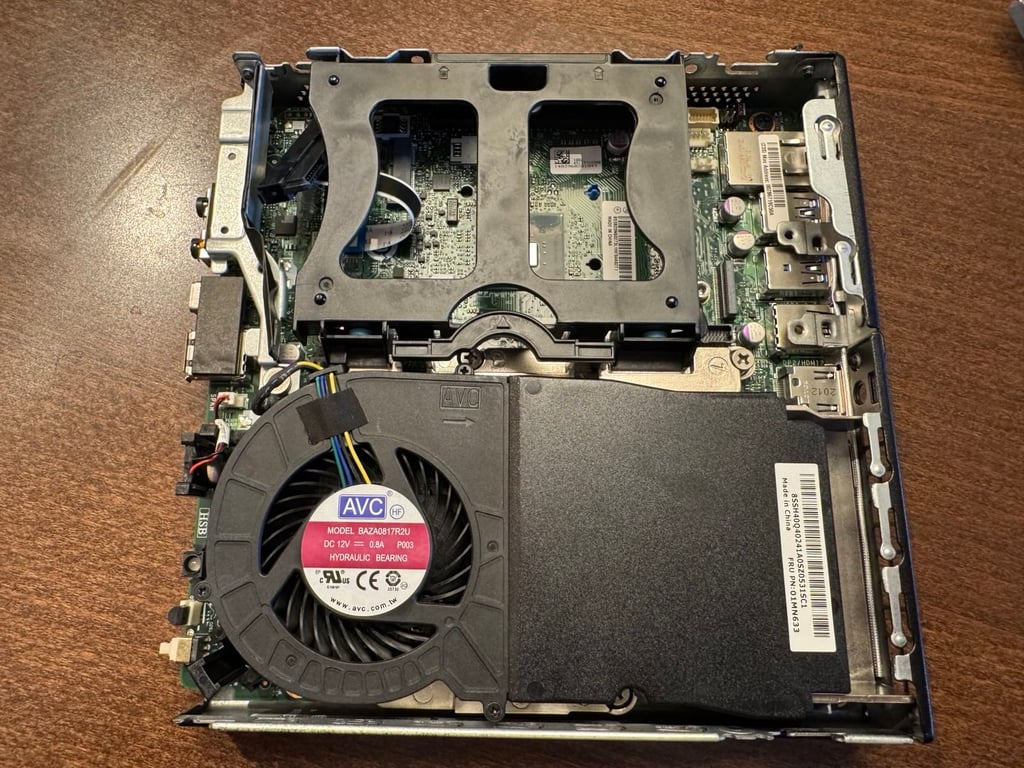
I have set up another similar mini PC with several storage drives for my self-hosting experiments, and run Proxmox with TrueNAS on it. NAS made Immich installation even easier – just like installing an app.
If you want to splurge, you can even buy a custom domain with a reverse proxy to easily access the server at home.
Immich only syncs the camera roll when I’m at home connected to WiFi – I never expose my home services to the open internet, and neither should you.
That brings to another notable disadvantage – no photo sharing outside your home. You can’t just make a public post and drop it to a friend. The link will only work in your home network. Users who often share large photo collections will need a secondary Dropbox-like service.
This, however, wasn’t a problem for me – I just wanted a storage solution, and for that, Immich is more than fine.
You still need an off-site backup
The 3-2-1 backup rule teaches us that we need at least three copies of our data, and store it on at least two different device types, and have one in another location, other than your home.
If one copy of your photos stays on the phone, and another copy or multiple copies lie somewhere else on a server or computer at home, they’re still all vulnerable to theft, fire, flood, or other threats.
The Cybernews community is talking about this. Be a part of the conversation.
So Immich isn’t a full backup, even if it makes its own backups.
But neither is Google Photos nor iCloud – these services are more of a sync rather than a true backup solution. If you delete an image on your iPhone, it will be removed from iCloud within a short time, too. If your account gets hacked or banned, you might lose access to everything. The accounts get flagged, and data loss isn’t something unheard of.

That’s why I would recommend setting up Immich, a self-hosted photo and video management solution, together with an off-site backup. Even if it’s just a separate external storage drive you keep at your parents’ house.
Immich is truly the best self-hosted software to backup and manage your photos and videos that I would recommend, even when using cloud alternatives. Just in case.
Unlock more exclusive Cybernews content on YouTube.