KTC’s A25Q5 portable monitor is a huge Android tablet… designed for use in the bathroom?
KTC’s A25Q5 portable monitor is an oversized Android tablet. While that’s not a device I find easy carrying around, one key feature makes it very appealing to busy users like myself.


 Follow us
KTC’s A25Q5 portable monitor is an oversized Android tablet. While that’s not a device I find easy carrying around, one key feature makes it very appealing to busy users like myself.
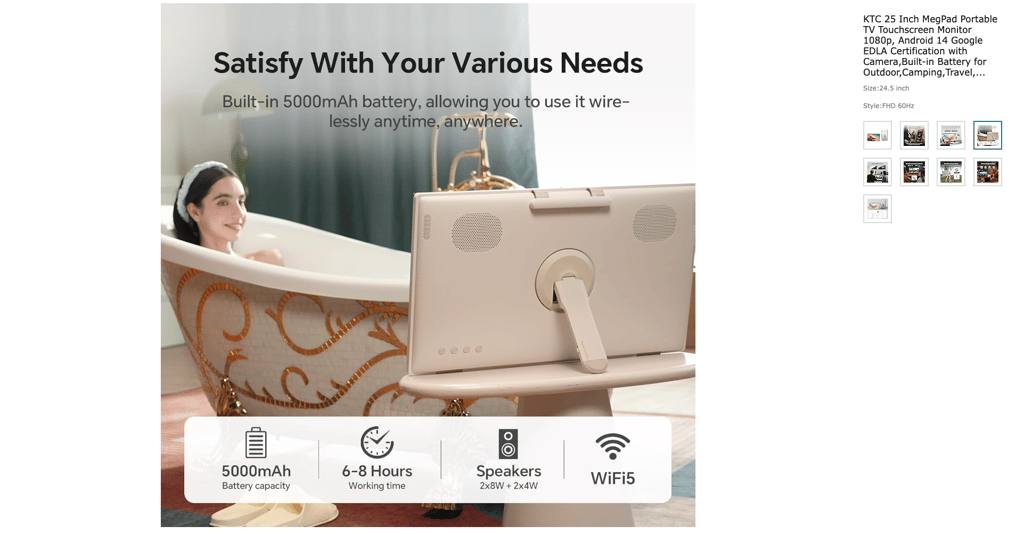
KTC’s 25 Inch Portable TV – Smart Touch Screen with Google Play, Android 14, Qualcomm 8G RAM+128G Storage, 1080P Smart Handy TV with 8MP Camera and Battery, Touchscreen Monitor for Camping, Bathroom
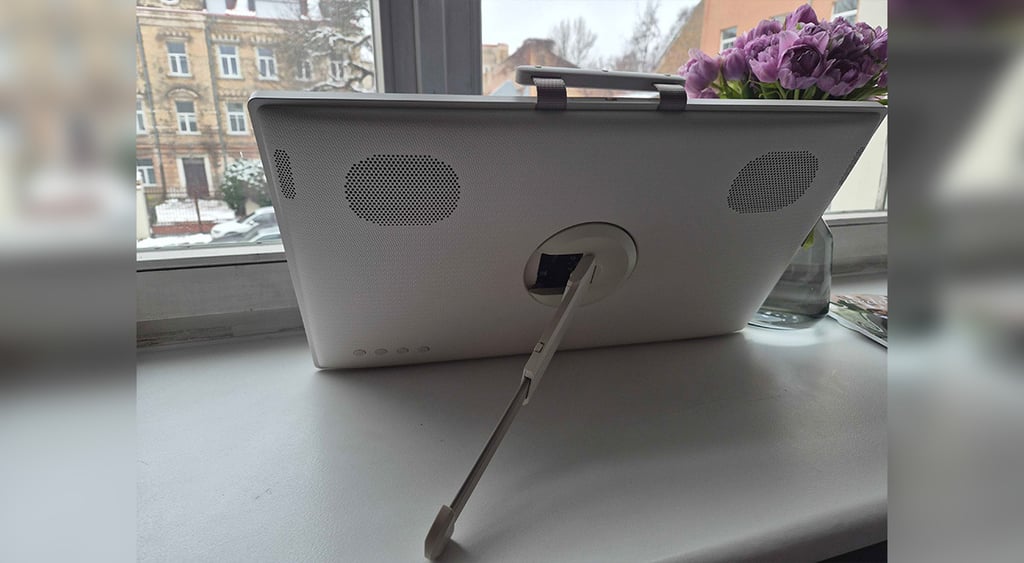
This is how KTC markets its megpad on Amazon: a smart touch screen for camping and the bathroom. For camping, it would be troubling to find a bag to fit the pad into. For the bathroom, the angle would be quite weird – it leans back as a picture frame as opposed to TVs on the wall, which typically lean forwards.
But we found quite a good use for it in the office.
The surprising bonus to KTC’s A25Q5



KTC’s A25Q5 still very much belongs in the same space, be it an office or a home, as it weighs around five kilograms and is huge enough to not fit into any backpacks.
Given all the innovation talk, it feels like I should already be able to control my devices remotely just using my voice or hand gestures. But in reality, we are far from such seamless control of our screens and still rely on remotes, often hiding underneath the cushions of our couches.
Funnily enough, the remote has become the most exciting feature of the KTC A25Q5 for me. I mostly played around with it to interchange screens – in the office, we were constantly switching from a live fireplace video to live statistics.
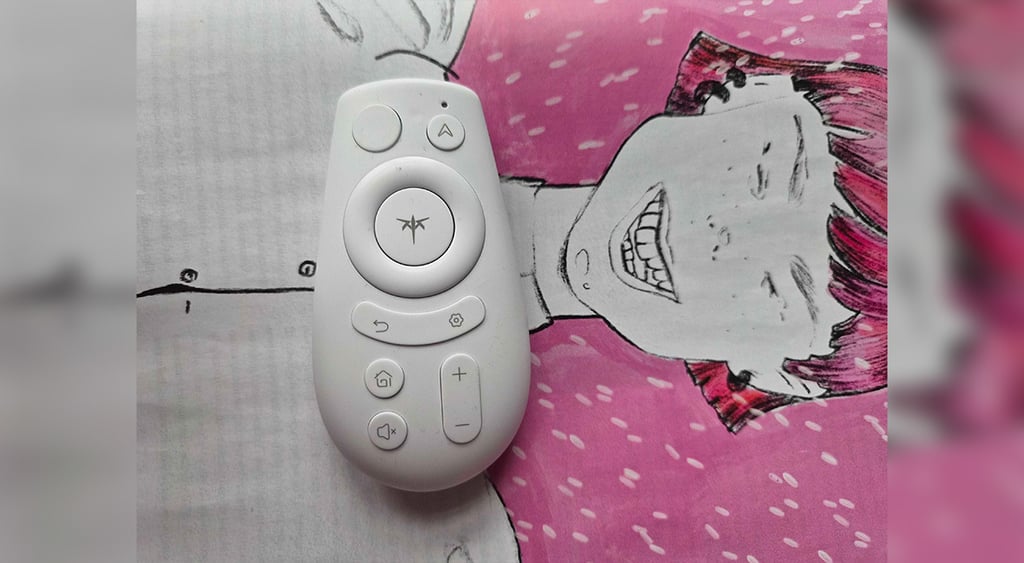
The remote is basic but smart – you can use it to wake up and navigate the screen, and turn the volume up or down if you’ve decided to entertain yourself with a daily dose of The Office. It feels like a computer mouse that you use as a remote.
Another little feature I didn’t know I needed is the physical camera cover that is built into the monitor. All of my other devices’ cameras are either covered with sticky notes, special covers I got for free at some conference, or worse, not covered at all.
If, as the marketing suggests, I used the megpad while chilling in the bathtub, the camera cover and remote control would definitely be the two cool things to have. Maybe you are actually supposed to use it in the bathroom.






KTC’s A25Q5: some technical issues I experienced
Ironically, I haven’t yet managed to find out how to use the device as a monitor. It does work if I physically connect it with a wire to my computer, which is not the most convenient. However, there’s no remote connection possibility. When I connect the monitor via bluetooth, it just functions as a speaker, nothing else.
But since this is a tablet and, as opposed to the traditional monitor I have, has a brain of its own, the connection isn’t really a problem.
While it doesn’t “talk” to my devices the way I’d want it to, I had no trouble connecting it to them via a USB-C cable. When I couldn’t remember the password to my Disney+ account, I would simply connect my phone to it via a USB-C cable and stream The Office directly via the megpad without any delay.
Not the most convenient, but hey, I’m a ’90s kid from Eastern Europe who grew up fixing everything myself, from electronics to the electricity that powers them.
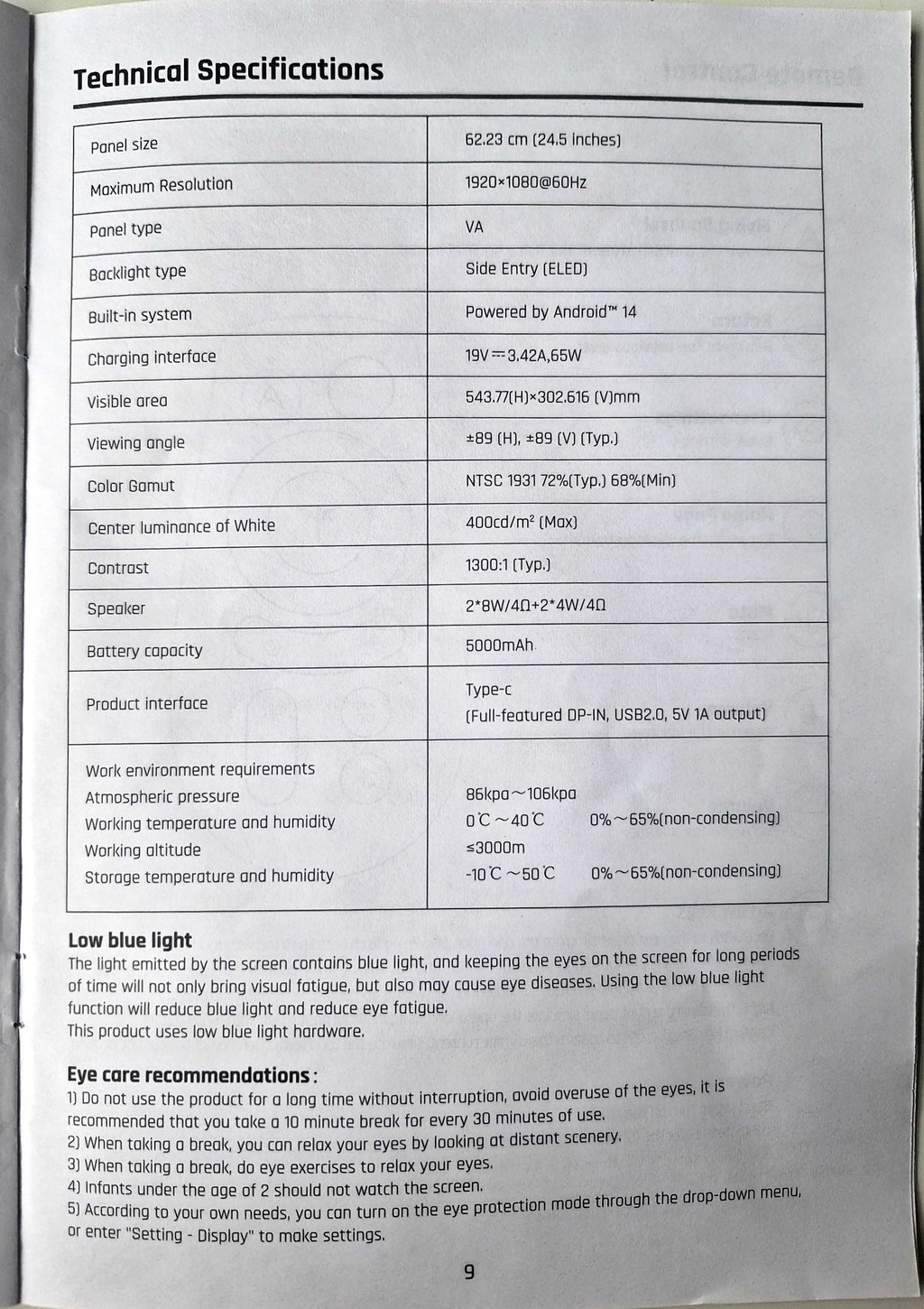
Another difficulty I haven’t yet solved is how to charge it in Europe. It arrived with a type A charger with two flat parallel pins. So, before we found a European adapter with round pins, I tried charging it with various USB-C type of chargers I had, but none of them were actually able to charge the megpad. I’m still not really sure why its original charger, the same as the charger of my computer, has the same input of 100-240V.
Is it worth buying a KTC A25Q5 megpad?
With a Black Friday deal, you can get the megpad for a little over $330. Typically, it costs $400-$500, which still seems like a decent price for a huge Android tablet .
Unless you won’t use it that much, of course.
Think about this megpad as a TV. You can carry it around to rooms and places where there’s no other big screen, and stream your favorite show or game. Not as convenient as streaming it via the phone, but hey, if you are stuck in your garage for half a day, it’s worth taking a bigger screen with you, that’s for sure.
I don’t see it as a necessity. However, as with many other devices, this one is nice to have and can definitely find its place in an office or a home.
Unlock more exclusive Cybernews content on YouTube