8 Best AI Slide Generators Worth Using in 2026

 Follow us
I recently tested 8 leading AI slide generators to see which ones actually hold up in real business workflows. Instead of just measuring speed, I evaluated how they handle dense data and maintain editability. In this review, I'll break down the hands-on strengths and weaknesses of each tool. Many platforms promise "one-click slides," but the real difference is whether the output is genuinely usable for professional settings.
Quick Answer: If You Only Want to Know My Top Pick
My straightforward top pick is HIX AI. It stands out because it seamlessly connects deep research, content organization, and visual design within a single, unified workspace. Whether you start with a raw topic or dense reference files like PDFs and logs, it serves as a highly capable AI presentation maker that delivers stakeholder-ready results. Other options below remain worth exploring for specific template or ecosystem integrations.
#1 Best Overall Pick
1. HIX AI
Overview
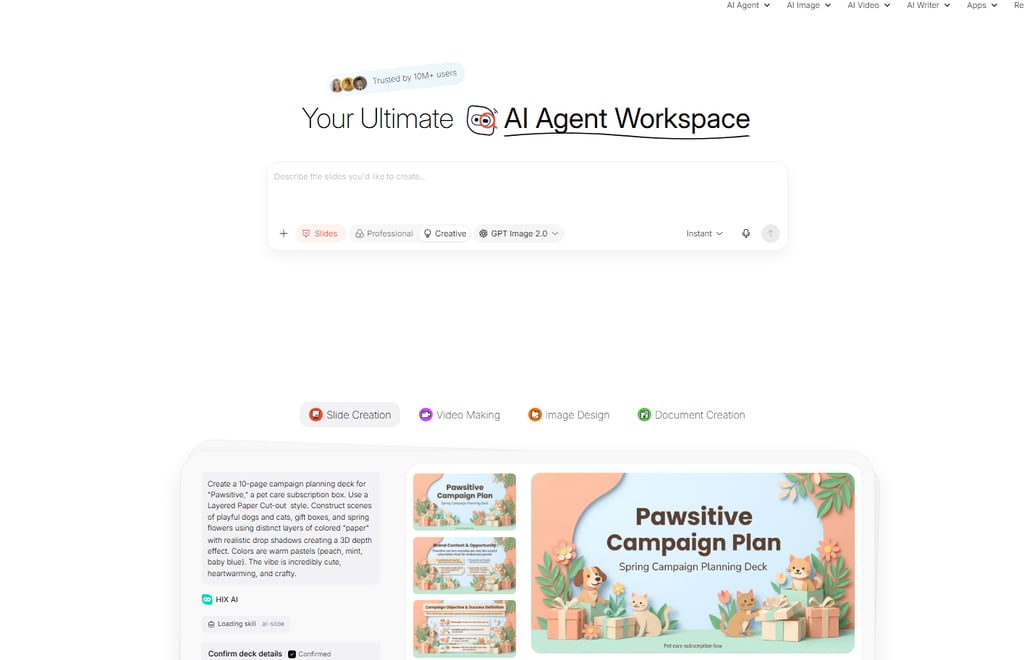
I ranked HIX AI first not because it is simply “another tool that can generate slides,” but because it feels much closer to an all-in-one office AI assistant built for real business users. It tries to keep research, writing, image preparation, content structuring, and deck generation inside one workspace. In practical terms, that matters a lot. Many tools are good at making existing content look cleaner, but HIX AI feels more like it is helping you complete the full presentation task from start to finish.
Onboarding is also easier than average. You can start from a topic, or upload reference materials and build from there, then move through to a working draft without bouncing between multiple products. That experience is especially useful for busy teams. You do not need to fully map out your structure before you begin, and you do not have to research in one place, draft copy in another, and format slides in a third.
Why it stands out
What really separates HIX AI for me is the combination of stronger model quality and a more complete workflow. It does not just rewrite a few generic bullet points. It is better positioned to read your materials, understand what matters, and reorganize that information into a presentation narrative that feels closer to something a working team could actually use. For business presentations, that is more important than surface-level design alone.
- Smoother workflow: You can move from a topic or uploaded files to structure, content, and slide pages with less tool switching and less interruption.
- Better with dense materials: It is more comfortable than most tools when dealing with PDFs, industry reports, logs, meeting notes, and other high-density files. In my testing, it felt more capable of section-level understanding and page-by-page extraction instead of relying on shallow summarization.
- Layout review behaves more like ongoing quality control: It does not feel like the system generates once and stops. It puts more emphasis on checking spacing, margins, text boxes, images, and tables repeatedly so slides stay cleaner and less cramped.
- More advanced post-generation editing: This matters a lot to me. You can continue editing text boxes, image areas, and charts directly, or use chat-style instructions to refine them. If source materials change, you can add new files and refresh the output instead of rebuilding the whole deck from scratch.
That is also why I think its slide creation is especially strong: it does not just generate slide one through slide ten and call it done. It behaves more like a system built for iterative office work. For sales teams, consultants, training leads, startup teams, and anyone who revises presentations repeatedly, that kind of editable, update-friendly workflow is often more valuable than a flashy first draft.
2. Gamma
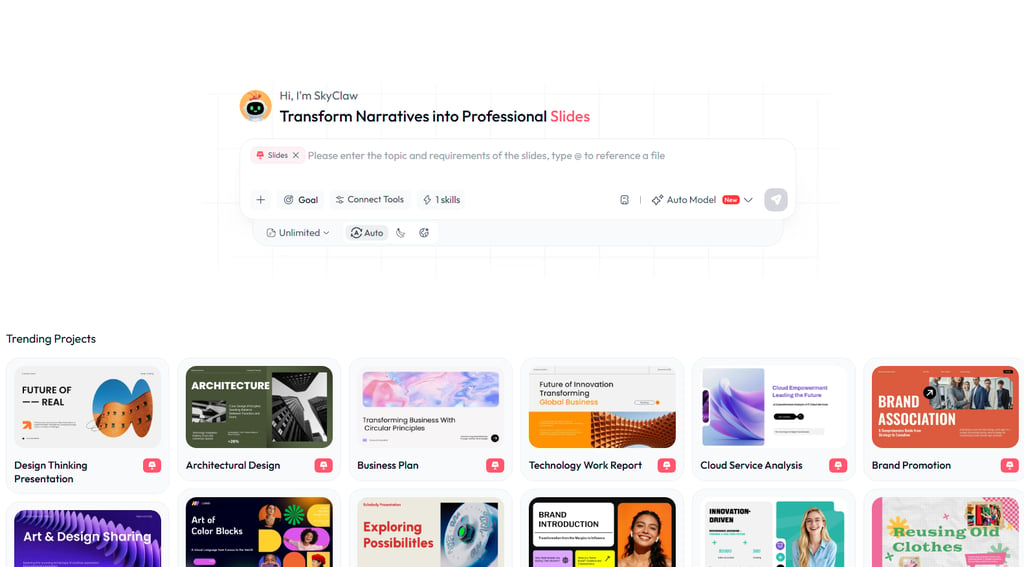
Gamma remains one of my favorites for quick, modern layouts and web-based sharing. It is visually polished out of the box and works beautifully for async updates, startup pitches, or internal docs that need to read like a contemporary web story.
Key features: Fast full-deck generation, card-style web presentation format, easy link sharing, decent collaborative editing, and a visual style that usually feels cleaner than standard PowerPoint templates.
Limitations: PPTX exports often need cleanup, the structure can feel more “content card” than true business narrative, and it is not my first choice for heavy executive reporting or data-dense decks.
3. Beautiful.ai
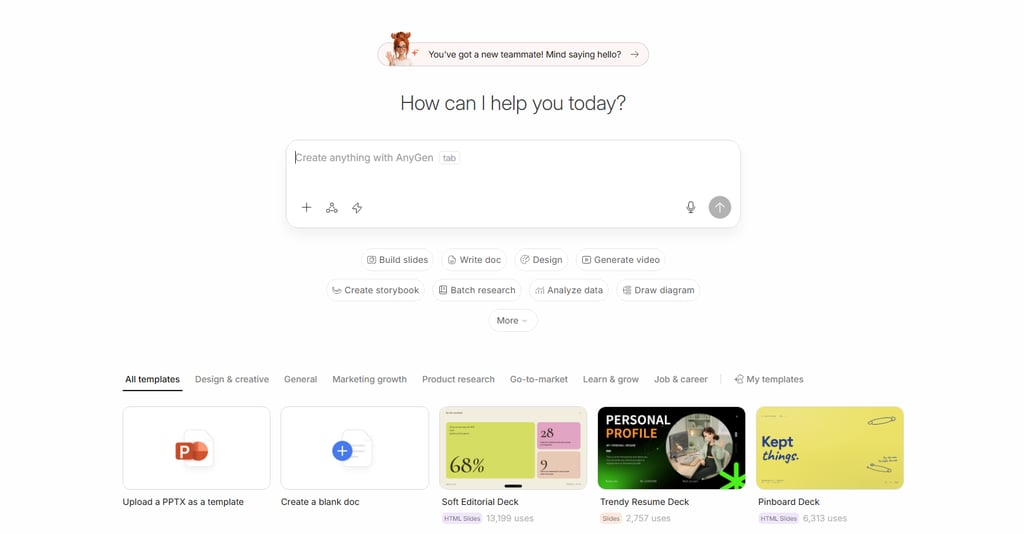
Beautiful.ai’s core strength is automated layout discipline. It completely eliminates manual object alignment and spacing, making it an excellent choice for teams that require strict design consistency and a highly controlled corporate branding system.
Key features: Smart Slides auto-layout, strong brand controls, template logic that helps non-designers stay visually consistent, and a workflow that reduces a lot of manual formatting work.
Limitations: The free experience is limited, the AI drafting side is not the strongest in this category, and the template structure can feel restrictive when you want more custom storytelling or more flexible slide composition.
4. Canva
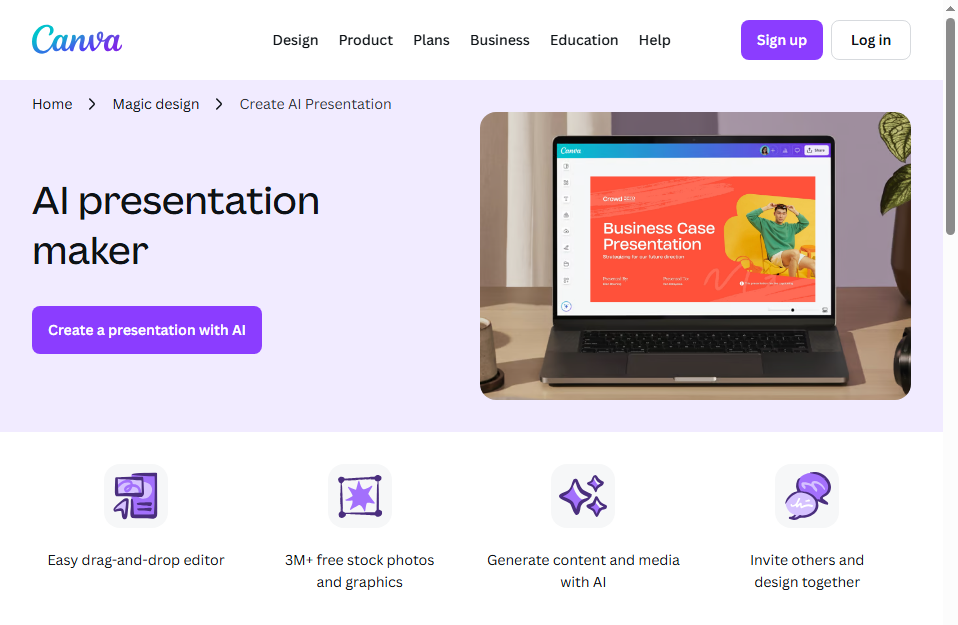
For teams already integrated into Canva, this is a natural choice. Its true advantage is the sheer scale of its design ecosystem—combining templates, stock visuals, brand assets, and basic video editing in one convenient place, making it ideal for marketing-focused operations.
Key features: Massive template library, deep creative asset catalog, mature brand kit tools, and the ability to build other visual content in the same platform.
Limitations: AI-generated text can feel generic and often needs rewriting, the platform leans more toward creative design than serious presentation logic, and complex commercial decks may still require more manual structuring than with more workflow-focused AI slide tools.
5. Plus AI
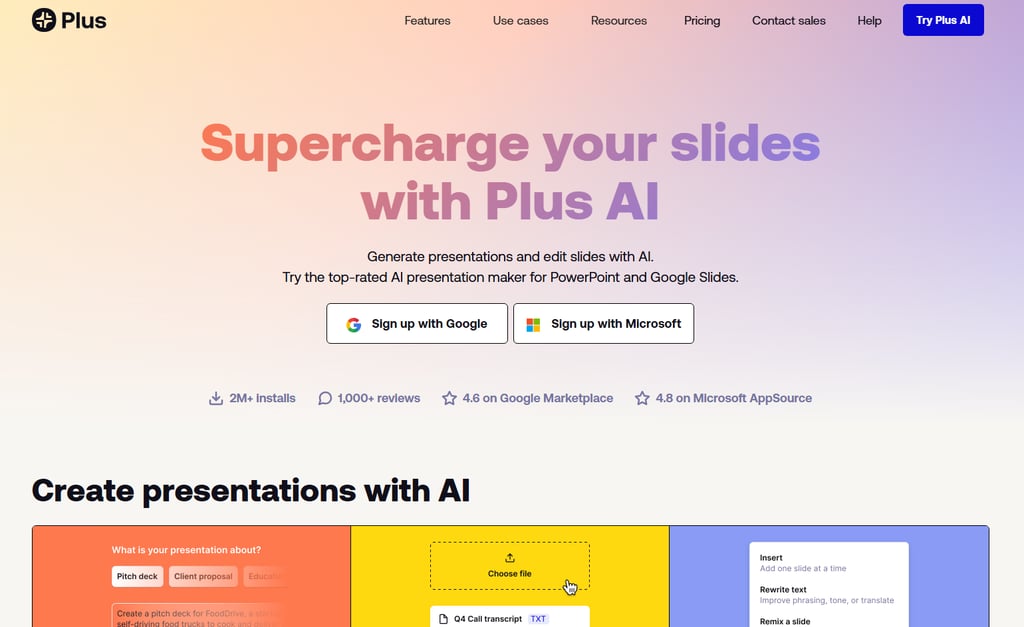
Plus AI wins on practicality by keeping you inside your existing workflow. Instead of forcing you to move to a standalone browser environment, it integrates directly with Google Slides or PowerPoint, making it incredibly easy to adopt without disrupting your team's daily habits.
Key features: Native integration with familiar editors, cleaner export outcomes, the ability to add slides to existing decks, and a setup that feels less disruptive for conservative teams.
Limitations: It is generally stronger at expanding, reformatting, or refining existing work than creating a fully persuasive deck from zero, and its entry barrier can feel a bit high if you are just casually experimenting.
6. Microsoft Copilot for PowerPoint
For organizations using Microsoft 365, Copilot's clear advantage is its perfect ecosystem fit. It plugs directly into the software your teams use daily, minimizing adoption friction and keeping slide creation safely within approved enterprise workflows.
Key features: Native PowerPoint integration, access to Microsoft ecosystem content and workflows, enterprise-friendly security positioning, and a familiar environment for corporate users.
Limitations: Output quality is not always consistent, many slides still need manual beautification, and the value proposition depends heavily on your broader Microsoft subscription setup. It makes the most sense for Microsoft-heavy teams, not necessarily for buyers looking for the strongest standalone AI slide experience.
7. Prezi
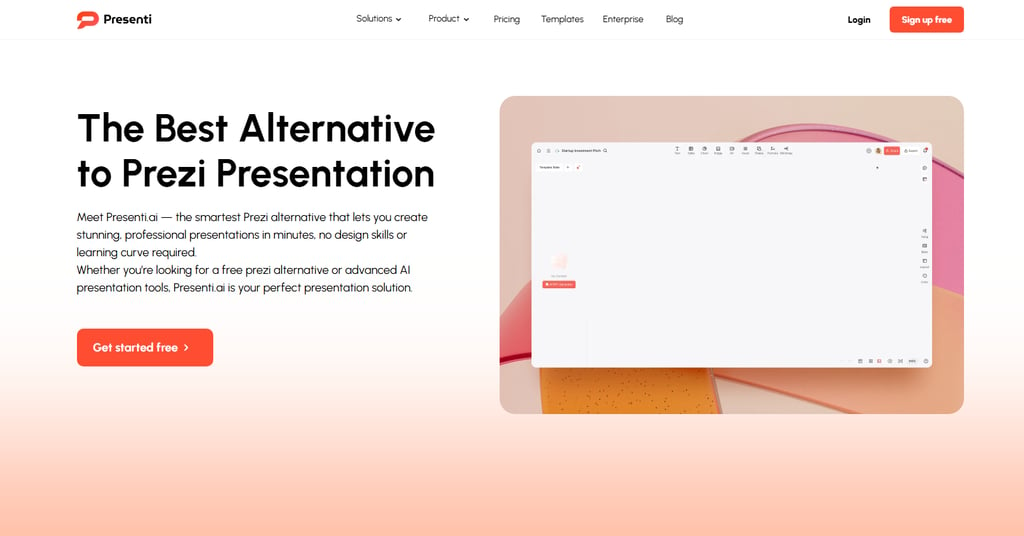
Prezi holds a unique spot thanks to its distinctive zoom-based style. It is a visual-first option that works best for teaching, storytelling, and presentations where you want the audience to remember the physical journey and motion as much as the content itself.
Key features: Non-linear navigation, memorable zooming canvas, strong visual storytelling identity, and a presentation style that can feel more dynamic than standard slide-by-slide decks.
Limitations: AI generation is not really its core strength, export flexibility is more limited than traditional slide tools, and for formal business reviews it can feel too flashy or unconventional depending on the audience.
8. SlidesAI
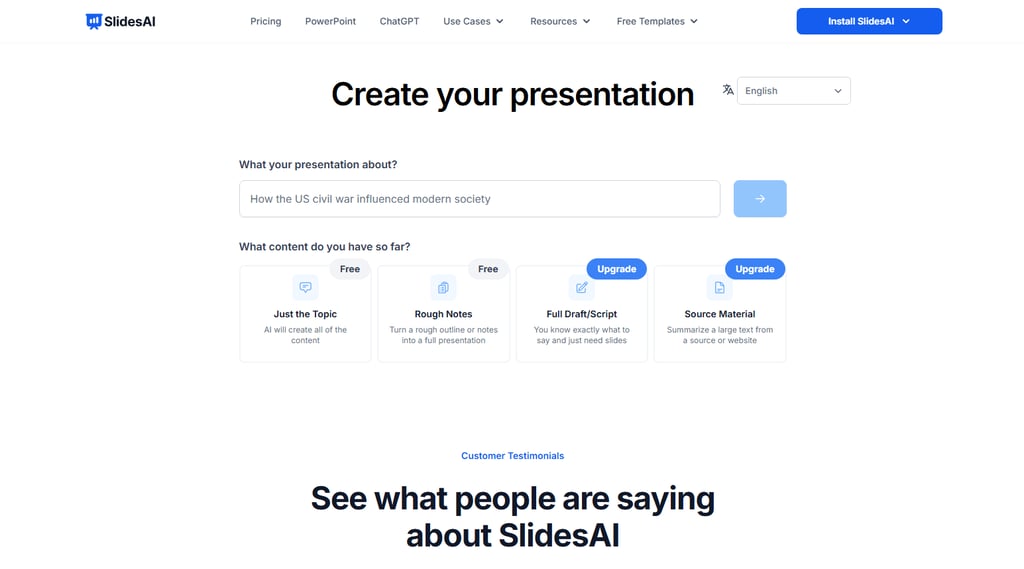
SlidesAI is an affordable, entry-level option built for quick first drafts. If your budget is tight and you primarily use Google Slides, it serves as a simple, fast starting point for basic AI slide creation.
Key features: Budget-friendly pricing, convenient Google Slides add-on format, low learning curve, and fast draft generation for basic presentation tasks.
Limitations: The content often feels thin, the end result usually looks more like a draft than a final deck, and advanced visual polish, chart handling, and higher-level narrative structure are limited. It is usable, but I would go in expecting follow-up editing.
Final Verdict
After testing all 8 tools, HIX AI remains the most complete option for professional and commercial use. Its real advantage is the entire "source to editable deck" workflow: it reads your data, organizes the structure, and keeps the final slides fully interactive.
While other tools have their niches—Gamma for web sharing, Beautiful.ai for layout efficiency, and Copilot for native ecosystem integration—my ultimate recommendation is to start with HIX AI. It saves the most time and delivers a genuinely usable business result.