DeskIn - Remote control in daily life: useful, powerful, and only as safe as the way it’s used
 Follow us
Remote desktop is now part of ordinary life
Gone are the days when remote desktop and remote control are reserved for IT departments or enterprise teams. They have become part of how ordinary people work, create, and solve problems in daily life.
Remote access enables users to connect to a device, file, or system from another location. Remote control goes further: it allows active interaction, such as moving the cursor, opening applications, changing settings, and helping another user in real time.
In today’s market, that remote power appears in different forms. Applications like DeskIn represents the standard remote desktop software: users connect to their own devices and continue working across locations. AI-assisted tools (e.g., agent frameworks such as OpenClaw) represent a newer approach: an AI can carry out on-screen steps under user supervision. One is human-led remote control. The other points toward AI-assisted control. Both are useful, and both also raise the same necessary question: how safe is remote control when it becomes part of daily life?
That concern is not theoretical. The more accessible remote access becomes, the more it moves from “specialized feature” to “daily habit.” And daily habits are exactly where weak settings, quick decisions, and misplaced trust love to sneak in.
Why remote control is rising—and why no system can ever be completely risk-free
Demand for remote control has increased as more people work across multiple devices and locations. And users want the power of a main desktop but on a lighter laptop or mobile device, without carrying files and workflow. Remote access neatly solves that by allowing the user to reach the environment where their work already lives.
That convenience—fast access with low friction—has led more people to adopt remote-control tools for personal use, creative work, support, and hybrid routines.
But that same convenience makes one fact unavoidable: no remote-control system can ever be completely vulnerability-free or permanently “secured”. Not because every product is built flawed but rather, security is not a single switch. It is a moving target shaped by software, networks, devices, settings, and human behaviour.
Imagine a user installs a remote desktop tool that uses strong encryption to access a home computer while traveling. but reuses a weak password, skips regular password updates, leaves unattended access open, or approves a suspicious login request, the risk increases quickly. The problem is not just the software. The problem is the chain of decisions around the tool and users must wisely use it.
The real impact of remote control and remote access
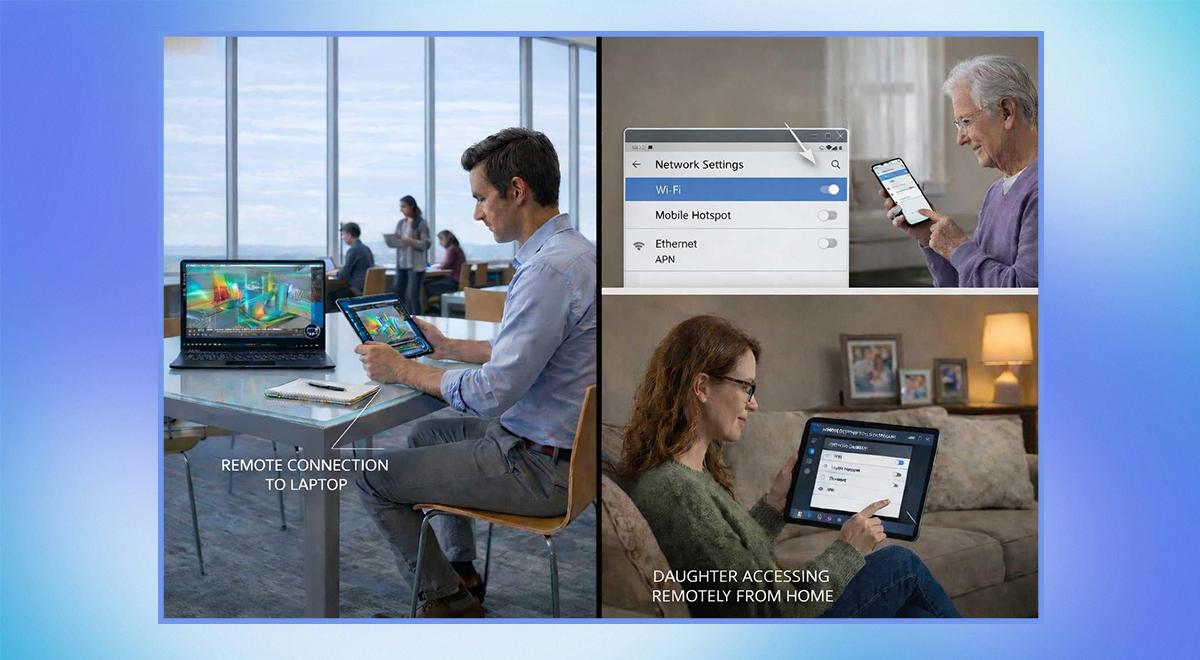
Remote control changes daily life in meaningful ways and expands what a person can do without being physically present.
Users can stay connected to their main machine, files, and preferred setup without constantly switching devices. And that continuity provides users flexibility to solve problems, troubleshoot, or support others from almost anywhere, efficiently.
Designers, creators, and knowledge workers can do the “real work” which often lives on a primary machine with the right software, files, and performance. A family member can guide another person through a confusing issue.
At the same time, remote control has drawbacks.
The biggest weakness is increased exposure. If access is possible anywhere, then misuse is also possible from anywhere. There is also misconfiguration risk, where users leave permissions too broad or keep access enabled longer than necessary.
Another issue is social engineering, where a scammer tricks a user into granting access. Finally, there is false confidence on safety: once a tool feels convenient, users may assume it is automatically safe.
So remote control is not simply “good” or “bad”, and highly enabling. And enabling tools tend to magnify both good habits and bad ones.
The everyday security drawbacks—and two practical ways DeskIn can reduce risk
In daily use, the most common security risks are usually simple: weak/reused passwords, missing multi-factor authentication, overly broad permissions, unattended access left on, or users approving access requests they should reject. Social engineering adds another layer, especially when someone pretends to be the support staff or a trusted contact.
Although no tool can guarantee perfect protection, users can still reduce risk substantially with the right safeguards. Two practical solutions stand out in DeskIn.
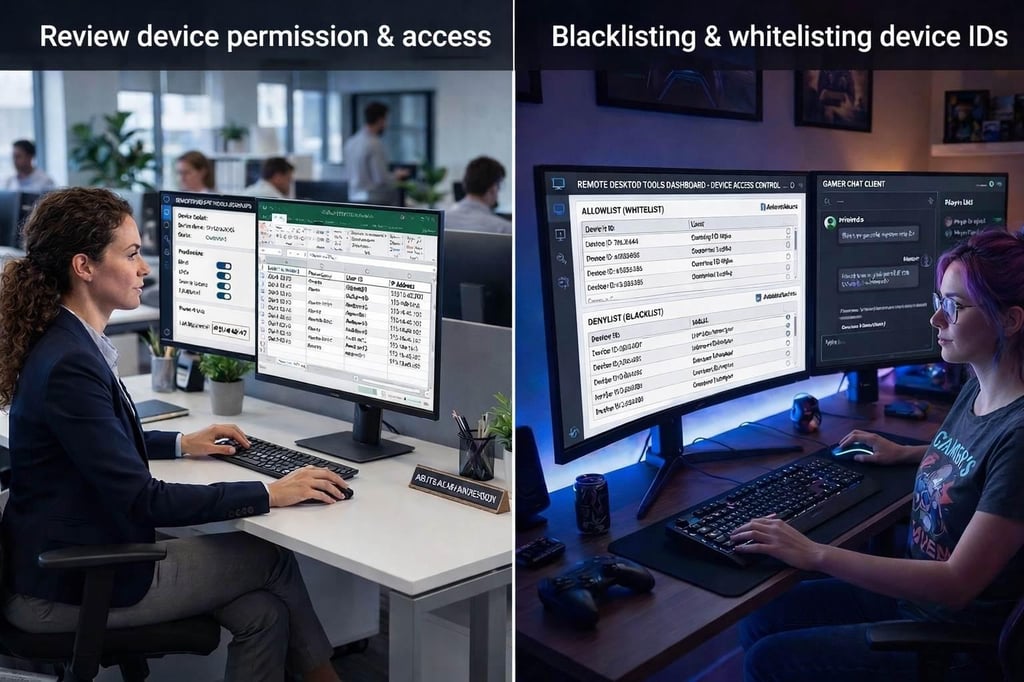
1. Tighten access control
The first defence line is identity control. DeskIn’s security approach is strongest when users combine it with disciplined setup with these simple habits:
- Use a unique, strong password
- Limit unattended access to only the devices that truly need it
- Review device permissions and access logs regularly
- Add devices in blacklist/whitelist to allow screened devices accessing the work
- Never approve remote control for someone who contacted you unexpectedly
These habits can reduce casual misuse and unauthorized access and make suspicious activity easier to spot.
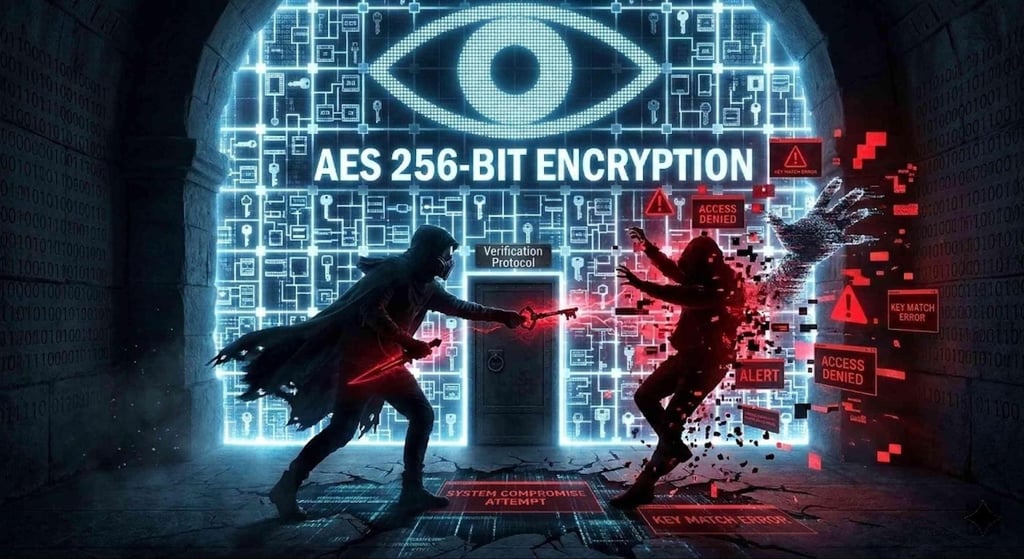
2. Reduce unnecessary exposure
The second principle is protecting your connection and narrowing the attack surface. Features such as AES 256-bit encryption helps protect data in transit, and ISO 27001-certified treats information security as an operational priority in DeskIn.
Additionally, users should also limit unattended access to devices that truly need it and avoid leaving remote access by default. The fewer open doors left fewer chances for misuse.
DeskIn’s security value is not in promising perfect safety. It is in giving users stronger controls to make remote access safer in normal, everyday use.
Why this matters, and why you may already be the right users
If you regularly switch between devices, travel, or support family members, remote control can be a strong fit, especially you secure the access control and limit unnecessary exposure.
DeskIn is built for low-latency remote desktop use, giving you flexible work across devices without sacrificing privacy. For users who value smoother workflows, creative continuity, and stronger control over how access is granted, remote access and remote control are practical tools as long as security is treated as part of the experience, not an afterthought.
Remote access is no longer a niche feature for enterprises. It is becoming part of modern digital living. The users who benefit most will be the ones who understand both its convenience and its risks, while using it with care.