Annoyed by Liquid Glass? iOS 26.1 lets you do something about it
Apple has already released its iOS 26 update, introducing changes to one of its most talked-about features.
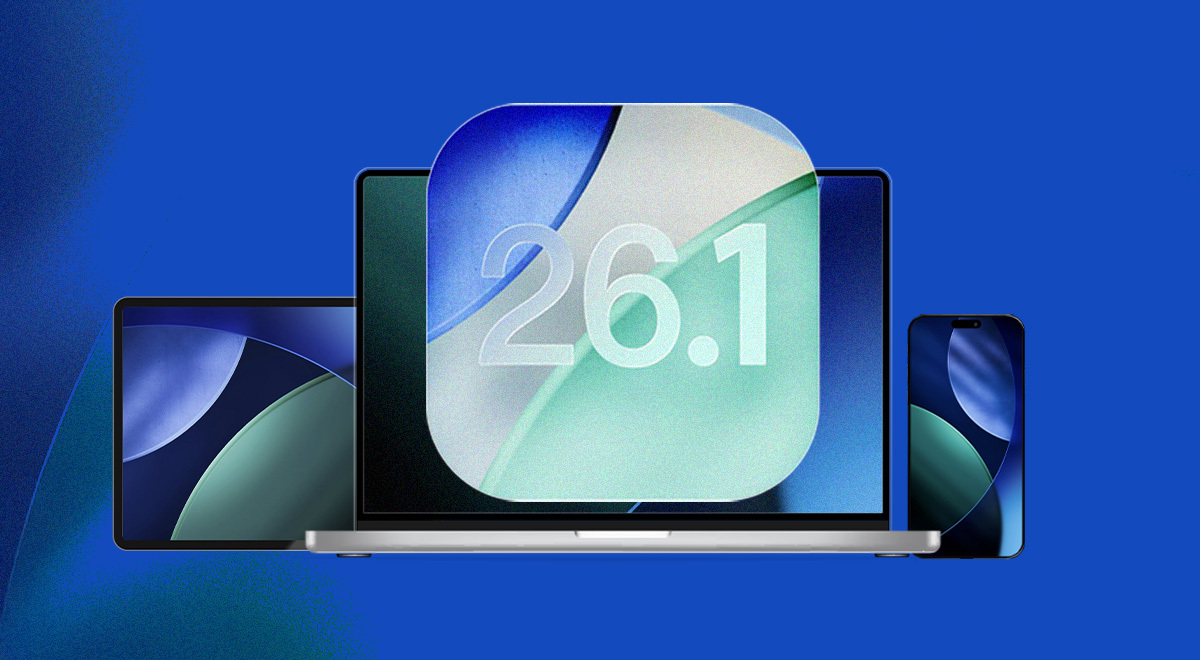
Image by Cybernews

 Follow us
Apple has already released its iOS 26 update, introducing changes to one of its most talked-about features.
Back in September, the company released a revamped operating system, iOS 26. The company has now launched an update, introducing iOS 26.1. While not so major, the new updates now allow users to adjust the Liquid Glass display as well as make changes to the lock screen and Music app.
Optional Liquid Glass display
One of the much-discussed features introduced with iOS 26 was the Liquid Glass display, which was intended to provide Apple devices with a glassy-looking interface. However, users soon began complaining about the design, saying it was not very user-friendly.
With the release of iOS 26.1, users can now adjust their interface by choosing between “Clear” and “Tinted” modes. Those who enjoy the transparent look can keep it, while users who find it difficult to see apps can increase the contrast.






Easier “Security Improvements”
The iOS 26.1 update also introduces changes to “Rapid Security Responses,” now referred to as “Security Improvements.”
Previously, installing security patches required updating the smartphone to the latest version of iOS. The “Security Improvements” feature now does this automatically.
When it comes to security, iOS 26 has already caught the attention of iVerify researchers, who noticed that the Apple operating system has made it harder to determine if your device has been infected with spyware.






iOS 26.1 features for more straightforward navigation
The iOS 26.1 also comes with a new update for those who found their iPhone alarm uncomfortable. Macworld reports that due to the confusing design of the stop and snooze buttons, users often mix them up, resulting in oversleeping.
The problem with this was that Apple made the stop button much larger and placed it below the snooze button. Even though the buttons were in different colors, it still caused users to confuse them.
Now, Apple has added a “Slide to Stop” feature, which turns off the alarm when the user slides their finger from left to right.
Among other features related to easier navigation, iOS 26.1 now also allows users to remove the Camera app from the lock screen, as well as provide an easier way for Apple Music listeners to skip songs. Now they can change tracks by swiping on the mini player.
Apple notes that iOS 26.1 is available for iPhone 11 and later, iPad Pro (12.9-inch, 3rd generation and later), iPad Pro (11-inch, 1st generation and later), iPad Air (3rd generation and later), iPad (8th generation and later), and iPad mini (5th generation and later).
Unlock more exclusive Cybernews content on YouTube.