Apple’s Lockdown Mode faces fresh scrutiny after iPhone jailbreak video
Not even an iOS 27.2 update could help.
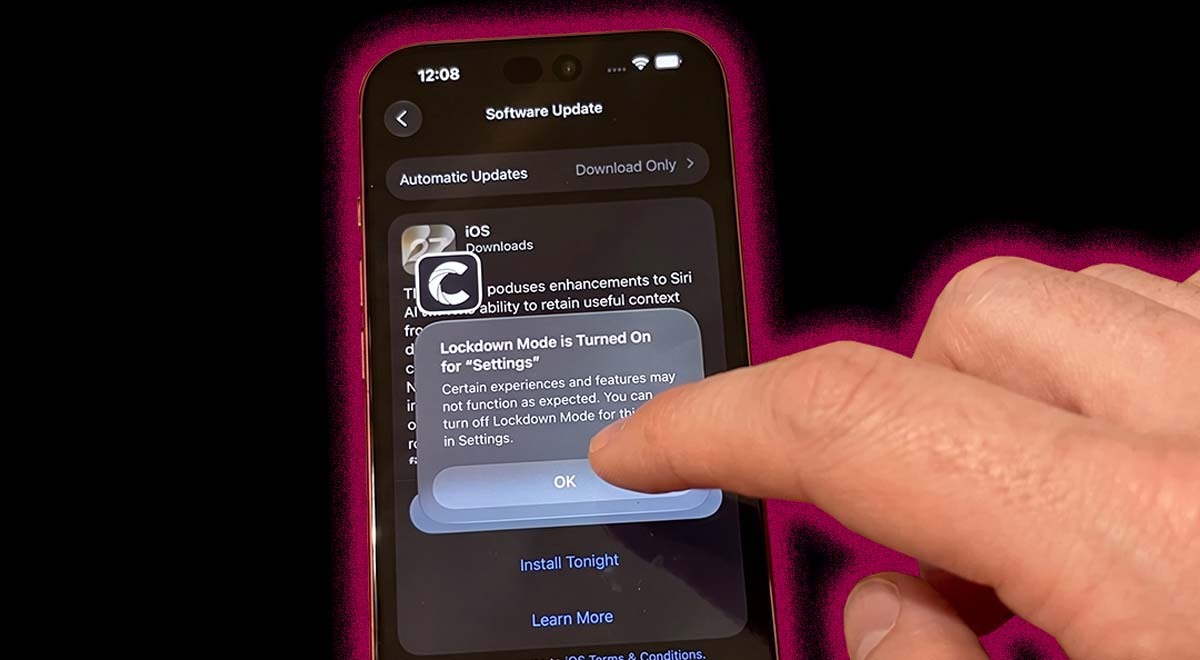
Image by Cybernews | Source: X

 Follow us
- Calif says it jailbroke an iPhone with Apple’s Lockdown Mode enabled.
- Researchers say a malicious PDF sent through AirDrop triggered the jailbreak.
- The affected device reportedly remained compromised after an update to iOS 27.2.
Key Takeaways by nexos.ai, reviewed by Cybernews staff.
A California security company, Calif, has successfully hacked into an iPhone with Lockdown Mode enabled.
Security researchers shared a video showing how a malicious PDF file sent via AirDrop triggers a jailbreak on the device.
Jailbreaking removes built-in security features, allowing a hacker to modify system UI elements, install third-party themes, disable security updates, and access apps such as mobile banking apps.
It was also revealed that the device remained affected even after its operating system was updated to iOS 27.2.





“Lockdown Mode helps, until it doesn't,” wrote Calif on X, referring to Apple’s “extreme protection feature for iPhone.”
Calif didn’t disclose vulnerabilities in detail to the public.
Previously, the team also jailbroke the iPhone Duo and the iPhone 18 smartphones powered by iOS 27.1. The details of these jailbreaks weren’t shared with the public either, only with Apple.
What’s iPhone Lockdown Mode?
Apple first released the Lockdown Mode in 2022.
According to the company, Lockdown Mode is a safety feature that is enabled when a person believes their device could be targeted in a cyberattack.


Stay updated with our latest stories and follow us on social media
Be the first to discover new stories, ideas, and updates from our team.
Once Lockdown Mode is enabled, it limits access to certain features, apps, and websites for security reasons.
For this reason, users can’t use SharePlay, share albums, or FaceTime live photos.
This year, the company told TechCrunch that it’s “not aware of any successful mercenary spyware attacks against a Lockdown Mode-enabled Apple device.”