I would recommend the Samsung Galaxy A37 to my grandma, but would she approve?
I went through Samsung’s Galaxy A37 features to see if it could be simplified into a device that my grandmother could use.

Image by Manuel Milan | Shutterstock

 Follow us
I went through Samsung’s Galaxy A37 features to see if it could be simplified into a device that my grandmother could use.
Once, at a family gathering, my grandma mentioned she’d like to renew her phone. However, she was hesitant to do so, since she'd grown accustomed to her current model and feared a new one would be too complicated to use.
At first, I thought that it shouldn’t be that difficult for her. But then, I realized that for older people, navigating a new phone isn’t as simple as we might think.
This is when I learned that some smartphones include features designed to make them easier and safer to use for the elderly. One of which is the Samsung Galaxy A series.
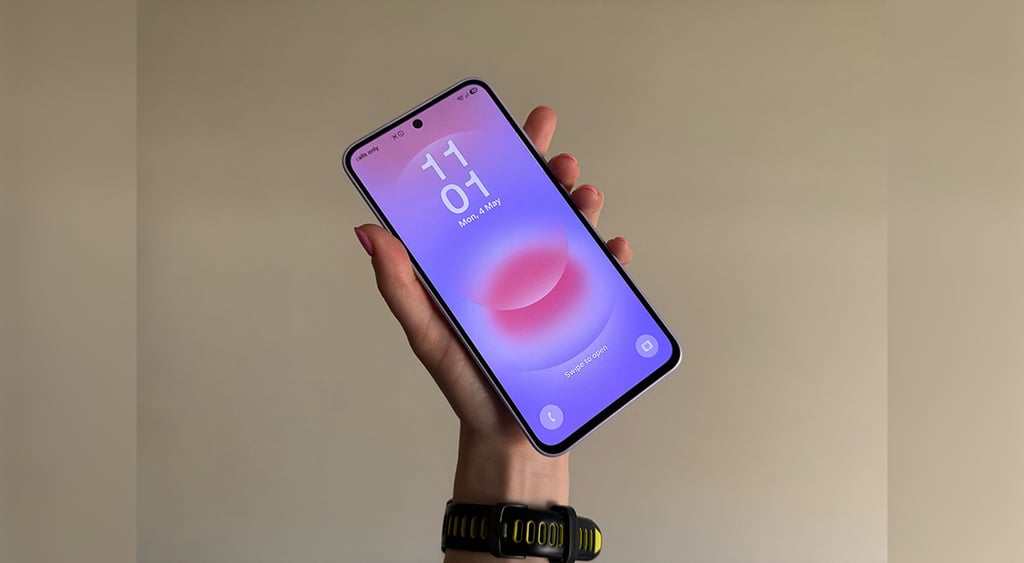
This year, the company has released two budget-friendly smartphones, the Galaxy A57 and the Galaxy A37.






Since both phones include roughly the same hardware and software features, I decided to test the Galaxy A37 to see how it can be tailored for older users.
“Easy Mode,” or simpler display
I decided to start with some interface changes.
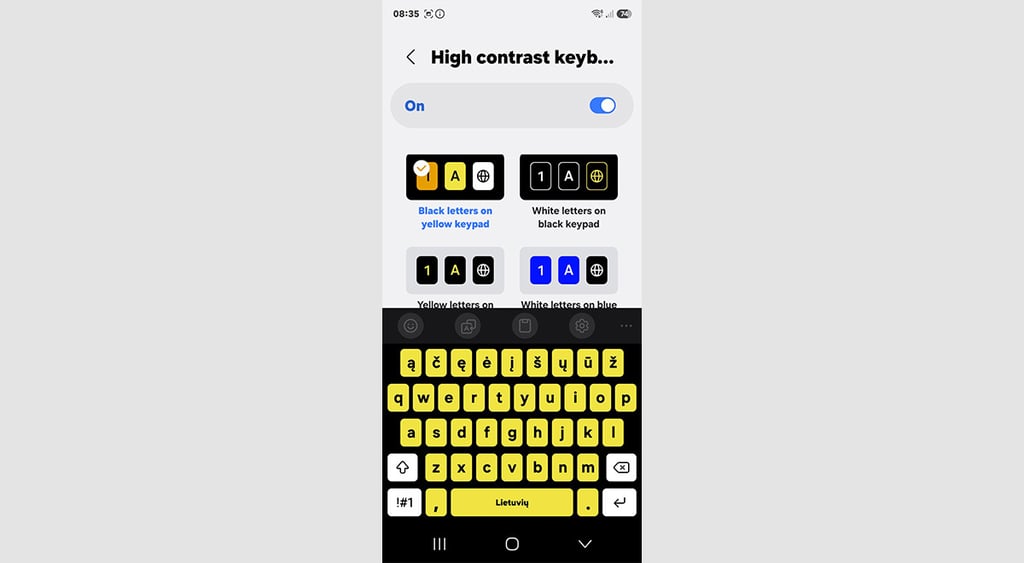
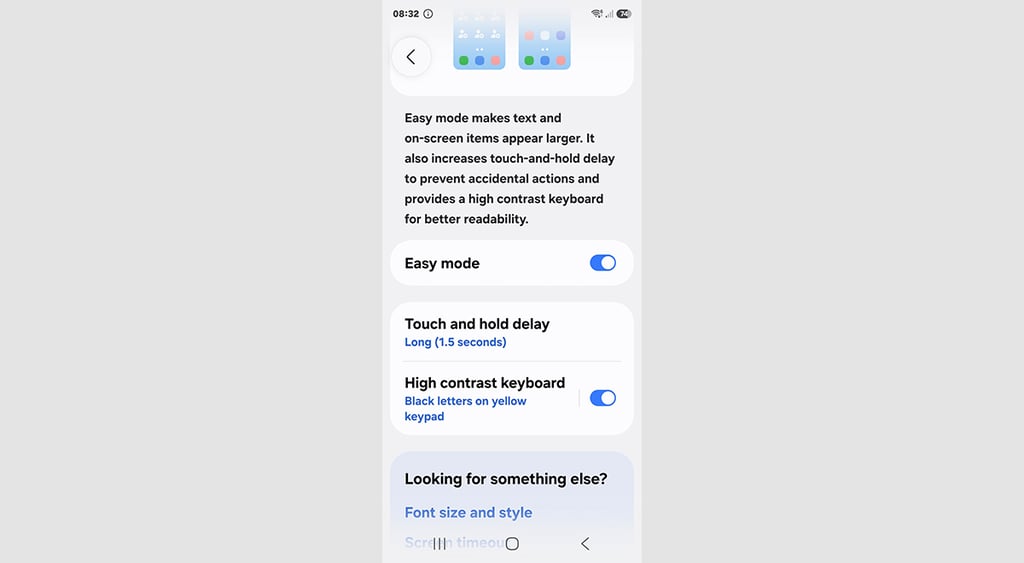
Samsung includes “Easy Mode,” a display setting that provides users with larger, bolder text and larger icons.
It also allows users to adjust the touch-and-hold delay to prevent accidental clicks.
The settings also include a high-contrast keyboard and additional options, such as screen timeout.
Users can also decide how they want to answer or end calls: answer using speaker, get the caller's name read aloud, or answer the call via gesture.
One thing that often overwhelms me is the number of notifications. And most of the time, they aren’t that important.
While “Easy Mode” can only change the smartphone’s interface, I was looking for features that would help me quickly filter notifications. It includes regular notification settings: app notifications, which allow you to disable notifications for specific apps, sort and filter notifications, and mute all notifications.
From my experience, it’s best to set these notifications to your family member’s preference in advance so that you won’t get calls from them about an unknown notification popping up.
Safety features against scammers
Scam calls have been an ongoing issue worldwide, with 1 in 4 Americans reporting receiving a deepfake voice call in the past year, according to the State of the Call 2026 report.
The report also revealed that 24% of participants weren’t sure whether they were talking to an AI, hinting that it's becoming hard for people to tell the difference between a real caller and one generated by AI.
Strong password generator

I have many of my friends laughing at me for almost never picking up an unknown number and rather googling it instead to see if it isn’t related to some fraud. I believe it has saved me from several scam calls and, yes, perhaps a few missed deliveries too.
However, not all my family members do the same. Considering this, I wanted to see whether the Galaxy A37 has features that could help prevent them from getting sucked into a scam.
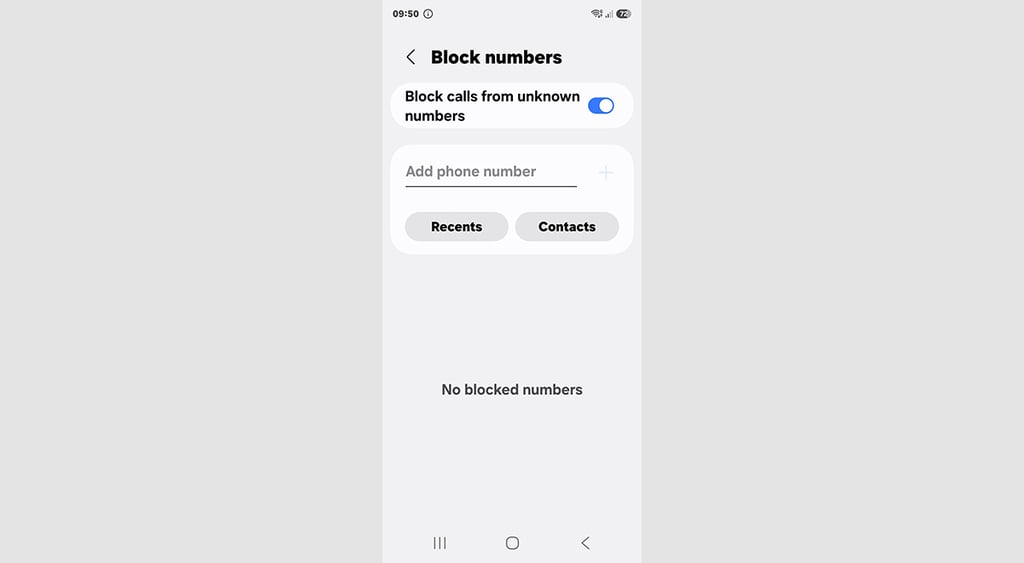
When it comes to phone calls, it seems the smartphone can only block unknown numbers, which is great if you have a repeating caller harassing you, so you can instantly add it to the list.
What I’ve noticed is that other safety features are more focused on app safety.
Besides regular security features such as lock screen, account security, and lost device protection, the new A series devices also include “App security.”
This feature checks apps for malware and other suspicious activity, notifying the user when something is amiss.
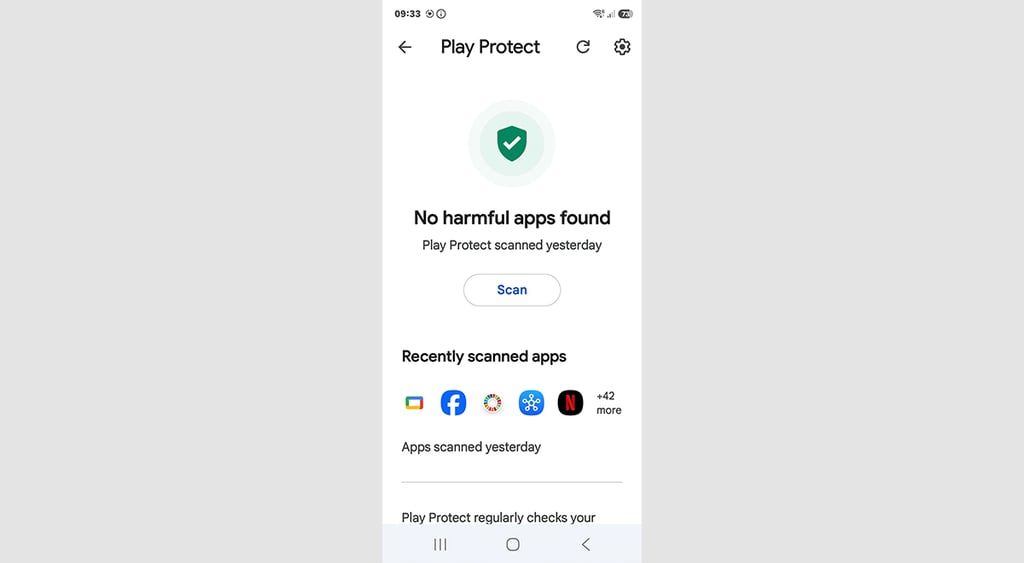
Among other security features is the Auto Blocker. This is designed to keep phones safe from suspicious activities by blocking apps from unauthorized sources.
It also blocks commands via USB cable and non-official software updates, and even blocks images suspected of containing malware.
Another thing I was interested in is whether there was a way to help a family member remotely when they can’t wait days for your next visit.
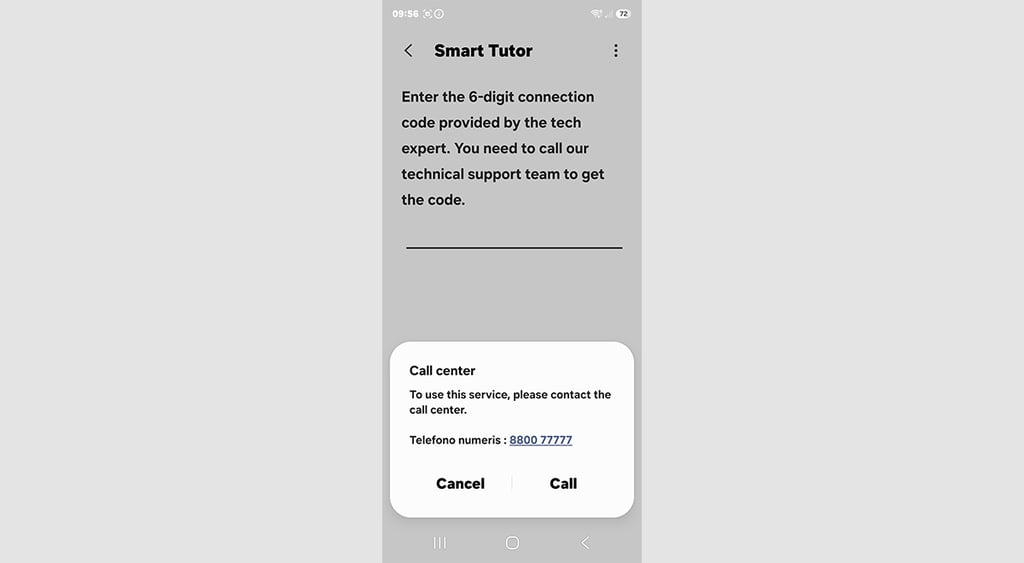
This is when I learned that there’s an app called Smart Tutor that lets you or Samsung support connect to the smartphone using a temporary PIN to see what’s going on and make changes remotely.
While I did install it, I never had the chance to use it, so I’m not sure how useful or easy it might be.






Is the Samsung Galaxy A37 helpful for older users?
I remember once taking my mom’s smartphone and hissing at her for having it on full brightness and volume, which made my eyes and ears hurt.
Considering how many features there are to tailor to one’s preferences, I now understand how important interface settings can be, which has also made me want to apologize to my mom.
In my reviews, I also often mention the phone's size, noting that it isn’t comfortable to carry a brick-sized phone. Nevertheless, for elderly people, a larger screen may make daily use more comfortable.
The Samsung Galaxy A37 offers many display features, and its overall hardware should be enough for an enjoyable experience.
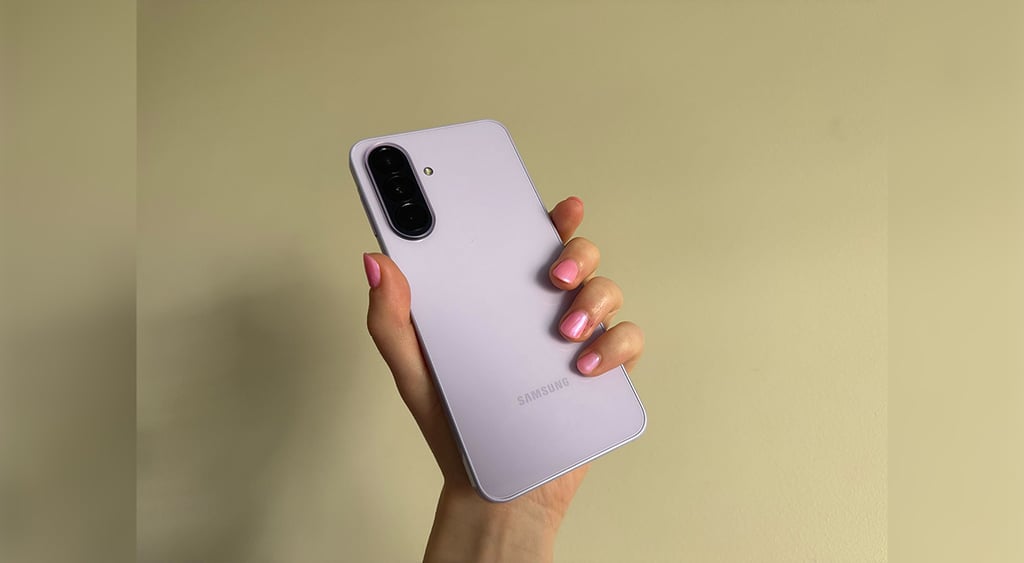
When it comes to smartphone safety, it offers many built-in features, such as blocking scam calls, blocking unsafe apps, and sending alerts for suspicious activity.
However, if I were to buy such a smartphone for my grandmother, I would still need to set up all the safety measures and perhaps install the Smart Tutor app before handing it to her, as it could be too tricky for her to understand and enable these features herself.
Which I don’t mind, considering that she would get a newly released smartphone for $400 that includes additional safety features.

Unlock more exclusive Cybernews content on YouTube.