Digital frame review: I wanted a Samsung Frame TV, but this was the next best thing
I do enjoy art and a good picture, too bad I don’t have enough space (or frames) for it. But in this digitized world, there’s a solution (or a frame) for everything.

Image by Cybernews

 Follow us
I do enjoy art and a good picture, too bad I don’t have enough space (or frames) for it. But in this digitized world, there’s a solution (or a frame) for everything.
While I’m not a big fan of displaying pictures of myself or my friends and loved ones, I do like to frame things like prints and postcards that are nice to look at, have sentimental value, or something that makes me smile.
This can be confirmed by looking at my office desk, which has a growing display of frames. What’s too bad is that while I’m trying to share my artistic taste with the world, I’m running out of space.
I guess I’m not the only one with that kind of problem. Once, while scrolling through Instagram, I came across an influencer I follow who shared a photo of herself with Samsung’s Frame TV. This TV is not only a TV, but also serves as a giant “canvas” where you can display digital art or photos, since the gadget comes with a frame.
Since such TV prices start at $600 and go up to $2000, I decided to humble myself and explore other alternatives. My next best thing was the Arzopa digital photo frame, which costs around $200.







One annoying detail, or the first impression of the Arzopa digital photo frame
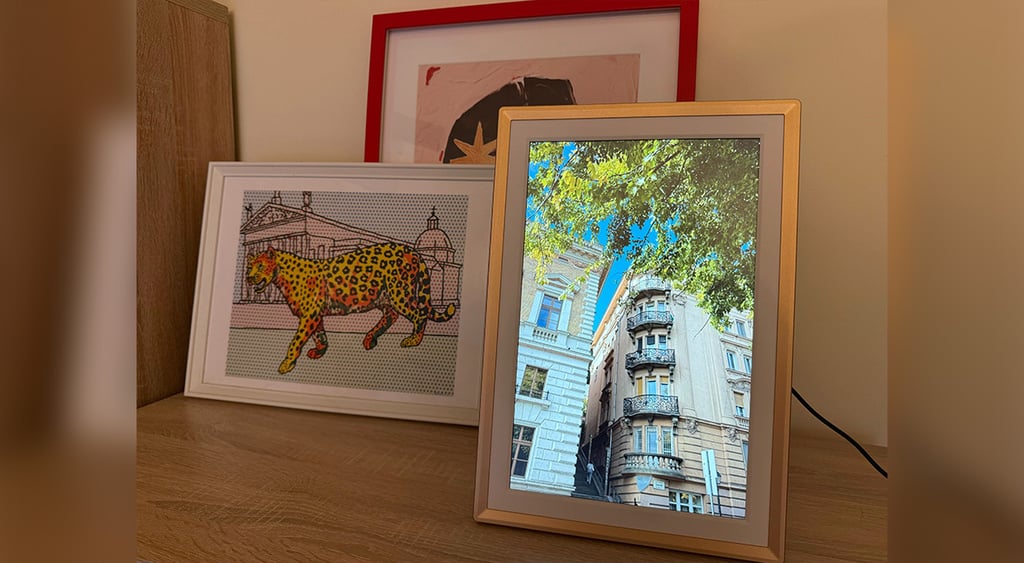
I got the Arzopa 14 Wi-Fi digital frame, which resembles an actual frame and is quite lightweight. Just like a regular frame, it can be put horizontally and vertically on any surface or put on a wall.
After unboxing the Arzopa digital frame, I discovered that it comes with a power cord, indicating that it must be plugged into a power outlet to function.
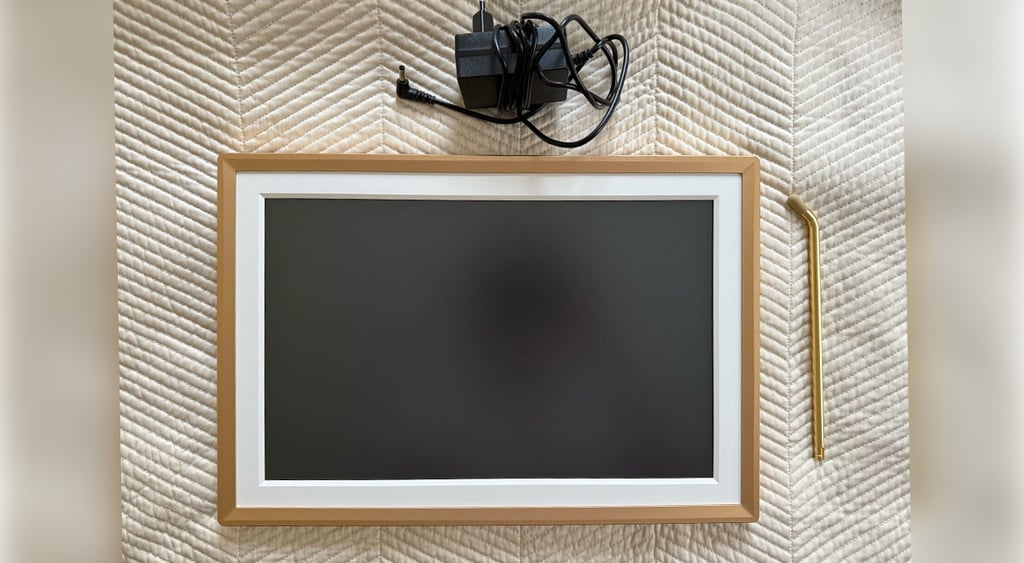
This seemed quite inconvenient, as the place I had chosen didn’t have a power socket nearby, and my inner interior designer wasn’t quite happy with the cord sticking out.
I wasn’t about to drill a hole in the wall, but it also got me thinking about what the frame would look like when placed on the wall, and how the cord might disrupt the placement. Maybe it’s good that I didn’t invest in that Frame TV after all.
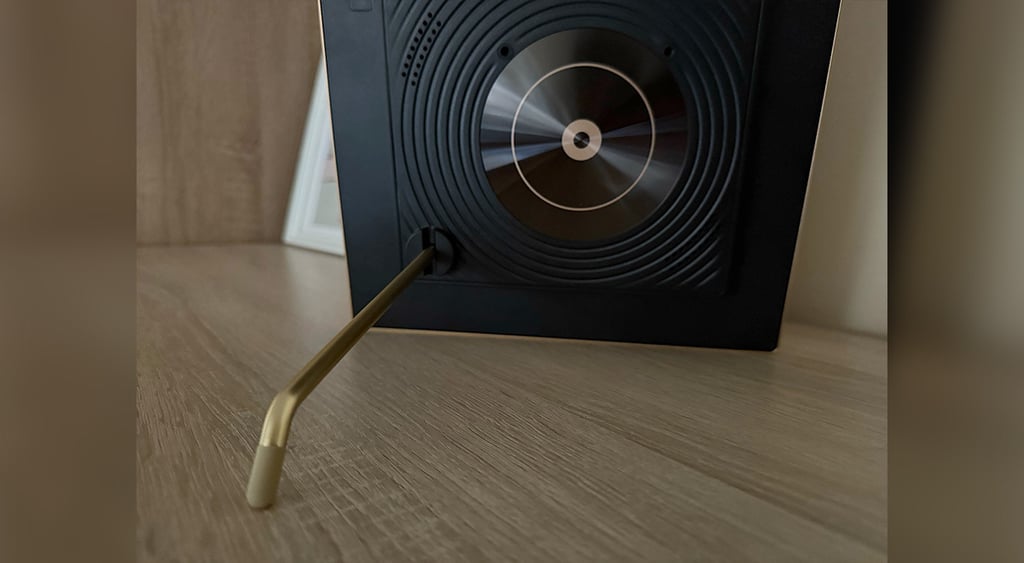
The frame also features a touchscreen, making it convenient to make quick adjustments to the frame without needing to open the app. What was nice is that it didn’t leave many noticeable fingerprints, as is usually the case with touchscreens.
One frame for all, or the Arzopa digital photo frame features
Once I set up the digital frame, it was time to check the display quality by adding some pictures and videos.
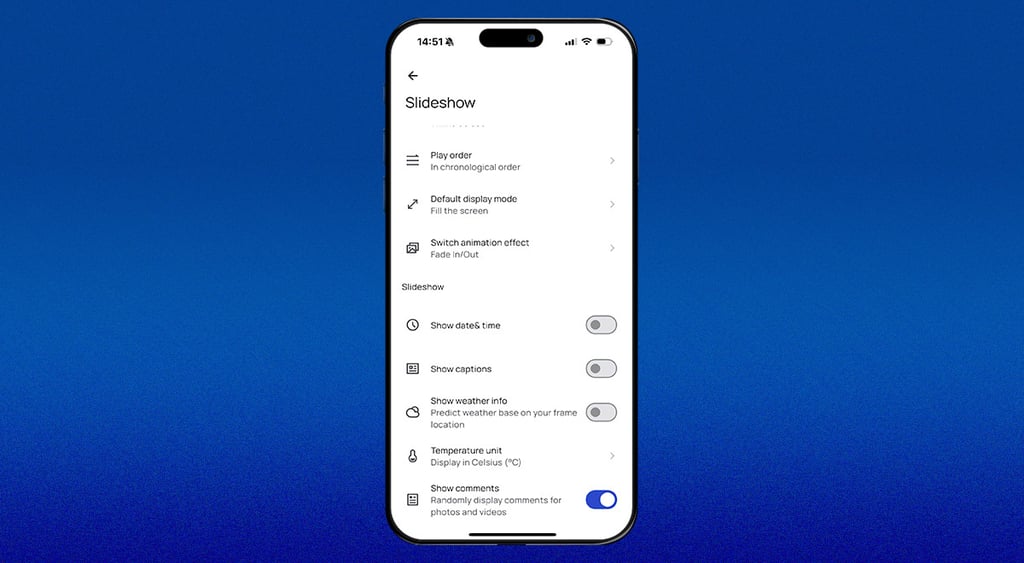
The device offers multiple methods for adding content to the frame, including inserting an SD card or USB drive or connecting it to a PC. I found it much easier to do this by downloading the Arzopa app, where I can not only add images and videos via my phone but also change device settings.
Those who like to stream content should keep in mind that the frame doesn’t have this feature, so you need to have your files ready for sharing.






What surprised me is that the frame can be used by multiple people, allowing them to create their own albums and display them on this device. As someone who still organizes and gets invited to holiday and celebration photo and video screenings by friends and family, I found this feature quite useful.
The frame also allows you to display pictures and videos in a carousel-like format, with the images changing automatically according to your preferred time intervals.
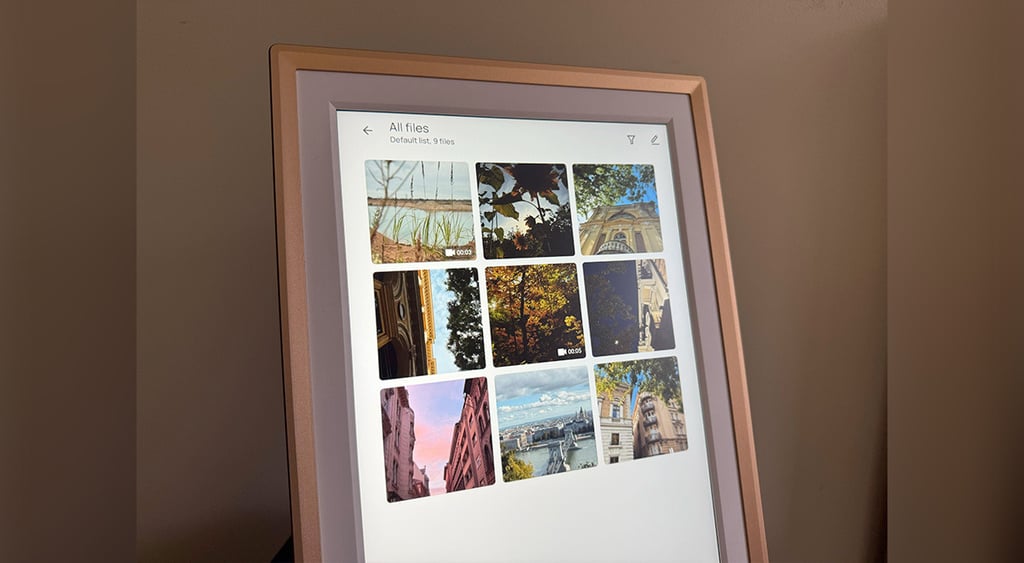
While I wanted the device to serve as a photo frame, showing only the images, it can also be set to show time, date, and weather. However, it took me a minute to find those settings in the app.
The device also allows you to adjust the screen's brightness and control how images are displayed (either filling or fitting the entire screen).
The frame’s display features a 14-inch touchscreen with IPS technology, which displays images in vibrant colors and maintains a consistent view from any angle. In reality, after I uploaded the images and videos taken with my iPhone 16 Pro, it translated to showing the content as if it were actual framed pictures.
However, I put a few videos in my carousel to test its quality, and while it wasn’t all bad, I noticed that it would sometimes lag, so I would prefer to keep it as a photo frame rather than a device for long videos. The frame also plays the sound of the videos, but I turned that off quickly, because I wasn’t too pleased with the sound quality.
Will this digital frame replace my good old real frames from Ikea?
The idea of being able to see thousands of pictures and videos on display without having to scroll through my phone, and having them in high quality, is something I enjoyed with the Arzopa digital frame.
However, what annoyed me the most was that the device wasn’t wireless, limiting the places where I can put it, as it requires a power outlet.
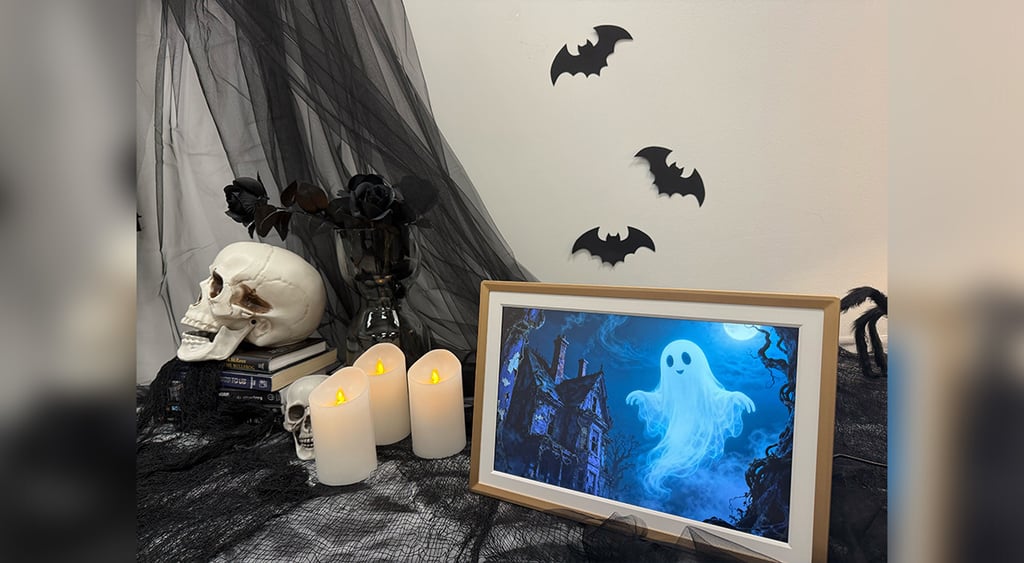
I decided to bring the frame to the office to use as decoration, featuring some fun Halloween-inspired images. That made the whole experience much more enjoyable since I could upload the images and videos within minutes of us deciding which ones should go on display, with someone joking that the frame reminds them of the one shown in the Harry Potter movies.
While this digital frame might not be for everyone, especially art collectors, it could be a great fit for those who enjoy an occasional trip down memory lane without having to scroll through thousands of pictures on their smartphone or clean dust from their physical photo albums.
Arzopa digital frame pros and cons:
Pros:
- Easy to upload numerous images and videos;
- Can be used and managed by multiple users;
- Includes touchscreen;
- Shows high-quality images;
- Displays additional information, including time, date, and temperature.
Cons:
- Must be plugged into a power outlet;
- The displayed videos sometimes lag;
- The sound of the videos playing lacks in quality;
- Navigating between the device and the app may be a bit confusing.
Unlock more exclusive Cybernews content on YouTube.