Review: I used this drawing tablet for everything other than what it was intended for
I took a $400 drawing device to read books, scribble, and create a travel itinerary.

Image by Cybernews

 Follow us
- Huion Kamvas Slate 13 functions well for e-reading, note-taking, and planning despite being marketed for artists.
- Anti-glare screen and good resolution make it comfortable for reading and viewing content.
- Huion Kamvas Slate 13 comes with case, pre-installed apps, and AI integration ready to use out of the box.
- Heavy build (682g), occasional AI crashes, and pen sensitivity issues noted by artists.
Key Takeaways by nexos.ai, reviewed by Cybernews staff.
I took a $400 drawing device to read books, scribble, and create a travel itinerary.
It was around 2010 when tablets became the next popular thing to own. Of course, I wanted one, convincing my parents that I could use it as an e-reader. Soon, I realized how uncomfortable it was to use for long reads, so I ditched it altogether. I was sure that this type of device just wasn’t for me.
That was until my friend got an iPad for her design sketches. While I admired the device, at that point, I was old enough to realise that once again, I’d have no use for a tablet since I simply have no talent for drawing.
So, when Huion’s Kamvas Slate 13, a tablet designed for artists and illustrators, landed in my hands, I was a bit puzzled as to whether I’d have to become a skilled illustrator to fully enjoy the device.


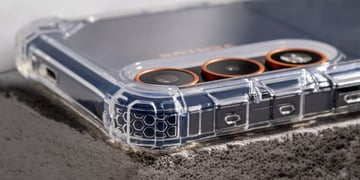



After opening a pre-installed drawing app and making sure that my artistic talents could not be summoned through digital pen and paper, I closed the app and started thinking about how the Kamvas Slate 13 tablet could be useful in my other everyday activities.

First impressions
Huion, a China-based company specializing in graphics tablets, pen displays, and digital ink devices, introduced the Kamvas Slate 13 in April this year.
The tablet has a large display (280.6 x 211.8 x 7.5mm), which is great for reading or watching video content. While I enjoyed the bigger screen, the tablet seemed quite heavy – it weighs 682g.
During the unboxing, I was surprised to find that the tablet and case came together. Since I’m used to buying accessories separately, I was glad that I could use the tablet right away without having to spend my time looking for a compatible case or screen protection.
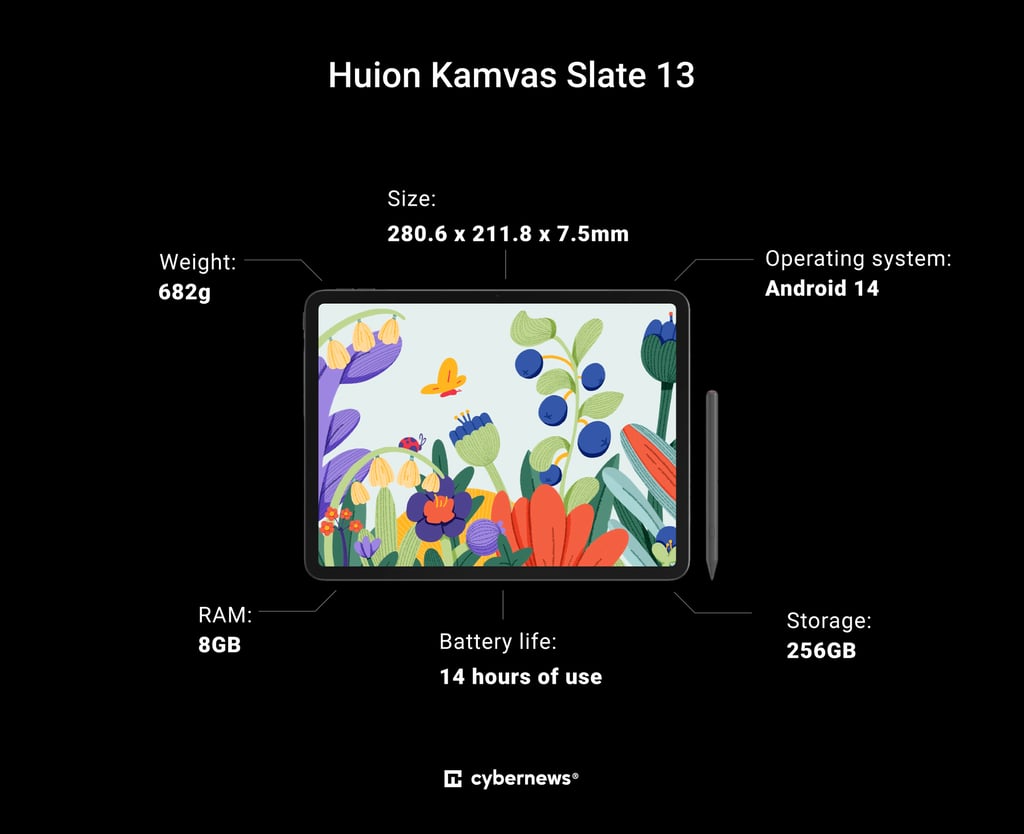
Huion’s Kamvas Slate 13 is not only a tablet for drawing
Huion’s Kamvas Slate 13 is often advertised as a tablet for artists and illustrators, boasting an anti-glare screen and pre-installed drawing apps.
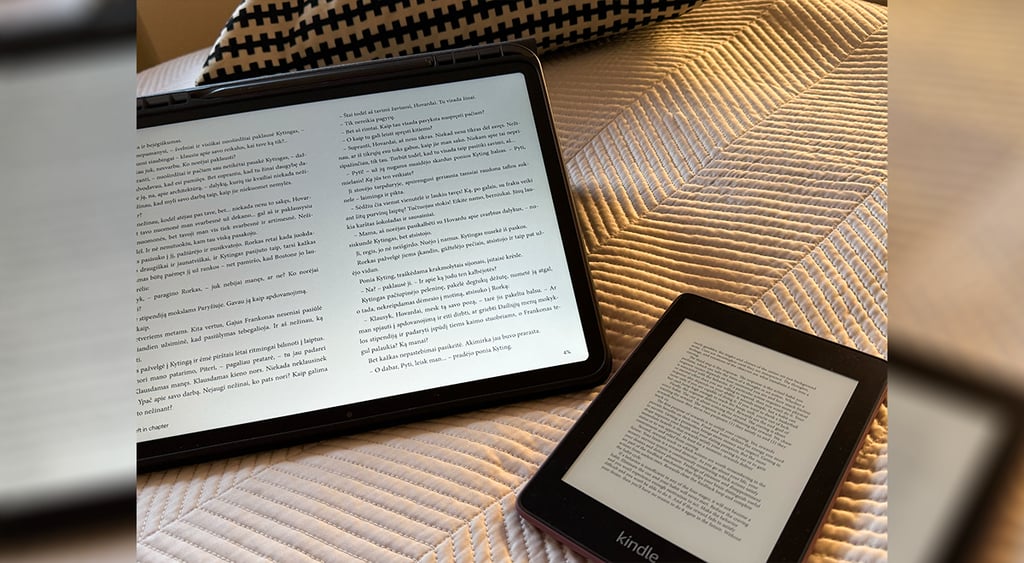
Its anti-glare screen reminded me of my 10th-generation Kindle, which has also been collecting dust for a while. While I’m not a big fan of e-readers, I find them quite convenient when I’m traveling.
As a frequent reader, I often try to get a copy from friends or by taking one from the library. A while ago, I found out that you can also borrow electronic versions of books and read them on your device.
However, I soon realized that my Kindle couldn’t load the books, which left me quite frustrated.
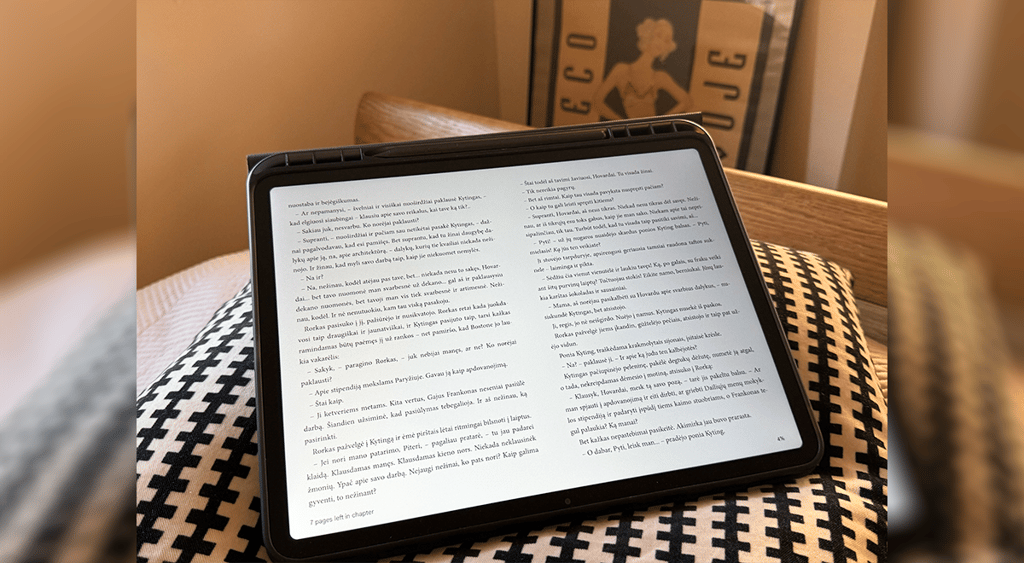






So, I decided to try the Slate 13 tablet, and within seconds, I had the book I had wanted to read for a long time before my eyes.
Of course, the question remains whether it's comfortable and safe to use the tablet for longer reads without straining my eyes.
The Slate 13 tablet has an anti-glare and low-reflection screen, which reduces reflection compared with an LCD display. It also has decent resolution (2176 x 1600) and a large screen, so you can see more text per page.
Since the device isn’t made purely for reading, those who enjoy longer readings through e-books might note the difference. But considering that it’s a multipurpose device, I would say it can also be turned into a pretty decent e-reader.
An AI-powered tablet helped me with my travel arrangements
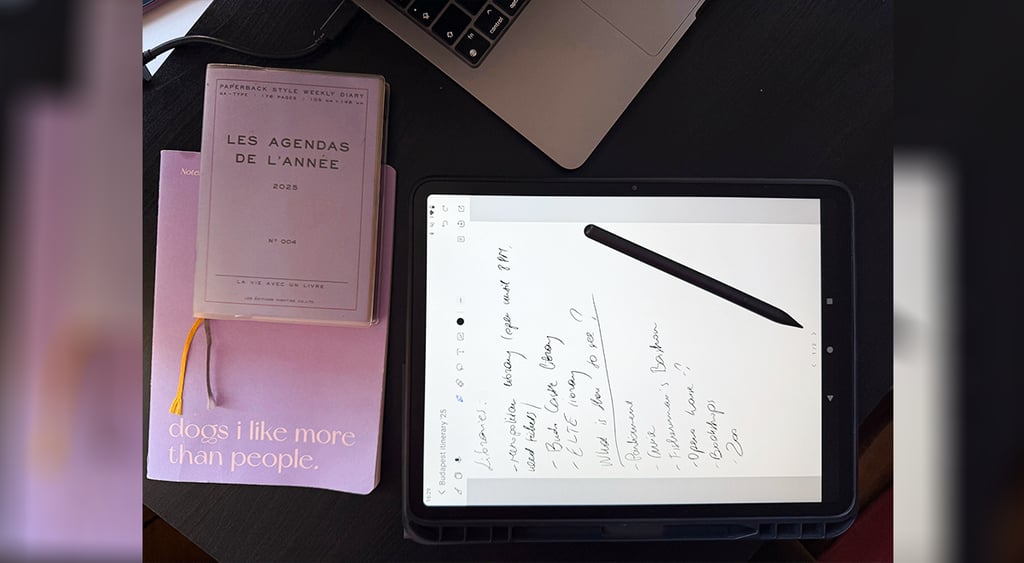
The tablet also comes with the Huion Note app, which turns the tablet into a notebook. Since I’m a note freak, having at least two physical notebooks and an app on my iPhone ready at all times, I decided to see if I’d enjoy scribbling things on the tablet.
This came at a perfect time, when I needed to plan a short trip abroad. Knowing that the device also comes with Google Assistant and Gemini, I decided to use everything Kamvas Slate could provide me with to arrange my next trip.
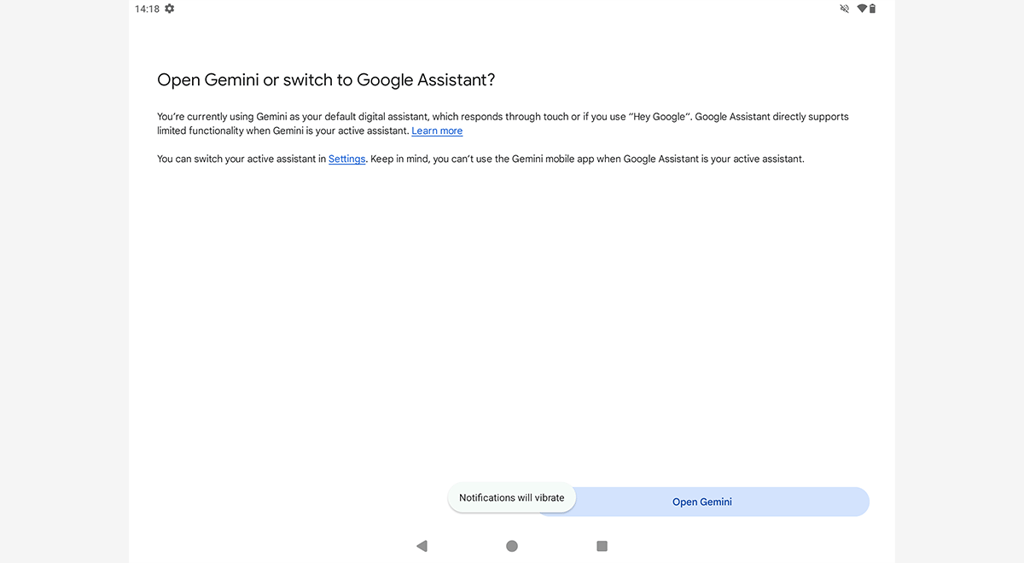
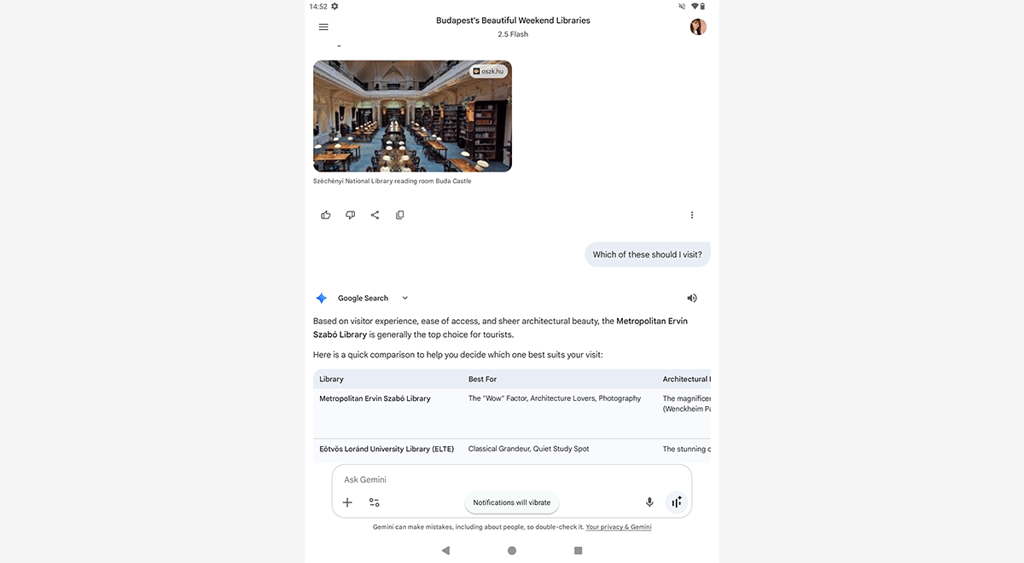
I started by seeking help from Google Gemini. I asked the AI what kind of places I should visit, further asking for details such as working hours and ticket availability of these places.
I also used the note app to mark the places I wanted to visit and other details related to my trip, building my possible itinerary this way.
After a while, halfway into my research with the AI, with the note app and maps open, I noticed that Gemini started lagging and crashing.
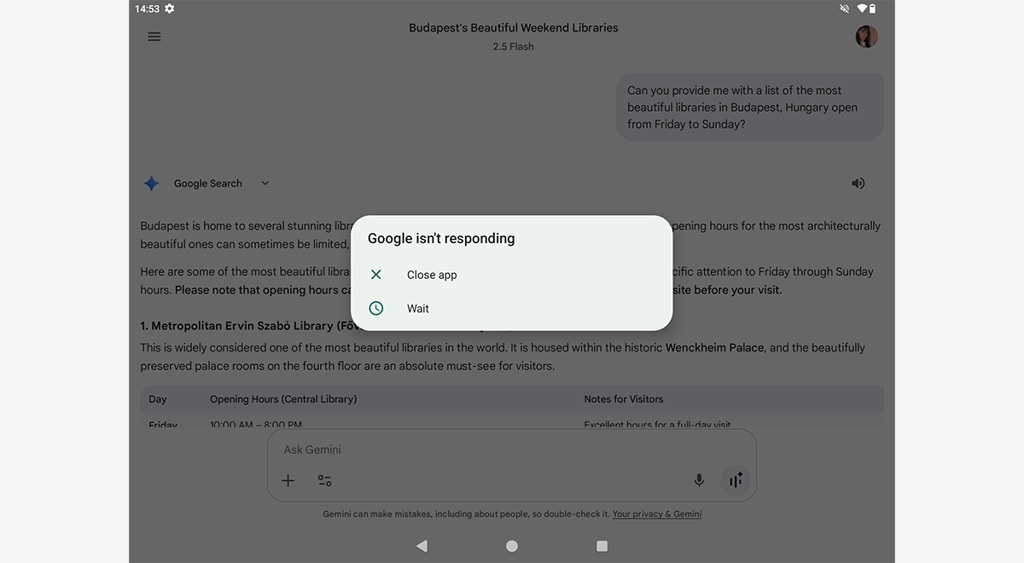
Besides this hiccup, I quite enjoyed the possibility of using the device to scribble down some ideas with the pen as if I were writing them on a piece of paper. Only later did I realize that I could’ve made my search even more comfortable by using a split-screen feature.
The verdict
While the Kamvas Slate 13 is primarily designed for users who focus on drawing and illustrating, it can also be useful for users who need a lighter-than-laptop yet bigger-than-a-phone device for searching, reading, or simply consuming content.

Huion Kamvas Slate 13 tablet pros:
- The tablet includes an anti-glare screen, which reduces reflections, improves visibility, and reduces strain on the eyes
- The tablet has a large display
- The tablet includes a split-screen feature
- The tablet has pre-installed apps for drawing and note-taking
- A case that already comes with the device
Huion Kamvas Slate 13 cons:
- The tablet feels quite heavy
- The tablet pen could be more sensitive
- The tablet’s AI assistant sometimes lags and crashes
I’m no artist who could provide deep insights into what this device is actually created for, but that didn’t stop me from reading some Reddit threads and Amazon comments to see what others think about the drawing tablet.
While those who tried the device for its intended purpose shared a few comments about its pen not being sensitive enough, or the tablet not being bright enough, the overall comment section was positive.
And I agree. Besides a few disruptions, the Kamvas Slate 13 proved to be a useful, multipurpose tablet that I would use for everyday tasks such as searching and reading.
FAQ about Huion’s Kamvas Slate 13 tablet
Is Huion’s Kamvas Slate 13 tablet good for drawing?
The Kamvas Slate 13 is a good choice for casual drawing and sketching. It's convenient as a self-contained Android art tablet, yet stylus consistency and display quality can hold it back for serious illustration work.
FAQ by nexos.ai, reviewed by Cybernews staff.
Is the Kamvas Slate 13 good for beginners?
The Kamvas Slate 13 is a convenient pick for beginners or hobbyists who want a standalone Android drawing tablet. Nevertheless, users should keep expectations modest for pro-level pen feel and consistency.
FAQ by nexos.ai, reviewed by Cybernews staff.
Is the Kamvas 13 standalone?
No, Huion’s Kamvas 13 is not a standalone tablet, but the company released the Kamvas Slate 13, which is a standalone device.
FAQ by nexos.ai, reviewed by Cybernews staff.
What is the Huion Kamvas Slate 13 compatible with?
The Huion Kamvas Slate 13 is compatible with Android devices running Android 14.
FAQ by nexos.ai, reviewed by Cybernews staff.
Unlock more exclusive Cybernews content on YouTube.