Microsoft ditches SMS and voice authentication for Entra ID, passkeys rolling out as default
SMS and voice authentication have served their purpose well, but the threat environment has evolved beyond their capabilities, Microsoft says.
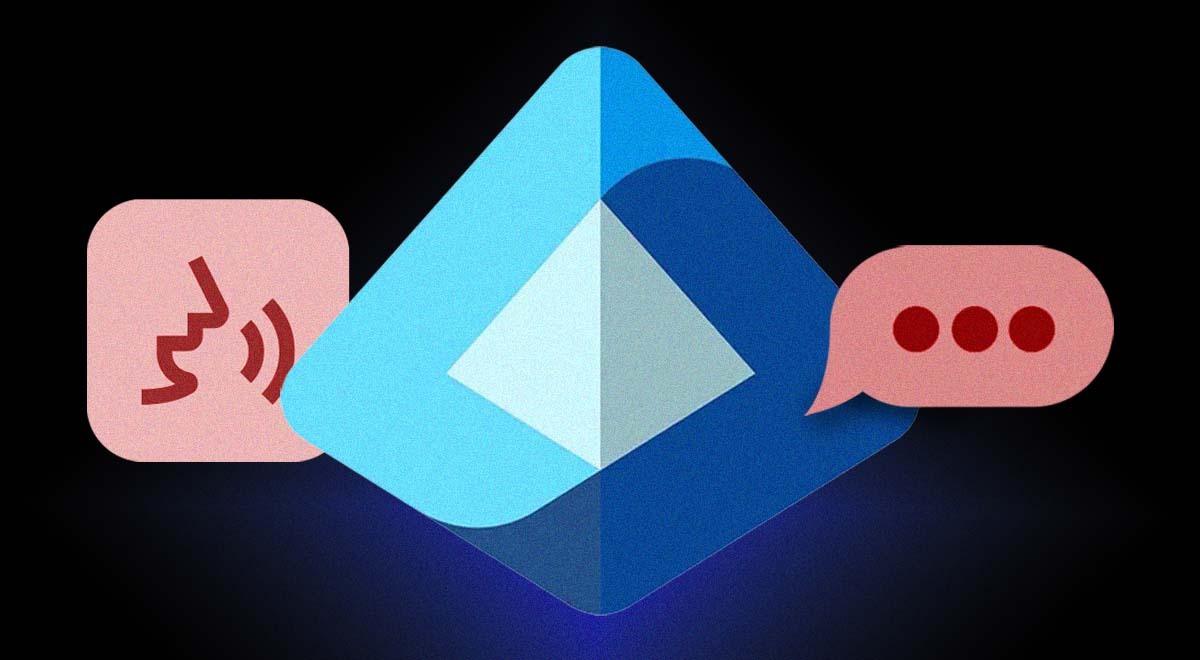
Image by Cybernews.

 Follow us
- Passkeys become the default Microsoft Entra ID authentication method on September 1st, 2026.
- Native SMS and voice authentication will be fully retired on February 1st, 2027, and companies that require traditional MFA for compliance must switch to third-party telecom providers.
- Microsoft is urging admins to get ahead of the rollout rather than wait for the automatic passkey prompts to hit users.
To combat phishing, Microsoft is rolling out passkeys as the default authentication method in Entra ID, its major identity and access management service, which companies use to control who can log in and where. Easy-to-intercept SMS and voice authentication options will no longer be built in.
The Redmond giant announced sweeping, mandatory changes to Entra ID authentication.
Starting September 1st, 2026, passkeys will become the default authentication experience in Microsoft Entra ID.
From then on, users who still rely on SMS or voice authentication will have passkeys enabled, and they will be prompted to register one when they perform multifactor authentication.




On February 1st, 2027, Microsoft will completely retire its telecom-delivered SMS and voice authentication – Microsoft Entra won’t have this native capability. The prompts will become unskippable.



Stay updated with our latest stories and follow us on social media
Be the first to discover new stories, ideas, and updates from our team.
“After this date, users whose only available MFA method is SMS or voice will be required to register a passkey during sign-in to continue accessing their account. This prompt will be blocking. Users must register a passkey before they can continue signing into their account,” Microsoft warns.
If the companies absolutely need SMS or voice authentication, i.e., for compliance reasons, they’ll have to opt for a third-party telecom partner and pay associated charges. Admins can start selecting and configuring a supported telecom provider through the Microsoft Security Store ahead of the cutoff, starting October 30th, 2026.
Pricing details and other terms will also be shared.
“As identity attacks grow more sophisticated in the AI era, organizations need stronger authentication methods that protect users from phishing, credential theft, and social engineering,” Microsoft explains in the blog post.
The company argues that more than half of people now click on AI-enabled phishing lures: AI-enabled phishing achieves a 54% click-through rate, compared to 12% for more traditional campaigns.
Stolen passwords and perishable second factors in authentication pose a major, urgent risk. Hackers are also using other tactics, such as SIM swapping and bypassing multifactor authentication, to get in.
Check if your data was exposed
Find out if your email and related personal information have appeared in known data breaches.
“An AI-powered cyberattack can use a compromised identity to automate discovery, privilege escalation, and lateral movement much faster than a human attacker working manually,” Microsoft said.
Microsoft urges admins to prepare for the transition and start communicating changes to the users now, rather than waiting for the deadline. The released documentation includes email templates.
“Use registration campaign to drive adoption,” the blog post reads.
Admins are pressed to choose the types of passkeys for their users. Entra ID supports cloud-based (synced) passkeys, stored in platform credential managers like iCloud Keychain and Google Password Manager, as well as device-bound passkeys, including Microsoft Authenticator passkeys, Entra passkeys on Windows, and FIDO2 security keys.
Entra ID pricing ranges from free (included with Azure and Microsoft 365 subscriptions) to paid tiers costing $7-$12 per user per month, depending on the features.
Microsoft already began phasing out SMS codes for personal account sign-in and recovery starting in May 2026, pushing users toward passkeys, authenticator apps, or verified emails instead. Xbox, OneDrive, Outlook, and Windows users are guided to add a verified email and set up a passkey to "ensure you can sign in and recover your account without relying on SMS.