Huion smart notebook review: I found my own Montblanc for cheaper
When e-readers became a thing, I hopped on the trend and bought one. However, I soon realized that I didn’t enjoy it. The same almost happened with digital notebooks, until I found an alternative – Huion Note, which is a hybrid between a physical and a digital notebook. Soon, I was on a mission to see if it could replace my current notebook.

Image by Cybernews

 Follow us
When e-readers became a thing, I hopped on the trend and bought one. However, I soon realized that I didn’t enjoy it. The same almost happened with digital notebooks, until I found an alternative – Huion Note, which is a hybrid between a physical and a digital notebook. Soon, I was on a mission to see if it could replace my current notebook.
As someone who still uses paper calendars and notebooks, I occasionally surprise people who rely on calendars and apps on their smartphones for notes. And while I do sometimes leave notes on my iPhone, I still enjoy planning my week in a paper calendar or scribbling down an idea or two in a dedicated notebook for when I’m reading.
The issue I often encounter, though, is that once I finish a calendar, I store it because there’s some information that I simply don’t want to discard. A smart thing to do would be to digitize it somehow.
From time to time, this makes me think of switching to a digital notebook. However, I then remember my Kindle e-reader, which is collecting dust while I still enjoy paper copies of books.
Another reason I don’t want to switch to digital notes is that it feels uncomfortable to write on a screen rather than on paper. Even though I thought that there’s nothing a person can’t get used to after the release of the Montblanc Digital Paper notebook. But then again, I changed my mind after seeing the price tag it comes with (it’s $900).


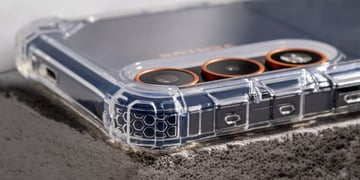



That was after I reviewed the Huion Kamvas Slate 13 tablet, which was originally created for drawing, but since I’m no Picasso, I mainly used it for note-taking. This is when I learned that the same brand has a paper notebook that allows you to digitize your notes and drawings.
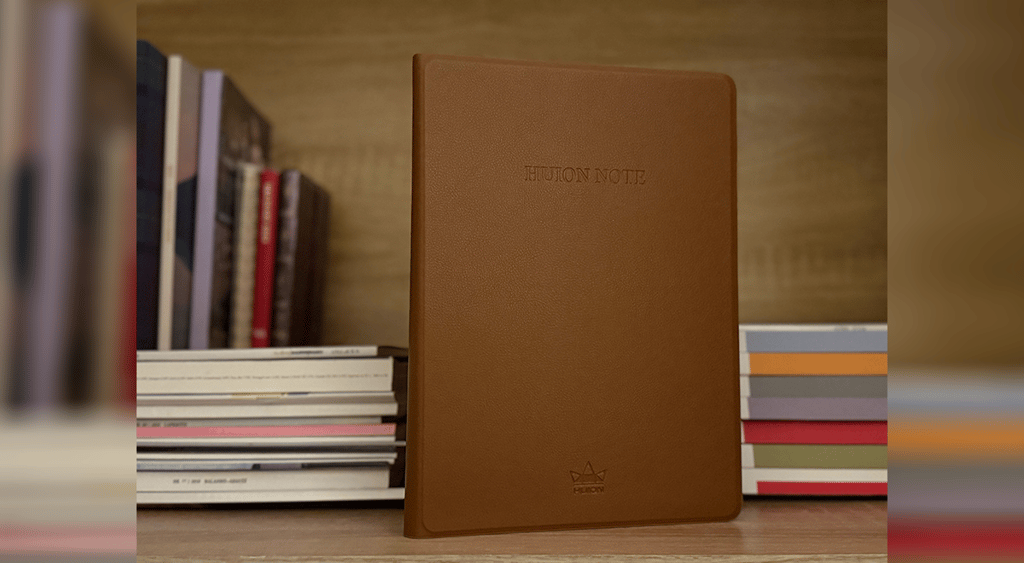
Huion smart notebook: first impressions
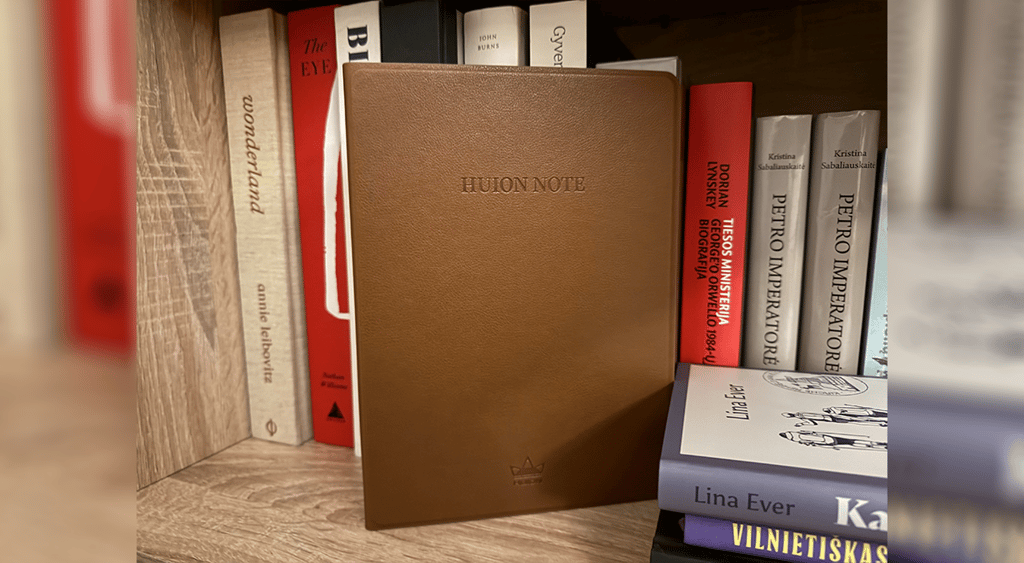
The Huion Note X10 smart notebook instantly reminded me of those fancy leather notebooks with a hard cover. I once again remembered the Montblanc notebook, which is like eight times more expensive than the Huion.
It comes in only one color, which is light brown. The notebook includes the notepad (or just paper) and tablet surface cover.
The box also came with a pen and a sleeve, as well as some metallic pen nibs for replacement once the original runs out.
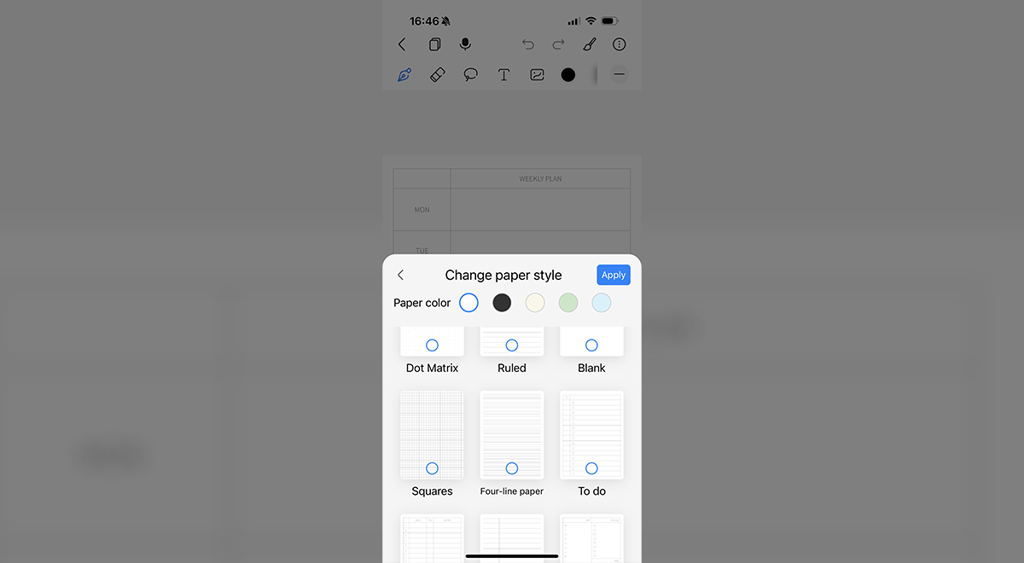
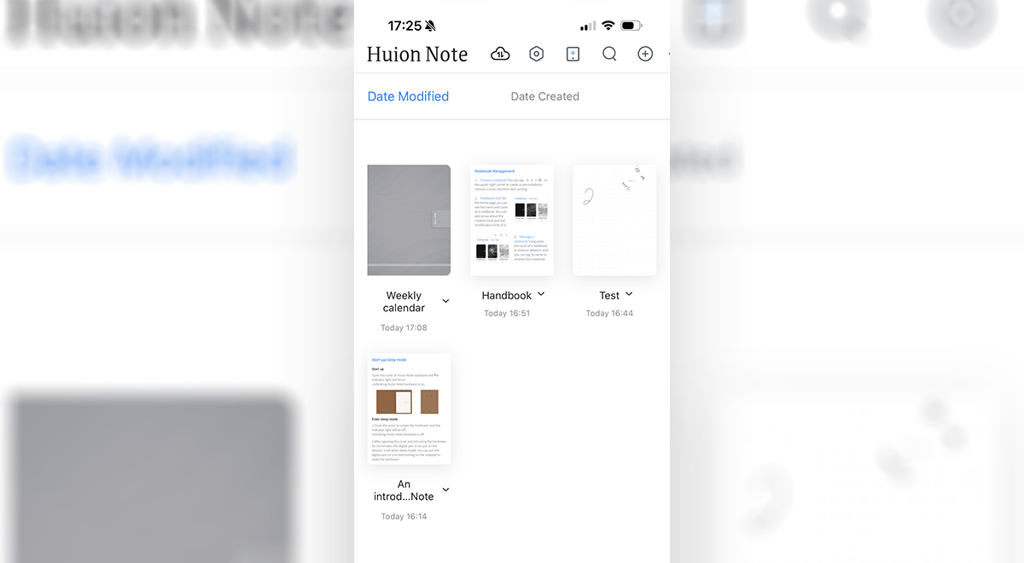
To duplicate the notes digitally, I needed to download the Huion Note app, which allowed me to organize my notes by creating new notebooks, selecting their cover, paper style, and more. The app also allows you to share these notes or save them in different formats.
How does the Huion Note X10 smart notebook work?
The idea behind the Huion Note X10 smart notebook is to enable users to draw and write on regular paper, just as they would in a traditional notebook. But it’s not a traditional notebook, as its covers are connected to an app where you can find all that you wrote in digital form.
The notes are transferred via Bluetooth with a tablet that has a light in the top right corner, indicating whether the device is connected or not.
As someone with messy handwriting and even messier notes, I was curious if I could delete the things I write in my physical notebook. I soon learned that while you can’t make changes on the actual paper (silly me, I thought there would be some magical Huion pen eraser), you can erase things or make changes that would be visible in the digital version of your notes.

I tend to use up all of my notebook, so I’m used to writing on both sides of the paper. Nevertheless, what I noticed is that since you can only write on the dotted area, this means that you can only write on the right side of the notebook for it to be digitized. While I found this annoying, it may benefit left-handed writers.
I soon learned that there’s a way around this, which might not be the most convenient. Since only the right side of the notebook is where the digitized area is, you can switch the paper notepad so that its left side would face the right side.
This also means that since the notepad can be taken off, once you fill this up with your drawings and ideas, it can be changed to any other notepad, which can be a “traditional A5 notebook with a thickness below 10mm.”
The device also includes what the company calls “pen tablet mode,” made for artists. The user can remove the notebook, insert a panel included in the box, fold it up, and have a “new tablet with 8192 levels of pressure sensitivity and ±60° tilt function” to help them modify their work.

Huion smart notebook: Is it worth it?
As someone who prefers physical notebooks and calendars over digital ones, I often find my notes scattered between paper and digital formats, especially in the workplace. I like to write down my ideas on a piece of paper, but later, when I’m in a meeting with only my laptop, I wish I had my notebook with me, which is not always the case.
With Huion’s smart notebook, I can now have a digitized version of my notes, without having to take a picture of them or use a scan app.






I wasn’t too happy about not being able to use the pages to their fullest potential without making any adjustments, because only the right side of the notebook is digitized. While there’s a workaround, it doesn’t seem too convenient.
The notebook is also aesthetically pleasing, with all necessary accessories already added. However, what I initially thought were additions for a pen to provide writing in different thicknesses turned out to be extra pen nibs.
So, for someone who just wants to scribble and write some notes that can be transferred to a digital format, Huion’s smart notebook is enough, despite its limitations on where you can write. For those who focus on drawing, the pen may cause some problems as it may lack precision.
Huion Note X10 smart notebook pros and cons
Pros:
- Physical notes can be converted into digital notes.
- Aesthetically pleasing design.
- Can be turned into a “tablet” for digital drawing.
Cons:
- A user can only write on the page that is placed on the active “working area.”
- Digital notes can’t be converted into editable text, they can only be changed while writing in physical notes.
Unlock more exclusive Cybernews content on YouTube.