Scammers run circles around sideloading restrictions with fake app stores
Researchers are warning of a nasty new type of scam: victims see a normal Google Play or Apple App Store, where the install button works, an app icon appears on the home screen without any warnings, and it functions as normal. But the “fake app” is actually a special bookmark (Progressive Web App) to a fraudulent website.
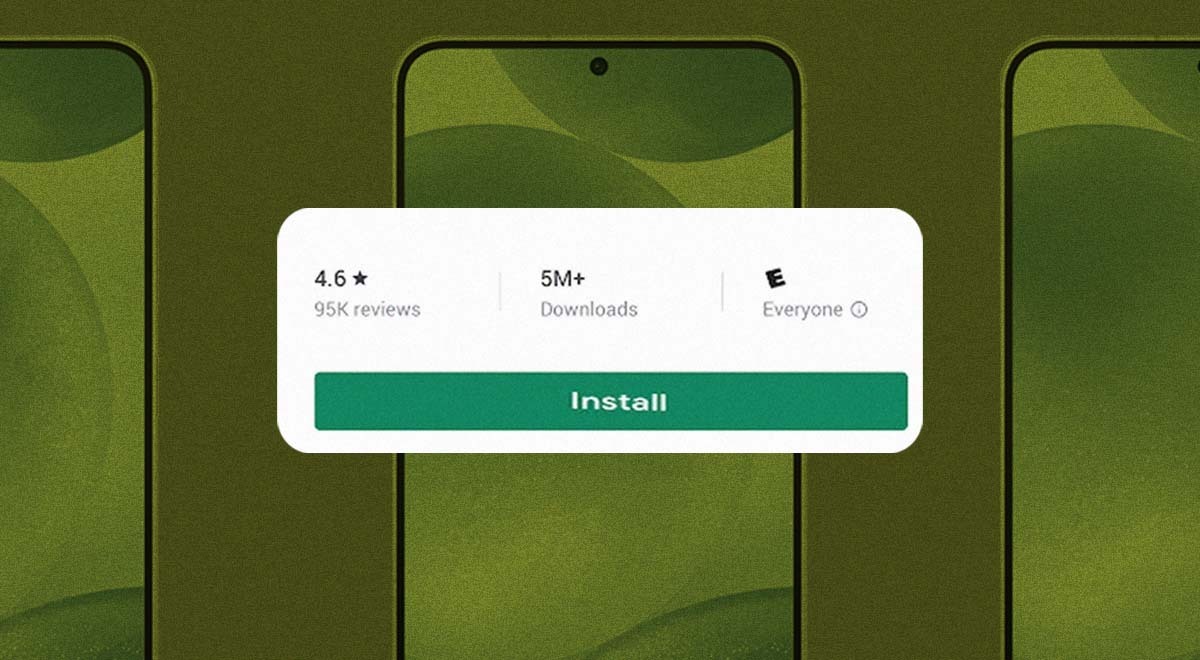
Image by Cybernews.

 Follow us
Researchers are warning of a nasty new type of scam: victims see a normal Google Play or Apple App Store, where the install button works, an app icon appears on the home screen without any warnings, and it functions as normal. But the “fake app” is actually a special bookmark (Progressive Web App) to a fraudulent website.
While Google is busy trying to tame scammers abusing Android sideloading, cybercriminals are one step ahead. They’re now exploiting another smartphone feature that completely bypasses future sideloading measures.
Scammers are dropping “fake apps,” Progressive Web Apps (PWAs), or, simply, a kind of bookmark that behaves like an app by opening a website. PWAs have their own icons and splash screens and feel like apps. Crooks have complete control over what the users see, and they can silently change the content in an instant.
Researchers at Malwarebytes Labs uncovered a massive scam campaign targeting gamblers who rely on this delivery method. Over 1,500 malicious websites impersonate Google Play or the Apple App Store, where the “installation is nearly indistinguishable from the experience on the real app store.
Victims with fake apps are then redirected to unregulated gambling sites with no protections. Scammers collect affiliate commissions, but they could just as easily redirect users to any other scam.











Massive gambling scam
The massive social-engineering campaign currently running, dubbed FriendlyDealer, relies on paid advertising that steers people to fake gambling sites.
“It’s been observed across at least 1,500 domains, each hosting a website that impersonates the Google Play or Apple App Store,” a new report by Malwarebytes Labs reads.
“Before showing the fake store, the kit can also display a simple casino mini-game to build engagement.”
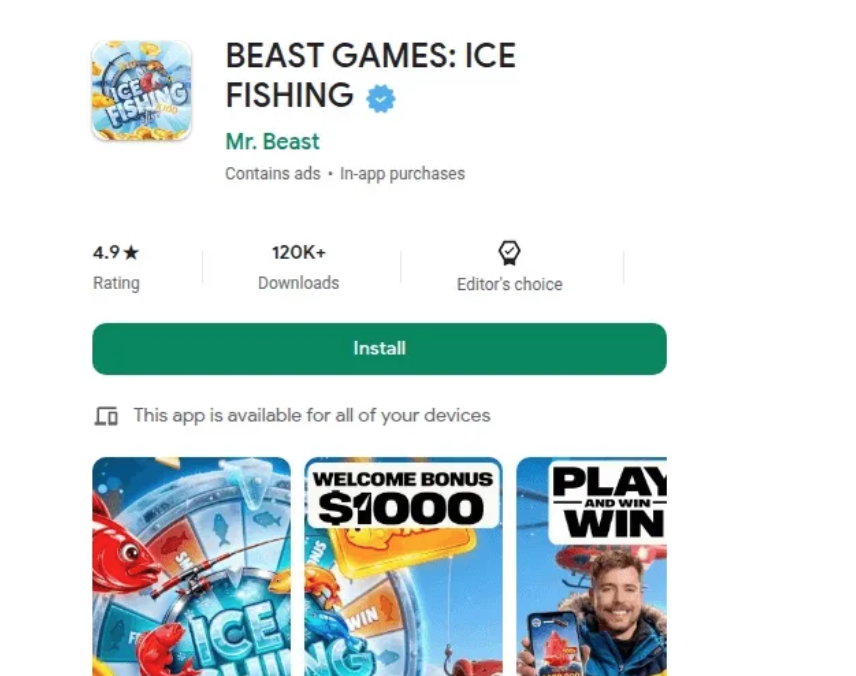
Users on scam websites have an impression that they’re installing a legitimate gambling app. Under the hood, the malicious kit detects the device and serves an exact clone of the corresponding app store, with correct fonts, fake reviews, and other elements.
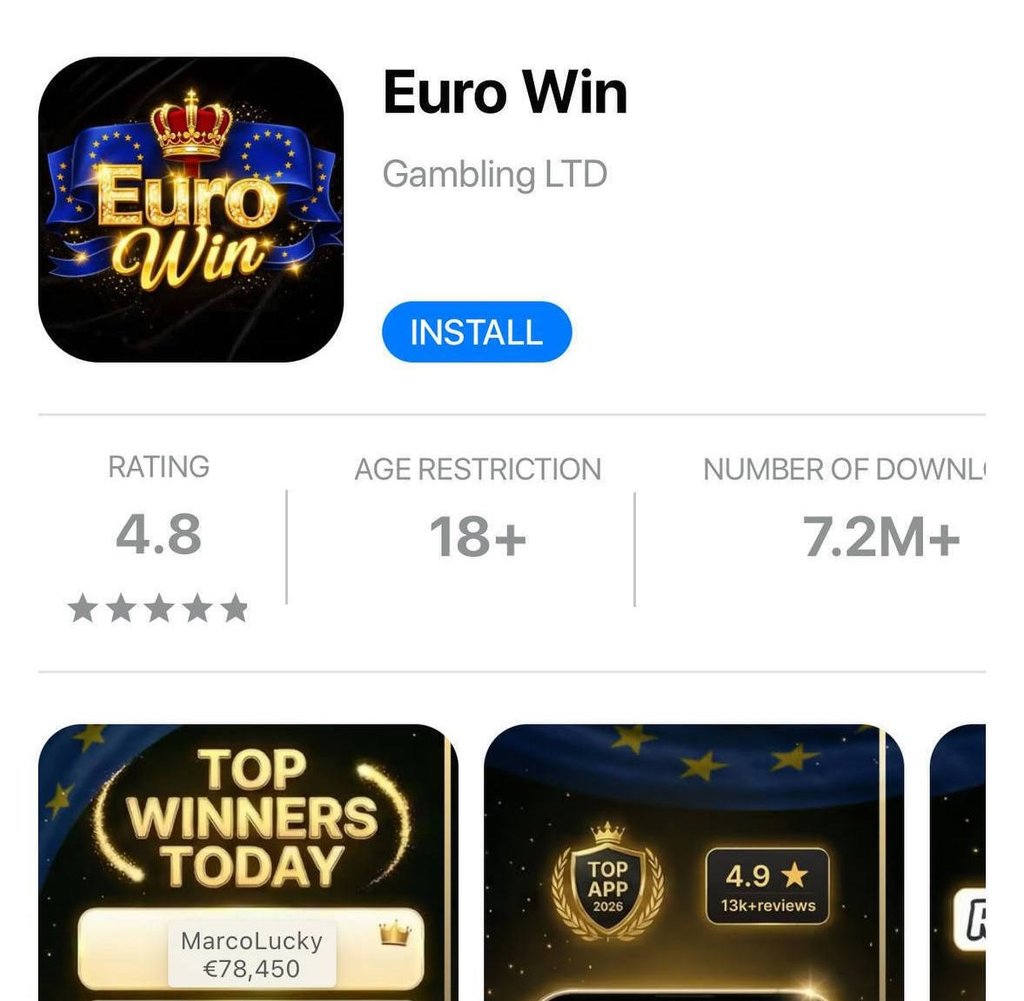
Attackers have spun up at least twenty fake casino brands, like “Tower Rush,” “Chicken Road,” and “BEAST GAMES: ICE FISHING,” the latter impersonating a popular YouTube creator.
The fake “Install” button only works on a smartphone and doesn’t trigger any warnings about installing apps from unknown sources.
“The code goes to extraordinary lengths to get you into the right browser,” the report reads.
“If you arrive through a Facebook or Instagram ad, you’re inside those apps’ built-in browser, which can’t trigger the install. On Android, the kit generates a special link that forces the page to reopen in Chrome. On iOS, it does the same thing but for Safari.”
Instead of an app, the victims install a bookmark – a Progressive Web App (PWA).
“To most people, it’s indistinguishable from a real app,” the researchers said.
Scammers use service workers to keep persistent connections to the victim’s device, also register a separate push worker to send notifications, and cram the PWA with tracking scripts.
These fake apps send users straight to multiple casinos through affiliate links, netting scammers from $50 to $400 per depositing user.
However, one day, these same fake apps could display something completely different.
“Each domain is disposable. The kit is a template. Change one configuration file, and you have a new casino brand on a new domain in minutes.”

The researchers believe a Russian-speaking threat actor is behind the campaign because the code references Yandex telemetry fields, ships with Russian-language comments, debug strings, and other artefacts.
While this scam doesn’t steal credentials or take over the device, it causes financial harm to victims funneled to unregulated sites via deceptive install and redirect flows. Victims may end up depositing money where they didn’t intend to.
“The people behind this built a factory: one template, twenty brands, more than 1,500 domains. Paid ads bring the traffic. The fake app stores seal the deal. The affiliate network pays the bills,” the Malwarebytes Labs researchers conclude.
What to do if you have one of these apps?
To remove the unwanted “fake app", you can simply delete it, but more steps are required to also remove all the unwanted notifications. The researchers also recommend clearing the site data in Chrome, as well as revoking notification permissions for malicious websites.
On Android, long-press the icon and tap Uninstall, or go to “Settings”, select “Apps” and remove anything you don’t recognize.
To remove any data traces from the browser, open “Chrome,” go to “Settings,” select “Site settings,” then “All sites.”
Find the specific website, and tap “Clear & reset.” To check notification permissions, go to “Settings,” select “Notifications,” and remove any sites you don’t want.
Repeat the same steps on other browsers you use.
On iPhone, these fake apps don’t install background scripts the way they do on Android, and removing the icon (fake app) also clears the cached site data.
The researchers still recommend clearing site data and checking notification permissions in Safari.
To clear any remaining cookies and stored data, go to Safari settings, tap “Advanced,” select Website Data, and search for the specific domain.
To check for notification permissions, go to Safari settings, scroll to the “Settings for Websites” section, tap “Notifications,” and remove or deny access to the unwanted sites.
Unlock more exclusive Cybernews content on YouTube.