Passbolt Review (2026): the open-source team password manager built for control


Passbolt is a business and security-oriented password manager developed for teams. It can be self-hosted or deployed in a EU-located cloud and offers granular password control to manage role-based access.
Unlike many consumer-centric password managers, Passbolt is built-first for security-conscious IT teams. It gives administrators the ability to control and secure password management according to the company's structure, whilst being simple enough to use across the entire organisation.
In this Passbolt review, I explain how it works, who benefits from it most, and what sets Passbolt apart from competitors like Bitwarden and 1Password.
What is Passbolt?
Passbolt is a team-first password manager. Although it can be used individually, it performs best in small-to-medium teams and larger enterprises that seek a security-oriented solution.
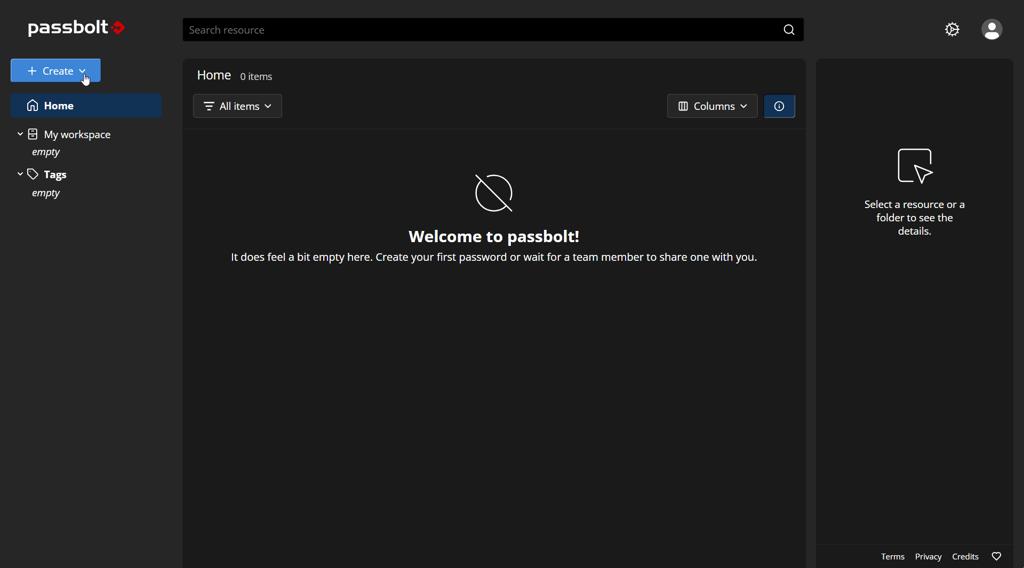
It is open-source and also offers a genuinely free version, which is rare in business-focused password managers. An open source password manager for teams provides more control and customization for technical teams that can manage its code base.
Passbolt uses the OpenPGP encryption standard, once again standing out from many competitors. Instead of a single master password, it uses public and private keys and a passphrase to access encrypted credentials. The private key is never stored on Passbolt's servers, protecting from unauthorized access even if a breach happens.
Self-hosting is available on multiple systems, including Docker, Linux, and even Raspberry Pi. For cloud setup, it uses servers in the European Union, that operate under GDPR requirements.
Passbolt’s security architecture – what makes it different
OpenPGP encryption is at the core of Passbolt's cybersecurity architecture. The passwords are encrypted using a public key before being sent to the server. They are decrypted using a private key, always stored locally on the user's device, and a passphrase.
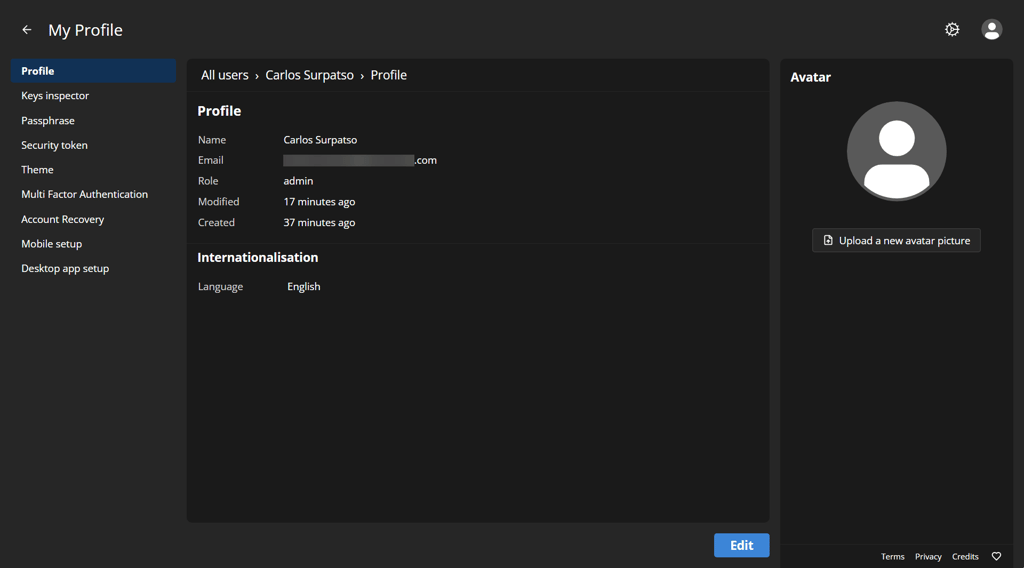
In comparison, services like Bitwarden and LastPass use a single master password. In those systems, the encryption key is derived from the master password, which is more vulnerable to phishing and bruteforce attacks. Also, LastPass has experienced quite a few breaches, and Passbolt aims to be a highly reliable solution for businesses.
It further strengthened its cybersecurity with the v5 updated, rolled out in 2025, and extended in 2026. It now also encrypts metadata, like folder names, tags, and item titles, preventing metadata leaks.
You can find Passbolt's code on GitHub, where it has also undergone regular independent security audits. Quarkslab performed the infrastructure penetration test in 2024 and a pre-CSPN audit in 2025, and Cure53 did a cryptographic review of authentication components the same year and another security audit in 2026.
Key features
So is Passbolt good for your team? Below, I outline its essential features to help you decide.
Granular password sharing and group permissions
Passbolt's credential sharing is its most distinctive feature. It offers three access privileges: view-only, can-update (but not reshare), and full control. It doesn't share the entire vault, but allows sharing at the individual secret level.
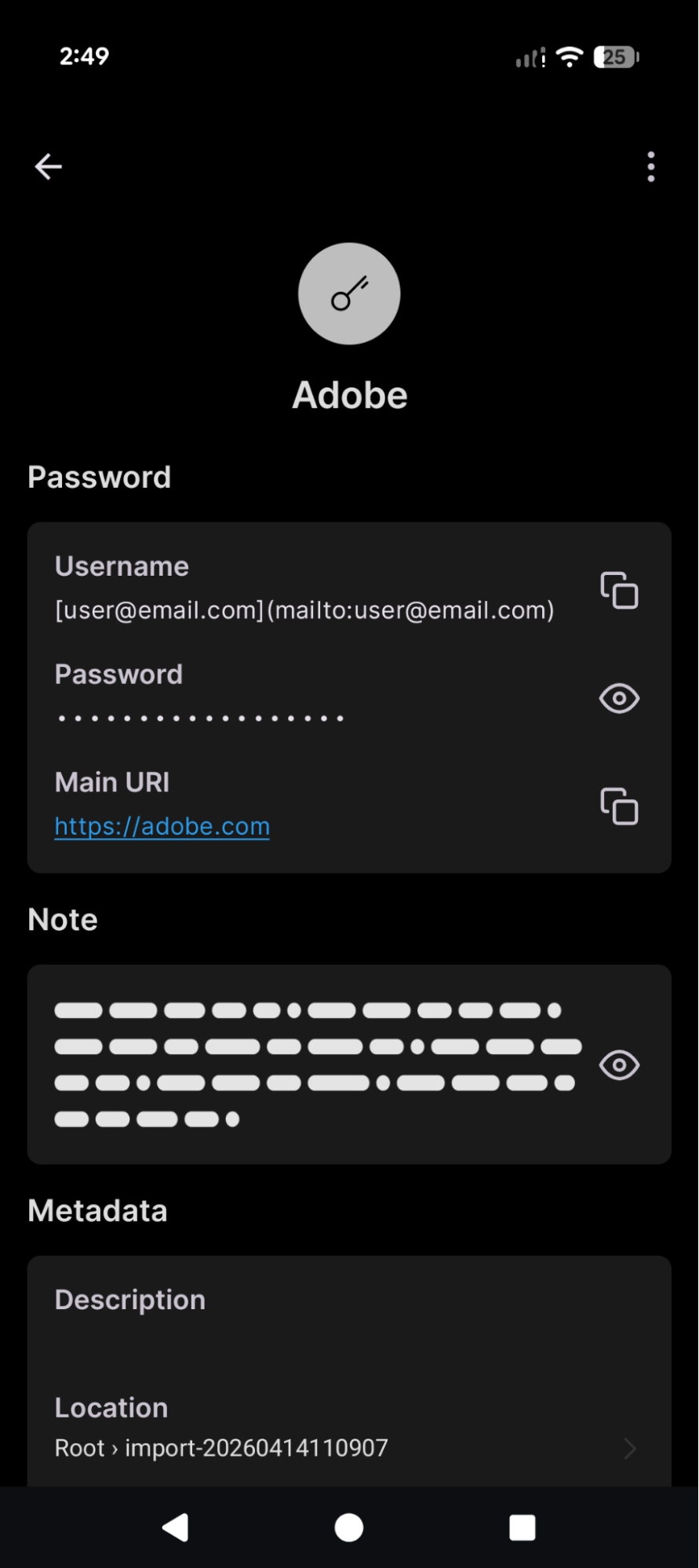
For IT teams, it means that developers can access the required resources, but not the entire password set. It minimizes the risks of rogue employees misusing confidential resources, and password management is reserved for employees with full control.
Its sharing granularity is native. While many competitors share individual passwords by placing them in separate vaults, Passbolt treats every password as an independent object with its own access controls.
Audit logs and activity trails (Business+)
Starting from the Business plan, Passbolt offers a complete and immutable audit log of all credential events. That means you can inspect who accessed the password and when, including from which device and IP address.
This is a non-negotiable feature for an organization subject to SOC 2 or GDPR compliance. It provides the ability to demonstrate who has access to protected resources in a very detailed manner. Keep in mind that the free Community version does not include this feature. Businesses with compliance demands should only consider the paid plan.
LDAP / Active Directory / SCIM integrations (Business+)
The Lightweight Directory Access Protocol (LDAP), Active Directory (AD) or SCIM connectors streamline user onboarding and offboarding. It automates these processes without having to add users manually, which is a security risk since departing employees can maintain access at least for some time.
Keep in mind that Passbolt for teams uses LDAP/AD or SCIM for synchronization, and not authentication. The latter is reserved for the secure OpenPGP architecture workflow.
Also, LDAP & SCIM provisioning is reserved for the paid Business plan. But that does not significantly diminish the free version value, which still offers user group management features.
Single Sign-On (SSO) – Business+
Single Sign-On (SSO) allows users access to Passbolt's vault using existing business credentials, like Microsoft Entra ID, OpenID Connect, Ping One or Google Workspace. When an administrator removes a user from those services, their Passbolt access is automatically revoked too.
This is also where Passbolt demonstrates a technically distinctive approach to privacy. Its SSO implementation is designed to maintain strong security controls, ensuring that sensitive credentials remain protected while users can authenticate through their existing identity providers.
Browser extensions
For day-to-day usage, a browser extension is the most practical way of using a credential manager. Passbolt currently supports Chrome, Firefox, Edge, and Brave, covering the most widely used web browsers. It detects login forms and autofills credentials, as any professional password manager should.
It supports easy credential sharing and configurable password generation. While it is easy to use, the extension is still more technically nuanced compared to the likes of 1Password or Dashlane. For security power players, complexity and a wider range of features are beneficial over a simplistic user experience.
Self-hosting vs. cloud
Businesses that prioritize control and regulatory compliance often prefer to self-host password managers. Such teams can set up Passbolt on Docker, Debian and Ubuntu, CentOS, or even Raspberry Pi. It is completely independent of Passbolt's infrastructure and gives full control over data.
Alternatively, you can use cloud hosting. It uses servers in the European Union, a continent that is protected by the GDPR. For SMBs and teams without dedicated infrastructure resources, I recommend opting for cloud hosting. Teams seeking total control over data should prioritize self-hosting.
Mobile apps
Lastly, Passbolt offers both iOS and Android apps. They are more limited compared to the browser extension version and should be used primarily for viewing and copying credentials on mobiles.
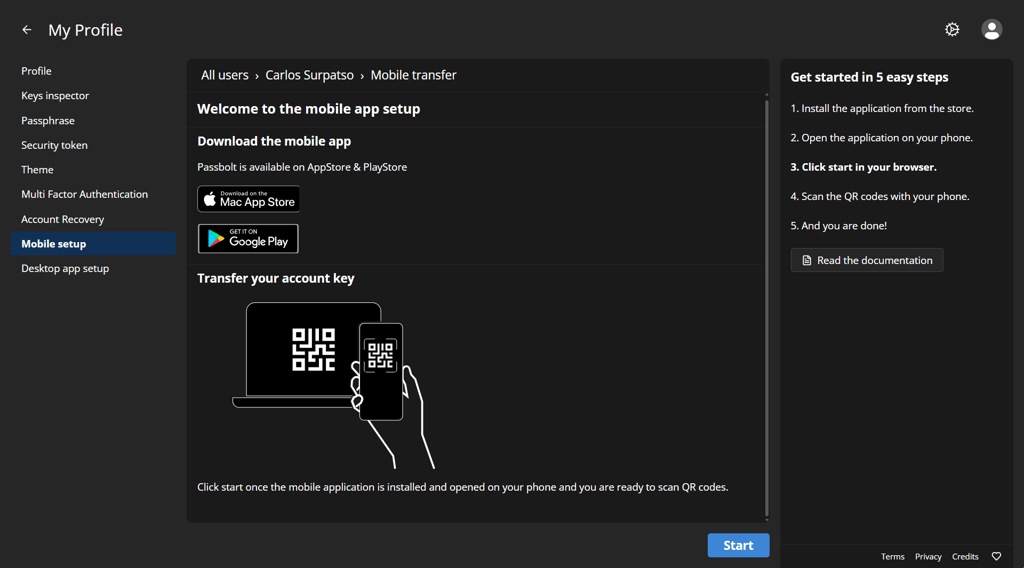
Because the mobile experience may depend on how you plan to use Passbolt, I recommend trying the free trial to see whether the apps fit your workflow.
Passbolt pricing – what you get at each tier
Passbolt password manager review must include its pricing options, so let's jump to the numbers.
Firstly, it offers a free Community plan to self-host Passbolt. Compared to other free password manager trials, it is a very generous offer. It supports unlimited users, full core functionality, and has no licensing costs. However, it is self-hosted only, and features for enterprise-grade demands are reserved for the paid tier.
Business (Pro version) is its main plan. It costs €4.5/month per user ($4.9 /month per user) with a minimum of 10 users. After reaching 100 users, you can negotiate discounts. It unlocks LDAP/AD/SCIM, SSO, audit logs, and next-business-day support. This tier can also be hosted on the cloud.
Then there is the custom Enterprise plan for large organizations. It provides everything that a Business plan offers. However, it also provides a Service Level Agreement (SLA) between Passbolt and your organization. You will benefit from priority support, disaster recovery consulting, and white-globe migration and hosting options.
Who is Passbolt for – and who isn’t it for?
As you can see, Passbolt is unique. That means it's not for everyone, but that's not a setback. The strength of a focused open source platform is that it answers specific security demands far better than popular one-size-fits-all options.
Passbolt is the right choice if:
- You are an IT or DevOps team that requires audit logs, LDAP integration, and item-level credential sharing.
- Your organisation requires full control over data that cloud-only password managers cannot provide.
- You are looking for a free, open source version that still delivers core functionality.
- You seek a more secure alternative after providers like LastPass experienced a breach.
- You require a credential management solution that offers a complete audit trail and can ensure compliance with data protection regulations.
But there are situations when you should look for alternatives, for example:
- Your team is not technical, and you require a much simpler solution that prioritizes user experience above complexity.
- You require offline password access, as Passbolt requires an active connection to support its cybersecurity approach.
- You only require a password manager for personal use.
Passbolt vs Bitwarden vs 1Password
Before wrapping up, let's briefly compare Passbolt to two other popular password managers, Bitwarden and 1Password. I'll compare three relevant dimensions: security architecture, self-hosting, and price.
The most distinctive aspect is Passbolt's OpenPGP user-owned private key model, which ensures Passbolt itself never has access to your credentials. Bitwarden also maintains a similar approach and is audited. However, 1Password uses a similar proprietary approach. Open-source Passbolt's nature is therefore easily verifiable.
Passbolt's self-hosting approach also seems more authentic. It aims to provide a fully-featured self-hosting experience. Meanwhile, Bitwarden's self-hosting capabilities are more limited compared to the cloud version. And 1Password does not provide self-hosting at all.
Another major strength of Passbolt is the free Community version. It is by far more extensive than the competition, including Bitwarden, and, again, 1Password does not offer this feature. However, Passbolt is a bit more expensive compared to $4/month per user for Bitwarden.
Passbolt pros and cons
Verdict – is Passbolt worth it in 2026?
For organizations that prioritize security architecture, data sovereignty, and operational control, Passbolt is the best open source password manager for teams. What I like most is that it doesn't play around. If some features require complexity instead of a simplified UX, they expect users to learn how to handle the tool.
Its free version is excellent and supports unlimited users. However, features like LDAP, SSO, and audit logs are reserved for the Pro version. I recommend the free tier for smaller teams that don't require an advanced and highly secure setup, but for most business demands, I recommend paying for Passbolt.
FAQ
Is Passbolt free?
Yes, Passbolt offers a genuinely free Community plan. It is also one of the best in the password manager industry and supports unlimited users, alongside core features.
Is Passbolt open source?
Yes, Passbolt is fully open source. Its code base is available on GitHub, and it has also passed independent security audits that provide its security-oriented approach.
Can Passbolt be self-hosted?
Yes, Passbolt can be fully self-hosted. Also, it aims to provide a fully-featured and independent self-hosting experience that does not have any setbacks compared to its cloud setup.
How does Passbolt's encryption work?
Passbolt, unlike many competitors, uses the OpenPGP encryption standard. Instead of a single master password, it uses public and private keys and a passphrase. This way, the private keys are never stored on its server.
What are the main differences between Passbolt Community and Business?
The main difference is that the Business tier unlocks features built specifically for enterprise-oriented, and security-conscious IT teams and organizations, compared to the free Community version. It enables SSO, LDAP, and activity log features and also provides next business day support, among other benefits.
How does Passbolt compare to Bitwarden?
Passbolt vs Bitwarden is a great comparison, because both are open-sourced password managers that support self-hosting. However, Passbolt's OpenPGP encryption approach is more rigorous, and it offers better granular item sharing options. However, Bitwarden has a more polished UX and is simpler to use.
Does Passbolt support SSO?
Yes, Passbolt supports SSO. It also takes an additional security-focused approach to ensure SSO integration does not compromise user access control or credential protection.
Is Passbolt suitable for non-technical teams?
Passbolt is designed mainly for IT and security teams, but it can still be easily used across the wider company for everyday password sharing and collaboration.