AutoBrowser
Last updated: 18 December 2025
What is AutoBrowser?
AutoBrowser is a cutting-edge automation tool designed to help users automate repetitive web tasks and complex browser workflows using artificial intelligence. Whether you're a developer looking to automate end-to-end web testing, a data analyst scraping vast quantities of web data, or a business professional seeking to streamline your workflow, AutoBrowser provides an intuitive solution fit for various needs.
With a user-friendly interface and robust scripting capabilities, AutoBrowser bridges the gap between manual web interaction and full automation. Its flexible architecture and support for advanced automation scenarios make it a go-to tool for those who wish to push the limits of web automation, regardless of their skill level.
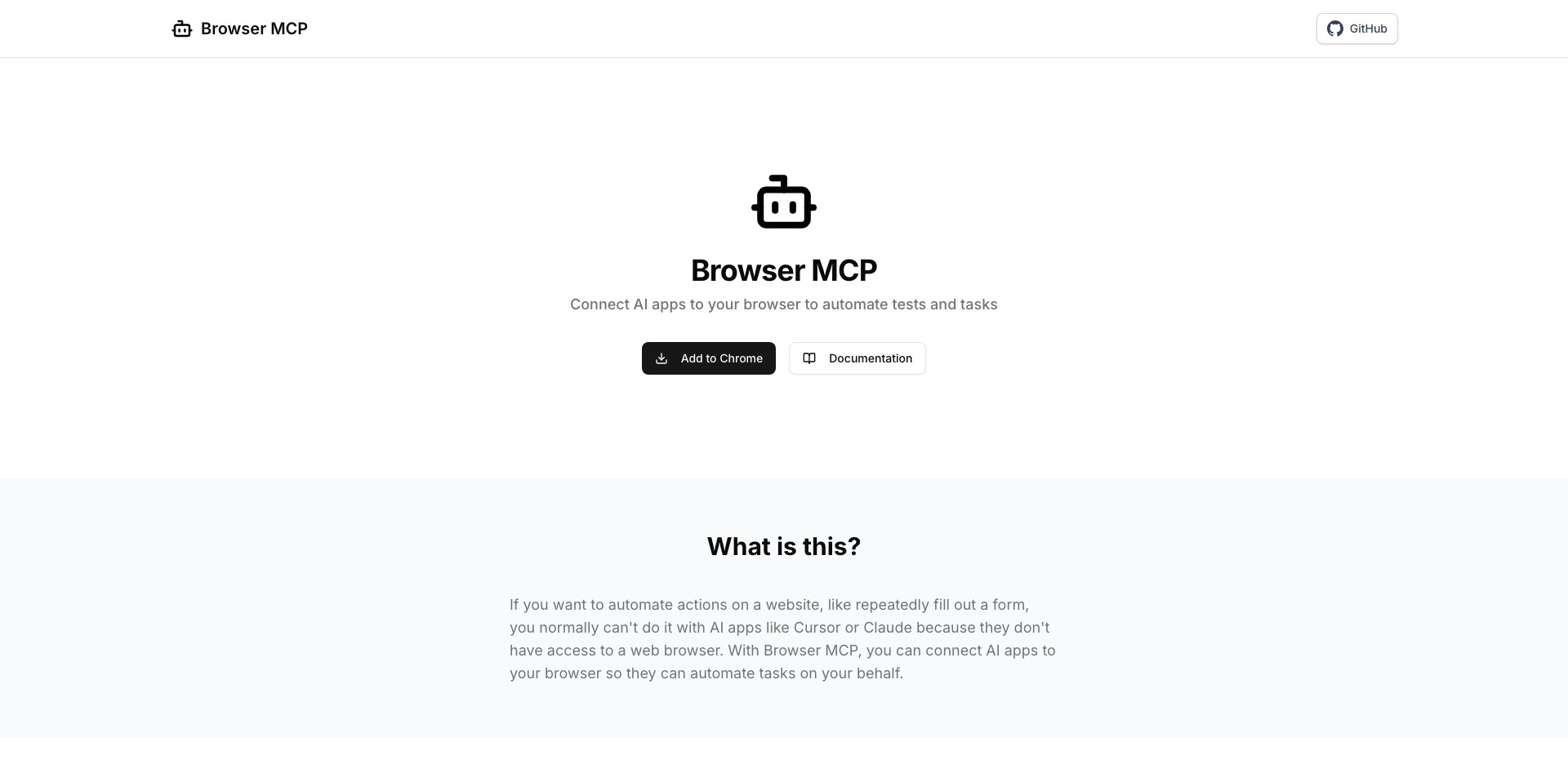
Key Features:
-
AI-Powered Task Automation:
Leverage built-in AI to automate complex web tasks such as form filling, navigation, clicking, and data extraction. The AI engine adapts to changes on web pages, offering resilient automation even when page layouts shift. -
Visual Script Editor:
Create, edit, and visualize automation scripts directly within the browser using a drag-and-drop interface. This feature makes it simple for non-coders and power users alike to set up sophisticated automations without extensive programming knowledge. -
Cross-Platform Compatibility:
AutoBrowser supports Windows, macOS, and Linux, as well as integration with headless browsers. This ensures you can automate tasks in any environment, from local machines to cloud servers. -
Customizable Workflow Scheduling:
Set up automated workflows to run at specific times or in response to triggers, ensuring your tasks are completed exactly when needed. This is especially useful for recurring web scraping or monitoring jobs. -
Extensive Integration Options:
AutoBrowser integrates with numerous APIs and third-party tools, allowing seamless data transfer and advanced workflow extensions. Connect with email, cloud storage, or internal systems for end-to-end process automation.
What makes AutoBrowser unique?
What sets AutoBrowser apart from traditional automation tools is its advanced AI engine capable of navigating dynamic websites that typically confound rule-based automation solutions. By 'understanding' changing layouts and content, it delivers robust automations that require less maintenance when target sites update.
Additionally, AutoBrowser’s visual script editor stands out for its accessibility, enabling users with minimal programming experience to achieve complex tasks. This democratizes browser automation, allowing a wider range of users to unlock productivity gains without steep learning curves.
Pros and Cons
Who is using AutoBrowser?
Developers and Testers: Scripting and QA professionals can quickly automate web testing, regression checks, and data collection, streamlining development and deployment cycles with minimal manual effort.
Business Analysts: Analysts benefit from AutoBrowser’s data extraction and automation capabilities, allowing them to gather market intelligence or monitor competitors without manual intervention.
Productivity Power Users: Tech-savvy users automate personal workflows, recurring browser tasks, or custom notifications, boosting their day-to-day productivity with ease.
Evolution and Improvements
Since its initial release, AutoBrowser has notably evolved from a basic macro recorder to a sophisticated AI-powered automation platform. Originally designed for simple, record-and-playback actions, it now supports full script authoring and editing.
Recent updates have added advanced AI features capable of adapting to DOM changes and dynamic content, significantly reducing maintenance for automated workflows. Bug fixes and usability improvements have made the interface even more approachable for non-technical users.
Integration capabilities have expanded, enabling AutoBrowser to connect with a wide range of web services, databases, and external APIs, allowing users to automate tasks across their entire digital ecosystem.
Pricing
| Plan | Price | About |
| Free Tier | $0 | Access to basic task automation features with limited usage per month. |
| Professional | $19/month | Unlocks full AI-powered automation, advanced scheduling, and premium integrations. |
| Enterprise | Custom Pricing | Tailored for large organizations needing enhanced security, support, and on-premises deployments. |
Verdict
AutoBrowser stands out as a powerful, user-friendly automation tool that democratizes browser automation for both technical and non-technical users. Its adaptive AI, visual editor, and comprehensive integration options make it an excellent choice for anyone looking to streamline web-based workflows.
While some advanced features are paywalled and the AI may occasionally trip up on highly unusual website layouts, AutoBrowser’s benefits vastly outweigh its drawbacks—especially for professionals and organizations seeking to maximize productivity and reduce manual browser work.


