Blender Copilot
Last updated: 18 December 2025
What is Blender Copilot?
Blender Copilot is a cutting-edge AI-powered assistant designed specifically for Blender, the popular open-source 3D creation suite. It helps users interact with Blender using natural language commands, transforming tedious and complex tasks into quick, conversational requests.
Whether you are a seasoned 3D artist or just starting out, Blender Copilot takes the guesswork out of Blender’s extensive feature set. By leveraging artificial intelligence, it enhances productivity, democratizes 3D modeling, and empowers creators to focus more on creativity and less on technical barriers.
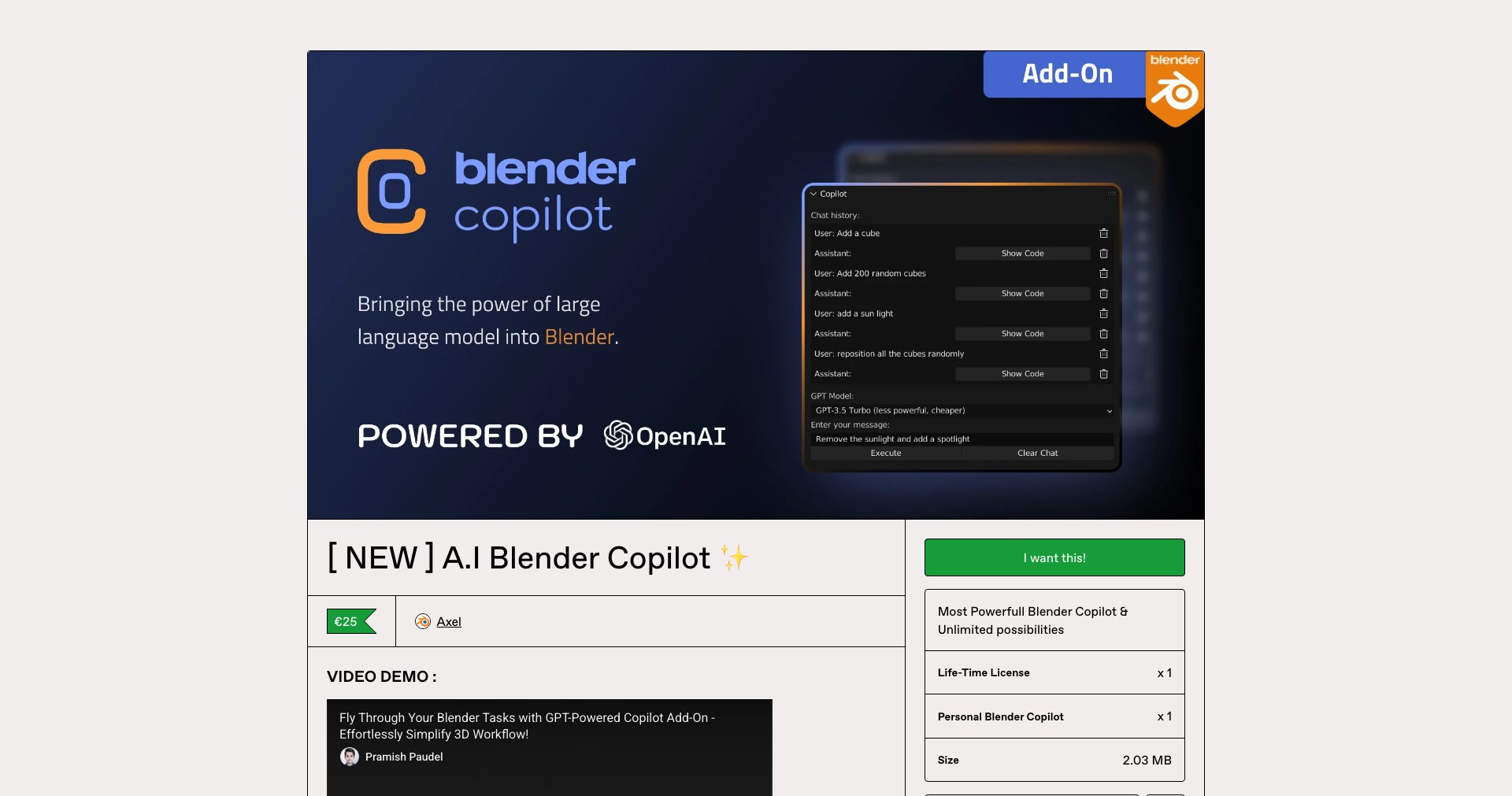
Key Features:
-
Natural Language Commands:
Allows users to control Blender and execute tasks using simple, conversational language. This reduces the learning curve and minimizes the need to memorize hotkeys or complex menus. -
Script Generation:
Automatically generates Python scripts based on user instructions. This is invaluable for automating repetitive tasks and for those who are not familiar with Blender scripting. -
Real-time Guidance:
Provides step-by-step assistance during modeling, rigging, animation, and rendering, ensuring users are never lost or overwhelmed. -
Context-Aware Suggestions:
Analyzes the user’s project and offers smart recommendations for tools and actions, streamlining workflows and boosting efficiency. -
Customizable Workflows:
Enables power users to create custom workflows and repeatable processes, making complex projects more manageable and consistent.
What makes Blender Copilot unique?
What sets Blender Copilot apart is its seamless natural language integration with Blender, which goes beyond standard macros or hotkeys by truly understanding user intent. This makes it accessible for beginners and time-saving for professionals alike.
Compared to other Blender add-ons, Blender Copilot employs advanced AI to interpret ambiguous requests, translate them into actionable steps, and even generate custom scripts. Its real-time feedback loop not only corrects mistakes instantly but also learns from user preferences to provide increasingly personalized assistance.
Pros and Cons
Who is using Blender Copilot?
3D Artists and Animators: Professionals who design models, textures, and animations will find Blender Copilot increases their efficiency, allowing them to iterate quickly and tackle complex projects with less manual effort.
Beginners and Hobbyists: Newcomers to Blender benefit from Copilot’s easy-to-understand guidance, making 3D creation more approachable and enjoyable without needing to memorize extensive documentation.
Technical Directors and Pipeline Engineers: Users responsible for automating workflows or integrating complex tools into studios can utilize Copilot’s scripting abilities to streamline repetitive processes and ensure consistency across projects.
Development and Improvements
Blender Copilot launched with core natural language command capabilities, making basic scene editing and navigation intuitive for non-experts.
Subsequent updates introduced advanced features such as real-time project analysis, step-by-step guided tutorials, and more nuanced script generation based on user context.
Continuous AI refinement, based on user interactions and feedback, has further improved Copilot’s accuracy, expanded its command vocabulary, and enhanced its ability to handle complex Blender operations.
Pricing
| Plan | Price | About |
| Free Tier | $0 | Includes basic natural language command features and limited scripting support for casual users. |
| Pro Subscription | $12 per month | Unlocks full suite of advanced AI features, script generation, real-time project analysis, and priority user support. |
Verdict
Blender Copilot revolutionizes how users interact with Blender by leveraging AI to minimize technical friction, automate repetitive tasks, and offer intelligent guidance. Its intuitive interface and customizable features make it an asset for artists and hobbyists alike.
While some limitations exist—such as reliance on an internet connection and premium pricing for advanced capabilities—the productivity gains and user empowerment provided by Blender Copilot outweigh these downsides, making it highly recommended for anyone serious about Blender.


