Chrome Sidekick
Last updated: 18 December 2025
What is Chrome Sidekick?
Chrome Sidekick is an innovative browser extension that transforms your Google Chrome experience into an organized, productivity-driven hub. Developed by the team behind Sidekick Browser, this tool is designed to tackle common digital distractions, tab overload, and scattered workflows that can plague busy professionals and multitaskers. Its interface seamlessly integrates with Chrome, giving users fast access to workspaces, apps, and documents—right from the sidebar.
By consolidating your most-used web tools and automating tedious tasks, Chrome Sidekick helps streamline the browsing experience and keeps you focused on priorities. Whether you’re managing dozens of tabs, jumping between collaborative platforms, or just aiming to declutter your workflow, Sidekick’s intuitive features enable a smarter, more controlled way to work online.
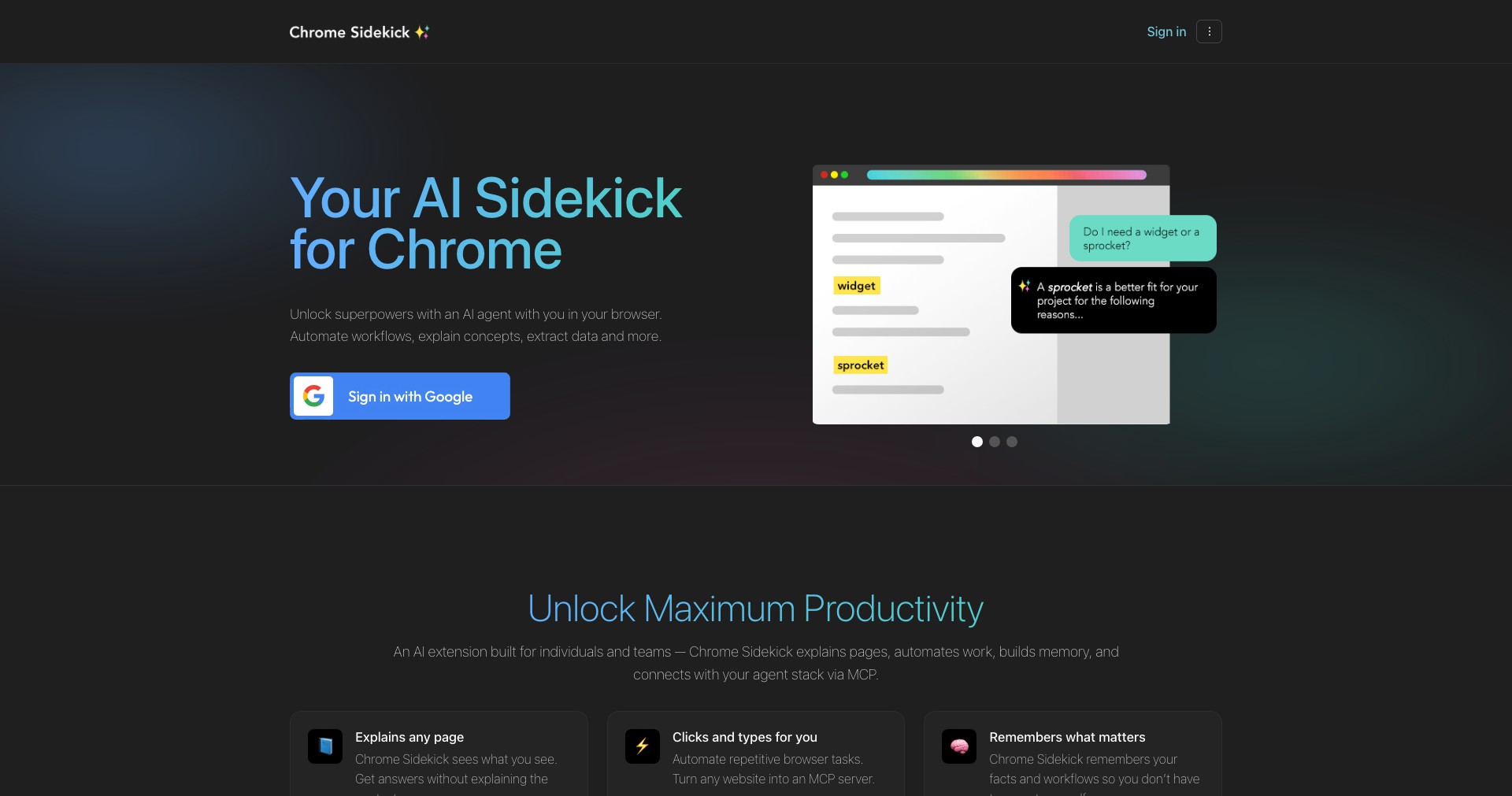
Key Features:
-
AI-Powered Tab Management:
Automatically groups your tabs based on context and usage patterns, making it easier to find and switch between related tasks. This reduces clutter and helps maintain focus during work sessions. -
App & Workspace Shortcuts:
Provides a convenient sidebar for one-click access to your favorite apps (like Gmail, Slack, Notion) and custom workspaces. Saves time hunting for essential tools across different windows or tabs. -
Session Saving & Restore:
Lets you save entire browsing sessions, allowing you to pick up right where you left off at any time. Great for complex projects or recurring workflows that require multiple resources. -
Smart Search Across Tabs & Apps:
Enables lightning-fast search across all open tabs, documents, and supported web apps. Quickly locate information without manually digging through windows or bookmarks. -
Distraction Blocking:
Built-in distraction blockers reduce interruptions from social media or non-work-related sites, helping users maintain concentration on important tasks.
What makes Chrome Sidekick unique?
What sets Chrome Sidekick apart is its deep integration with both web-based productivity apps and AI-driven automation. Unlike traditional tab managers, it understands your work habits and dynamically organizes your digital workspace. Its sidebar unifies app shortcuts, documents, and communication tools, removing the friction usually experienced when juggling multiple web tools.
Sidekick’s approach to workflow automation—like saving and restoring sessions, or quickly searching through open tabs and files—is more advanced than most browser extensions. Its distraction-blocking and AI tab management features offer added value to users seeking a balance between productivity and web exploration. This holistic combination of features distinguishes Chrome Sidekick in a crowded extension marketplace.
Pros and Cons
Who is using Chrome Sidekick?
Remote Professionals: Freelancers and remote workers benefit from Sidekick’s unified workspace and app shortcuts, which help streamline communication and project management across different platforms.
Students & Researchers: With session saving and tab grouping, students and academics can efficiently organize research materials, assignments, and study sessions without losing their place.
Productivity Enthusiasts: Anyone aiming to maximize digital efficiency, from executive assistants to entrepreneurs, will appreciate the AI-powered tab organization and distraction-blocking tools.
Product Evolution Overview
Since its launch, Chrome Sidekick has evolved from a basic tab manager to a robust productivity platform, incorporating more deep integrations and AI-driven automation. Early versions emphasized tab organization and session saving, which quickly gained popularity among efficiency-focused users.
Subsequent updates brought support for a greater variety of web apps, expanded workspace customization, and smart search features—making Sidekick increasingly central to browser-based workflows. User feedback led to improvements in UI design and performance stability.
In the most recent iterations, the extension introduced proactive AI features for automated tab suggestion and workspace adaptation, along with enhanced privacy safeguards and new distraction-blocking capabilities. These changes have solidified Sidekick’s reputation as a go-to solution for Chrome productivity.
Pricing
| Plan | Price | About |
| Free Plan | $0/mo | Basic access to tab management, limited session saving, and sidebar features. |
| Premium Plan | $8/mo | Full access to all Sidekick features, including unlimited session saves, advanced integrations, distraction blocking, and early access to new updates. |
Verdict
Chrome Sidekick is a game-changing browser extension for productivity-minded users frustrated by tab chaos and digital distractions. Its AI-powered features, seamless app integrations, and intuitive search tools deliver a more organized and efficient browsing experience, particularly for professionals and students needing to juggle complex web tasks.
While some premium capabilities sit behind a subscription paywall, the free version still greatly enhances workflow control for most users. Overall, Chrome Sidekick stands out as one of the most comprehensive and adaptive productivity tools available for Chrome, making it a strong choice for anyone seeking to level up their online efficiency.


