Copilot for Microsoft 365
Last updated: 18 December 2025
What is Copilot for Microsoft 365?
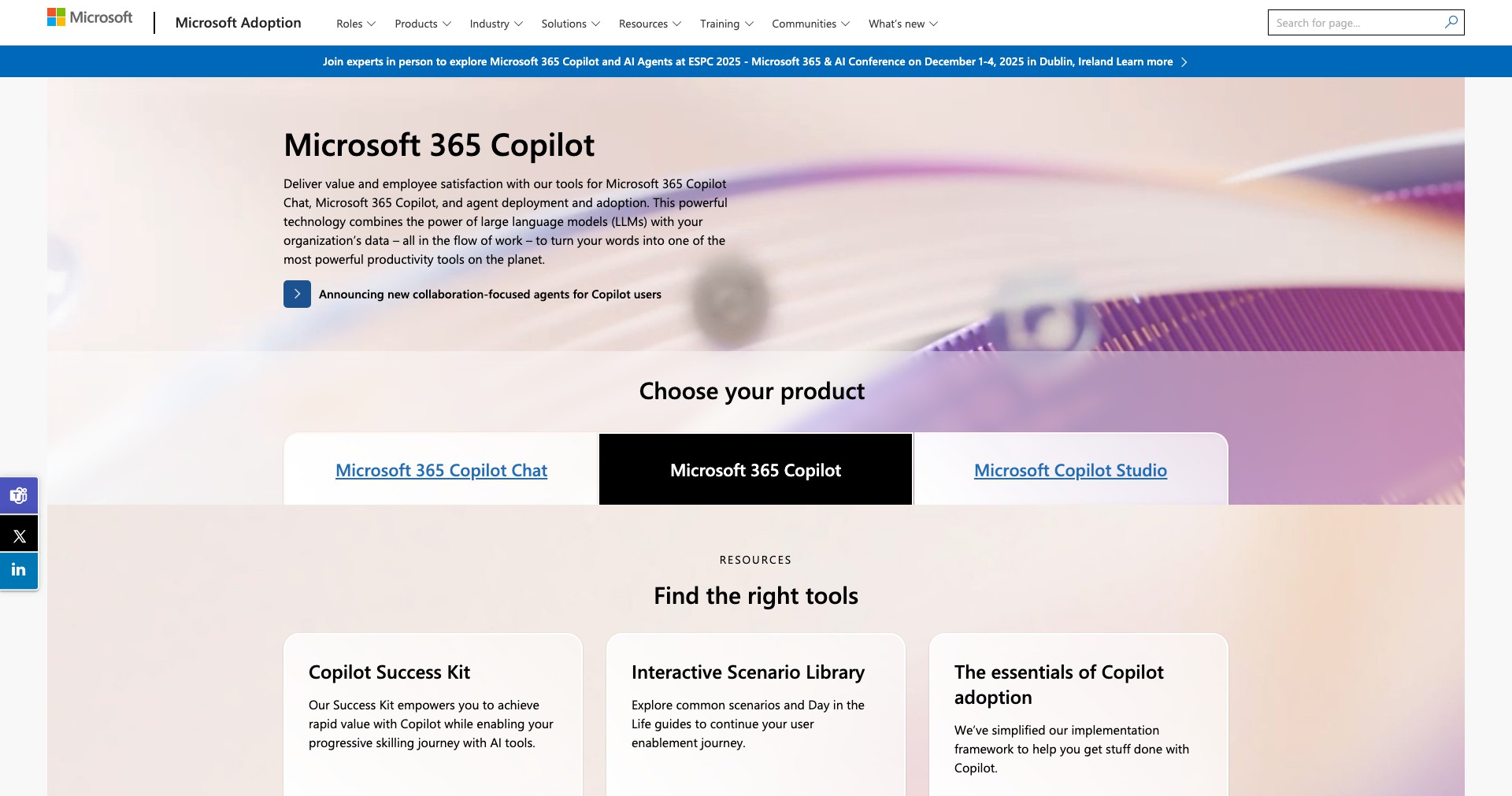
Copilot for Microsoft 365 is Microsoft's generative AI companion designed to seamlessly integrate into the Microsoft 365 suite—including Word, Excel, PowerPoint, Outlook, and Teams. Leveraging advanced large language models, Copilot automates routine tasks, drafts documents, and offers insightful recommendations across all supported apps.
By embedding AI directly within familiar workflows, Copilot drastically reduces the time users spend on repetitive work, unleashes creativity, and supercharges productivity. From brainstorming new ideas in Word to summarizing meetings in Teams, Copilot acts as a versatile partner for professionals and teams looking to get more done with less effort.
Key Features:
-
Contextual Content Generation:
Copilot quickly drafts emails, reports, presentations, and proposals within Microsoft 365 apps by understanding organizational context. This feature saves time and ensures consistency across documents. -
Data Insights in Excel:
Users can ask Copilot to analyze data, create visualizations, and summarize trends in Excel. The AI’s ability to explain complex data sets in plain language empowers users to make informed decisions faster. -
Meeting Summaries in Teams:
Copilot generates concise summaries of Teams meetings, highlighting key points, action items, and decisions. This keeps everyone aligned and ensures important information is not lost. -
Task Automation:
From scheduling meetings to creating follow-up tasks, Copilot automates a wide range of repetitive activities inside Outlook and Planner, allowing users to focus on high-value work. -
Real-time Collaboration Support:
Copilot aids collaboration by suggesting edits, summarizing group chat discussions, and tracking project statuses across Microsoft 365, helping teams work more cohesively.
What makes Copilot for Microsoft 365 unique?
A major factor that sets Copilot for Microsoft 365 apart is its native integration with the Microsoft 365 ecosystem. Unlike third-party AI assistants, Copilot has deep access to organizational data, user documents, calendars, and communication streams—responsibly leveraging Microsoft’s security and compliance frameworks.
Furthermore, Copilot’s use of cutting-edge large language models ensures unparalleled quality in content generation and data analysis across multiple applications. This unified AI experience across productivity tools is not matched by competitors that typically require manual setup or siloed capabilities.
Pros and Cons
Who is using Copilot for Microsoft 365?
Business Professionals: Managers, executives, and office workers who rely on Microsoft 365 for documentation, communication, and data analysis benefit from streamlined workflows and time-saving automation.
Educators and Students: Teachers and students use Copilot to draft assignments, organize research, and manage schedules efficiently within Microsoft 365 apps.
Large Organizations and Teams: Enterprises and collaborative teams leverage Copilot to support productivity, ensure compliance, and keep projects on track through AI-powered insights and summaries.
Evolving Capabilities
Since its initial preview, Copilot for Microsoft 365 has rapidly expanded in scope, adding support for more applications and deeper AI integration.
Microsoft has consistently rolled out enhancements such as better meeting summaries, more natural language understanding, and richer data visualization options in Excel.
Customer feedback has led to ongoing improvements in privacy controls, prompt customization, and accessibility, ensuring Copilot evolves as a responsive and reliable AI companion.
Pricing
| Plan | Price | About |
| Microsoft 365 Enterprise Add-On | $30/user/month (as of June 2024) | Available to enterprise users as an add-on to existing Microsoft 365 subscriptions, providing access to full Copilot features within supported apps. |
| Microsoft 365 Business Plans | Varies (Copilot features included or as an add-on) | Some business-oriented plans may include Copilot or offer it as a paid upgrade; specifics depend on plan and region. |
Verdict
Copilot for Microsoft 365 represents a significant leap in AI-powered productivity, deeply integrated into tools that millions of users already rely on. Its ability to understand context, automate mundane tasks, and provide actionable insights makes it an invaluable asset for organizations aiming to do more with less effort.
While the cost and dependency on Microsoft’s ecosystem may not suit every individual or small business, enterprises and professionals invested in Microsoft 365 will find Copilot to be a game-changer. Its continued evolution suggests even more impactful features are on the horizon, securing its place as a leading productivity enhancement solution.


