FlowKitten
Last updated: 18 December 2025
What is FlowKitten?
FlowKitten is a modern workflow automation platform built to empower users and teams by simplifying the complex world of task automation. With an intuitive drag-and-drop interface, FlowKitten allows both novices and power users to connect their favorite apps, design custom workflows, and automate tedious manual processes—all without writing a single line of code.
Whether you're a solo entrepreneur looking to save time on repetitive tasks, a project manager coordinating team productivity, or an enterprise searching for operational efficiency, FlowKitten offers an adaptable toolkit. It integrates seamlessly with a wide range of web services, making it an attractive solution for businesses seeking to optimize their digital workflow management.
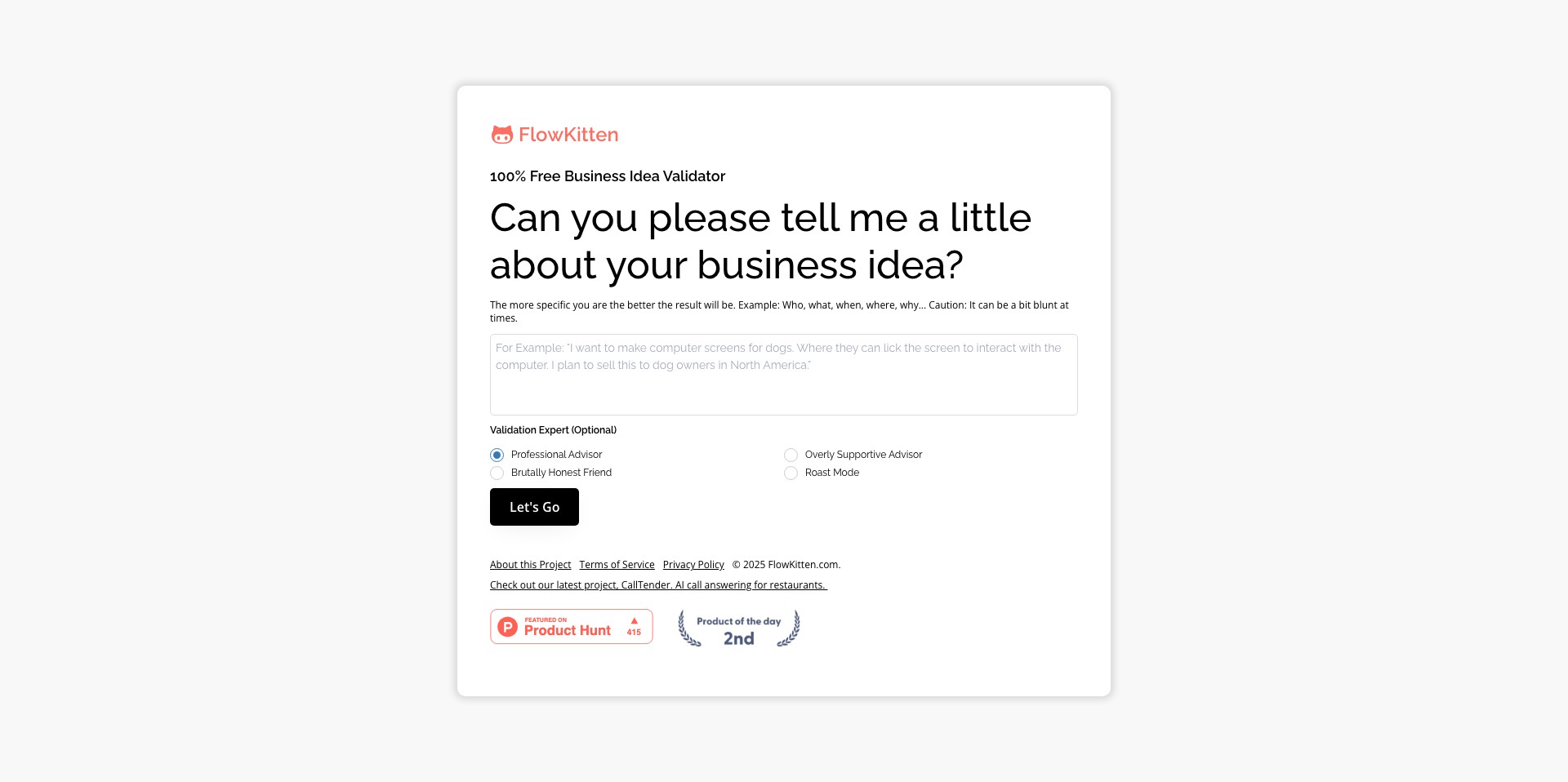
Key Features:
-
No-Code Workflow Builder:
Create automated workflows with a user-friendly drag-and-drop builder. This enables users of any technical background to design, customize, and deploy automations quickly and efficiently. -
Multi-App Integration:
Connects dozens of popular applications (like Google Workspace, Slack, Trello, and more) so all your tools can work together without manual intervention. -
Conditional Logic:
Add conditional triggers and logic (If/Then branches) to workflows, allowing for highly tailored automation that adapts to varying scenarios and data inputs. -
Template Library:
Offers a library of pre-built automation templates for common business tasks, expediting setup and providing inspiration for additional automations. -
Team Collaboration Tools:
Provides collaboration features such as team management, shared workflows, and role-based permissions, making it easier for groups to coordinate and standardize process automation.
What makes FlowKitten unique?
What sets FlowKitten apart is its focus on accessibility and flexibility. By offering a genuinely intuitive, no-code interface, it dramatically lowers the barrier for automation, empowering non-technical users to build robust workflows rapidly. Its extensive integration list ensures broad compatibility across many tools commonly used in modern workplaces.
Furthermore, FlowKitten’s commitment to collaborative features, like shared workflows and advanced permission settings, positions it ahead of many competitors that often lack native team-oriented automation options. The platform’s responsive customer support and a growing community contribute to an ever-improving ecosystem for users.
Pros and Cons
Who is using FlowKitten?
Small to Medium Businesses: SMBs benefit from FlowKitten by automating routine business operations, reducing manual labor, and fostering smoother interdepartmental collaboration, all without the need for dedicated technical staff.
Project Managers & Teams: Teams and project managers can use FlowKitten to create, share, and manage automated workflows that improve communication and efficiency, especially in remote or distributed work settings.
Individual Professionals & Freelancers: Solo professionals and freelancers can save administrative time by leveraging FlowKitten to handle repetitive digital tasks, freeing them to focus on higher-impact activities.
Product Evolution
Since its launch, FlowKitten has steadily expanded its feature set and integration capabilities. The early versions offered basic automation templates and limited app integrations, targeting solo entrepreneurs and small businesses.
Subsequent updates introduced conditional logic, enhanced team collaboration functionalities, and a growing library of customizable templates. The platform has prioritized strong data privacy and feedback-driven development.
Recently, FlowKitten has focused on improving enterprise readiness, introducing robust API support, advanced user permissions, and workflow analytics. Enhanced support, regular bug fixes, and responsive customer service underline its commitment to continuous improvement.
Pricing
| Plan | Price | About |
| Free Tier | $0/month | Access to core features with usage limits and basic app integrations, ideal for individuals or those testing the platform. |
| Pro Plan | $15/month | Unlocks premium features like extended integrations, higher workflow limits, and priority support for small teams and professionals. |
| Business Plan | $40/month | Designed for larger teams and businesses, this plan provides advanced collaboration tools, API access, and enhanced security features. |
Verdict
FlowKitten is a standout solution for users seeking a blend of simplicity and power in workflow automation. Its accessible interface, wide integration roster, and team-oriented features make it a versatile option for professionals and organizations at various stages of digital transformation.
While it may have a few limitations in niche integrations and some advanced functionalities locked behind premium pricing, its continual enhancements and strong user community ensure that it remains one of the more promising automation platforms for both individual and collaborative use.


