GPT Sidebar
Last updated: 18 December 2025
What is GPT Sidebar?
GPT Sidebar is an innovative browser extension designed to embed AI-driven assistance right where you work. By adding a powerful sidebar to your browser, it places the capabilities of tools like ChatGPT within arm's reach, allowing users to interact with AI for summarization, translation, content generation, and more—all without switching tabs or windows.
Perfectly suited for students, writers, professionals, and anyone needing quick access to AI, GPT Sidebar streamlines workflows and boosts productivity. By removing the friction of context switching, it empowers users to harness cutting-edge AI tools as a natural part of their online experience.
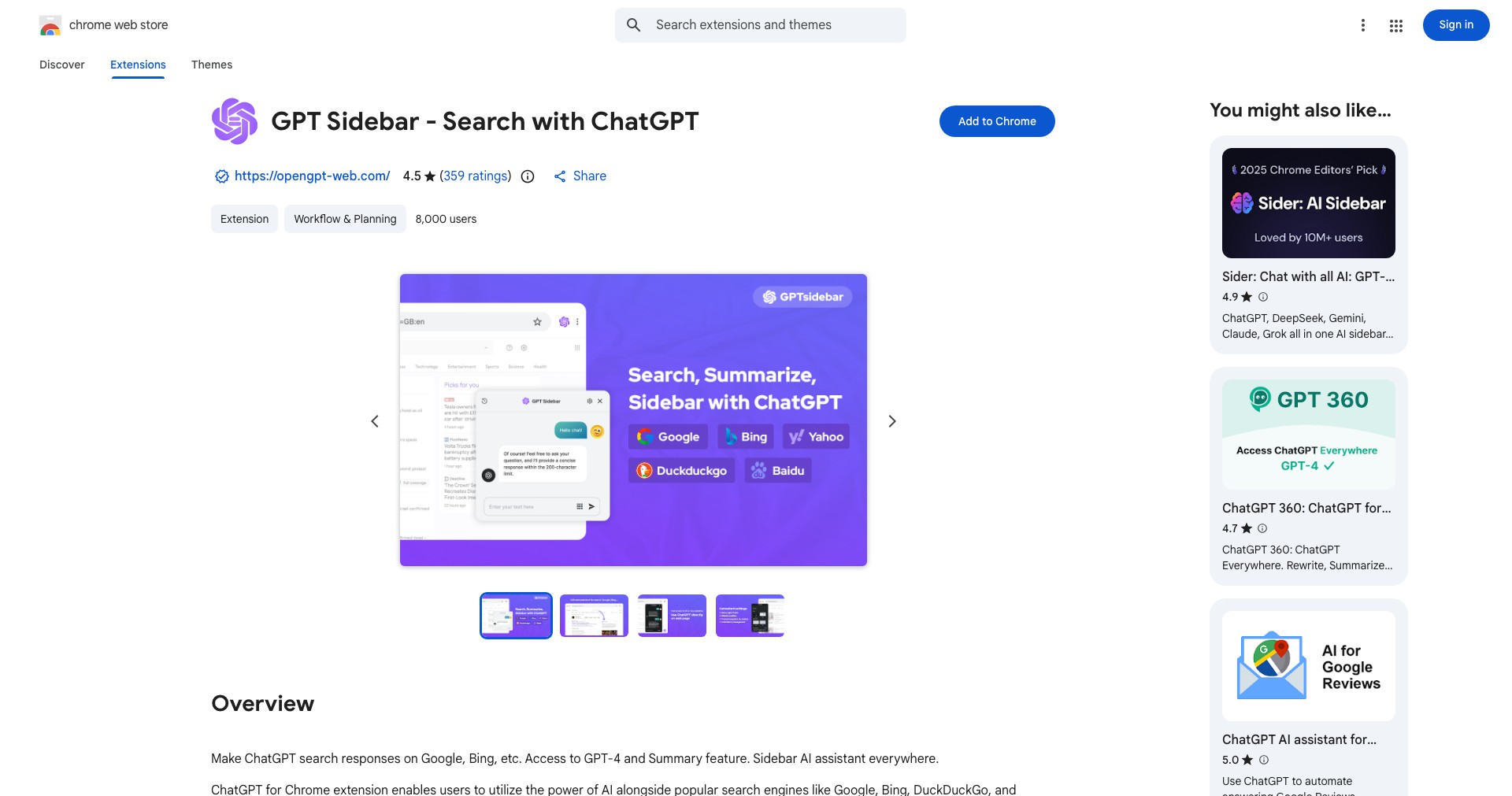
Key Features:
-
One-Click Summarization:
Quickly condenses long articles or documents into concise summaries directly in your browser sidebar, saving time and making dense content more approachable. -
Instant Translation:
Translates selected text into multiple languages with high accuracy, supporting international research, communication, and content localization. -
Seamless ChatGPT Integration:
Interact with GPT-4/3.5 directly in the sidebar, allowing you to ask questions, brainstorm, or draft content without navigating away from your current webpage. -
Content Generation Tools:
Write emails, blog posts, or responses on the fly using AI-powered templates and prompts, enhancing productivity and creativity. -
Contextual Explanations:
Select any text for instant, AI-generated explanations or definitions, helping users quickly grasp unfamiliar concepts or jargon. -
Privacy Focused:
Processes your data locally when possible and provides clear controls over what is sent to remote servers, ensuring user privacy.
What makes GPT Sidebar unique?
Unlike many standalone AI chat portals, GPT Sidebar integrates directly into your browsing workflow, allowing instant access to AI features without disrupting your context. Its ability to interact with web content in real-time—summarizing, translating, and explaining information as you read—is a significant leap ahead of basic copy-paste AI tools.
Additionally, GPT Sidebar's commitment to privacy, offering users control over data handling, distinguishes it from competitors that may sacrifice security for convenience. The extension's intuitive interface and adaptability across multiple use cases further cement its position as a unique and versatile productivity booster.
Pros and Cons
Who is using GPT Sidebar?
Students and Researchers: Can quickly summarize articles, translate research, and clarify academic jargon, dramatically speeding up their research and learning process.
Knowledge Workers & Professionals: Use AI-assisted writing, instant information lookup, and language tools to streamline emails, reports, and routine web-based tasks.
Writers and Content Creators: Draft blog posts, brainstorm ideas, or generate structured responses without leaving their primary workspace, keeping creative momentum high.
Product Evolution and Updates
Since its initial launch, GPT Sidebar has continuously expanded its feature set from simple chat assistance to robust summarization, translation, and contextual help directly within the browser.
The development team regularly introduces performance improvements, deepens integration with modern web technologies, and updates compatibility with the latest browser versions.
Privacy enhancements and new customization features have been prioritized in response to user feedback, ensuring the extension meets evolving user expectations and industry standards.
Pricing
| Plan | Price | About |
| Free Plan | $0 | Basic features like summarization, translation, and limited daily AI queries are available at no cost. |
| Premium Subscription | Approx. $10/month | Unlocks unlimited access, advanced templates, higher usage limits, and priority support. |
Verdict
GPT Sidebar is among the most practical and efficient tools for integrating AI directly into everyday browsing tasks, striking a balance between accessibility and power. Its seamless interface, privacy focus, and carefully curated features set it apart from both basic browser extensions and standalone AI platforms.
While some heavy users may seek broader compatibility or more generous free usage, the extension is ideal for students, professionals, and creators seeking a frictionless, AI-augmented digital workflow. The regular updates and responsive development indicate a product poised for ongoing relevance and value.


