Macro.com
Last updated: 18 December 2025
What is Macro.com?
Macro.com is an innovative platform transforming traditional video conferencing by reimagining how Zoom meetings are managed and experienced. Rather than inventing a new meeting tool, Macro seamlessly integrates with Zoom, providing a supercharged interface with powerful, collaborative features. Its goal is to make virtual meetings more engaging, productive, and interactive for teams, educators, and anyone who spends significant time on video calls.
With a sleek design and AI-driven tools, Macro.com elevates meetings by offering features like real-time transcription, interactive agendas, collaborative note-taking, and custom layouts. Whether you're running a classroom, steering team discussions, or hosting brainstorming sessions, Macro.com promises to turn routine meetings into dynamic, collaborative sessions that foster creativity and connection.
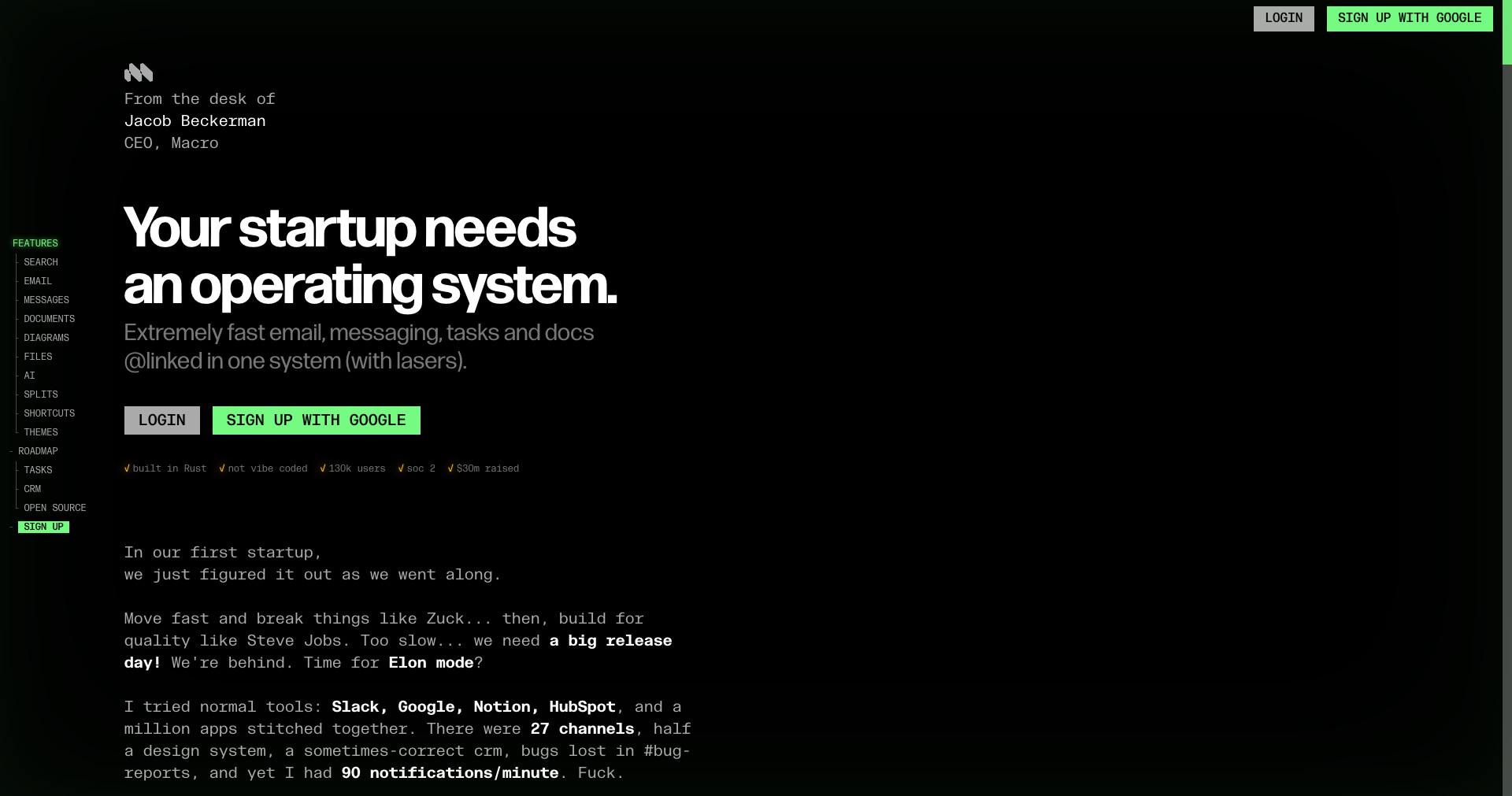
Key Features:
-
AI-Powered Transcription:
Macro.com offers real-time transcription for your meetings, allowing participants to follow along, catch up on missed points, and review discussions post-meeting. The transcripts are searchable and can be easily shared or exported. -
Collaborative Notepads:
Participants can collectively take notes during the meeting, ensuring everyone stays on the same page. The notes are automatically saved, organized, and available for everyone after the call, minimizing follow-up work. -
Custom Meeting Layouts:
Users can personalize the visual layout of their meeting, from side-by-side speaking views to focus modes. These options create a more inclusive and engaging atmosphere, particularly for classrooms or workshops. -
Interactive Agendas:
Add structured agendas to your meetings and connect key actions with relevant notes, making meetings more purposeful. Time tracking and progress updates help keep discussions on topic. -
Seamless Zoom Integration:
Macro doesn't require downloading a new app or replacing your existing workflow. Instead, it sits atop Zoom, enhancing all meetings with its powerful tools and features without disrupting user habits.
What makes Macro.com unique?
What sets Macro.com apart is its commitment to enhancing—rather than replacing—existing meeting workflows, especially for Zoom users. Unlike most video conferencing tools that focus on replacing competitors, Macro overlays advanced collaboration and productivity features directly onto Zoom. This allows users to keep familiar workflows while accessing transformative tools like AI-powered transcriptions, collaborative notes, and real-time engagement widgets.
Additionally, Macro's focus on design and user experience stands out. Its interface is visually appealing, with customizable layouts that cater to various engagement styles and user needs. The introduction of real-time, interactive documentation within meetings puts Macro ahead of the curve, creating collaborative environments that rival in-person productivity.
Pros and Cons
Who is using Macro.com?
Remote Teams & Businesses: Distributed teams and companies benefit from Macro's collaborative tools, enabling more productive meetings, note sharing, and actionable outcomes without leaving the Zoom ecosystem.
Educators & Academic Institutions: Teachers, lecturers, and educational administrators use Macro to facilitate interactive classrooms, manage attendance, share resources, and keep organized lecture notes, making remote learning more engaging.
Project Managers & Facilitators: Those who run frequent workshops, brainstorming sessions, or project meetings will find Macro invaluable for keeping everyone aligned, tracking agendas, and following up seamlessly after discussions.
Evolving Meeting Platform
Since its launch, Macro.com has rapidly expanded its feature set, beginning as a simple overlay for Zoom and evolving into a robust platform with AI-driven transcription, collaborative documentation, and agenda management. The focus has always been on supporting the workflows of remote teams and educators.
In response to user feedback, Macro introduced more customizable layouts and deepened its integration with Zoom, ensuring compatibility even as Zoom itself updates. Features like searchable transcripts and instant collaboration tools emerged over time as user needs shifted to more interactive and accessible meetings.
Macro continues to roll out enhancements, including improved performance, more user roles, expanded export options, and additional privacy settings. This dedication to iteration keeps the platform at the forefront of meeting productivity.
Pricing
| Plan | Price | About |
| Free Plan | $0/month | Basic features such as custom layouts and collaborative notepads for individuals or small teams. |
| Pro Plan | $12/month per user | Unlocks advanced features, including unlimited AI transcription, priority support, and enhanced export capabilities. |
| Enterprise | Custom | Tailored for larger organizations, offering advanced admin, security, and support features. Pricing upon request. |
Verdict
Macro.com shines for remote-first teams, educators, and high-frequency meeting users seeking a more efficient, engaging, and organized Zoom meeting experience. Its seamless integration allows teams to access powerful, collaborative features with minimal friction, and the focus on intuitive design ensures it’s accessible to a wide audience.
While it has a few limitations, such as its exclusive focus on Zoom and requiring dedicated participant use, Macro’s comprehensive toolset, rapid evolution, and commitment to user-driven design make it an outstanding choice. For those looking to elevate their remote meetings, it is a top contender in the productivity space.


