Maps GPT
Last updated: 18 December 2025
What is Maps GPT?
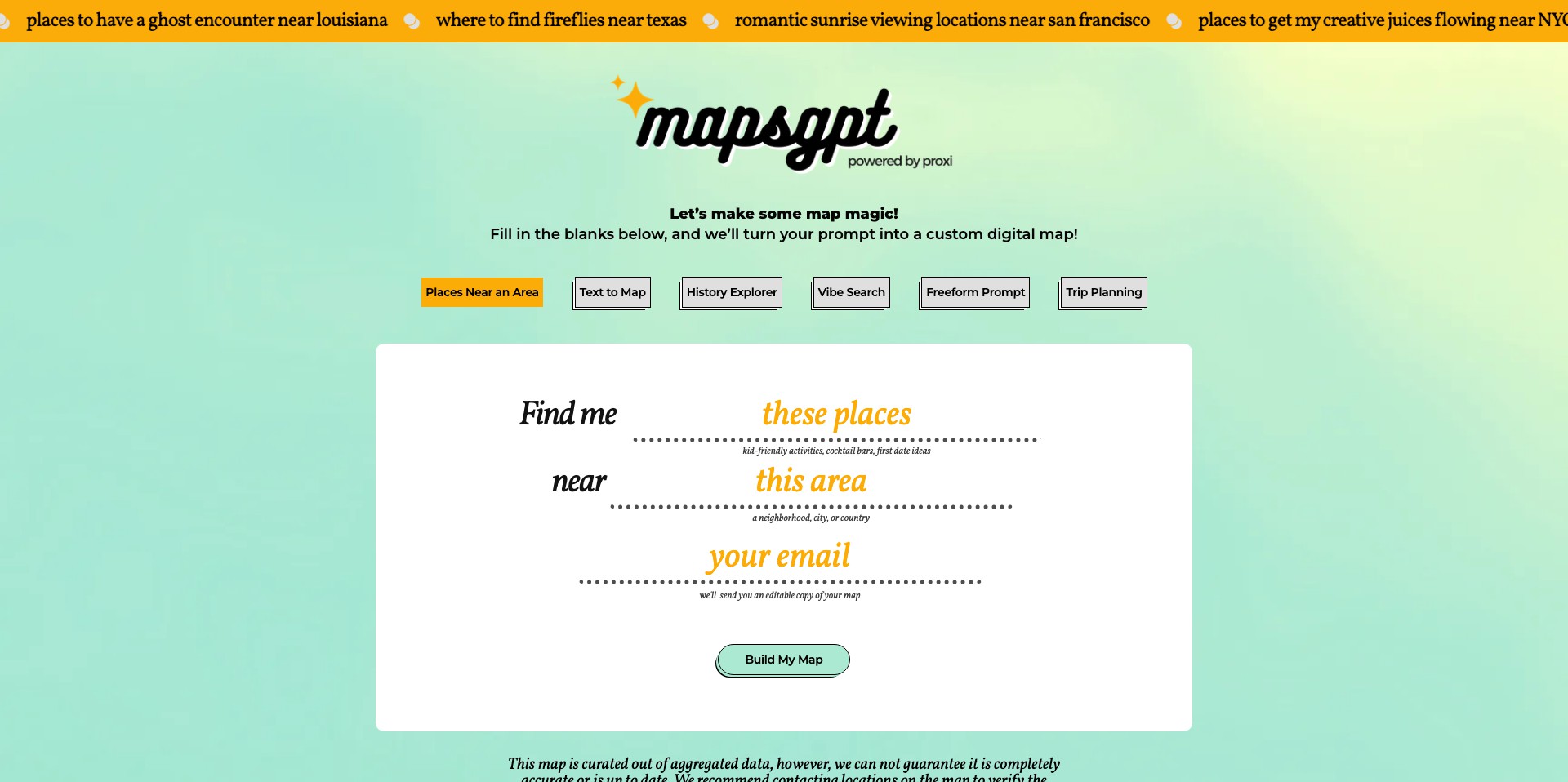
Maps GPT is a modern mapping solution that combines OpenAI’s powerful language models with the capability to create customizable, interactive maps. Instead of manually plotting locations, users simply describe their requirements in plain English and receive a bespoke map tailored to those needs.
Whether you’re planning a trip, visualizing business data, or building educational material, Maps GPT offers an intuitive way to turn your ideas into dynamic, sharable maps. Its ease-of-use and versatility make it a compelling tool for both casual users and professionals seeking efficient map generation.
Key Features:
-
Natural Language Map Creation:
Users create maps by typing instructions or prompts in plain English, such as 'Show me coffee shops in San Francisco.' The AI interprets the request and generates a relevant, interactive map automatically. -
Ready-to-Share Interactive Maps:
Completed maps come with dedicated links, making them easy to embed on websites or share via email and social media instantly, supporting quick collaboration and distribution. -
Custom Markers and Annotations:
Easily add custom markers, labels, and descriptions to any location, allowing users to personalize maps for event planning, meetings, or educational projects. -
Multiple Data Sources:
Maps GPT leverages both AI and a variety of up-to-date geospatial data sources, ensuring that generated maps include accurate and relevant information about locations and features. -
Export and Integration Options:
Users can export their maps as images or data files, or integrate them into workflows and presentations, supporting greater flexibility and extended use of map assets.
What makes Maps GPT unique?
What makes Maps GPT stand out is its seamless integration of conversational AI for mapping tasks. Instead of navigating complex map interfaces or datasets, users engage in a simple dialogue with the tool, unlocking map creation for non-technical audiences without sacrificing control for power users.
Additionally, Maps GPT provides immediate interactivity and sharing options out-of-the-box, unlike many mapping tools that require setup or technical know-how to publish or collaborate on maps. This democratizes access to personalized and functional maps for a broad range of users.
Pros and Cons
Who is using Maps GPT?
Educators and Students: Teachers and students can quickly generate maps for lessons, projects, or presentations, deepening classroom engagement and enabling interactive learning without the steep learning curve of traditional GIS tools.
Small Businesses and Planners: Small business owners, event organizers, and planners can utilize Maps GPT to visualize customer locations, event venues, or delivery routes, benefiting from fast, easily shareable visualizations without hiring a mapping specialist.
Travelers and Content Creators: Travel bloggers, guides, and enthusiasts can create and share custom travel maps, itineraries, or discovery guides, embedding interactive maps directly in blogs or social posts to enhance storytelling.
Evolution and Improvements
Since its launch, Maps GPT has continually expanded its language understanding, enabling more nuanced and complex map requests from users.
The interface has become more streamlined, and the tool has introduced export options and better sharing functionalities based on user feedback.
Recent updates have included richer data integrations and expanded international location coverage, making the platform more versatile for global audiences.
Pricing
| Plan | Price | About |
| Free Tier | $0 | Basic map creation and sharing with usage limitations. |
| Pro Subscription | $10/month (estimate) | Unlocks advanced features like higher map quotas, additional export options, and priority support. |
Verdict
Maps GPT is a genuinely user-friendly tool for rapid, AI-powered map creation, lowering the barrier for anyone needing functional, shareable maps. Its natural language interface opens map generation to broader audiences previously underserved by traditional mapping platforms.
While its simplicity is its biggest strength, power users looking for advanced GIS tools may find its capabilities limited. However, for educators, businesses, content creators, and anyone wanting quick, custom maps without technical hurdles, Maps GPT is an excellent choice.


