Media.io
Last updated: 18 December 2025
What is Media.io?
Media.io is an all-in-one online media processing platform developed by Wondershare, a company well-regarded for its user-friendly digital tools. Focusing on accessibility and speed, Media.io enables users to convert, compress, edit, and enhance audio, video, and image files directly from their web browser—without the need to download bulky software. The platform leverages AI to simplify tasks like noise reduction, video background removal, facial enhancement, and more.
It stands out as a go-to resource for anyone seeking quick, powerful, and intuitive media management. Whether you're a social media manager, a YouTuber, a small business owner, or a casual user looking to trim a video or batch-convert music files, Media.io provides an impressive toolkit accessible in just a few clicks.
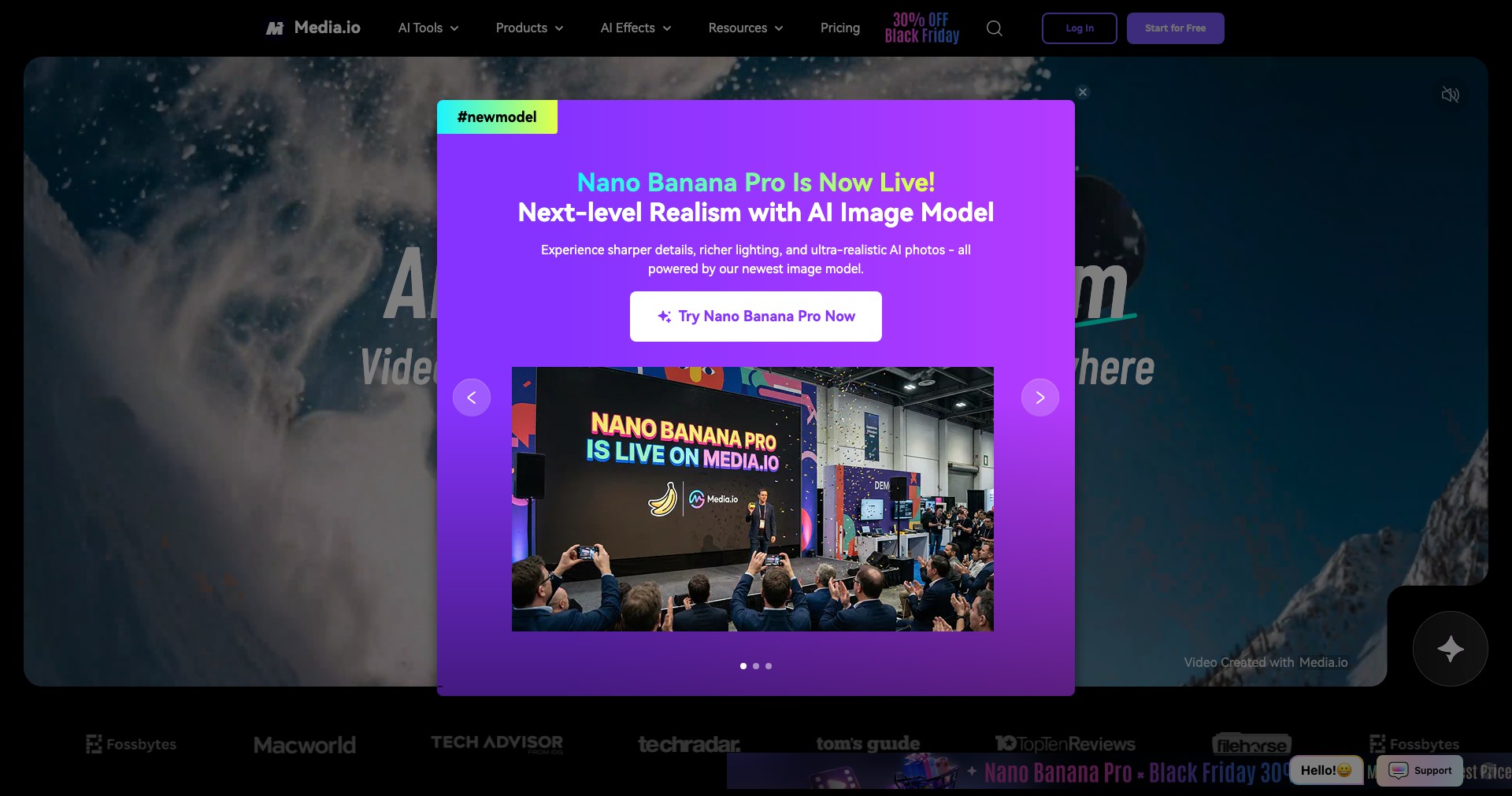
Key Features:
-
AI-Powered Video Editing:
Automated video editing tools allow users to enhance, denoise, trim, and convert videos instantly. AI detects scene changes, corrects colors, and improves resolution, making video editing approachable for beginners and efficient for professionals. -
Audio Conversion and Enhancement:
Convert between popular audio formats (MP3, WAV, AAC, etc.), remove background noise, and enhance audio quality with a simple drag-and-drop interface. AI cleans up messy recordings for podcasts or voiceovers. -
Image Enhancement and Conversion:
Upscale images, remove backgrounds, or convert between image file types on the fly. Smart algorithms auto-detect subject edges, making intricate tasks a breeze. -
Cloud-Based Compression:
Compress large video, audio, or image files securely online, retaining maximum quality. Useful for sharing or storing media where bandwidth is limited or size caps apply. -
Batch Processing:
Users can process multiple files at once—whether converting videos to GIFs, resizing images, or compressing audio—saving significant time on repetitive tasks.
What makes Media.io unique?
Unlike traditional editing tools that require local installation and steep learning curves, Media.io operates entirely online, breaking barriers for users on any device and operating system. The AI-driven approach automates traditionally complex edits, making advanced results achievable for non-experts.
Its all-in-one philosophy sets it apart from niche converters or single-purpose tools. By consolidating video, audio, and image manipulation within a single web app, Media.io keeps workflows streamlined and efficient. The frequent addition of trending AI features, such as face enhancement and voice changers, keeps content creators on the cutting edge.
Pros and Cons
Who is using Media.io?
Content Creators & Influencers: Youtubers, Instagrammers, TikTokers, and vloggers looking to quickly edit, convert, or compress media for social sharing. Media.io helps them improve quality and manage file compatibility without needing complicated software.
Small Businesses & Marketers: Entrepreneurs and marketers who need to prepare promotional videos, compress high-quality images for websites, or clean up audio for podcasts can use Media.io to ensure fast turnaround and professional results.
Students & Everyday Users: Students working on school projects, or everyday users wanting to convert music files or edit short videos, benefit from the platform’s ease of use and free access to basic features.
Product Evolution Timeline
Media.io began as a straightforward online media converter, supporting only essential file conversions. Its appeal lay in simplicity and the lack of required installation.
Over time, the platform added advanced editing features, like AI-powered video enhancement, audio noise removal, background removal, and image upscaling. These features were further refined through continual AI improvements, resulting in more accurate and visually impressive outputs.
Recently, Media.io expanded its collaborative tools, added more robust batch processing, and broadened format support. The move towards frequent AI-driven feature launches—such as voice changers and smart video cropping—has solidified its place as a dynamic, all-in-one online media toolbox.
Pricing
| Plan | Price | About |
| Free Plan | $0/month | Limited features; watermarks on some outputs; lower daily file caps. |
| Premium Subscription | Starting at $9.99/month | Unlocks advanced features, removes watermarks, higher processing limits. |
| Pay-As-You-Go Credits | Varies by usage | Purchase credits for specific advanced tools or high-volume needs. |
Verdict
Media.io impressively lowers the barrier to online multimedia editing with its AI-driven, browser-based tools. The breadth of supported formats and ease of use make it ideal for non-technical users and those needing quick results, while the expanding set of intelligent features appeals to power users and professionals.
Although the free plan is limiting and offline use is unavailable, the platform’s constant innovation, accessibility, and convenience offer excellent value. Media.io is a top choice for individuals and small teams seeking fast, comprehensive media processing without heavy investment.


