Smartsheet
Last updated: 18 December 2025
What is Smartsheet?
Smartsheet is a dynamic work execution platform that bridges traditional project management tools and intuitive, spreadsheet-like interfaces, making it accessible for both beginners and power users. Launched by Smartsheet Inc., the platform aims to streamline teamwork, automate processes, and offer real-time visibility into projects, timelines, and resources.
Its flexibility has made it a go-to solution for countless industries, empowering businesses to manage everything from simple task lists to complex portfolio management. With customizable templates, powerful integrations, and the ability to scale, Smartsheet enables organizations to build systems that fit their unique processes.
Key Features:
-
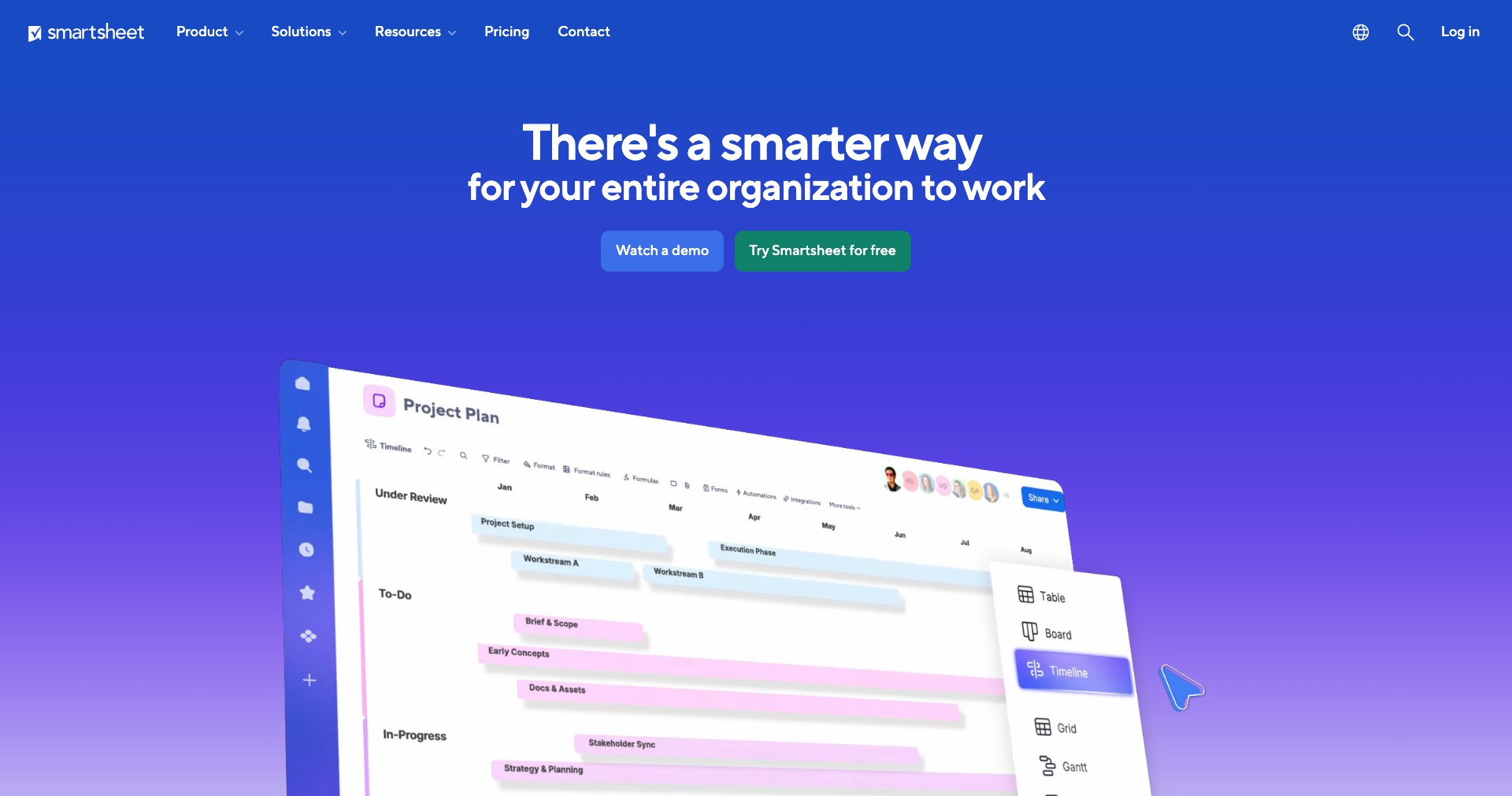
Grid, Card, Gantt, and Calendar Views:
Smartsheet supports multiple views—Grid (spreadsheet-style), Card (kanban), Gantt charts, and Calendar—allowing users to visualize and manage data in the manner best suited for their project or workflow. Switching between these views is seamless and does not disrupt underlying data. -
Automation and Workflow Rules:
Users can set up automations such as alerts, reminders, approval requests, and status updates with simple logic. This reduces manual overhead, streamlines repetitive tasks, and ensures projects move forward efficiently. -
Collaboration and Sharing:
Smartsheet's collaboration features include commenting directly on rows, attaching files, and sharing sheets with granular permissions. Team members can participate in discussions, receive notifications, and access up-to-date information. -
Resource and Portfolio Management:
For businesses managing multiple projects, Smartsheet provides resource tracking and allocation, portfolio dashboards, and roll-up reporting. Managers can identify bottlenecks and optimize the workload across teams. -
Integration Ecosystem:
Smartsheet integrates with popular tools like Microsoft Teams, Google Workspace, Salesforce, Slack, Jira, and hundreds more through direct and third-party connectors. This ensures your data flows seamlessly across platforms.
What makes Smartsheet unique?
Unlike many project management platforms, Smartsheet merges the familiarity of spreadsheets with advanced workflow automation and dashboard capabilities. Its hybrid interface appeals equally to traditional Excel users and those seeking modern project visualization options, reducing the learning curve for new adopters.
Smartsheet stands out for its extensive automation features that don't require coding, its scalable architecture for both small teams and enterprise needs, and its broad range of integrations. The flexibility to tailor solutions without heavy IT involvement makes it a standout in the collaborative work management space.
Pros and Cons
Who is using Smartsheet?
Project Managers: Project managers utilize Smartsheet to plan, track, and report on project progress, coordinate resources, and communicate with stakeholders in real time.
Operations and Process Teams: Operations, business process, and HR teams benefit from Smartsheet's workflow automation and form tools to manage onboarding, procurement, or routine business processes efficiently.
Marketing and Creative Teams: Marketing and creative departments use Smartsheet to manage campaigns, content calendars, creative requests, and team collaboration in a transparent, deadline-driven environment.
Product Evolution
Since its launch in 2005, Smartsheet has steadily evolved from a simple online spreadsheet tool into a robust, enterprise-grade work management platform. Major milestones include the introduction of Gantt charts, automation engines, and integrations with cloud applications.
Recent years have seen enhanced portfolio and resource management features, expanding the platform's appeal to program managers and enterprise PMO leaders. The addition of premium connectors, such as to Salesforce and Jira, further strengthened its ecosystem.
Ongoing updates focus on user experience improvements, enhanced API and automation capabilities, and compliance features for regulated industries, ensuring it remains at the forefront of collaborative work technology.
Pricing
| Plan | Price | About |
| Pro | $9 per user/month (billed annually) | Includes core sheets, reporting, Gantt and calendar views, and basic automation. Best for small teams. |
| Business | $32 per user/month (billed annually) | Adds unlimited automation, advanced reporting, integrations, resource management, and SSO. Ideal for midsize to large companies. |
| Enterprise | Custom pricing | Provides enterprise-grade controls, premium support, integrations, and advanced security/compliance features. |
| Free Trial | Free for 30 days | Test core features for up to 30 days before purchasing. |
Verdict
Smartsheet is an adaptable, scalable solution that empowers teams to manage projects, automate workflows, and collaborate efficiently across departments and geographies. Its familiar spreadsheet-style interface, combined with advanced project management and automation capabilities, makes it accessible yet powerful.
While the pricing and some premium features may put it out of reach for very small organizations, its flexibility and integration depth make it an excellent choice for teams and enterprises aiming to level up their project and work management processes.


