Teachable Machine
Last updated: 18 December 2025
What is Teachable Machine?
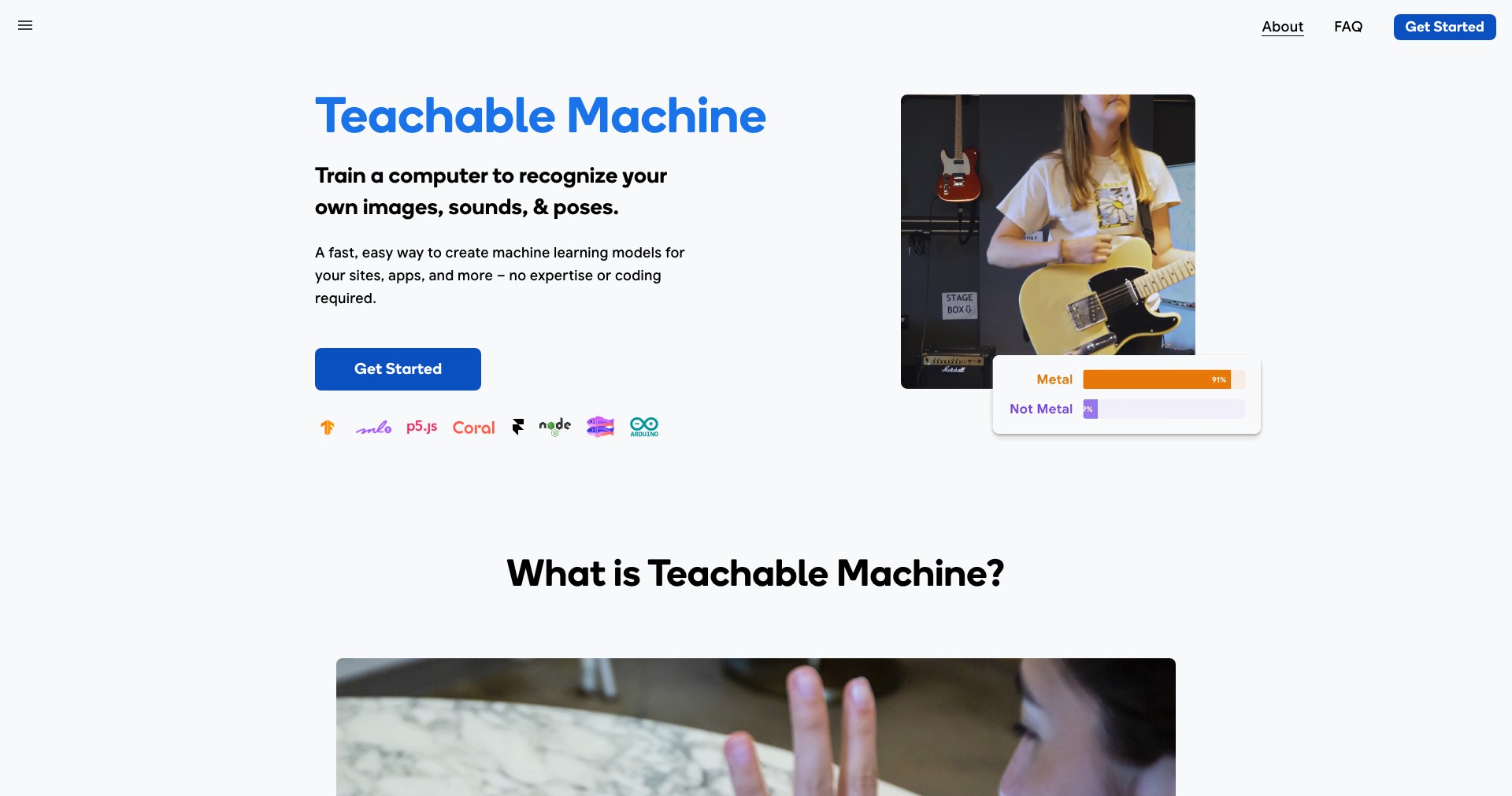
Teachable Machine is an innovative web application by Google designed to make machine learning accessible to everyone, regardless of coding experience. It provides a simple drag-and-drop interface that allows users to create, train, and export custom machine learning models for tasks like image, sound, and pose recognition.
Whether you are a teacher aiming to introduce students to AI concepts, a hobbyist experimenting with interactive projects, or a developer looking to prototype ideas quickly, Teachable Machine streamlines the machine learning workflow. Its intuitive design invites users to explore the world of artificial intelligence in a hands-on, approachable way.
Key Features:
-
No Coding Required:
Teachable Machine eliminates the need for programming skills, letting users create machine learning models through an easy-to-navigate visual interface. This empowers anyone, from beginners to experts, to build AI solutions. -
Image, Sound, and Pose Projects:
Users can train models for a variety of input types such as images, audio, and human poses. This versatility supports a range of projects—from classroom activities to practical prototypes. -
Fast and Real-Time Training:
Models are trained in real-time directly in the browser, allowing users to quickly experiment, iterate, and see results instantly. This rapid feedback loop enhances learning and creativity. -
Export and Integrate Models Easily:
Finished models can be exported for use in TensorFlow.js, TensorFlow Lite, or even Edge devices. This enables seamless integration into websites, apps, and hardware projects. -
Privacy and Local Computing Options:
Teachable Machine offers the option to train models entirely on the user's machine, safeguarding data privacy. Users can also opt to save projects locally or on their Google Drive.
What makes Teachable Machine unique?
What sets Teachable Machine apart from competitors is its radical simplicity—users can build and deploy machine learning models in minutes without writing any code. Its real-time browser-based training makes the experience immediate and engaging, encouraging experimentation.
Additionally, Teachable Machine's integration options, such as direct export to TensorFlow formats, make it not just an educational tool but also a prototyping platform for developers seeking to build AI-powered projects quickly. Its strong emphasis on accessibility and privacy ensures users of all backgrounds can embark on AI projects securely and efficiently.
Pros and Cons
Who is using Teachable Machine?
Educators and Students: Teachers and learners can leverage Teachable Machine to make abstract AI and machine learning concepts tangible, designing interactive classroom experiments and demos with ease.
Creators and Hobbyists: Artists, hobbyists, and makers use Teachable Machine to prototype creative ideas—such as interactive art installations or smart gadgets—without needing in-depth technical knowledge.
Developers and Prototypers: Software developers and engineers utilize the platform for rapid prototyping, testing out machine learning models that can later be integrated into larger applications or refined using advanced tools.
How Teachable Machine Has Evolved
Since its launch, Teachable Machine has greatly expanded its capabilities. Initially focused on image classification, the platform has added support for sound and pose recognition, broadening its usefulness for various educational and creative pursuits.
User interface improvements have made it even more approachable, with guided steps, clear visual feedback, and richer export options for deploying models to different environments.
Ongoing updates have focused on making model training faster and more reliable, as well as enhancing privacy by offering local computation and more robust storage options, responding to feedback from a passionate and diverse user community.
Pricing
| Plan | Price | About |
| Free | $0 | Full access to all features and export options at no cost. |
Verdict
Teachable Machine stands out as an exceptional tool for introducing machine learning to beginners and facilitating quick prototyping for more advanced users. Its no-code interface, support for diverse media, and real-time training capabilities make AI projects achievable for virtually anyone.
While it may not satisfy the requirements of production-grade or highly specialized AI applications, Teachable Machine's strengths in simplicity, accessibility, and privacy-conscious design ensure it remains a top choice for education, creative exploration, and rapid prototyping.


