Trello
Last updated: 18 December 2025
What is Trello?
Trello is a web-based project management tool known for its simple, card-based interface that makes organizing and tracking tasks a breeze. By visualizing work as boards comprised of lists and movable cards, Trello enables users to break down projects, assign responsibilities, and manage progress—all in one place.
Originally launched in 2011 and now owned by Atlassian, Trello has become a household name for teams seeking productivity and clarity. From startups plotting product development to families planning vacations, Trello adapts seamlessly to different needs and scales effortlessly as teams grow.
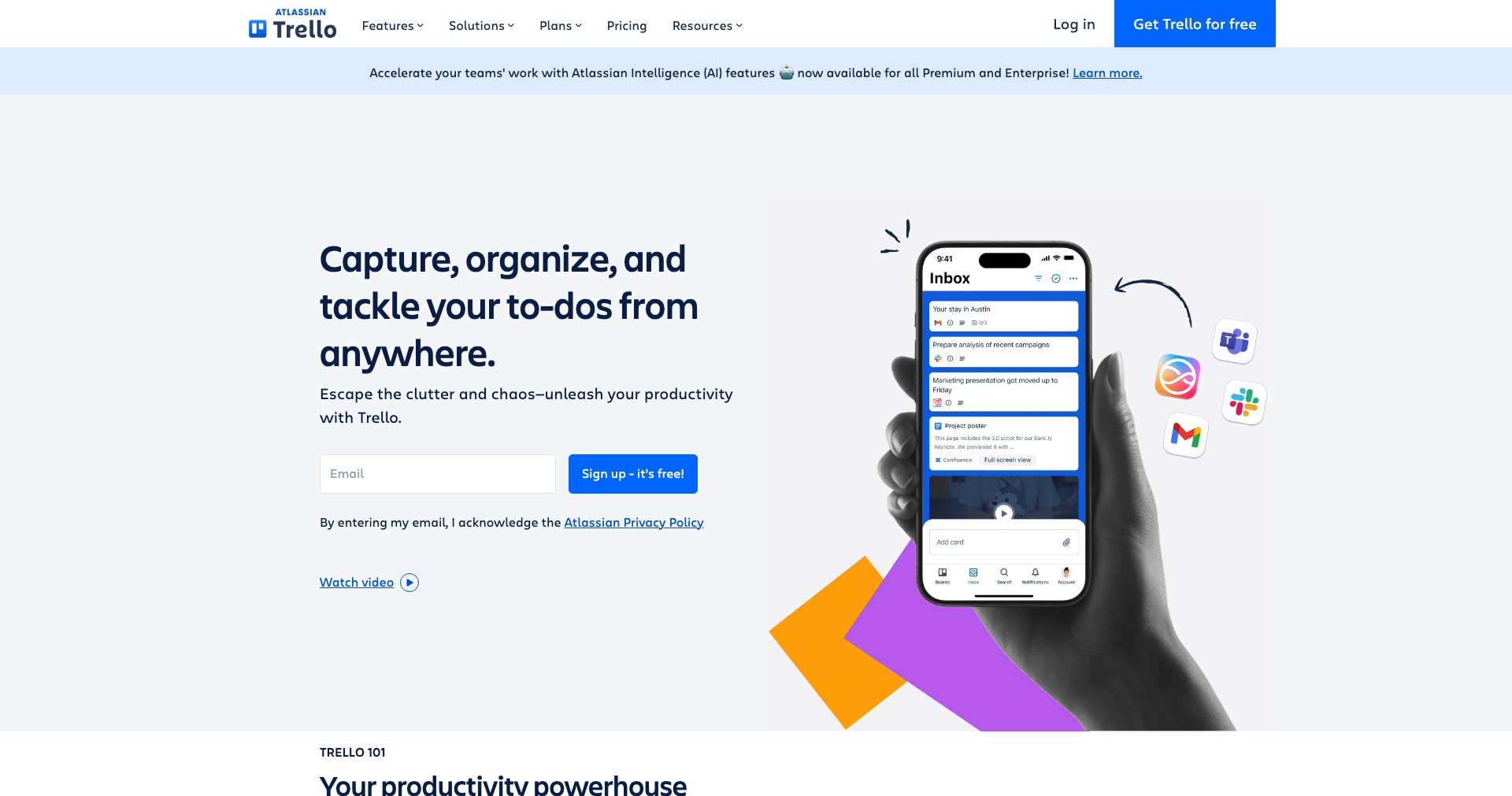
Key Features:
-
Kanban-Style Boards:
Trello’s signature boards provide a visual overview of any project, organized into customizable lists and cards. Users can move tasks through various stages, drag and drop cards between lists, and quickly see what needs attention. -
Collaboration Tools:
Invite team members, assign tasks, comment, and attach files directly to cards. Trello's notification system and real-time updates ensure everyone stays in sync as projects evolve. -
Power-Ups and Integrations:
Extend Trello’s functionality with Power-Ups, such as calendar views, voting, or third-party integrations like Slack, Google Drive, and Jira, enhancing productivity for nearly any workflow. -
Custom Automations:
Trello's built-in automation tool, Butler, helps eliminate repetitive tasks by letting users create custom rule-based actions, triggers, and even scheduled commands—saving time and preventing errors. -
Cross-Platform Accessibility:
Trello is available as a web app, desktop client, and mobile app for iOS and Android. Users can manage projects from virtually any device and enjoy seamless syncing for on-the-go productivity.
What makes Trello unique?
Trello’s intuitive drag-and-drop Kanban system and visual approach set it apart in the crowded project management market. Unlike many competitors that can feel overwhelming or overly complex, Trello prioritizes simplicity without sacrificing power, allowing teams to start organizing virtually anything in minutes.
The adaptability of Trello’s platform is further enhanced by the rich Power-Up ecosystem and the flexibility of its automation features. Whether you’re managing software sprints or home renovations, Trello can be shaped to fit the workflow—making it a favorite for startups, creatives, and enterprises alike.
Pros and Cons
Who is using Trello?
Startup and Business Teams: Small to medium-sized teams that value agility and transparency find Trello especially effective for sprint planning, team coordination, and resource management.
Project Managers: Project leaders tracking deliverables, milestones, and task assignments leverage Trello’s customizable boards to gain visibility and foster accountability across teams.
Personal and Family Users: From managing household chores to planning vacations, individuals and families use Trello for personal organization thanks to its simplicity and accessibility on any device.
Evolution and Improvements
Since its launch in 2011, Trello has continuously incorporated user feedback to evolve from a basic list tool to a comprehensive project management platform. Acquisition by Atlassian in 2017 fueled rapid development, better integrations, and extended support.
Trello introduced its Power-Up marketplace, opening the door for additional workflows like calendar views, voting, reporting, and more. Further enhancements included mobile app improvements, desktop clients, and increased automation through its Butler feature.
Recent updates have focused on security (including SSO and enterprise compliance standards), advanced permissions, customizable templates, and improved onboarding—making Trello more robust for growing organizations and teams.
Pricing
| Plan | Price | About |
| Free | $0 | Offers unlimited personal boards, cards, and lists, with basic Power-Ups and collaboration features. |
| Standard | $5/user/month | Adds advanced checklists, custom fields, unlimited boards, and increased automation limits. |
| Premium | $10/user/month | Includes dashboard, timeline, calendar, and map views, plus priority support and advanced features. |
| Enterprise | From $17.50/user/month (volume discounts) | Geared for large organizations, offering enhanced security controls, unlimited workspaces, and extensive admin features. |
Verdict
Trello excels as a flexible, visually-driven project management platform that appeals to a broad user base—from individuals and families to startups and large enterprises. Its ease of use, wide range of integrations, and expanding feature set make it an excellent starting point for organizing any project.
While it may lack advanced reporting or highly structured methodologies demanded by some project managers, Trello’s strength lies in its balance of simplicity and capability. If you value visual organization, team collaboration, and the ability to scale as your needs grow, Trello remains a top contender in the project management world.


