InfoCaptor
Last updated: 18 December 2025
What is InfoCaptor?
InfoCaptor is a versatile business intelligence platform designed to help users turn data into meaningful visual stories. It consolidates information from multiple sources, enabling quick creation of dashboards, charts, and reports that empower organizations to make data-driven decisions.
Targeted at both technical and non-technical users, InfoCaptor offers ease of use with its drag-and-drop interface and broad integration capabilities. Whether you are analyzing sales trends or assessing project KPIs, InfoCaptor streamlines the analytics process for everyone from small startups to large enterprises.
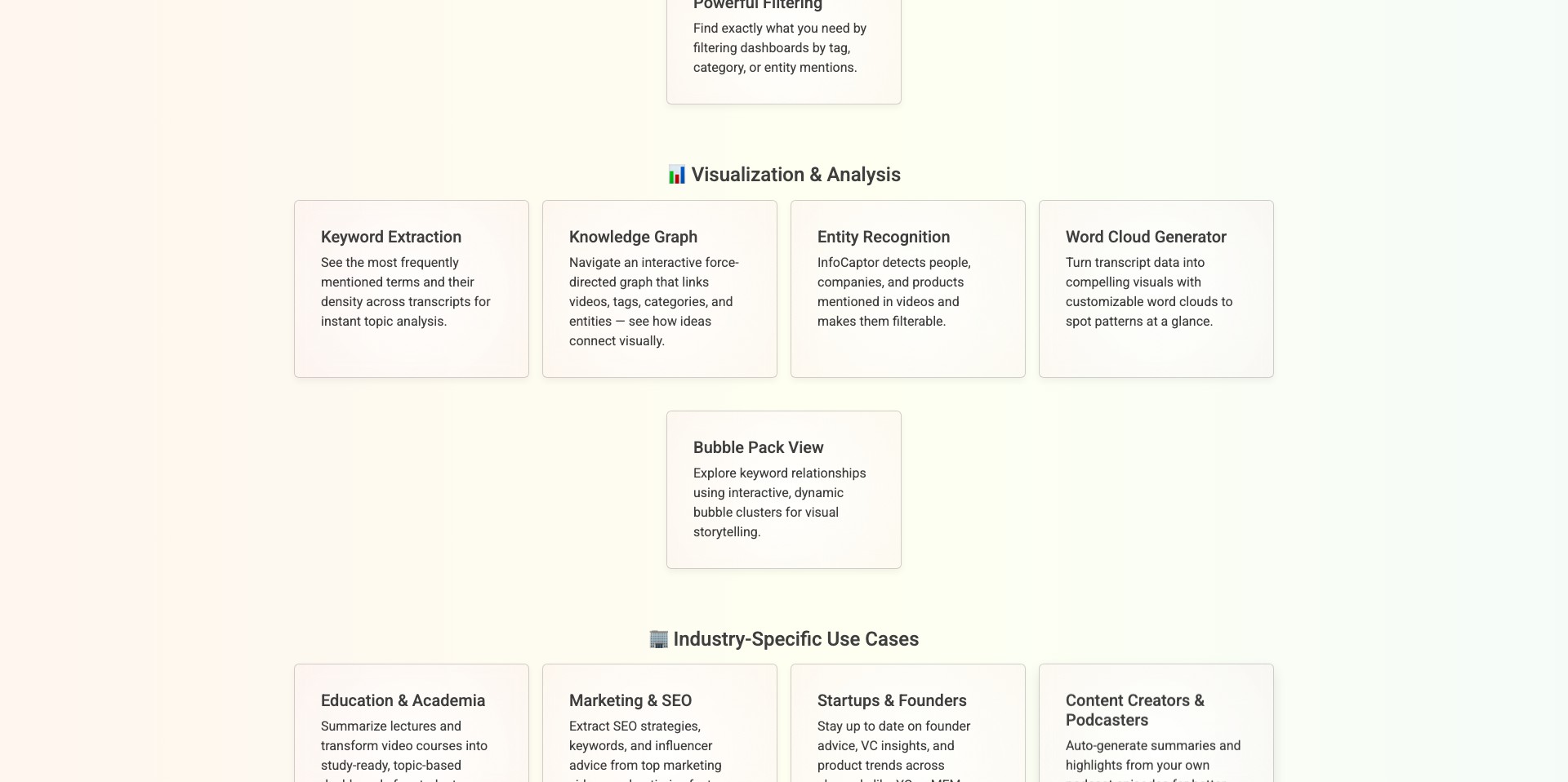
Key Features:
-
Flexible Dashboard Builder:
InfoCaptor features a user-friendly drag-and-drop dashboard creator, allowing users to assemble metrics, charts, and widgets without any coding. This flexibility speeds up dashboard creation and makes ongoing updates easy. -
Wide Data Source Integration:
It integrates seamlessly with a wide range of data sources including MySQL, PostgreSQL, Oracle, Google Sheets, and APIs, allowing users to centralize disparate data for unified analytics. -
Advanced Visualizations:
The platform provides a rich library of charts, maps, and visual widgets, enabling users to present information in engaging and customizable formats. -
Data Exploration and Drill-downs:
Users can interactively explore data, apply filters, and drill down into specific metrics or trends for deeper insight without leaving the dashboard. -
Scheduled Reporting and Alerts:
Automated report scheduling and real-time alerts allow teams to stay informed about key metrics as soon as they change, improving responsiveness and proactive decision-making.
What makes InfoCaptor unique?
What sets InfoCaptor apart from many BI tools is its strong focus on self-service analytics. Its drag-and-drop dashboard designer and code-free environment minimize the need for IT support, enabling business users to build and customize their own reports with minimal onboarding.
Additionally, InfoCaptor offers cost-effective pricing with a one-time purchase option for on-premise deployment, which is rare among cloud-focused competitors. Its blend of broad data connectivity and customizable visualizations also gives users significant flexibility compared to more restrictive platforms.
Pros and Cons
Who is using InfoCaptor?
Business Analysts: Analysts can leverage InfoCaptor’s robust data blending and visualization tools to produce insightful reports and extract trends from complex datasets with ease.
Small and Medium Enterprises (SMEs): SMEs benefit from InfoCaptor’s affordability and ease of use, making it easier to deploy BI capabilities without large IT investments.
Project Managers and Executives: Executives and managers gain high-level visibility into KPIs through real-time dashboards and scheduled reports, aiding in faster decision-making and operational oversight.
Evolution and Improvements
Since its initial launch, InfoCaptor has expanded from simple dashboarding to becoming a comprehensive BI suite, adding new data connectors and richer visualization libraries over time.
Recent updates have improved ease of use, with enhancements to the drag-and-drop interface and dashboard sharing capabilities, making collaboration smoother for team environments.
InfoCaptor has also increased its focus on automation, introducing scheduled exports, notification features, and API enhancements, further streamlining the analytics workflow for users.
Pricing
| Plan | Price | About |
| Cloud Subscription | $29/user/month | Includes access to all cloud-hosted features and support. |
| On-Premise One-time Purchase | From $599 (one-time) | Lifetime license for on-premises installation. Suited for organizations wanting full control. |
| Free Trial | Free | Explore the full platform capabilities for a limited time before purchasing. |
Verdict
InfoCaptor delivers solid value as a business intelligence tool, especially for organizations seeking a flexible, cost-effective way to visualize data and build dashboards without heavy IT involvement.
Its self-service features, wide-ranging integrations, and affordable one-time purchase model make it particularly attractive for SMEs and data-driven teams. However, those seeking cutting-edge AI analytics or a contemporary UI might find it less compelling than newer, AI-powered competitors.


