Streamlabs Podcast Editor
Last updated: 18 December 2025
What is Streamlabs Podcast Editor?
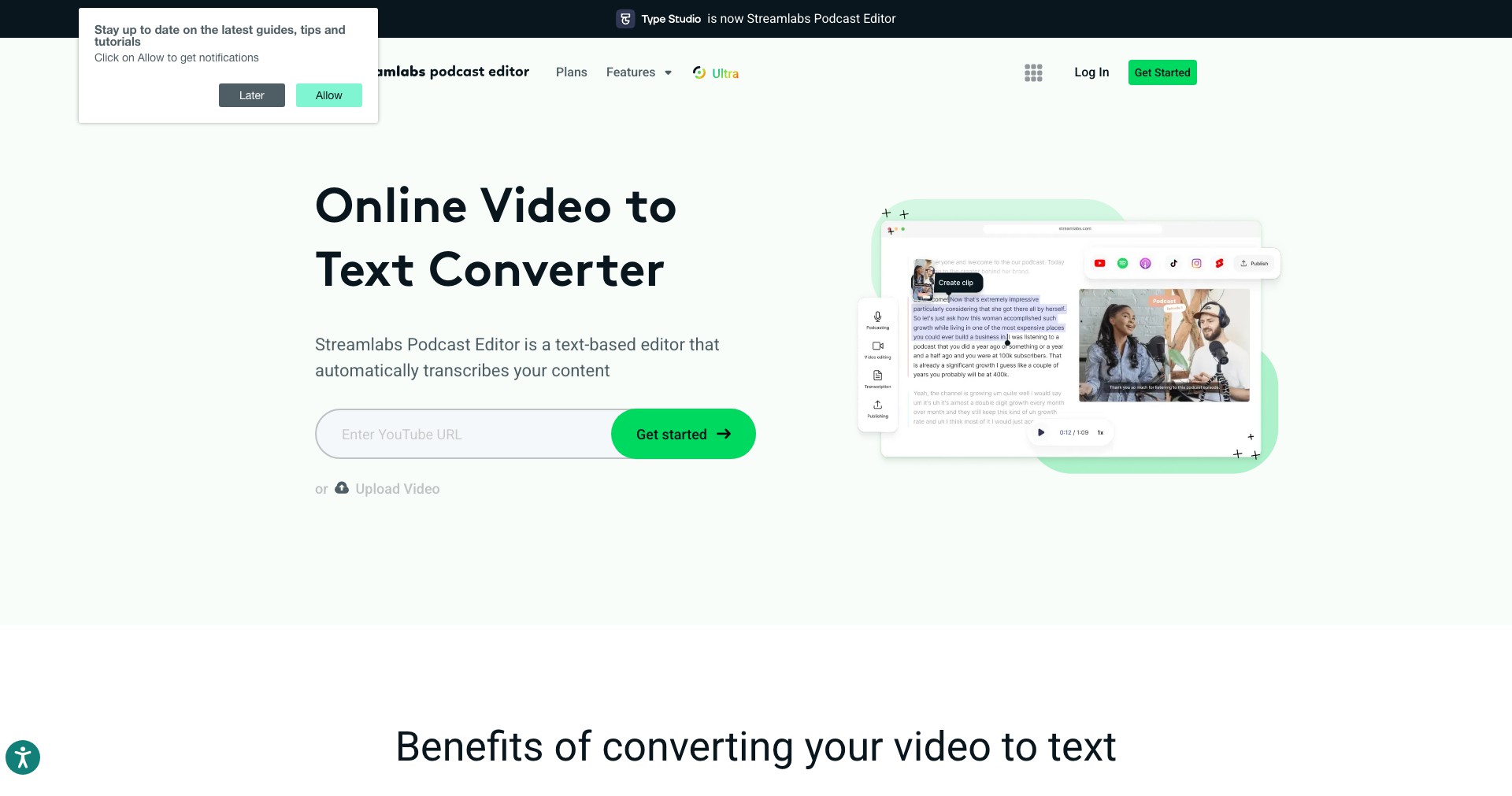
Streamlabs Podcast Editor is a versatile, browser-based tool built for content creators who want to streamline their podcast and video editing workflow. Leveraging AI, it automates tedious editing processes, such as transcribing spoken word into text, removing filler words, and creating shareable video clips. By transforming long-form audio and video into engaging, bite-sized content, this editor helps users easily amplify their reach on multiple platforms.
Whether you’re a solo podcaster or a small marketing team, Streamlabs Podcast Editor offers a user-friendly interface that eliminates the need for complex software or extensive technical know-how. Its AI-driven features free up valuable time, allowing creators to focus more on storytelling and less on manual editing tasks.
Key Features:
-
Automatic Transcription:
The platform quickly transcribes spoken audio to accurate, readable text, making editing and review a breeze while improving accessibility for audiences. -
Text-Based Audio Editing:
Creators can edit recordings simply by editing the transcript—cutting sections and fixing errors as easily as editing a document. -
AI-Powered Filler Removal:
Easily detects and removes filler words (like 'um', 'uh', and repeated phrases), streamlining audio for a more professional finish with a single click. -
Generate Video Clips:
Select highlights from your episodes and instantly turn them into engaging video snippets, perfect for sharing on social media to boost audience engagement. -
Customizable Video Layouts:
Offers customizable video templates and captioned layouts to match your podcast branding, making content visually appealing and ready for various platforms.
What makes Streamlabs Podcast Editor unique?
What makes Streamlabs Podcast Editor distinctive is its seamless blend of AI-powered editing and a highly intuitive, browser-based workflow. Many traditional podcast tools require separate programs for transcription, audio cut-downs, and video repurposing, but Streamlabs unifies these features in one space—and does so with automation at the forefront.
Its text-based editing is especially unique: users edit their podcasts as if editing a Word document, drastically cutting down time and effort for audio or video adjustments. The integration with Streamlabs' larger suite also means smooth transitions for those already using Streamlabs for live content creation or streaming, making it a natural extension of an established creator toolkit.
Pros and Cons
Who is using Streamlabs Podcast Editor?
Independent Podcasters: Solo creators and indie podcasters benefit from automated editing, transcription, and easy social sharing without a steep learning curve or expensive DAWs.
Marketing and Social Teams: Organizations and agencies looking to repurpose webinars, interviews, or podcasts into bite-sized clips for various channels will find streamlined workflows and brand-consistent templates invaluable.
Small Production Houses: Small teams or production freelancers who handle multiple shows can save significant editing time, focus on storytelling, and easily collaborate in the cloud.
Evolving with Creator Needs
Initially launched to address the growing need for simple, automated podcast editing, Streamlabs Podcast Editor has steadily expanded its feature set since its debut. Early iterations focused heavily on accurate transcription and basic, text-driven audio editing.
Subsequent updates have seen the addition of AI-driven filler word detection, customizable video layouts, and one-click export features tailored for social media, responding directly to the ways creators repurpose long-form content.
Integration within the broader Streamlabs ecosystem has improved, making it easier for live streamers and content creators to edit and publish content on the fly, all within a unified workflow that continues evolving based on user feedback.
Pricing
| Plan | Price | About |
| Free Tier | $0 | Limited to a set number of monthly exports and shorter audio files; includes watermark on video exports. |
| Pro Plan | $15/month (billed annually) | Removes watermarks, increases export and length limits, adds premium features such as unlimited filler word remover, and offers priority support. |
Verdict
Streamlabs Podcast Editor stands out as a powerful yet approachable solution for creators who want to save time and reduce complexity when editing and repurposing podcast content. Its browser-based, AI-powered approach brings traditionally technical tasks (like transcription and video highlight generation) into a user-friendly experience, making content production accessible to more people.
While power users seeking advanced audio engineering or music mixing might still require traditional DAWs, the Podcast Editor is an ideal fit for podcasters, marketers, and small teams who value speed, ease of use, and automated publishing workflows. With competitive pricing and ongoing improvements, it’s a compelling addition for anyone looking to boost their audio or video content workflow.


