How to unblock Google Opal from Europe and the UK
Our in-house cybersecurity experts and journalists, renowned for major reports like The Mother of All Breaches, conduct transparent, unbiased VPN testing and in-depth analysis.
With 750+ articles crafted based on real-world research, we empower readers to make informed purchasing decisions through first-hand expertise.
Learn more
Google has introduced a new free app builder, Opal. The platform helps create mini apps without coding. It uses built-in AI that helps create and transform models or tools into a deployable app.
At the moment, Google is still experimenting with the platform, and for this reason, Opal has only been introduced in the US.
That said, there’s a way to use it now while being outside of the US. In this guide, I’ll show you how to unblock Google Opal from Europe or the UK in under 5 minutes.
How to use Google Opal from the UK or Europe
Google has launched its new no-code mini app builder, Opal. However, it is currently available only in the US. Here’s how you can bypass it, being in Europe or the UK:
- Choose a reliable VPN provider – I recommend NordVPN, which is currently 75% off
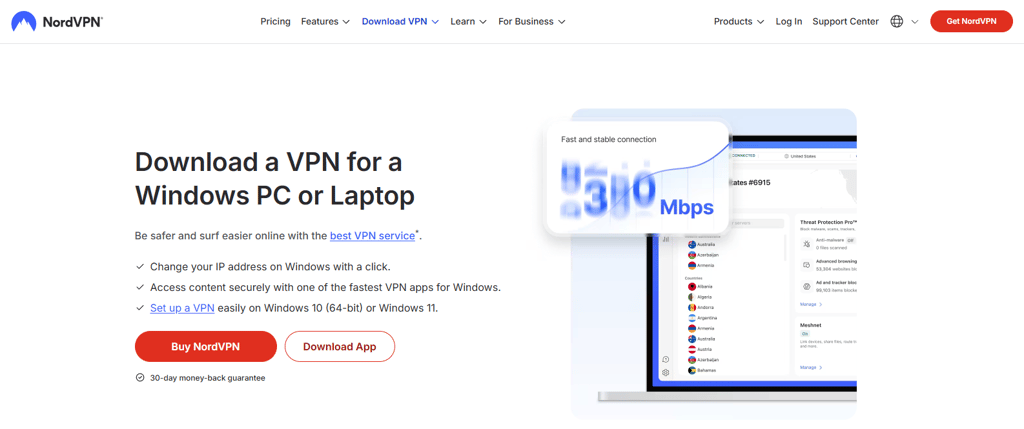
- Download and install the VPN app on your device
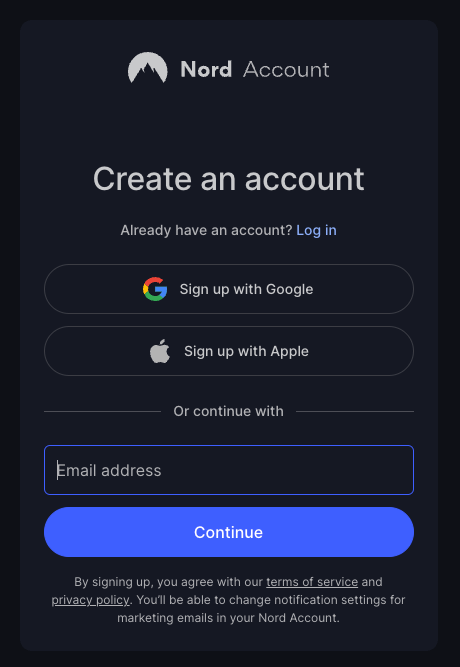
- Log in to your VPN account
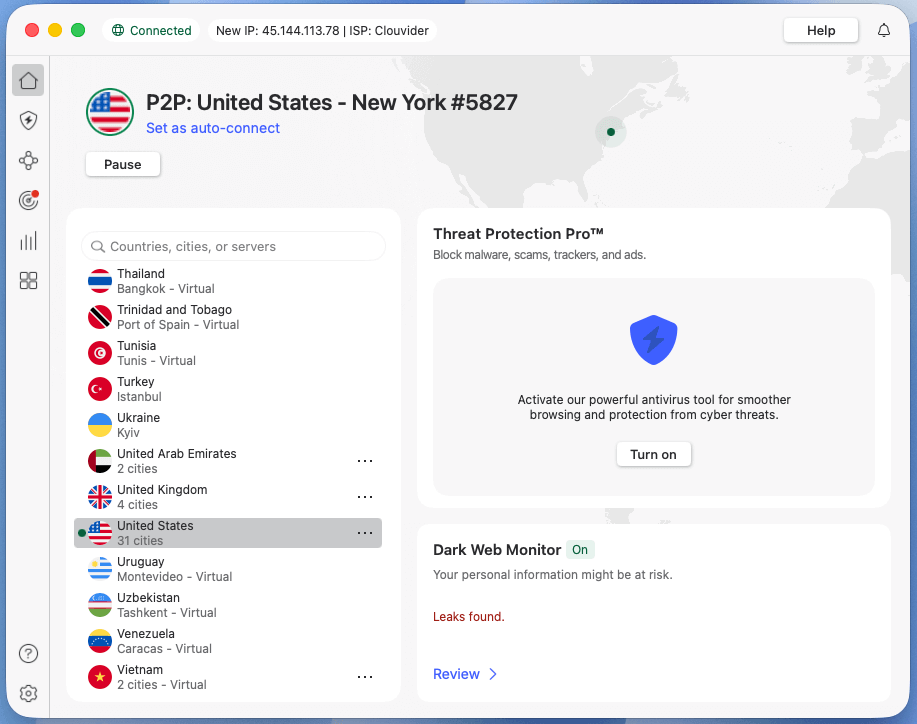
- Connect to a server in the US where Opal is available
- Visit https://opal.google/ and start using it
What is Google Opal?
Google’s new AI tool, Opal, is a no-code mini app builder. It uses AI prompts and drag-and-drop workflows to build and share powerful mini apps. Using natural language and visual editing, Opal chains together prompts, models, and tools.
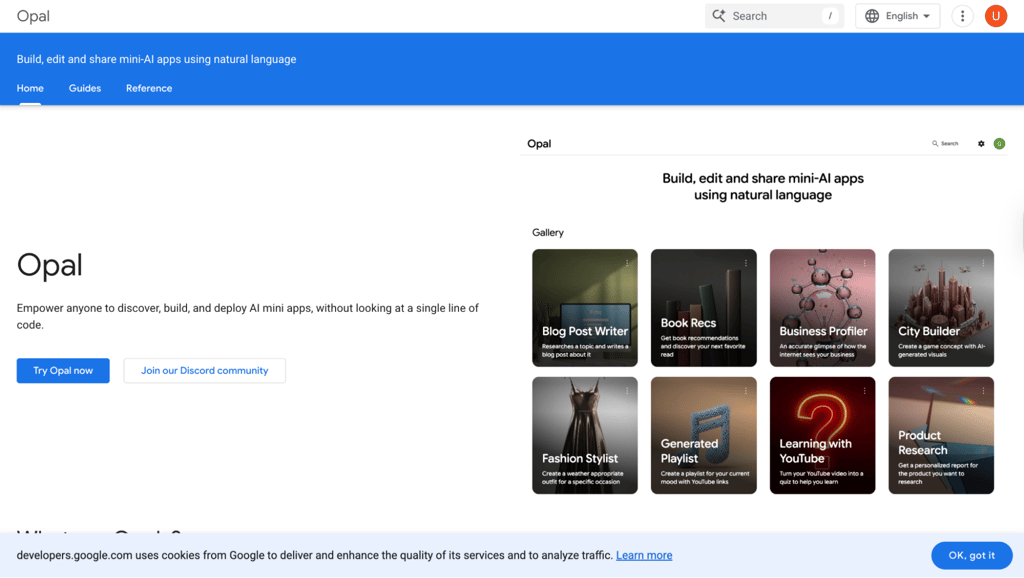
Opal belongs to a new generation of vibe coding, meaning that instead of writing code, users describe what they want to see, and Google Opal generates an app. This optimizes and speeds up the work significantly. What makes Opal different is its focus on natural language, immediate apps publishing, and free access.
Why do you need a VPN to access Google Opal?
As Google is still experimenting with the app, Google Opal is currently unavailable in any regions outside of the US. The platform is designed to make app creation accessible even to users with little or no prior experience. This has led many to view Opal as a significant step forward in AI, largely due to its accessibility and user-friendly approach.
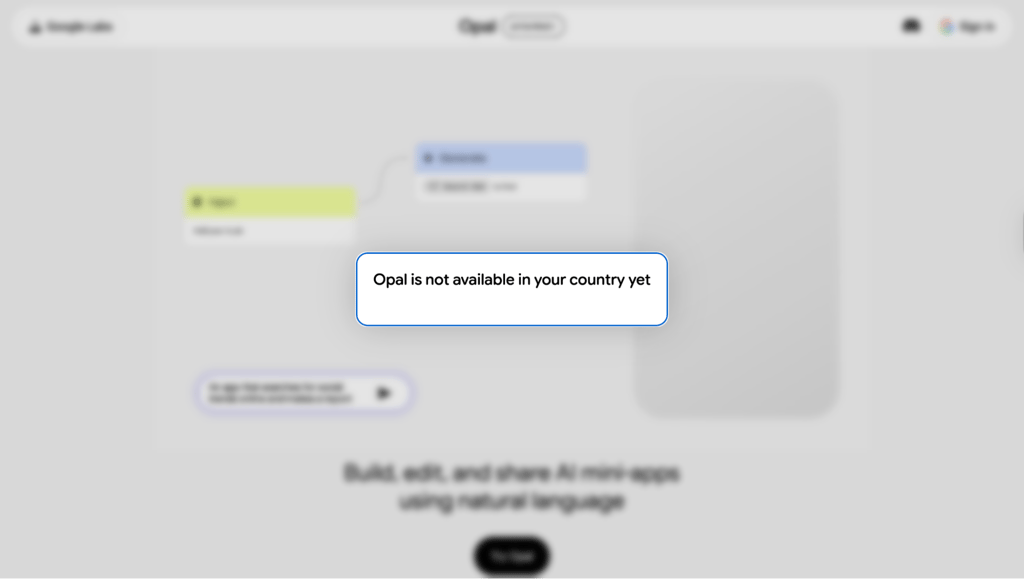
By routing your connection through a US server, a VPN lets you bypass these geo-restrictions and access Google Opal right away. With VPN, you don’t need to wait for the time when it will be accessible in Europe, as currently, there is no guarantee it ever will be.
Additionally, a VPN masks your IP address, geographic location, and online activities through a remote encrypted server. So, it is a good option not only to bypass geographical restrictions but also to hide your activity online.
Where’s Google Opal not available?
Right now, Google Opal is only available in the US. Users from any other countries cannot access it.
There is no information on when it will be released globally. Google explains that because the platform is new and experimental, it is being tested within a limited community of users.
How to access Google Opal from Europe: step-by-step guide
There is a way to access it from outside the US. To do it, users can use any reliable VPN that supports a US server. Here is a detailed guide on how to do it:
-
Choose a reputable VPN provider, such as NordVPN, with a strong selection of US servers.

-
Download and install the VPN app on your device.

-
Sign in using your VPN account details.

-
Connect to a server in the US, where Google Opal is accessible.

-
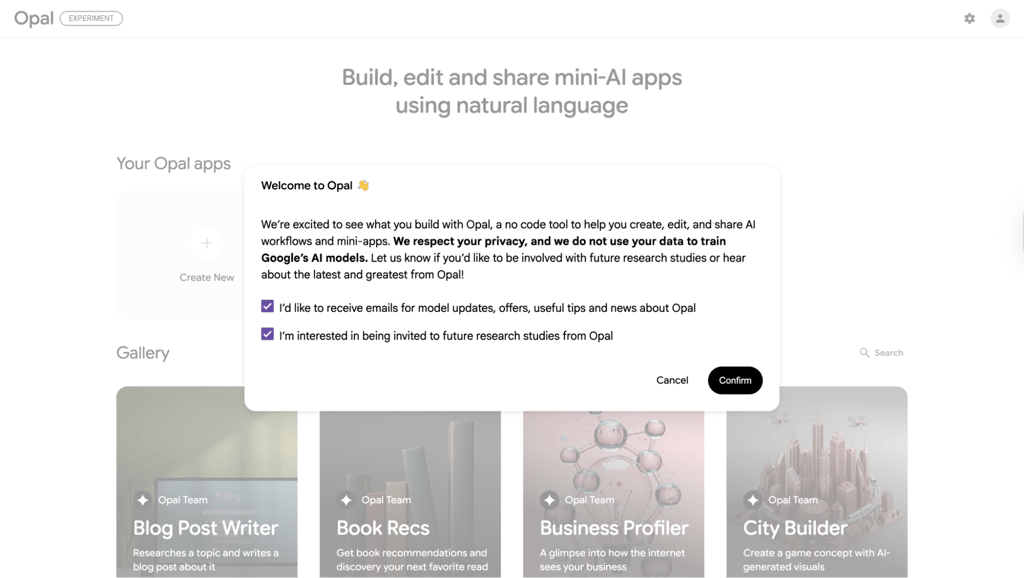
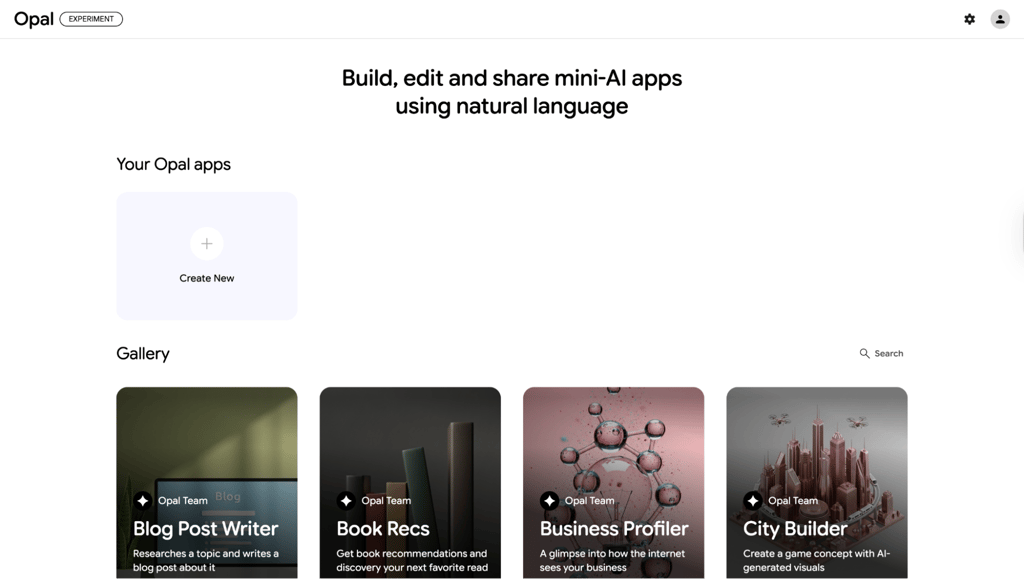
Go to https://opal.google/ and sign in into your Google account to start using Opal.

-
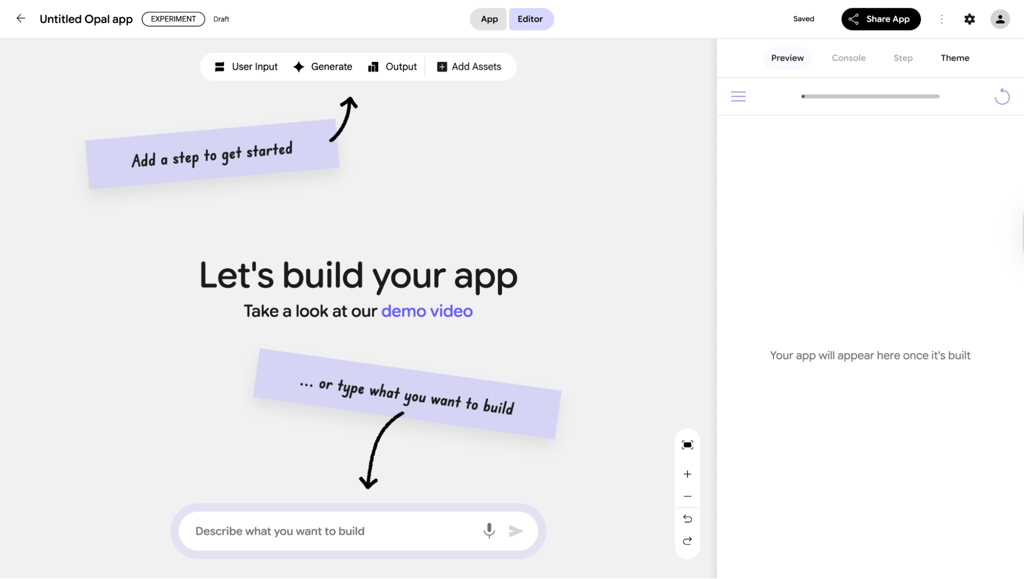
Click on Create New to start building your app.

-
Start building and let the magic begin.
What you can create with Google Opal?
With Google Opal you can create no code mini apps with natural language. However, mini apps might be a very broad term. That is why I would like to provide concrete examples on what can be created with Google Opal:
| Category | What you can create | Example |
| Content creation | Generate written, visual, and audio content | Blog posts, social media content, podcasts, stickers |
| Automated workflows | Automate end-to-end processes in one app | Content pipelines combining text, images, and videos |
| Research tools | Search the web and generate structured insights | Research assistants, product research reports |
| Learning tools | Turn content into interactive learning experiences | Quizzes from files, links, or YouTube videos |
| Business & marketing tools | Create marketing strategies and materials | Business profiling, product launches, video ads |
| Personal productivity tools | Automate everyday tasks | Calendar invites from images, playlists |
| Design & lifestyle tools | Generate ideas and visual concepts | Suggest weather-specific outfits for specific occasions |
| Entertainment apps | Create fun, creative experiences | Book recommendations, game concepts with visuals |
| Pre-made Gallery apps | Use or remix ready-made apps | Blog writers, marketers, designers, podcasters |
With Google Opal, users can build different types of AI mini-apps in two ways: by creating them from scratch or by using pre-built templates. The template gallery includes many popular app types that can be used instantly or customized. While templates speed things up, building from scratch might be more fun as users get to assign the workflows by themselves.
Final thoughts
Google Opal is a revolutionary tool in building mini apps for non-developers. It can help build an app quickly and simply. The purpose of the website can be any as long as it is not scalable. What is also nice is that the app is free at the moment.
However, Google Opal cannot be accessed outside the US – that’s why you should use a trusted VPN like NordVPN. It can help to bypass georestrictions by changing your virtual location, making the platform accessible from anywhere.
FAQ
What is Google Opal?
Google Opal is an experimental no-code mini app builder. It uses built-in AI to make mini app creation simpler and faster. It empowers non-technical users to become app builders as you only need to describe in text what you want and the platform builds it for you.
What can you build with Google Opal?
It is oriented toward smaller, simpler apps such as internal productivity apps, educational or demo apps, and simple data-collection apps. Opal is not suited for complex, large-scale, or highly customizable production apps.
Do I need a Google account to use Opal?
Yes, you need a Google account to build with Opal. It is linked to Google, so without its account, you will not have access to it.
How to access Google Opal?
You can access it freely inside the US. If you are not in the US, you will need to use a VPN. A good option for that will be NordVPN.


