Artguru
Last updated: 16 June 2026
What is Artguru?
Artguru is a next-generation platform empowering users to create striking digital art using advanced AI technology. Built for artists, designers, and curious enthusiasts alike, it combines the power of artificial intelligence with a user-friendly interface, enabling anyone to generate high-quality images, avatars, and art pieces in minutes. Whether you're pursuing creative projects or need high-end visuals for commercial use, Artguru's flexible toolkit supports your vision.
Beyond just AI art generation, Artguru offers comprehensive features such as background removal and photo enhancement, making it a versatile resource for personal, professional, and marketing applications. Its freemium model ensures you can experiment at no cost, with premium options catering to users needing higher resolution and greater customization.
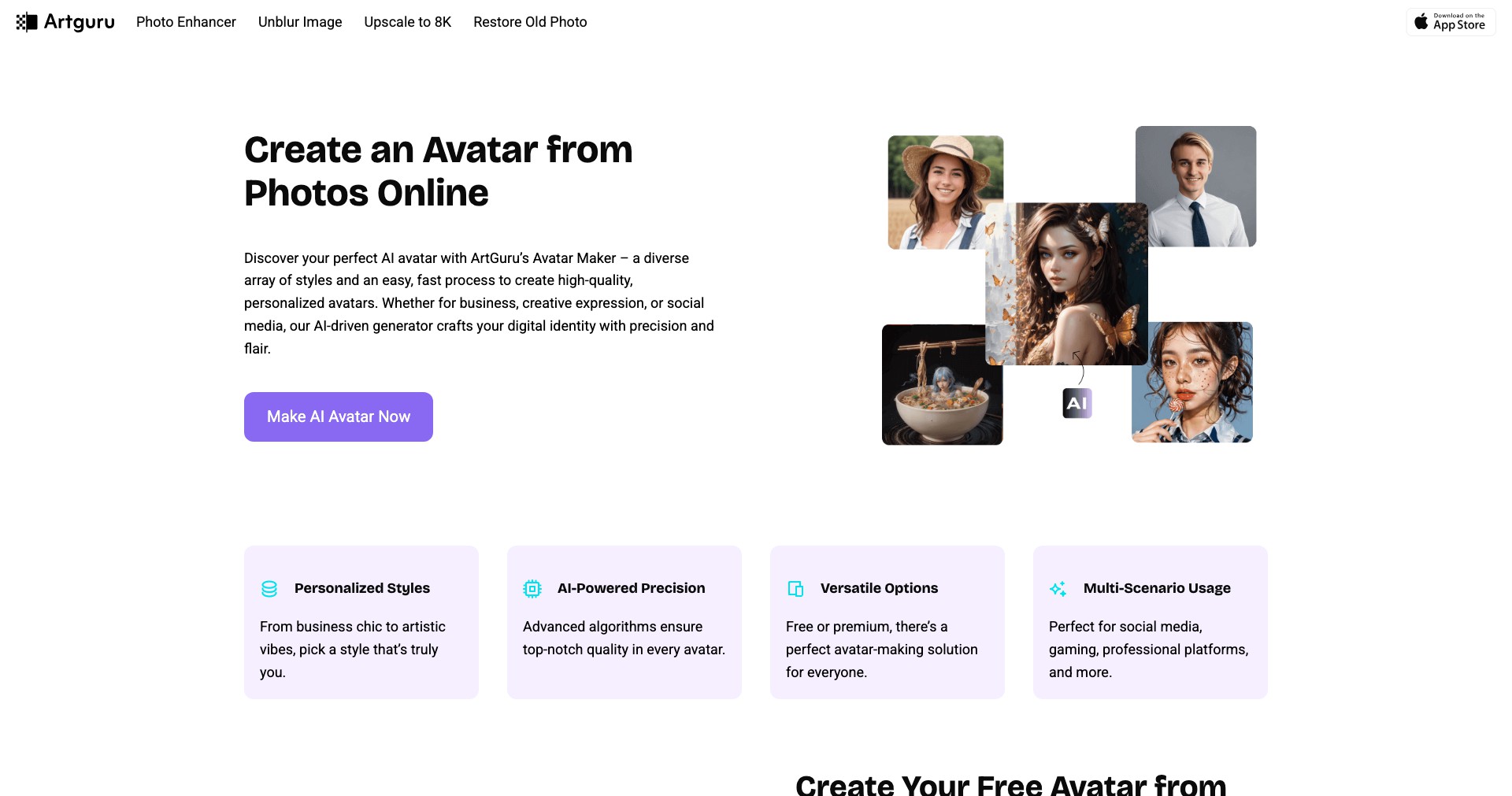
Key Features:
-
AI Art Generation:
Harness generative AI to create stunning artworks from simple text prompts. The technology supports a variety of styles, giving users creative freedom while reducing barriers for those less experienced in digital design. -
Avatar Maker:
Design personalized avatars with just a photo or description. This feature is popular among social media users and creators needing custom, on-brand visuals without hiring an artist. -
One-Click Background Remover:
Easily remove or replace backgrounds from photos and images. This tool saves time for designers and marketers working on product listings, profile pictures, or promotional graphics. -
Batch Processing:
Process multiple images simultaneously for operations like enhancement or background removal. This dramatically increases productivity, particularly for users with large image sets or repetitive editing tasks. -
Style Customization:
Tweak styles, sizes, and resolutions of generated art to fit specific needs. This gives both amateur and professional users a high degree of control over the appearance and utility of their creations.
What makes Artguru unique?
Artguru distinguishes itself with its intuitive interface combined with flexible AI tools that cater to both novices and professionals. The AI avatar generator stands out for its ease of use and ability to produce high-quality, stylized avatars without extensive editing or artistic skill. Additionally, the batch processing and one-click background remover streamline time-consuming editing workflows, making it especially useful for businesses and creators managing large volumes of content.
Unlike many competitors, Artguru balances accessibility and professional depth, offering essential tools for free while keeping premium features affordable. The rapid updates and constant addition of new AI-powered features help maintain its position as a top choice for those seeking to integrate state-of-the-art technology into their creative pipelines.
Pros and Cons
Who is using Artguru?
Digital Creators and Artists: Independent artists, illustrators, and designers who want to quickly create diverse art styles or generate avatar images for personal portfolios, client work, or social media. Artguru saves them both time and effort, expanding their creative possibilities.
Marketing and E-commerce Professionals: Businesses and marketers in need of product images, backgrounds removed, or branded avatars for advertising, catalogs, and online listings. Artguru's batch tools and background remover greatly streamline such workflows, improving operational efficiency.
Social Media Enthusiasts: Users looking to create unique and attractive profile pictures, avatars, or digital art for platforms like Instagram, TikTok, and Twitter. They benefit from Artguru's easy-to-use interface and quick generation of customized visuals.
Evolving Features and Performance
Since its initial launch, Artguru has rapidly expanded its feature set—beginning with AI art generation and soon adding key tools like the avatar maker and background removal. The interface has been refined to improve usability, making the creation process more intuitive for all users.
Performance enhancements have been a consistent focus, leading to faster image processing and more accurate AI results. Customer feedback is actively integrated, resulting in regular bug fixes and feature improvements based on user needs.
Subscription options, resolution settings, and batch processing capabilities have been rolled out in response to demand from business and power users. The platform remains committed to updating its AI models to reflect the latest advances in generative technologies, ensuring Artguru stays at the forefront of AI art tools.
Pricing
| Plan | Price | About |
| Free Plan | $0 | Limited access to core features, lower resolutions, and a capped number of uses per day. |
| Pro Subscription | $9.90/month | Unlocks higher resolution, more detailed images, unlimited background removals, and priority support. |
| Business Subscription | $29.90/month | Designed for teams with more intensive usage needs; includes enhanced batch processing and API access. |
Verdict
Artguru stands out as one of the best all-around AI art platforms for its ease of use, comprehensive AI toolset, and flexible pricing. It’s especially valuable for digital creators, small businesses, and anyone seeking to quickly produce high-quality, customized visuals without a steep learning curve.
While occasional limitations exist in customization and free-tier usage, its continual updates and solid customer support make it a reliable solution. Artguru is ideal for both beginners wishing to experiment and professionals needing a robust, scalable platform for creative projects.


