ChatGPT+ Google Sheet
Last updated: 18 December 2025
What is ChatGPT+ Google Sheet?
ChatGPT+ Google Sheet bridges the powerful language understanding of OpenAI’s ChatGPT with the familiar, flexible workspace of Google Sheets. This integration empowers users to leverage AI-driven text generation, analysis, and automation within their spreadsheets. Rather than switching between multiple apps or platforms, users can simply invoke ChatGPT capabilities directly in their workflow, minimizing friction and maximizing productivity.
Whether it's generating product descriptions, summarizing large datasets, or automating repetitive text-based tasks, ChatGPT+ Google Sheet is a boon for professionals who need quick AI assistance. It makes advanced AI accessible to non-technical users, wrapping cutting-edge technology into a tool millions already use daily.
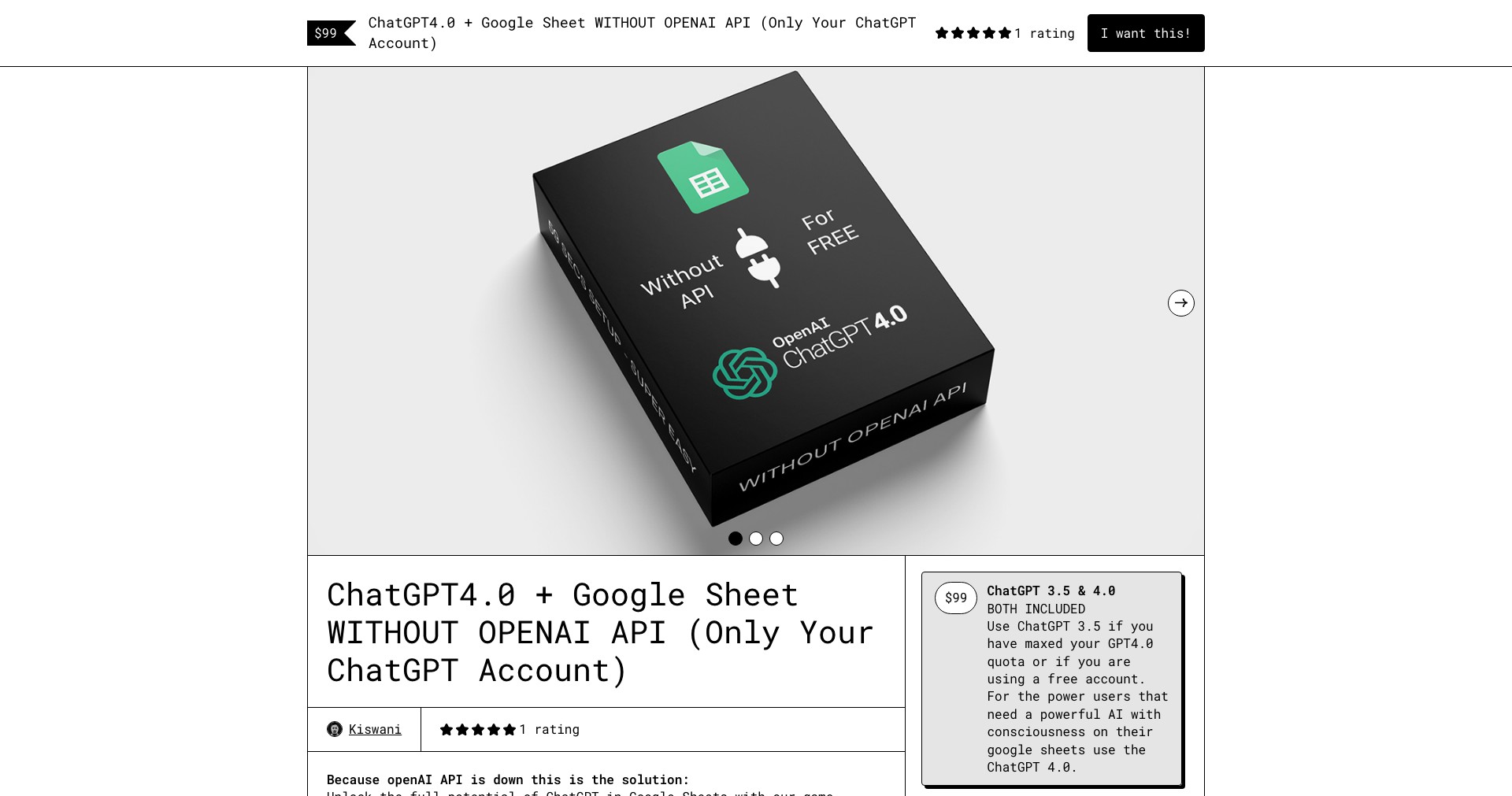
Key Features:
-
AI-Powered Text Generation:
Seamlessly generate summaries, analyze sentiment, or create content directly inside your spreadsheets. This boosts productivity and enables creative automation of repetitive writing tasks. -
Custom Functions:
Use tailor-made AI formulas (like =GPT() or similar) to automate everything from grammar checks to data classification, available natively in your sheets. -
Natural Language Querying:
Ask questions about your data using plain English and get instant, context-aware answers, making data queries more intuitive and accessible. -
Data Cleaning and Formatting:
Leverage AI to standardize, correct, and clean up messy data in bulk, saving time and minimizing human error. -
Integration Flexibility:
Works alongside other Google Workspace tools, supporting collaborative workflows with easy sharing and version history, all within a secure environment.
What makes ChatGPT+ Google Sheet unique?
What sets ChatGPT+ Google Sheet apart is its deep integration with the Google Sheets environment, allowing users to access AI without leaving the interface. Unlike standalone chatbots or cumbersome API setups, this direct integration makes advanced natural language tasks as easy as writing a formula.
Additionally, the flexibility in customizing AI prompts and functions distinguishes it from more rigid AI add-ons. Users can tailor functionalities to their specific needs, whether that's automating email drafts, categorizing feedback, or summarizing long documents at scale.
Pros and Cons
Who is using ChatGPT+ Google Sheet?
Business Professionals: Project managers, marketers, and analysts who leverage spreadsheets for reporting, content creation, and automation will benefit from the AI-enhanced workflows and time-saving features.
Educators & Students: Teachers, researchers, and students can use the tool for data analysis, summarization, and automating grading or feedback—making educational tasks faster and more interactive.
Data Enthusiasts & Small Teams: Startups and small teams who rely heavily on spreadsheets for collaboration and operations gain efficient, AI-powered functions without the need to build custom solutions or hire dedicated developers.
Product Evolution
When first launched, ChatGPT+ Google Sheet started as a simple add-on providing basic text generation features. Early adopters could use it to perform simple summarizations or draft email templates within their sheets.
Over time, the product expanded its suite of AI functions, adding features like advanced data cleaning, sentiment analysis, and flexible formula support. Integration with Google Workspace improved, allowing for smoother collaboration and easier sharing.
Recent updates have focused on streamlining the user experience, improving performance, and addressing privacy and security concerns. Custom function capabilities now allow greater personalization, and better API management tools help users monitor usage and costs.
Pricing
| Plan | Price | About |
| Free Tier | $0 | Limited AI requests per month and basic support. |
| Pro/Subscription | Varies (often ~$9-20/month) | Increased usage limits, priority support, and access to premium features. |
| Pay-as-you-go | Based on OpenAI credits consumed | Pay only for what you use, suitable for variable workloads or occasional users. |
Verdict
ChatGPT+ Google Sheet is a powerful and convenient way to harness generative AI directly within a spreadsheet, turning Google Sheets into a much smarter workspace. Its intuitive setup, flexible functions, and productivity boosts make it a compelling choice for professionals or teams looking to automate data-driven tasks.
While there are minor drawbacks such as usage limits and data privacy considerations, its overall value—especially for non-technical users and small teams—is significant. It's best suited for those who already rely heavily on Google Sheets and want to supercharge their workflows with AI automation.


