Numerous
Last updated: 18 December 2025
What is Numerous?
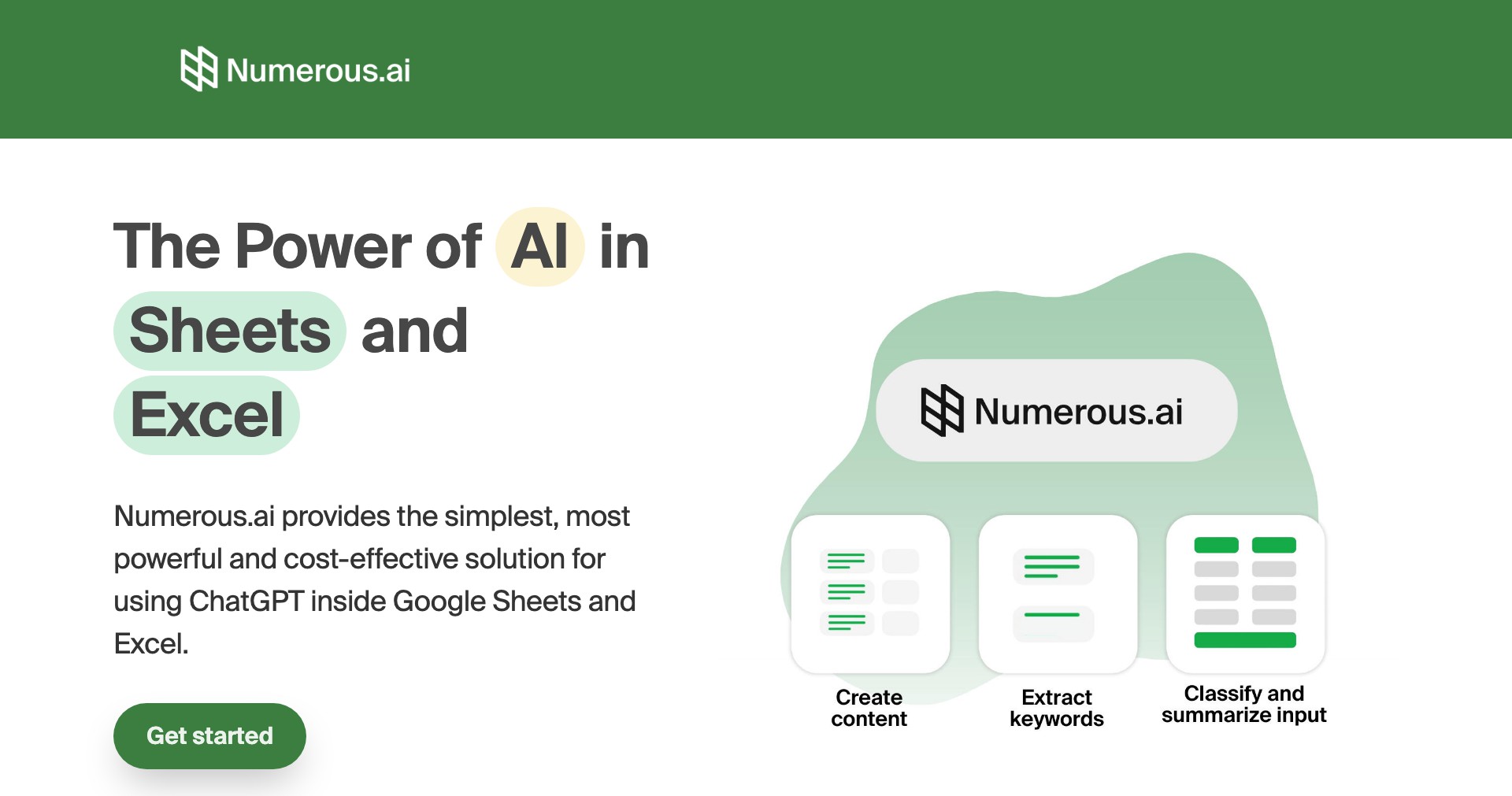
Numerous is an intuitive automation platform designed to bridge the gap between everyday spreadsheets and the world of business apps, making data synchronization and workflow automation effortless. It allows users—regardless of technical prowess—to automate repetitive data entry, create actionable workflows, and connect popular tools like Google Sheets, Excel, Slack, Notion, and more without writing code.
Perfect for professionals, organizations, and teams reliant on spreadsheets for operations, Numerous streamlines data handling by providing seamless integrations and real-time syncs between frequently-used platforms. Whether it’s updating databases, managing projects, or automating notifications, Numerous empowers users to focus on higher-value tasks while minimizing manual work.
Key Features:
-
Spreadsheet Integration:
Connect Google Sheets or Excel files directly to Numerous and keep data in sync across multiple apps in real time, saving hours of manual copy-pasting and ensuring accuracy. -
No-Code Automation:
Numerous allows the automation of workflows—such as updating, syncing, and triggering tasks—through a visual interface that requires no programming knowledge, making it accessible to users of all skill levels. -
Multi-App Connectivity:
Integrate with popular business apps like Notion, Slack, Airtable, and Trello, allowing for the seamless movement of information and notifications across platforms. -
Scheduled Syncs & Triggers:
Automations can be set to run on schedules or trigger based on changes in your data, reducing the need for constant monitoring and manual intervention. -
Collaboration & Sharing:
Invite team members to projects, share automations, and manage permissions, fostering collaboration and ensuring process consistency across the organization.
What makes Numerous unique?
Numerous stands out due to its strong focus on spreadsheet-centric automation, which caters specifically to businesses and professionals who rely heavily on tools like Google Sheets and Excel for daily operations. While many competitors offer general automation, Numerous delivers a streamlined, optimized experience for spreadsheet data and its synchronization with other applications.
Furthermore, Numerous’s visual, no-code workflow builder strikes an excellent balance between power and simplicity, allowing both non-technical users and advanced professionals to design complex integrations without code. Its real-time data sync and easy-to-configure triggers make it particularly agile for modern, fast-paced environments.
Pros and Cons
Who is using Numerous?
Business Professionals: Managers, analysts, and operations teams who depend on spreadsheets to coordinate processes, track projects, and report data. Numerous helps them automate repetitive tasks and reduce the risk of errors.
Small to Mid-Sized Teams: Teams that want to enhance their productivity by connecting disparate digital tools without investing in IT support or custom development benefit greatly from Numerous’s integrations and collaboration options.
Educators and Nonprofits: Organizations running on tight budgets can utilize Numerous to link registration systems, notifications, donation tracking, and more, thereby streamlining admin work without hiring technical staff.
Growth and Feature Evolution
Since its launch, Numerous has evolved from a simple spreadsheet automation tool to a comprehensive integration platform featuring a wide array of app connections and workflow templates.
Ongoing updates have introduced a visual automation builder, improved real-time syncing performance, and enhanced user collaboration and sharing functionalities to meet growing customer demands.
Recent releases have focused on extending integration options with additional business software, improving support documentation, and offering more flexible pricing plans to attract diverse user groups.
Pricing
| Plan | Price | About |
| Free Plan | $0 | Includes basic integrations and a limited number of automated workflows per month; suitable for individuals or testing. |
| Pro Plan | $12/month | Offers increased workflow runs, priority support, team features, and advanced integrations. |
| Business Plan | $45/month | Geared towards larger teams; includes higher limits, advanced permissions, and dedicated onboarding support. |
Verdict
Numerous is an impressive platform for anyone seeking to automate and streamline the myriad data tasks managed through spreadsheets. Its real-time sync, user-friendly interface, and strong app integrations make it a top choice for non-coders and business professionals alike.
While it may not satisfy the most complex enterprise-level integration demands, Numerous covers the majority of real-world scenarios and stands out for its simplicity, efficiency, and collaborative capabilities—especially in spreadsheet-heavy environments.


