Office Translator
Last updated: 16 June 2026
What is Office Translator?
Office Translator is an advanced translation software designed to facilitate effortless and accurate communication across language barriers in modern workplaces. Whether you're collaborating with international partners or managing documents in multiple languages, Office Translator integrates directly into popular office suites, allowing translations to happen as part of your natural workflow.
Suited for professionals, teams, and organizations of all sizes, the app is particularly valuable for companies with global connections. Its streamlined approach and real-time functionality make it a must-have for those who frequently deal with multilingual documents, emails, or live chats in corporate environments.
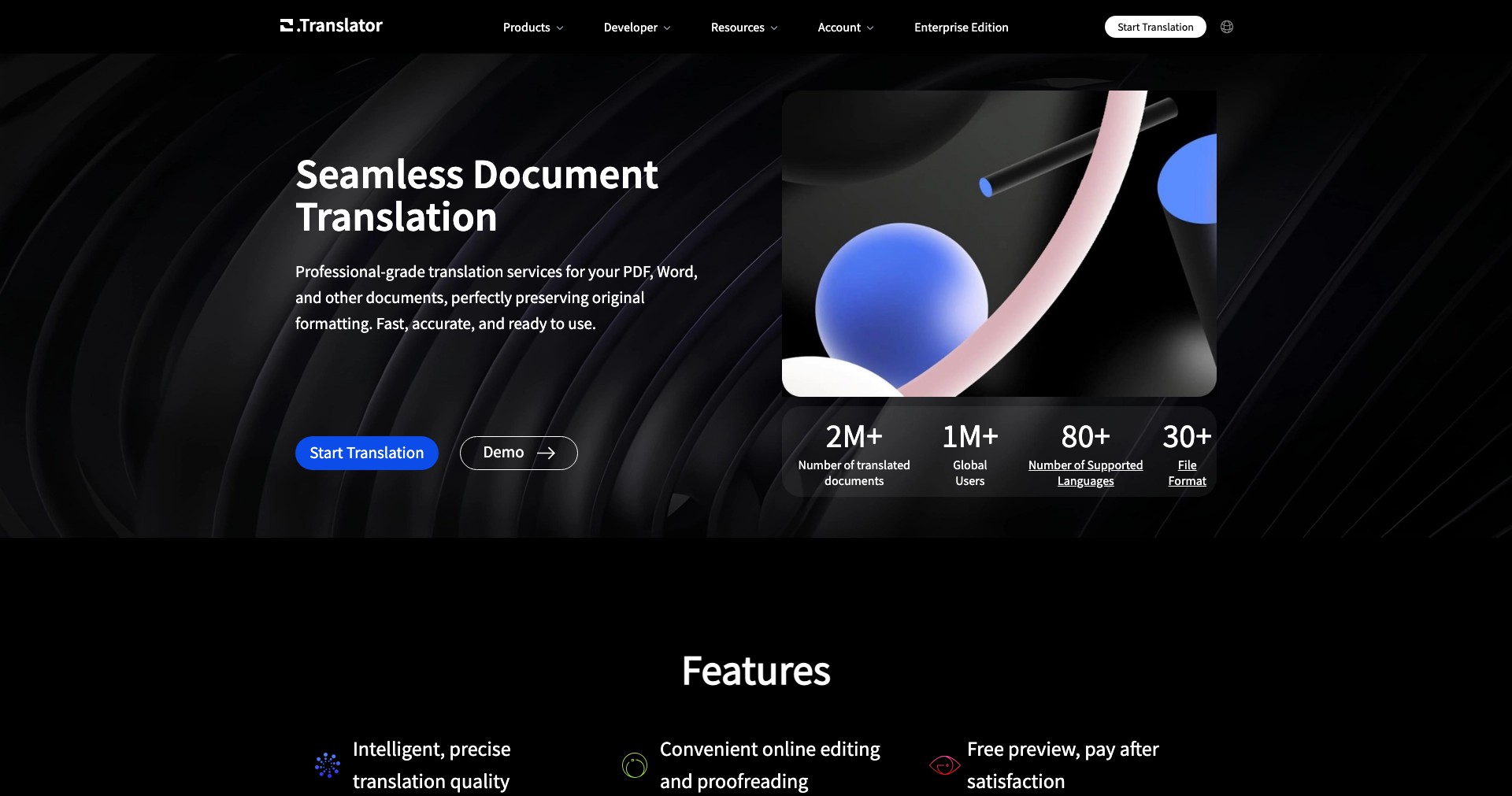
Key Features:
-
Real-Time Translation:
Office Translator provides instant translation of emails, documents, and chat messages as you work, eliminating the need to switch between apps or copy-paste text into external tools. This greatly improves workflow efficiency. -
Seamless Office Integration:
The tool integrates smoothly with Microsoft Office and other popular suites, allowing users to translate content directly in Word, Excel, Outlook, and more. This ensures that translations are available wherever you need them most. -
Supports Multiple Languages:
Covering over 100 languages, Office Translator ensures global compatibility and enables effective collaboration with partners, clients, and colleagues worldwide, regardless of language. -
High Translation Accuracy:
Utilizing advanced AI and natural language processing, the tool delivers translations with high grammatical and contextual accuracy, reducing misunderstandings in professional communication. -
User-Friendly Interface:
The intuitive design ensures that users of all tech skill levels can effortlessly access and utilize translation features, from one-click document translation to inline suggestions during email composition.
What makes Office Translator unique?
What sets Office Translator apart from many standard translation tools is its direct integration into mainstream office applications. This removes the friction of switching contexts and allows for a more natural, uninterrupted workflow, which is essential for busy professionals and large organizations.
Furthermore, its real-time translation features—not only for static documents but also for ongoing chats and collaborative editing sessions—make it ideal for fast-paced international teams. The advanced AI engine continually improves translation accuracy, learning from contextual nuances over time.
Pros and Cons
Who is using Office Translator?
Global Business Professionals: Executives, managers, and individual contributors in multinational corporations benefit from streamlined, error-free communication across language barriers, making international collaboration smoother.
Remote and Hybrid Teams: Teams spread across different countries or time zones can collaborate and share information without language acting as a hurdle, enabling more inclusive participation.
Administrative Staff: Admins responsible for document management, correspondence, and scheduling across different regions can handle tasks more efficiently with integrated translation tools.
Product Evolution Timeline
Office Translator started as a simple plug-in for translating text snippets within word processors, but has evolved into a robust, real-time translation platform embedded across major office productivity suites.
Recent updates have focused on expanding language coverage, adding support for collaborative editing tools, and improving the contextual awareness of translations to better handle business and industry-specific terminology.
Feedback-driven development has resulted in a more intuitive interface, faster translation speeds, and advanced data security features to meet the demands of enterprise clients.
Pricing
| Plan | Price | About |
| Business Subscription | $10 per user/month | Provides full integration and real-time translation for all office suite features. Ideal for teams and organizations. |
| Enterprise Plan | Custom Pricing | Tailored for large organizations with custom integration, higher security, and dedicated support. |
| Free Trial | Free (14 days) | Allows users to test all premium features for a limited time before committing to a subscription. |
Verdict
Office Translator proves to be a highly valuable addition for businesses and professionals navigating multilingual environments, thanks to its seamless integration, real-time functionality, and extensive language coverage.
While the subscription pricing might deter some smaller outfits, the platform's productivity gains and accuracy in translation can easily offset the cost for those dealing regularly in cross-language communication. Its continued improvements and focus on user feedback position it as one of the top choices for in-office translation solutions.


